
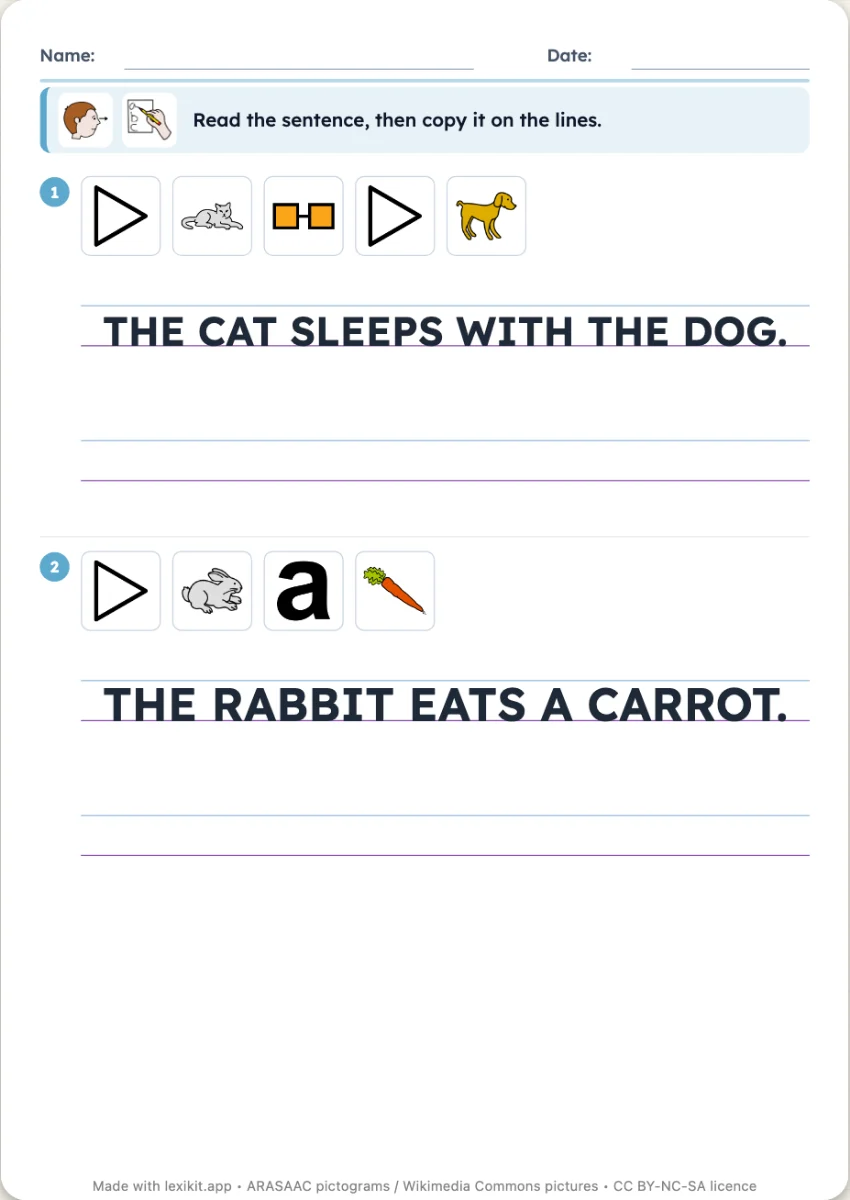
Copy the sentence: a handwriting worksheet on real ruling
For each sentence, the pictures of its words, the model written on the ruling and one to three lines to copy it. The ruling follows the writing: a 1 cm double line for capitals, Seyès for cursive, or the one you choose.
Free, no account needed. Opens in your browser.
In 3 steps
- Write your sentences: one per line, or paste several at once.
- Choose the writing and the ruling: Seyès, double line or single line, at the right size.
- Print: the child reads the sentence and copies it under the model.
What you can set
- Capitals, print or cursive
- Seyès ruling (3, 2.5 or 2 mm), double line or single line, at real size
- One, two or three lines to copy on
- The pictures of the words above the sentence, or not
- On screen: the model sentence at the top, the child touches its words in order to build it again
Ways to use it
- Copying a sentence from the class diary or the picture book
- Moving from capitals to print or cursive
- Writing a sentence on one's own, with the model in sight
Frequently asked questions
Which font for the model?
Belle Allure for cursive and Andika for print, fonts made for learning to write. You can choose your own in the settings.
With the same words
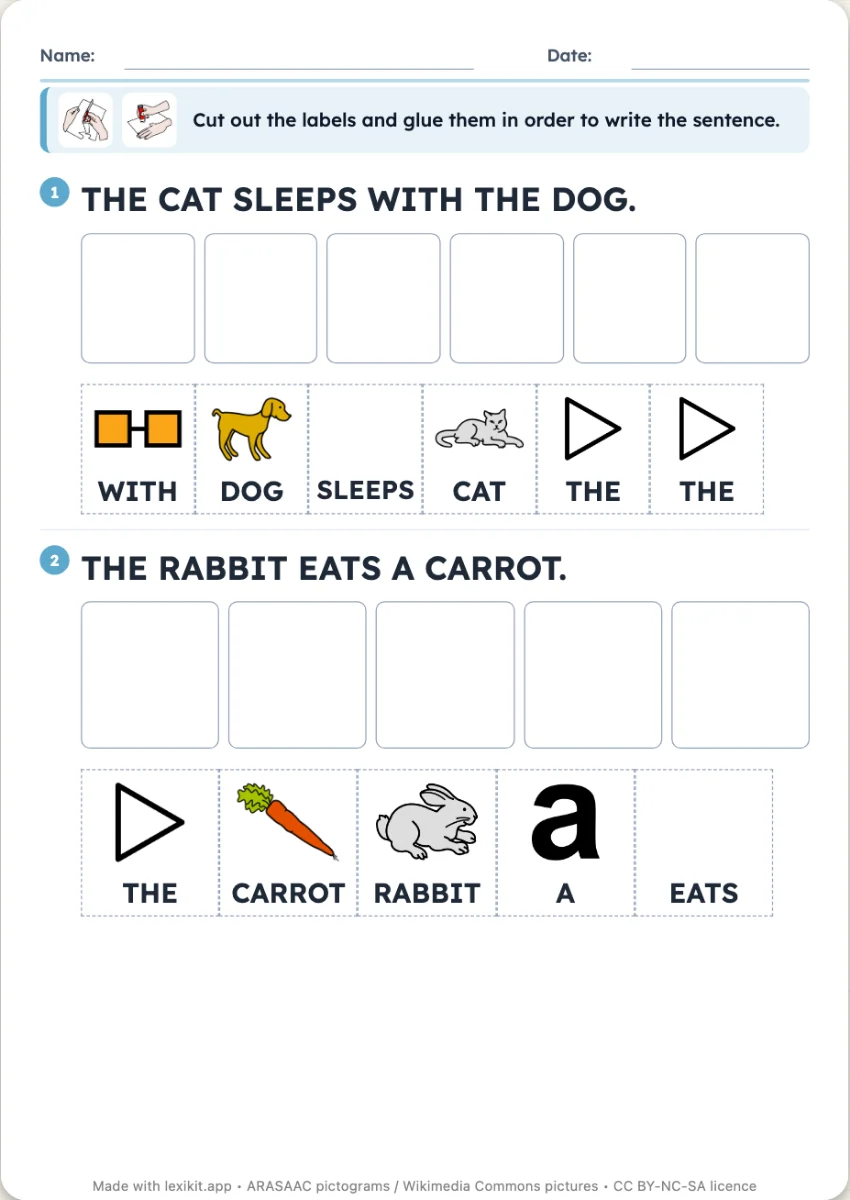 Put the words in orderThe words of each sentence to cut out and glue in order, under the model sentence or without it.
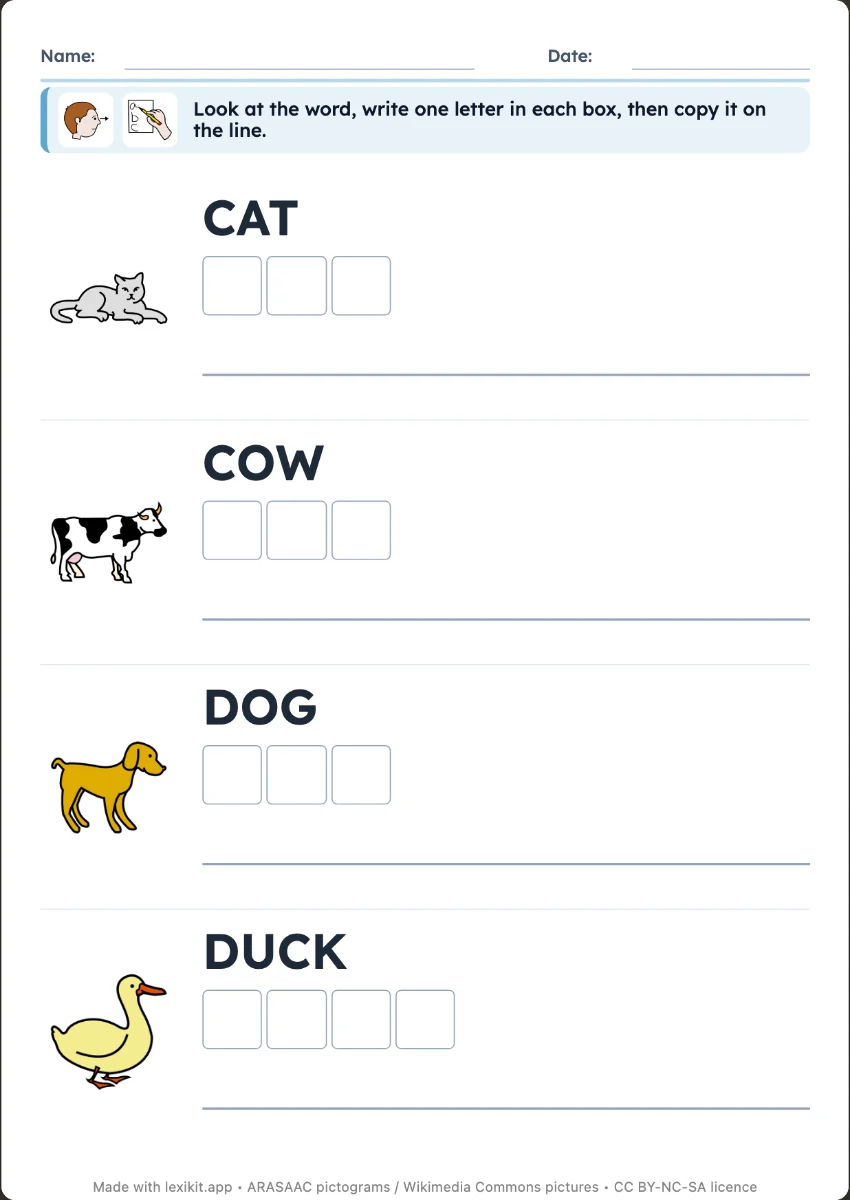 Write the wordCopy the word next to its picture, or write it from memory as a silent dictation: one box per letter, then the line.
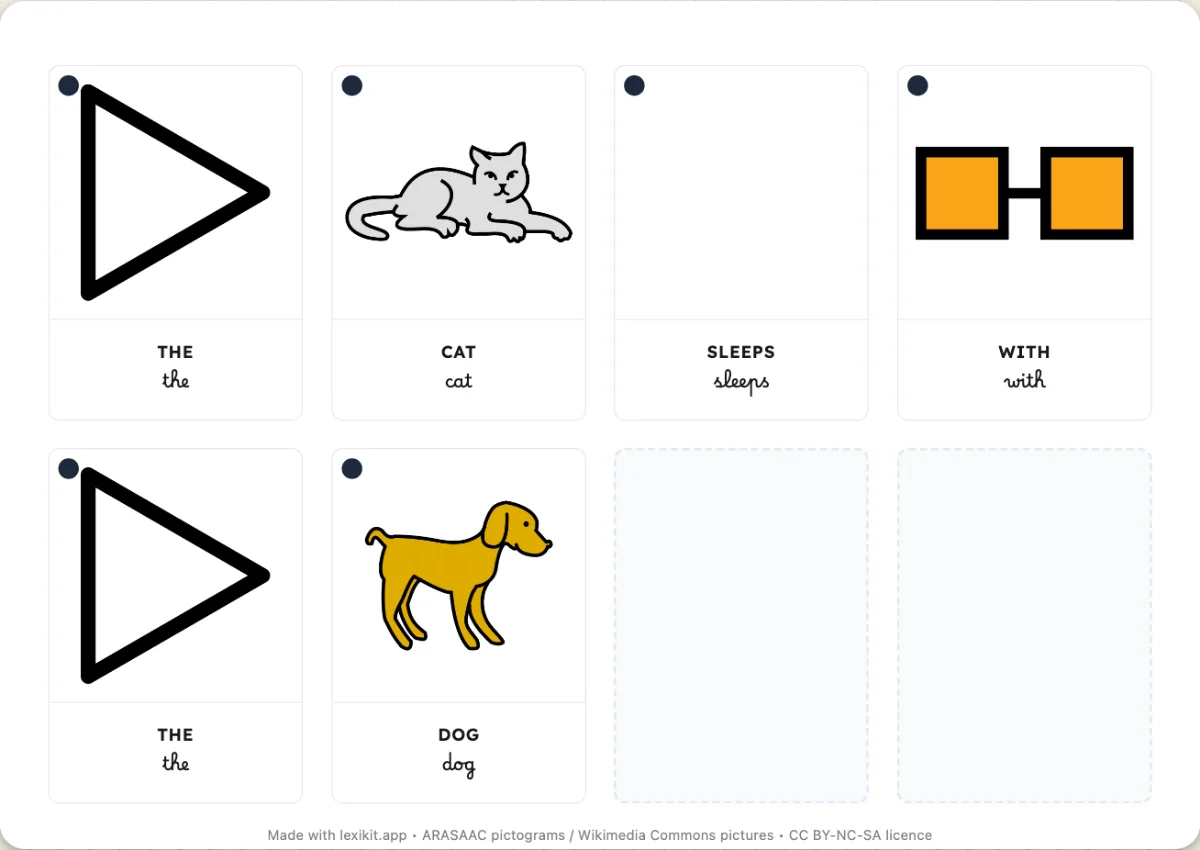 Word cards to cut outWord cards to cut out and put sentences back in order, with the picture of each word.
Your turn
Open Lexikit, write your words, choose a resource: all that is left is to print. Free, no account, and your words stay on your device.
Make a copying worksheet