
Turn your words into vocabulary games and activity sheets in one click!
Type a list of words: Lexikit adds the pictures and prepares the bingo, the memory game, the picture dictionary or the worksheet, ready to print. In class, in speech and language therapy, at home or to learn a language.
- Free
- No account
- No ads
Why Lexikit?
Because a list of words is enough: Lexikit finds the pictures, does the layout and prepares every resource. Your time goes to those who are learning, young and old.
One list, every resource
Write your words once: bingo, memory game, picture dictionary, word search or handwriting sheet, each resource is made in one click from the same list, with the same pictures from one to the next.
Every word already has its picture
Type a word and its picture appears: more than 13,000 ARASAAC pictograms, named in French, English, German and Spanish. Add your own photos for the words of the classroom, home or everyday life.
Ready to print or to display
The layout is done: download the A4 PDF, cutting lines included. Or launch the activity full screen, on the classroom board or a tablet.
Adapted to everyone, at any age
Capitals, print or cursive, coloured syllables, number of words: every resource has its settings. A second language under each word and a voice that says the words support those who are learning a language or cannot read yet.
Choose your resource
Write your word list once. It then serves every resource!
Games
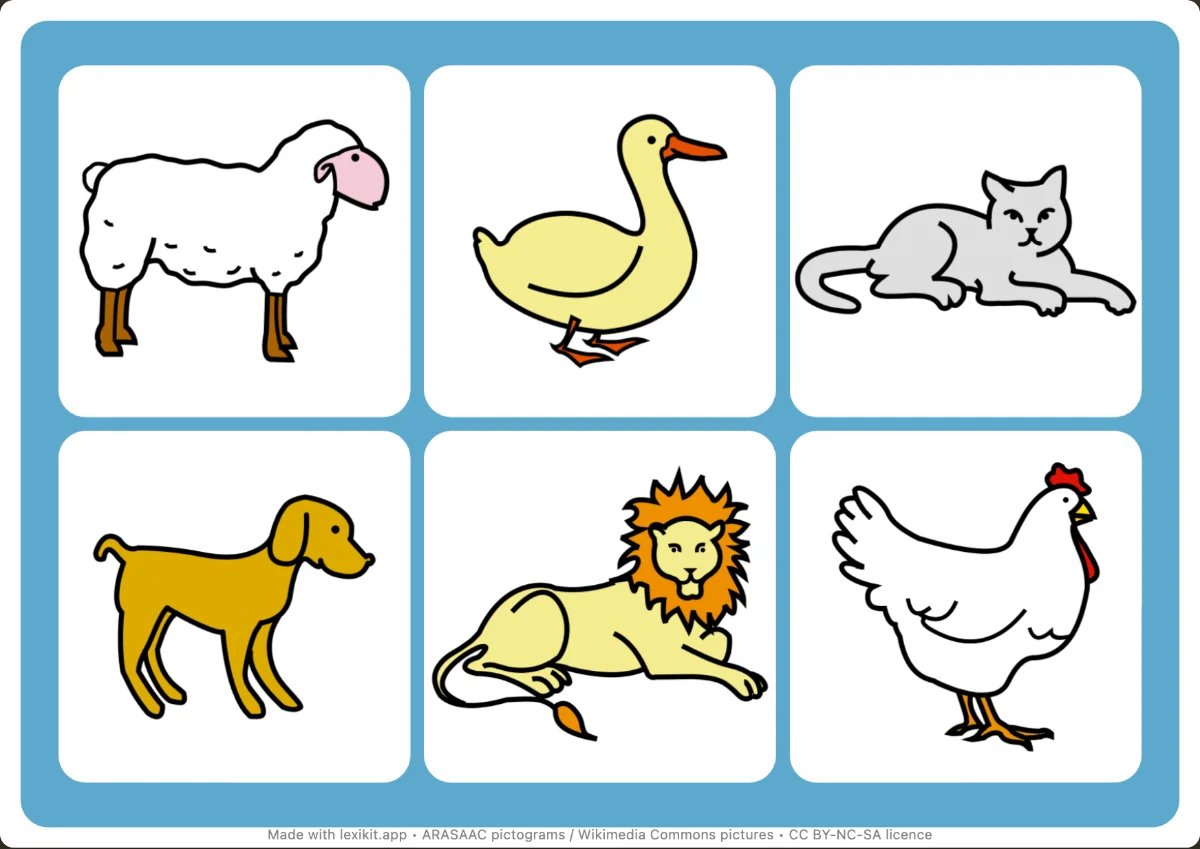
- Picture bingoFind the drawn pictures on boards with 6 to 12 squares.
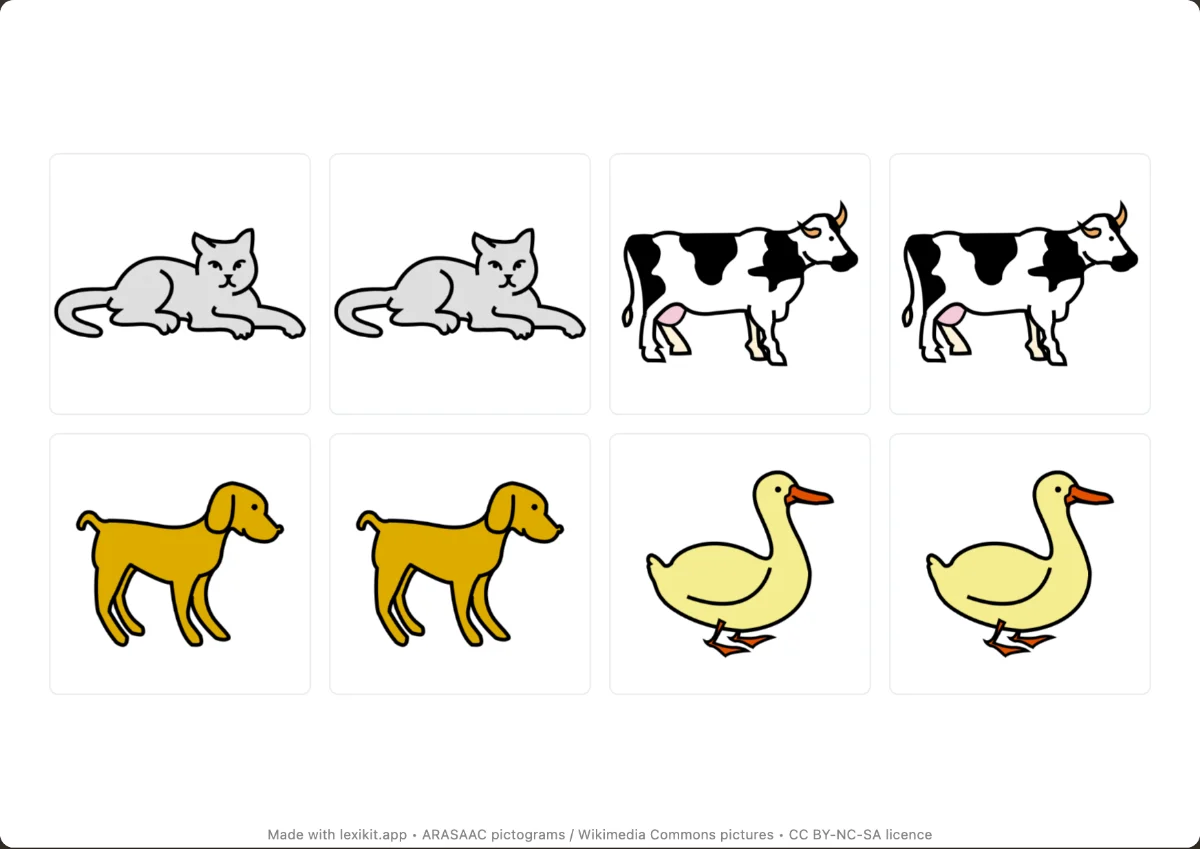
- Memory gameTurn the cards over and find the pairs of pictures, or of words and pictures.
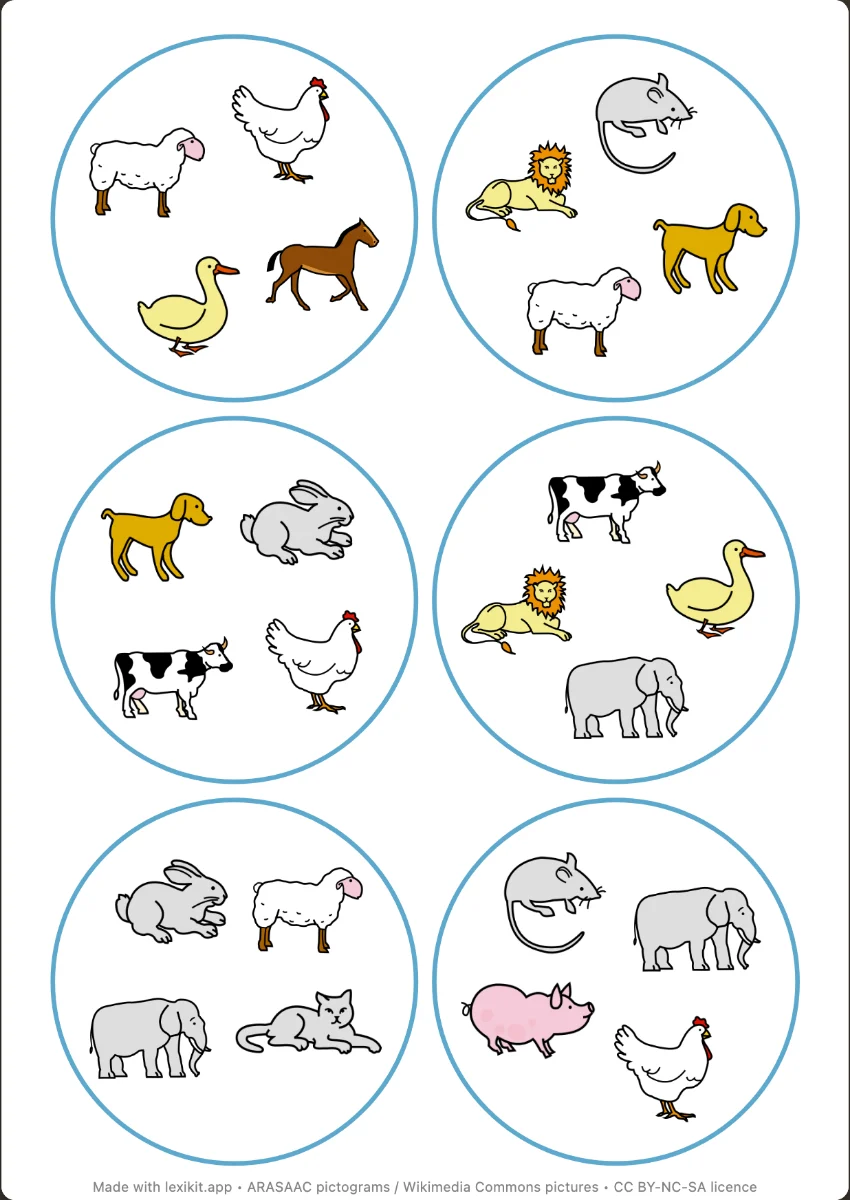 Dobble-style gameSpot the picture shared by two cards, as fast as you can.
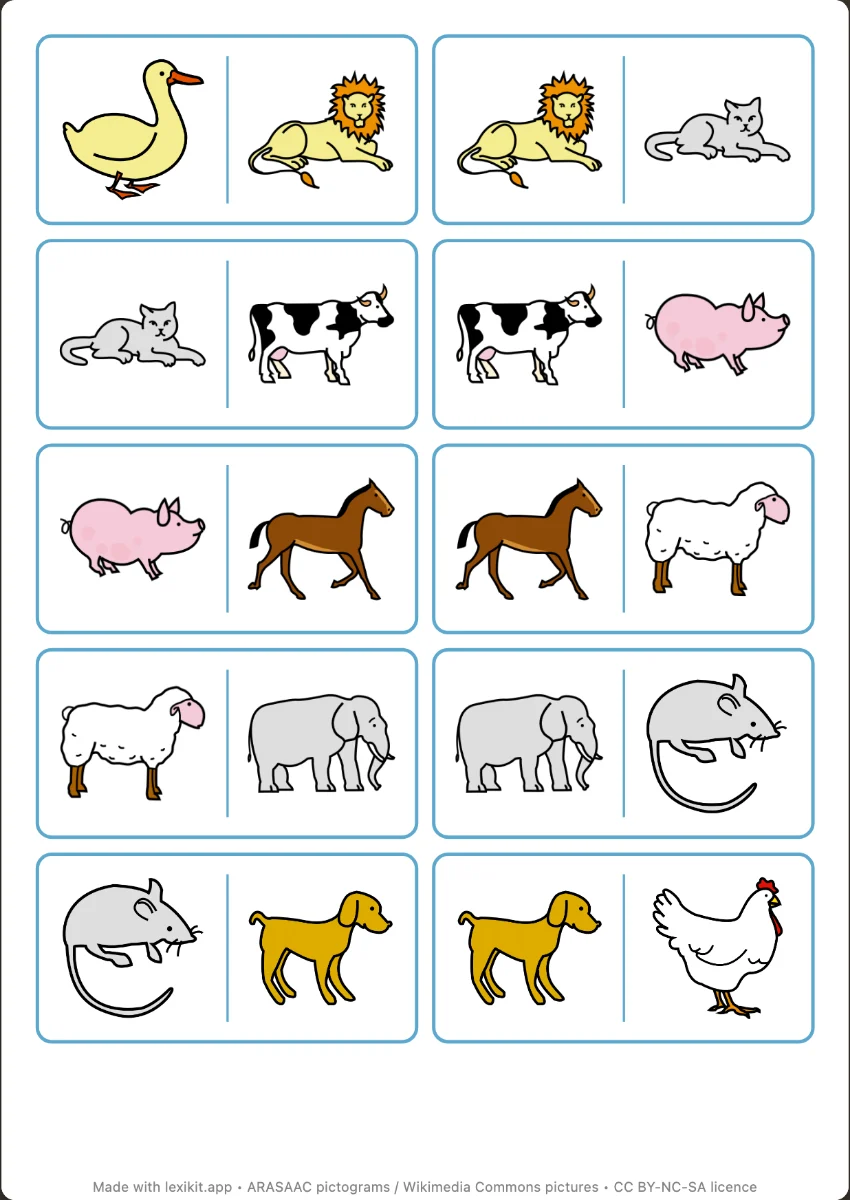 DominoesPlace the same picture side by side, or the picture and its word.
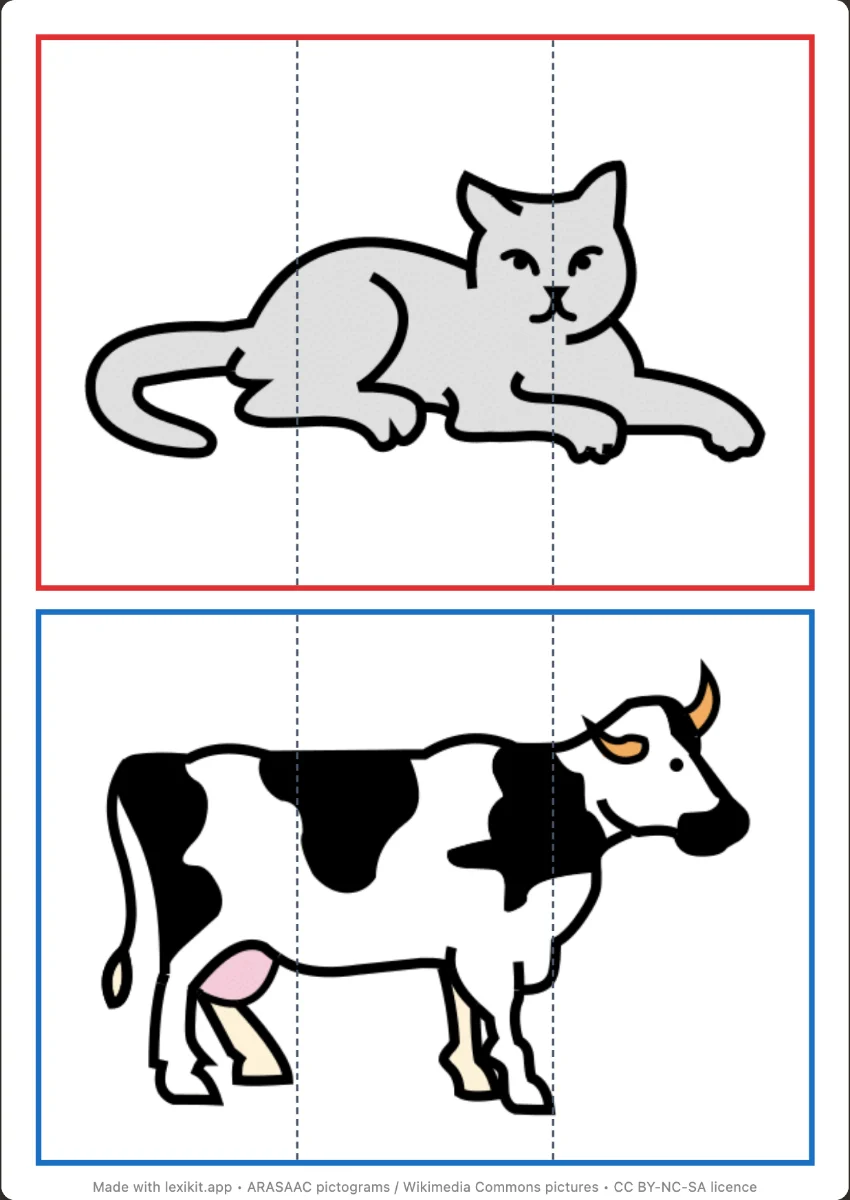 PuzzlesRebuild the picture of each word: 2 to 16 pieces, with a board.
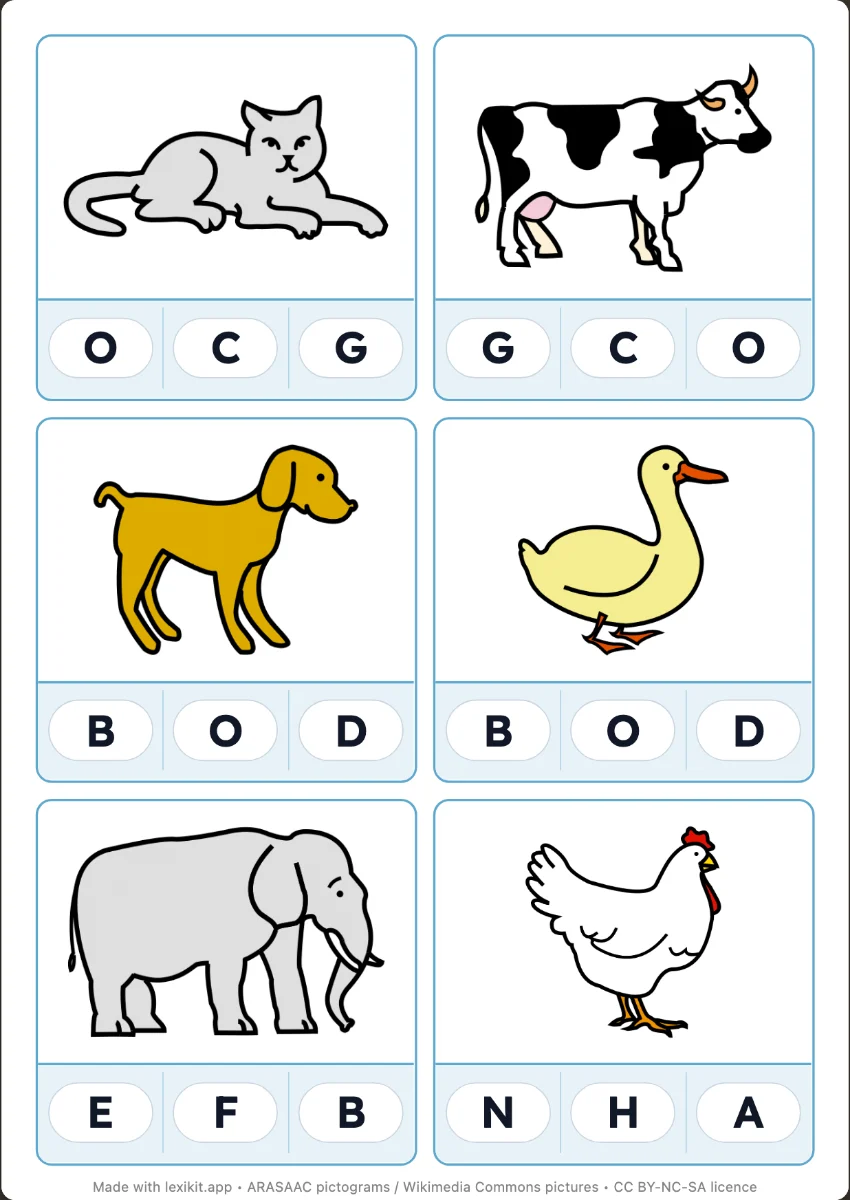 Clip cardsClip the right answer with a clothes peg: first letter, syllables, word or number, with the answer on the back.
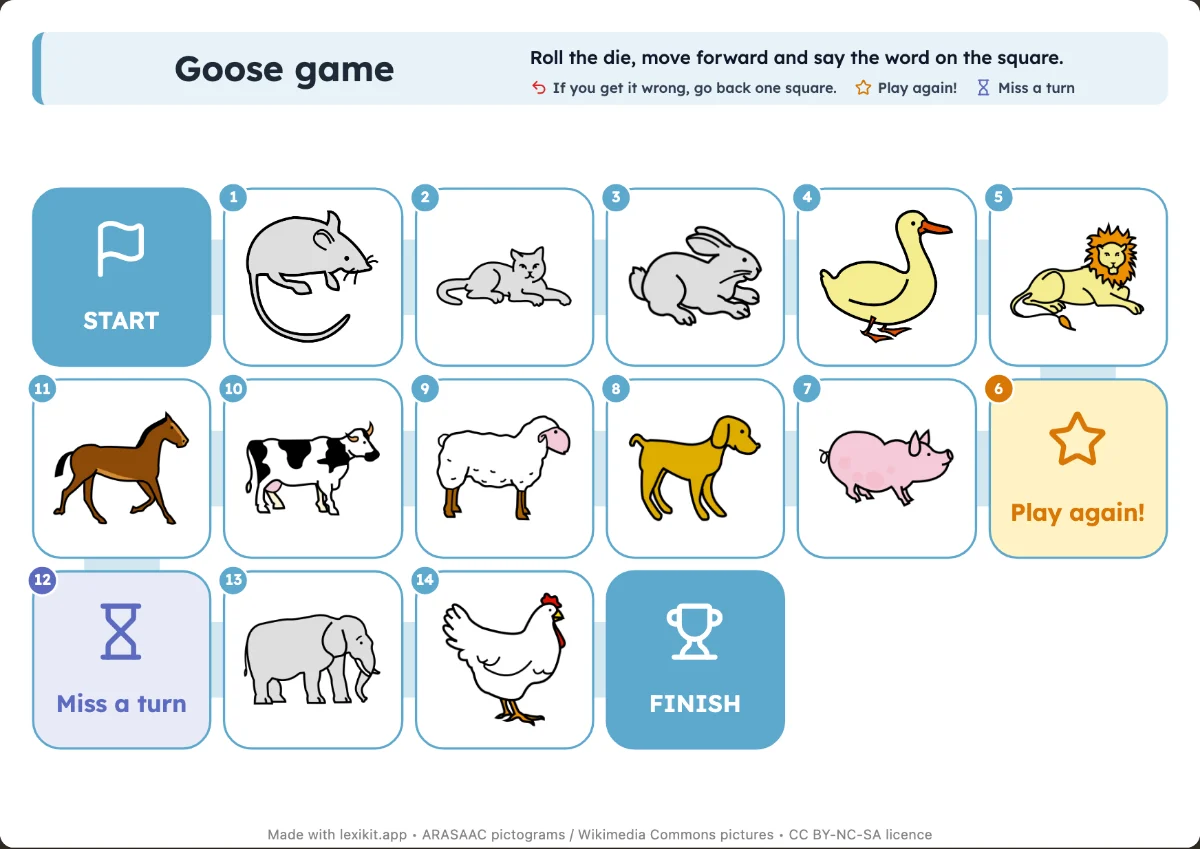 Goose gameRoll the die, move on and name the picture of the square: an A4 board and a die to fold.
Cards to cut out
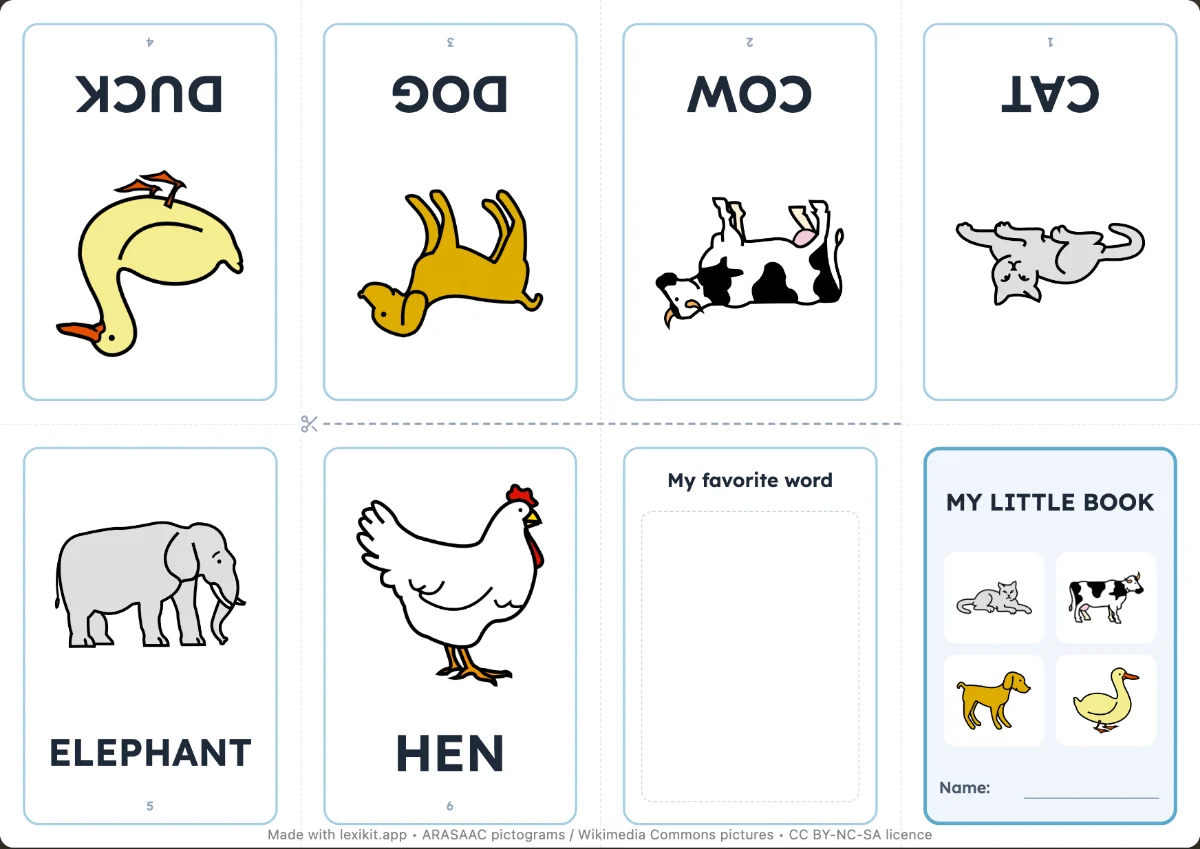
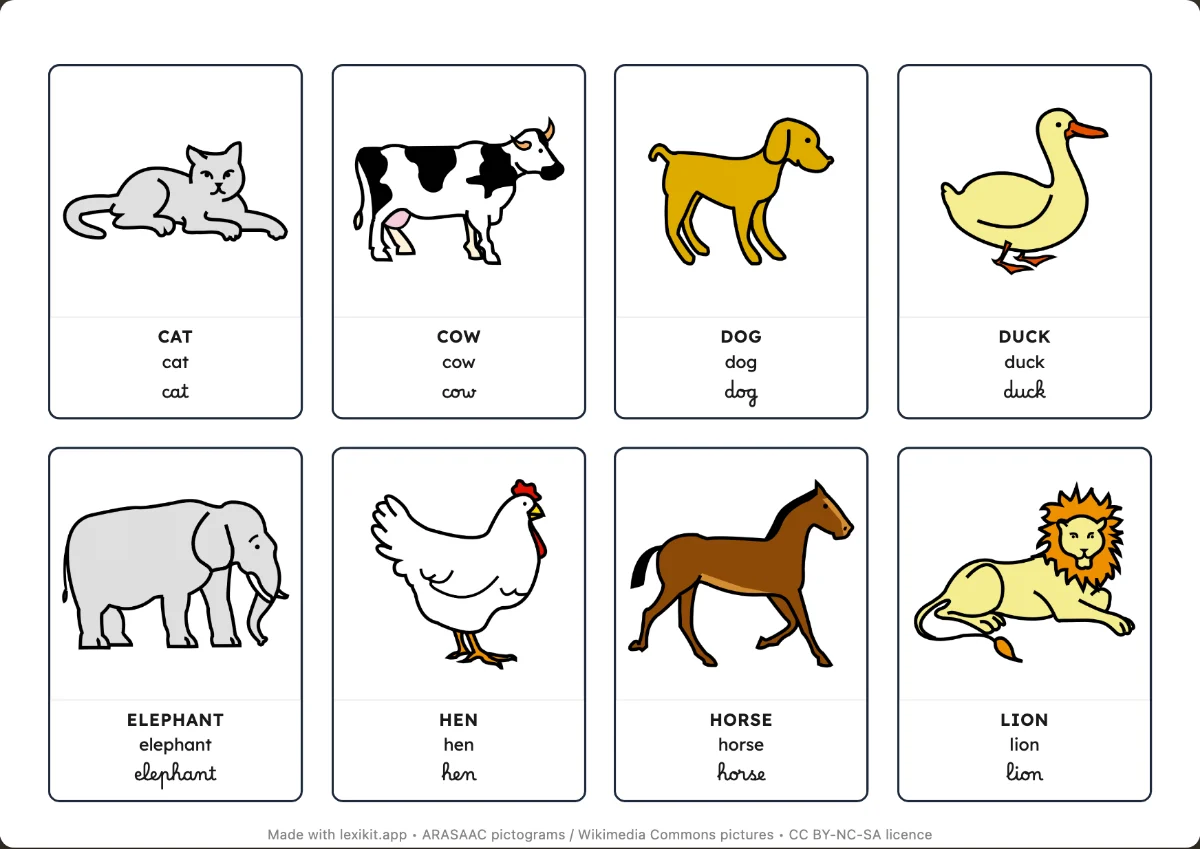 Picture cardsName, display or sort the words: picture dictionaries and word cards to cut out.
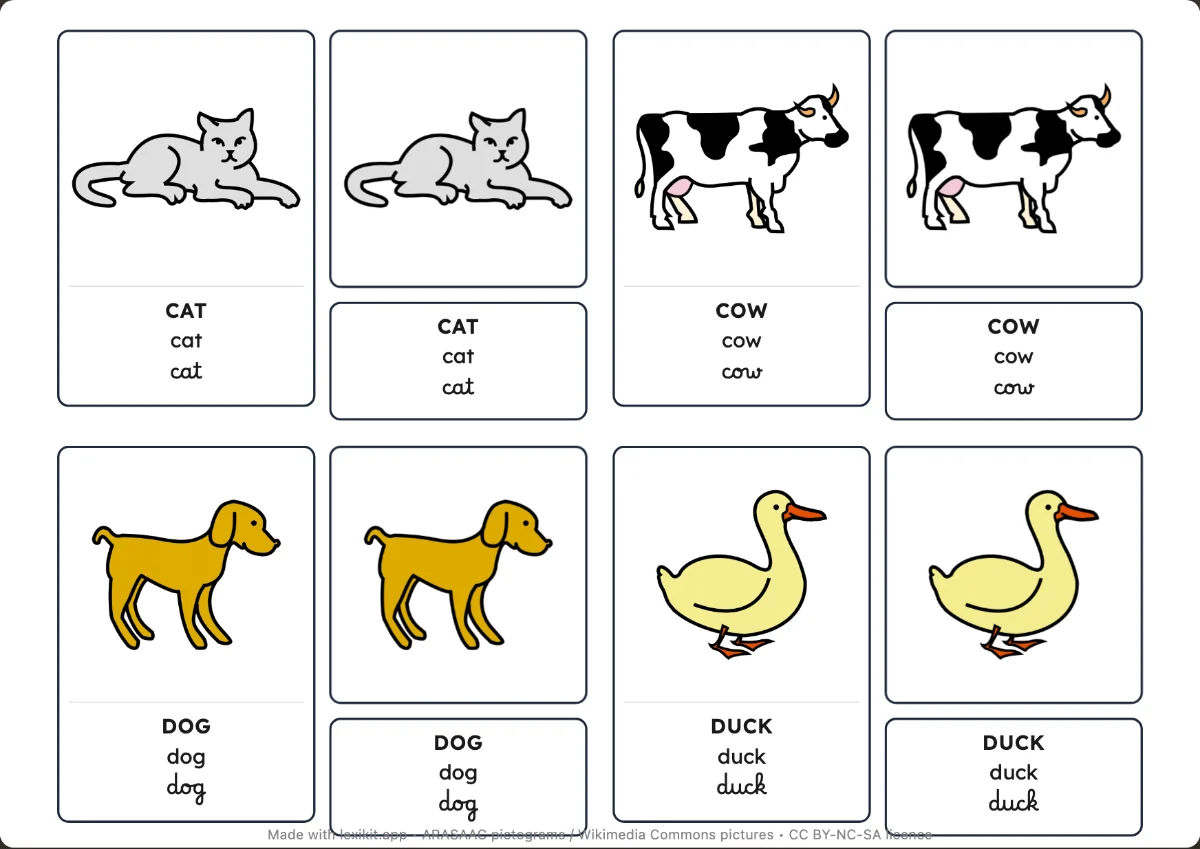 Nomenclature cardsMatch the picture to its label and check with the control card.
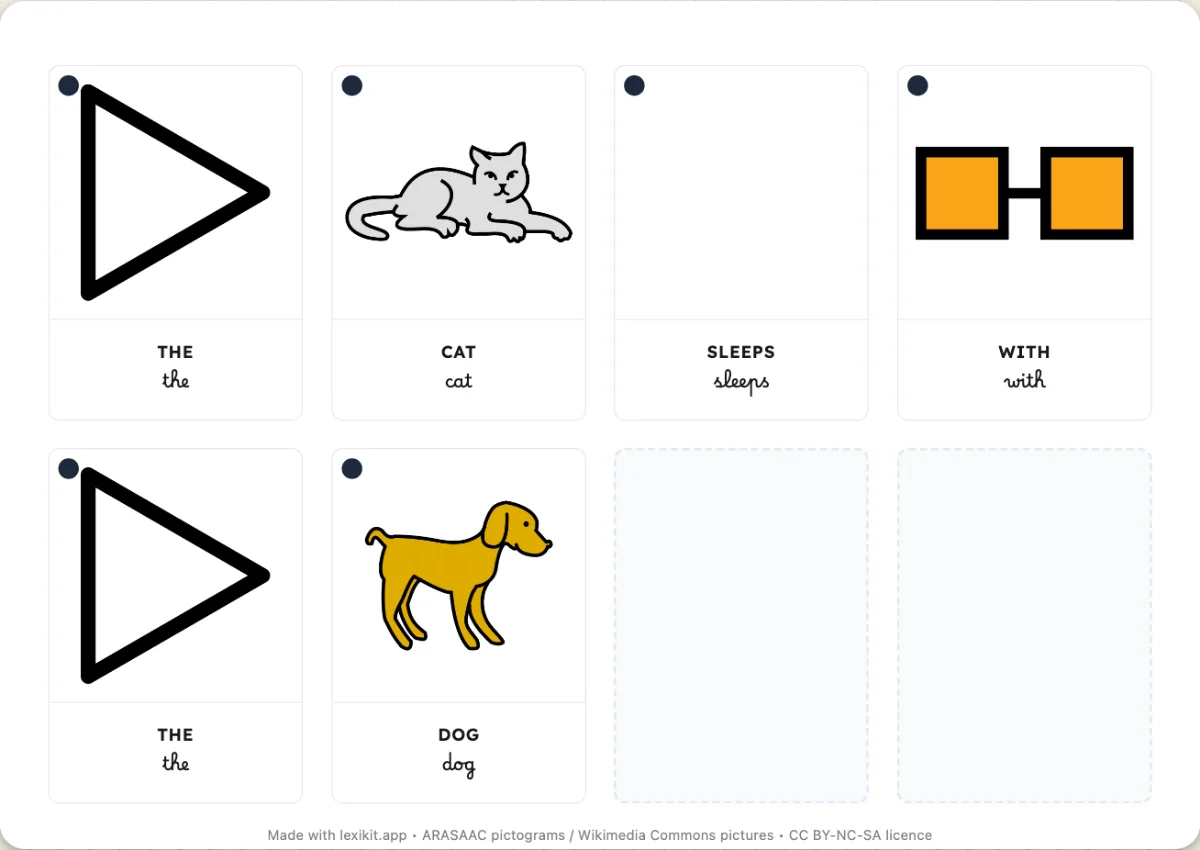 SentencesWord cards to cut out and put sentences back in order, with the picture of each word.
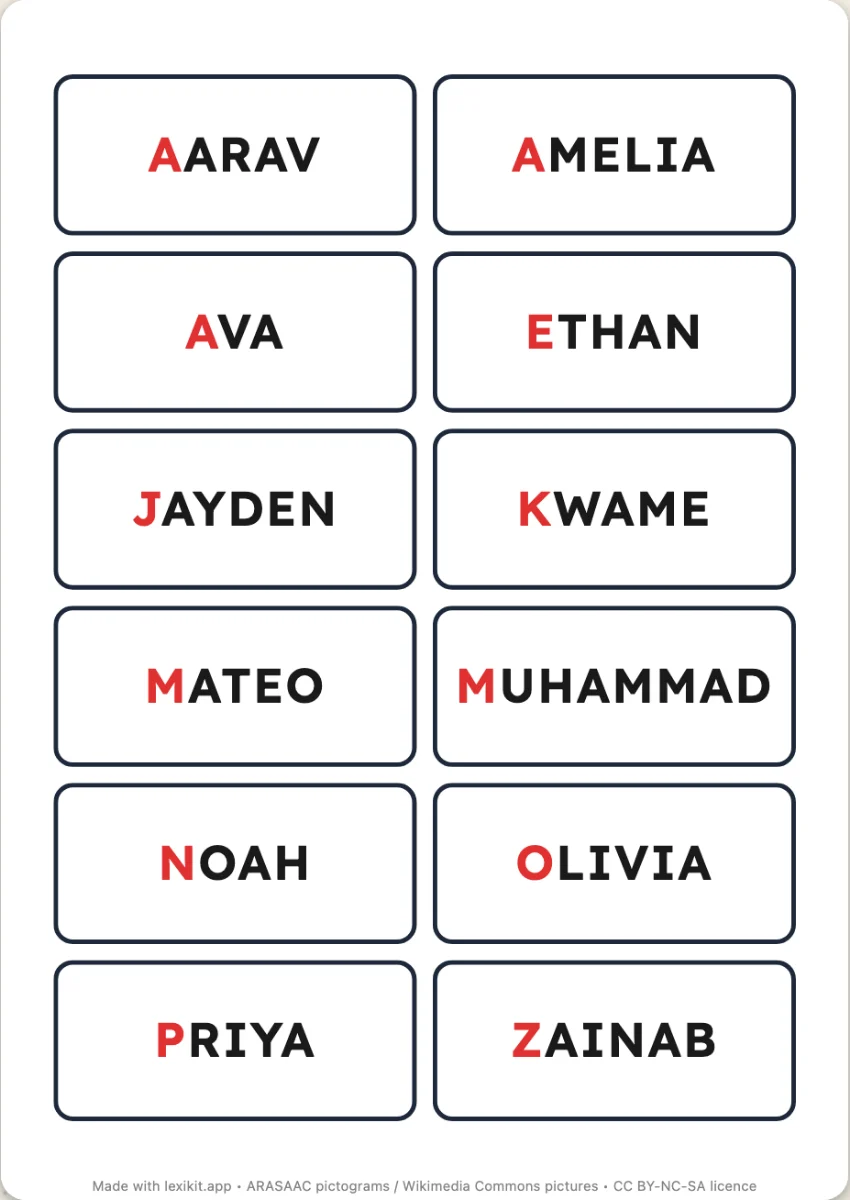 LabelsLabels in different formats, easy to print.
Activity sheets
Handwriting
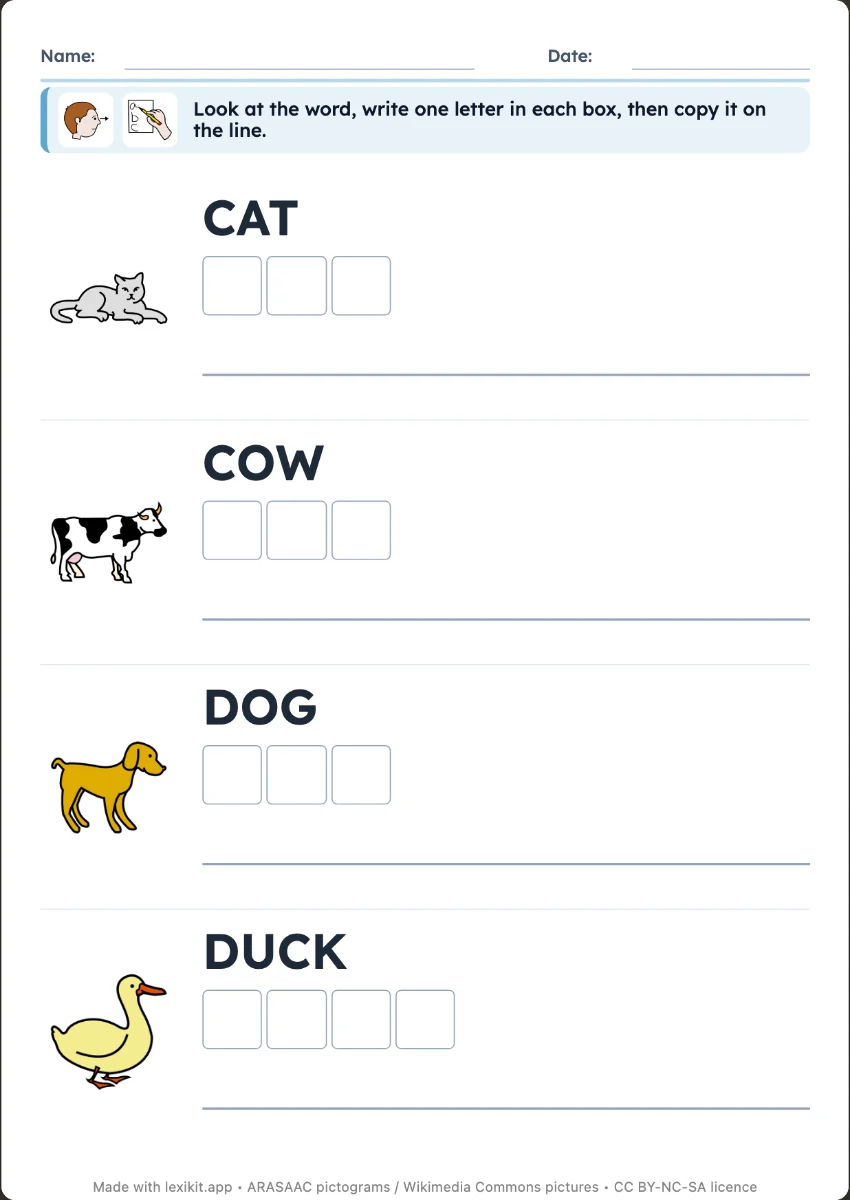
- Write the wordCopy the word next to its picture, or write it from memory as a silent dictation: one box per letter, then the line.
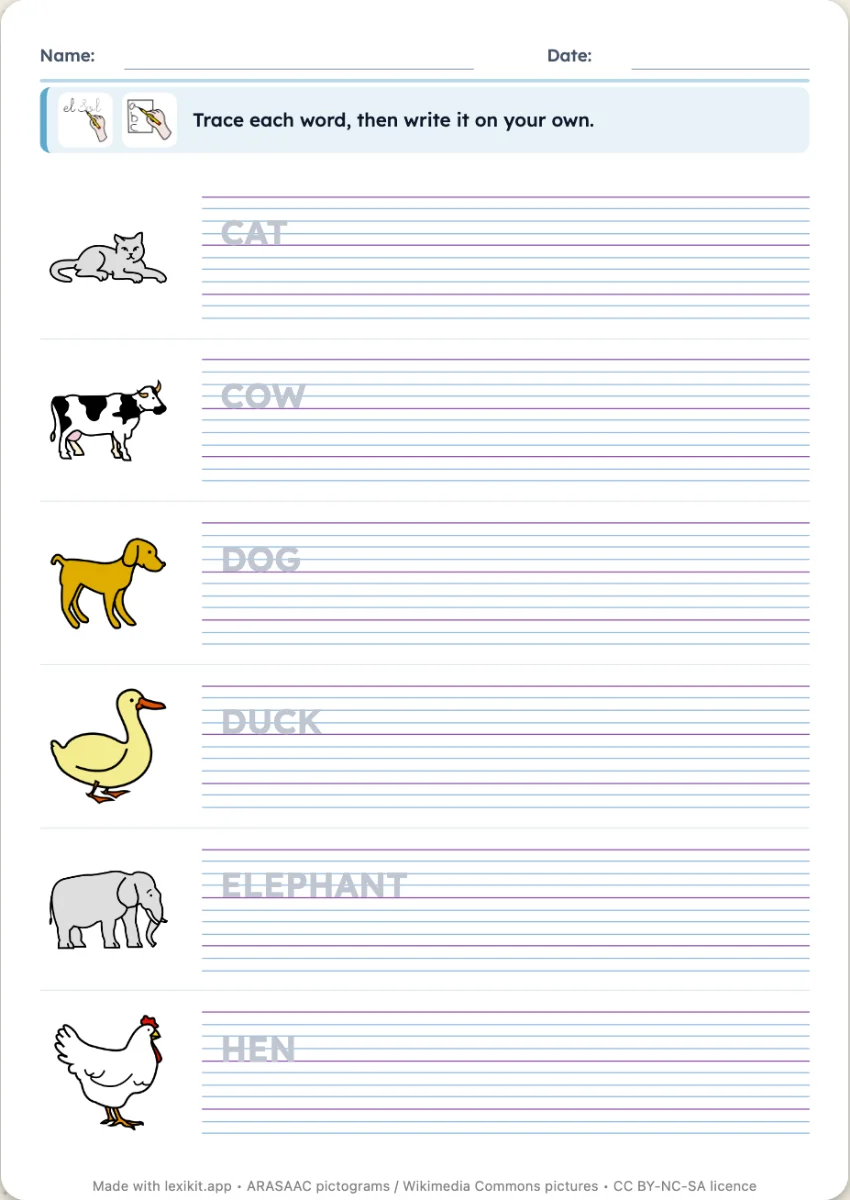 Trace the wordThe word in grey or in dotted lines to trace over, then a line to write it alone.
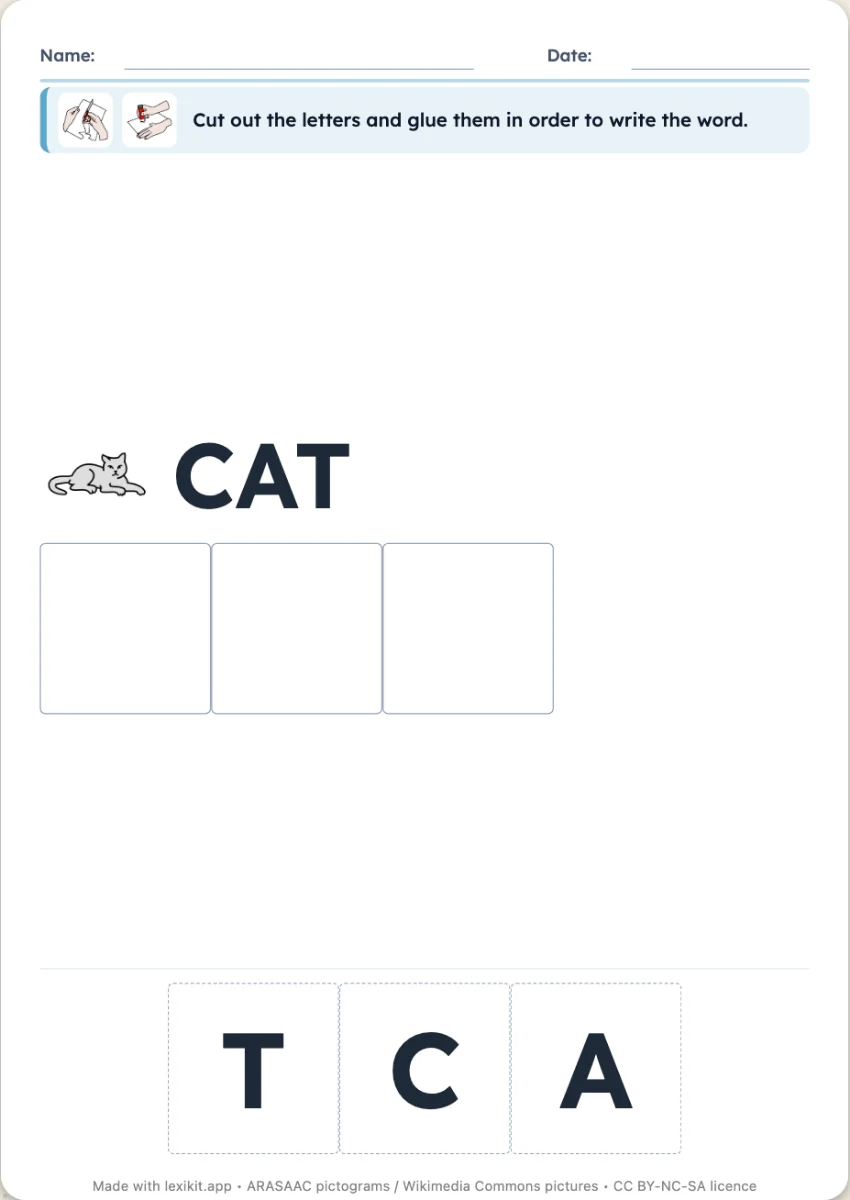 Rebuild the wordEmpty boxes to fill with cut-out letters, or jumbled letters to number.
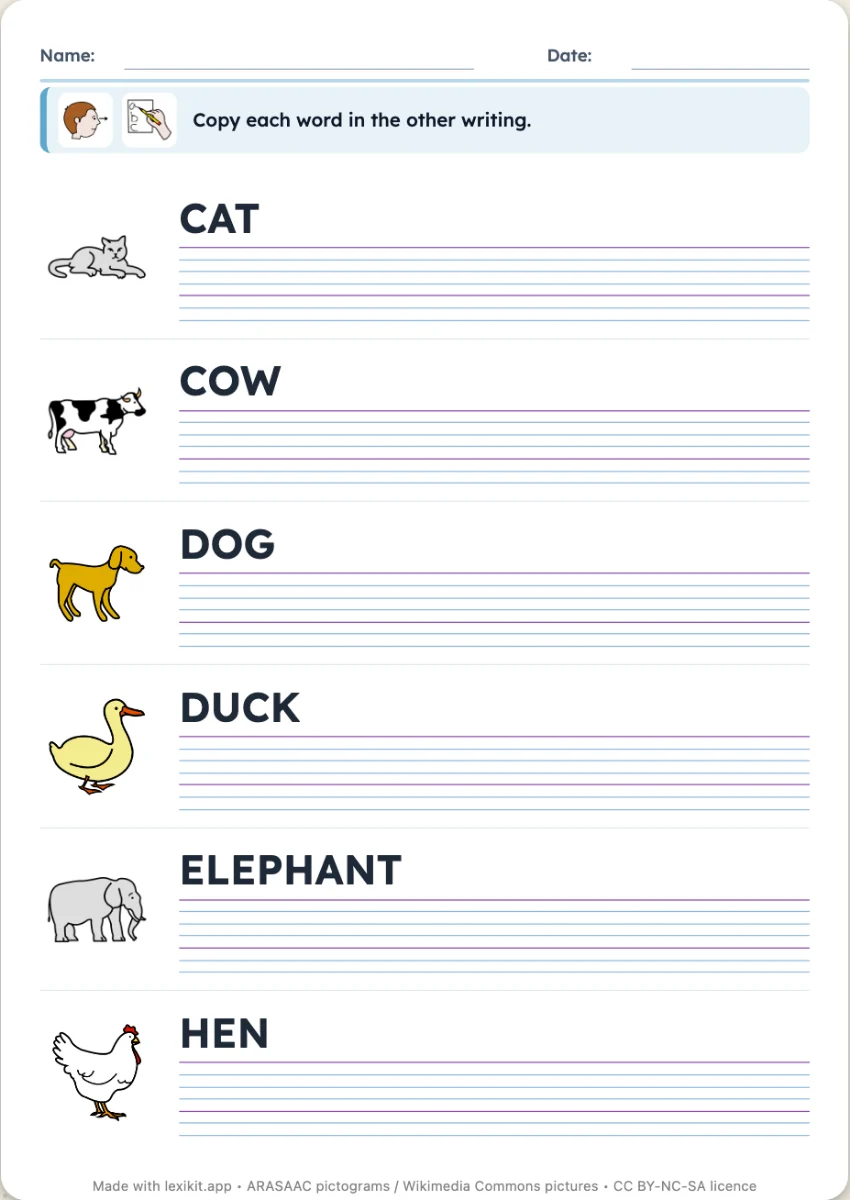 Capitals and printThe word in capitals to copy in print or cursive, or the two styles to link.
Alphabetic principle
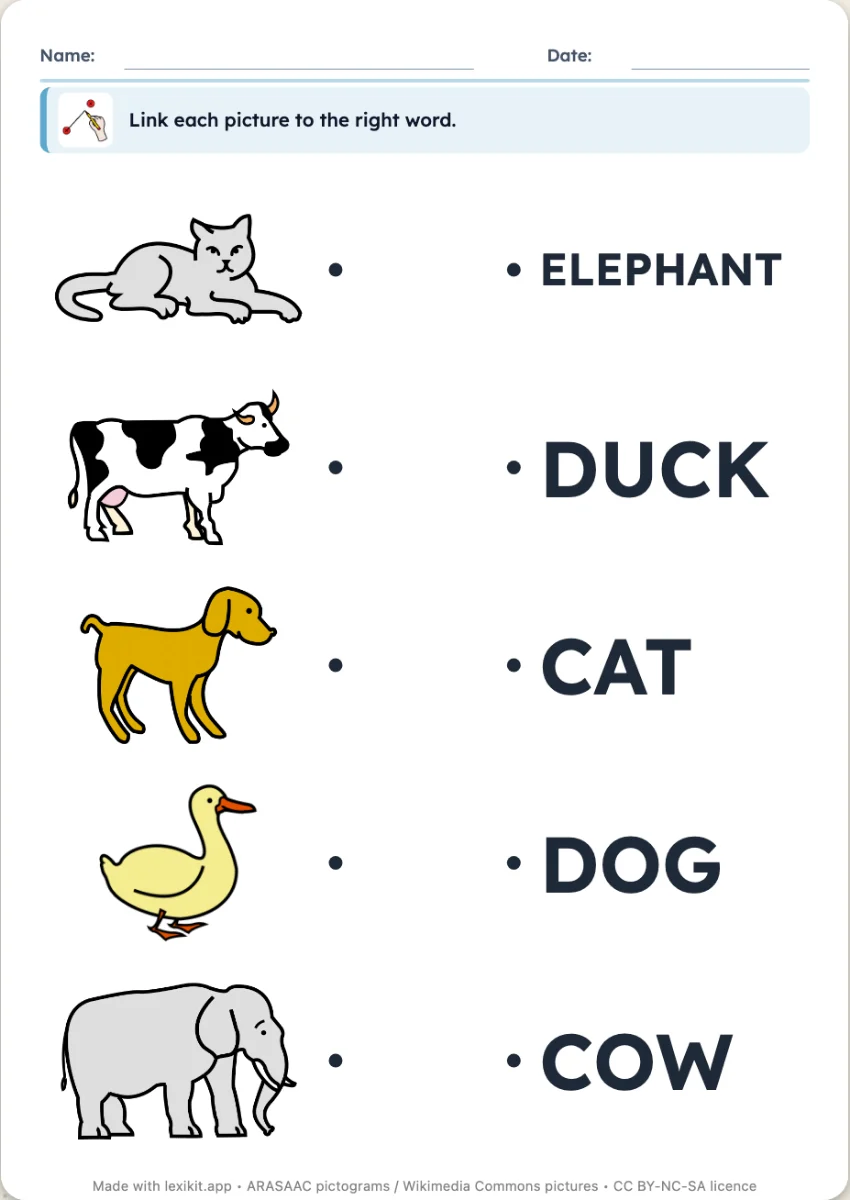 Link picture and wordLink each picture to its word, or to another picture of the same word, with no reading.
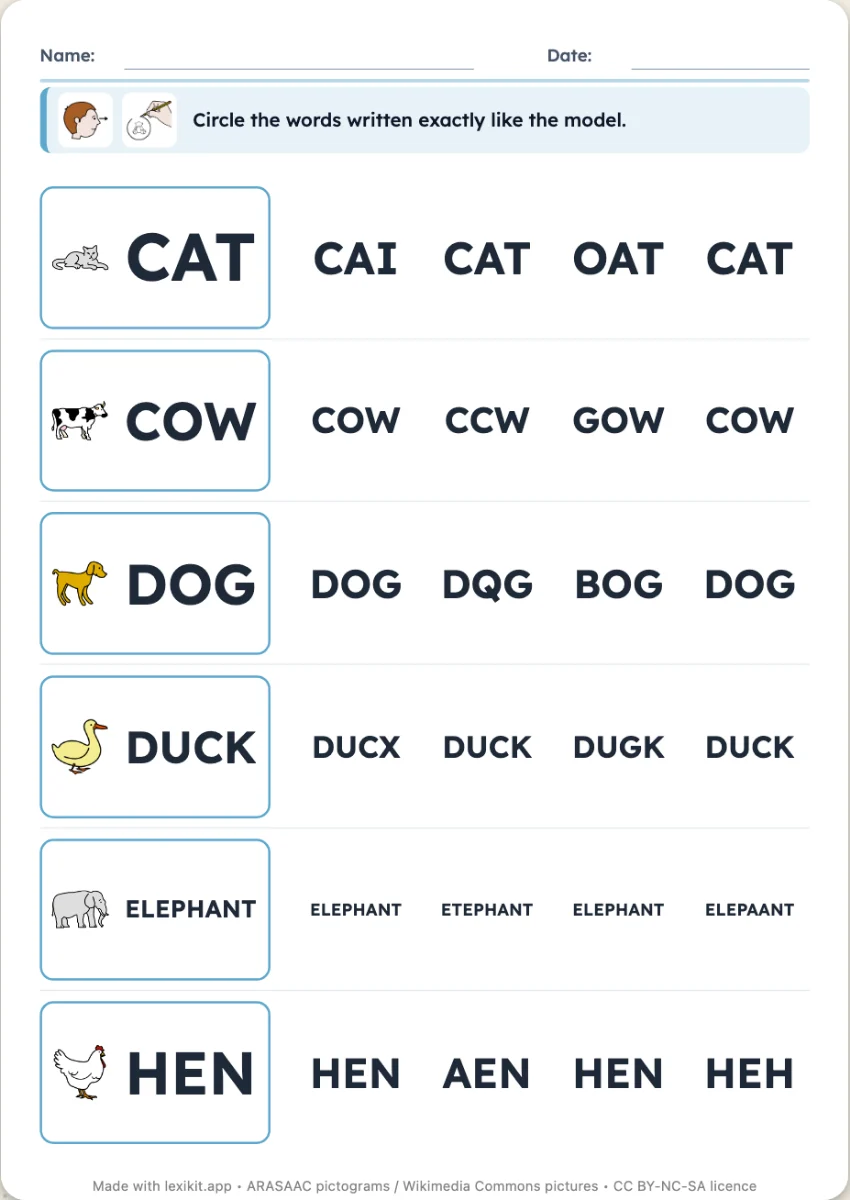 The same wordFind the model word among trick words: a letter changed, swapped or missing.
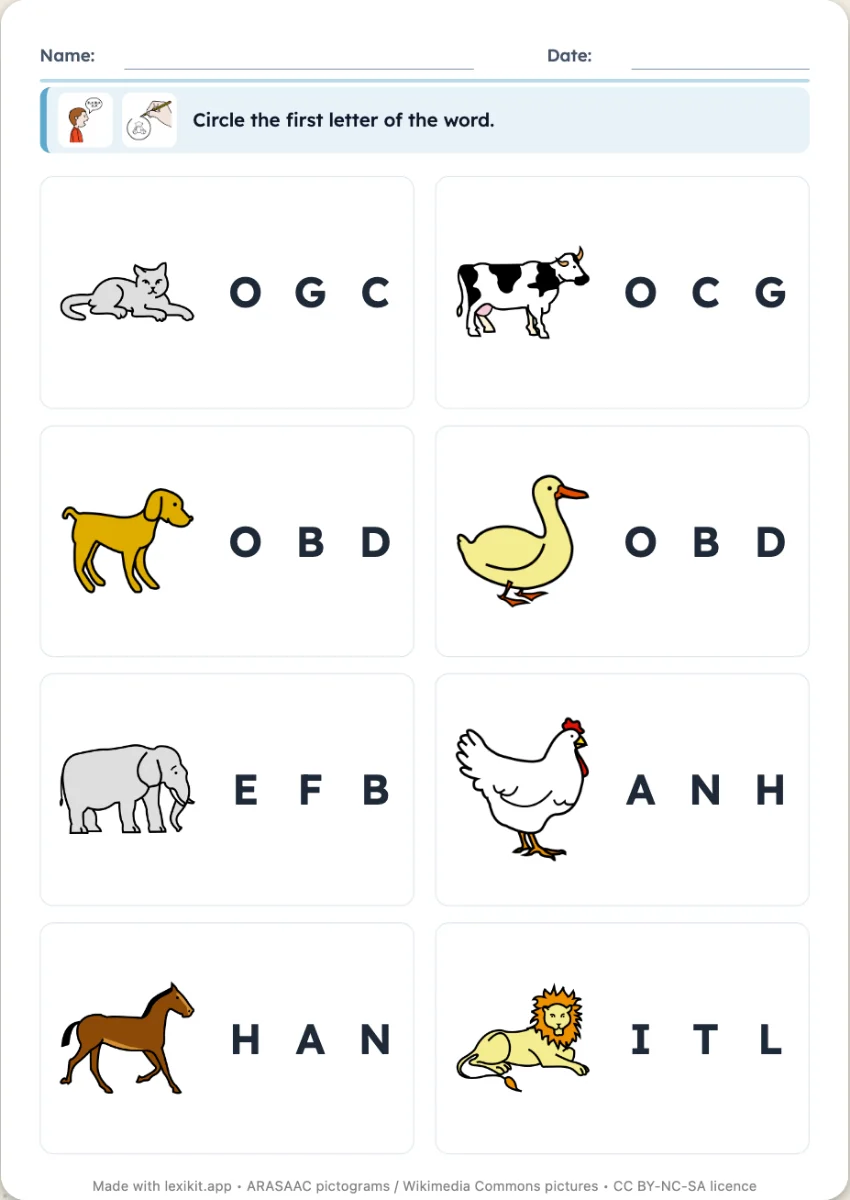 The first letterFor each picture, circle the first letter of the word among several letters.
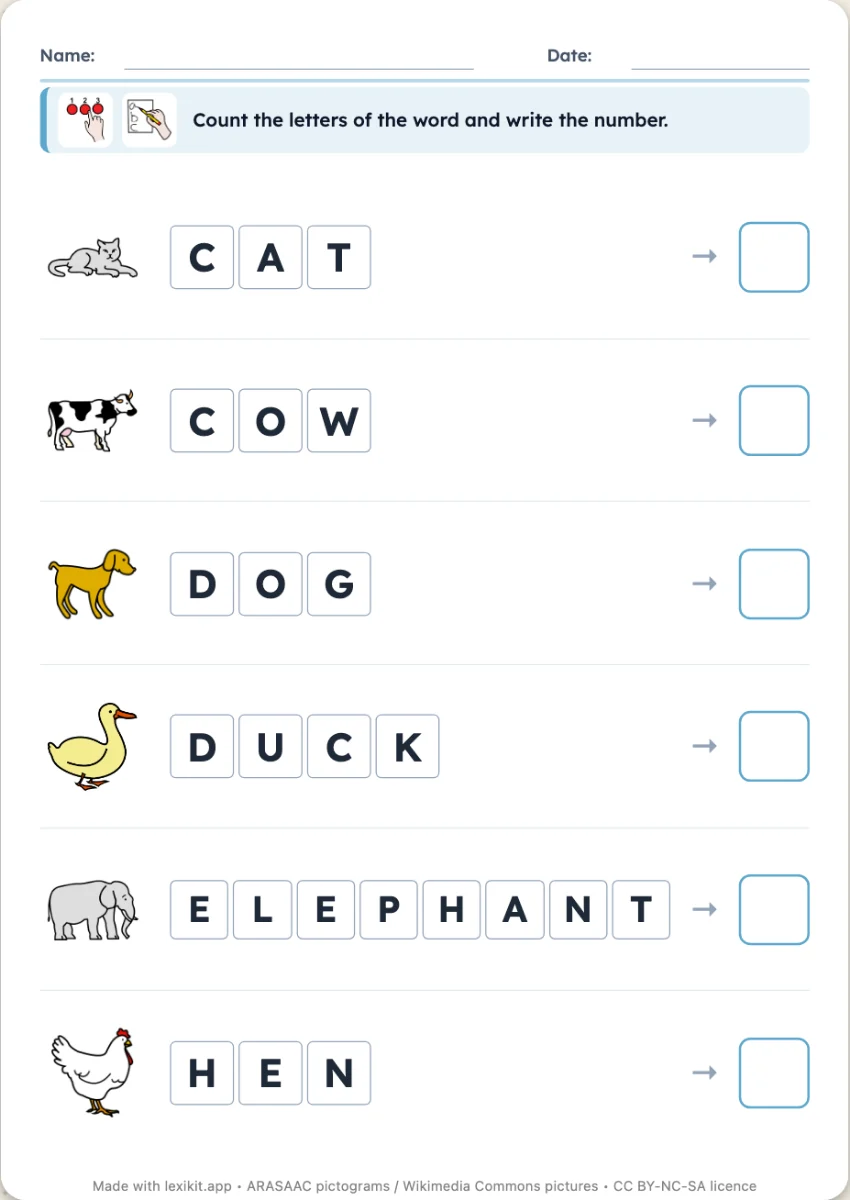 Count the lettersThe word in its boxes, and a box to write how many letters it has.
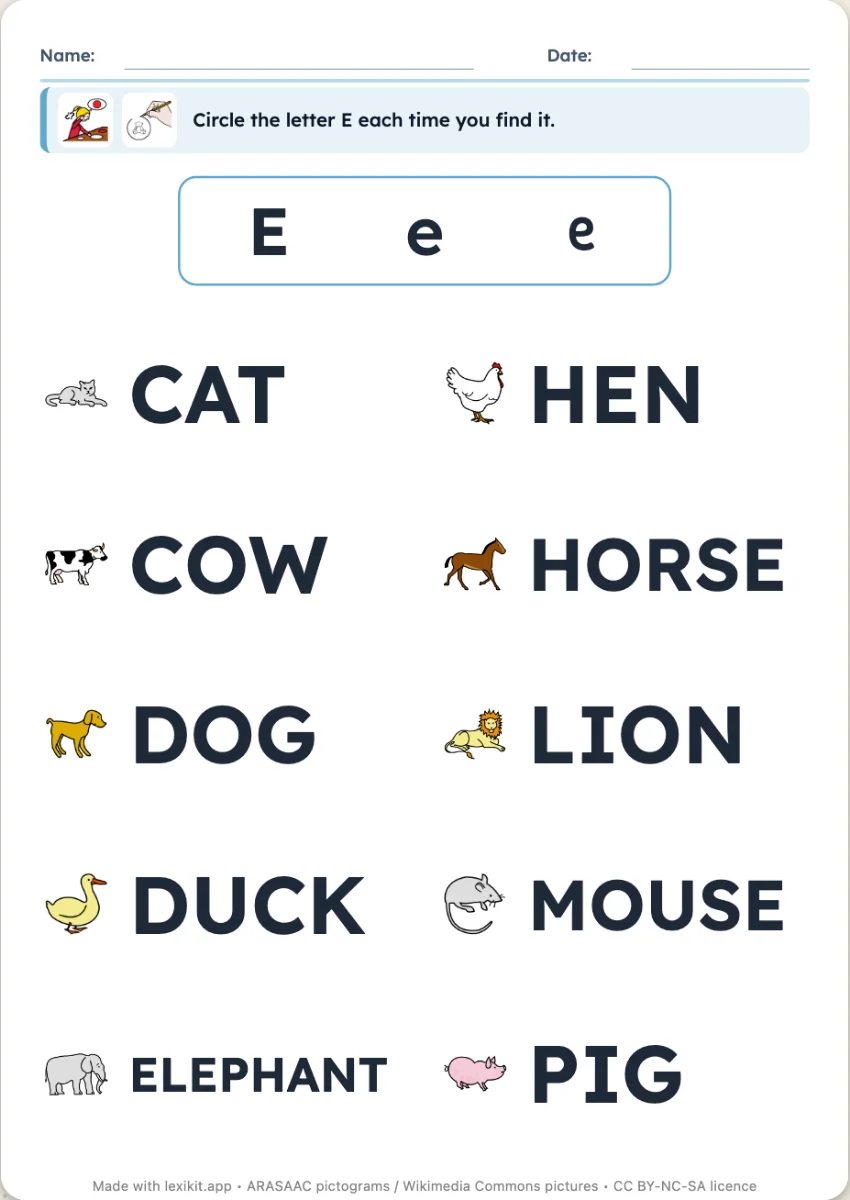 Letter huntA letter shown in the three styles, to circle in every word.
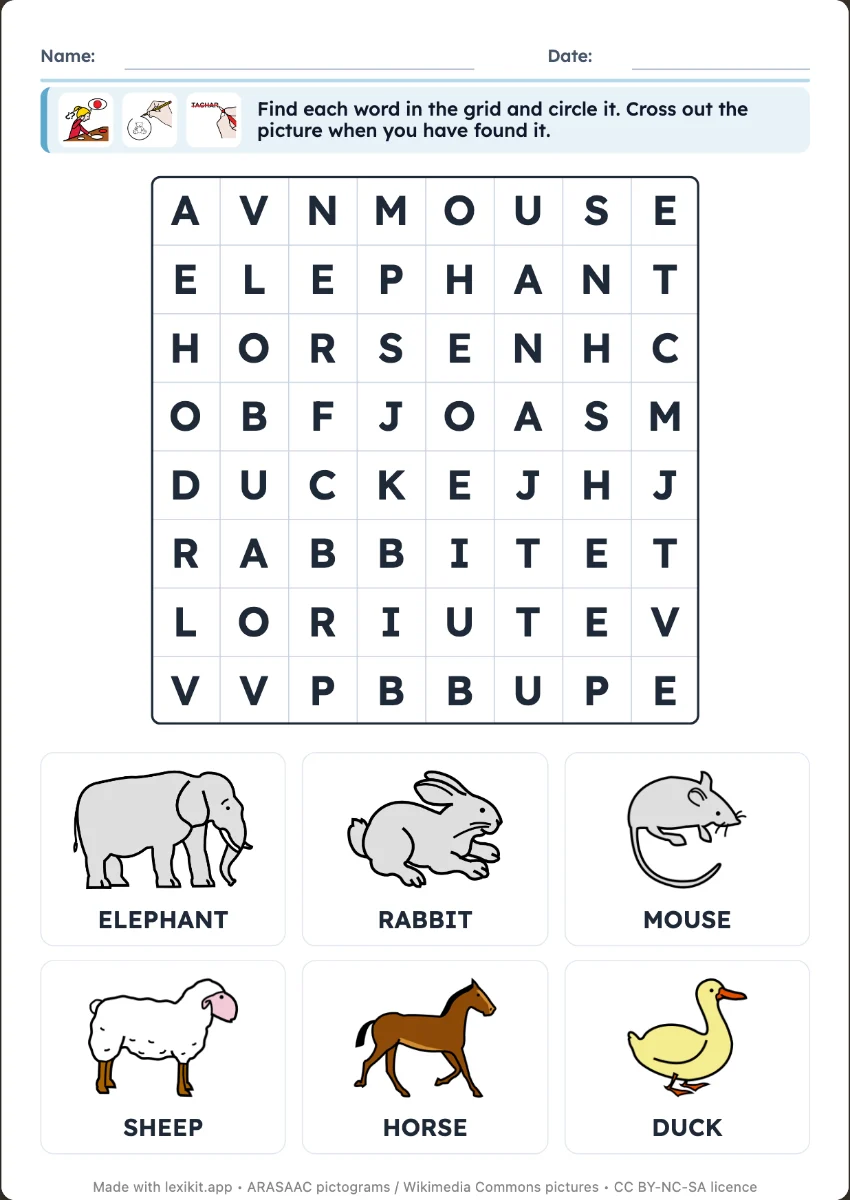 Word searchSearch the grid for the words of the pictures: a beginners' word search.
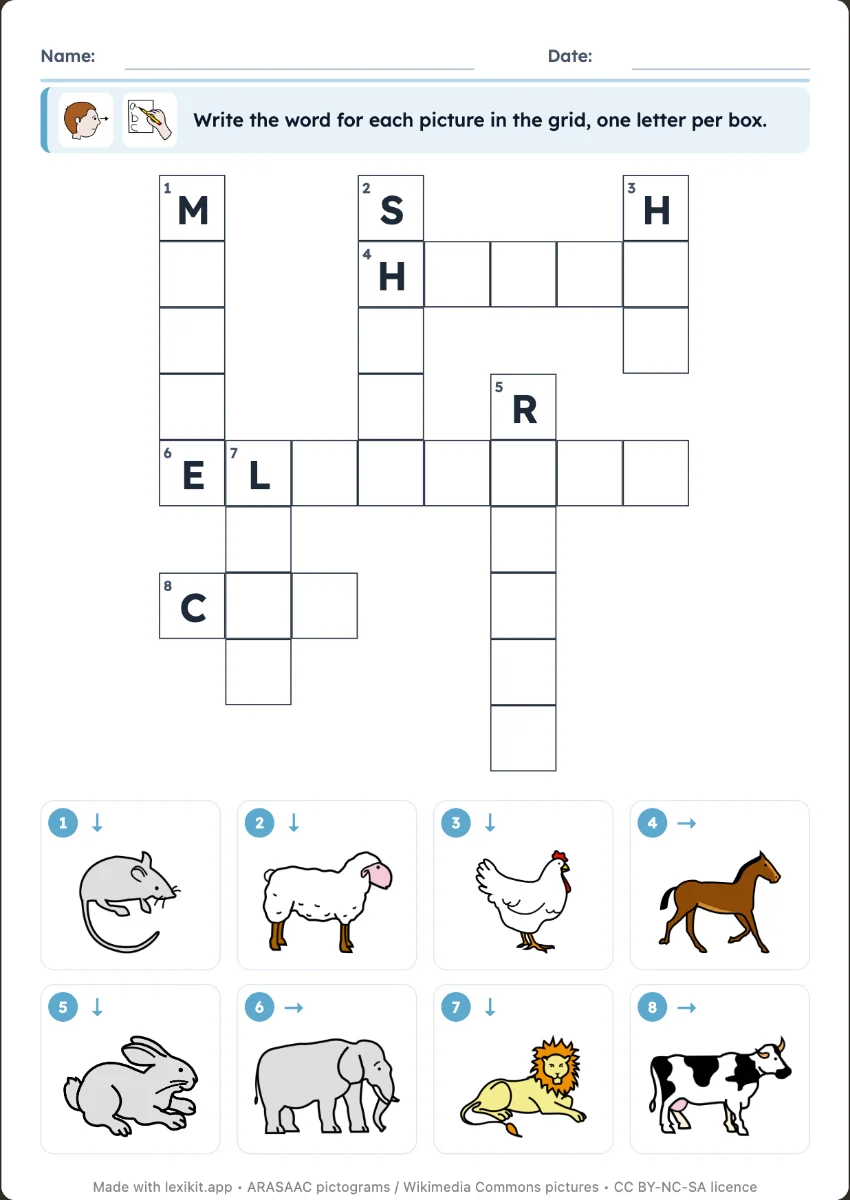 CrosswordWrite the word of each numbered picture.
Phonology
Observation, sorting and numbers
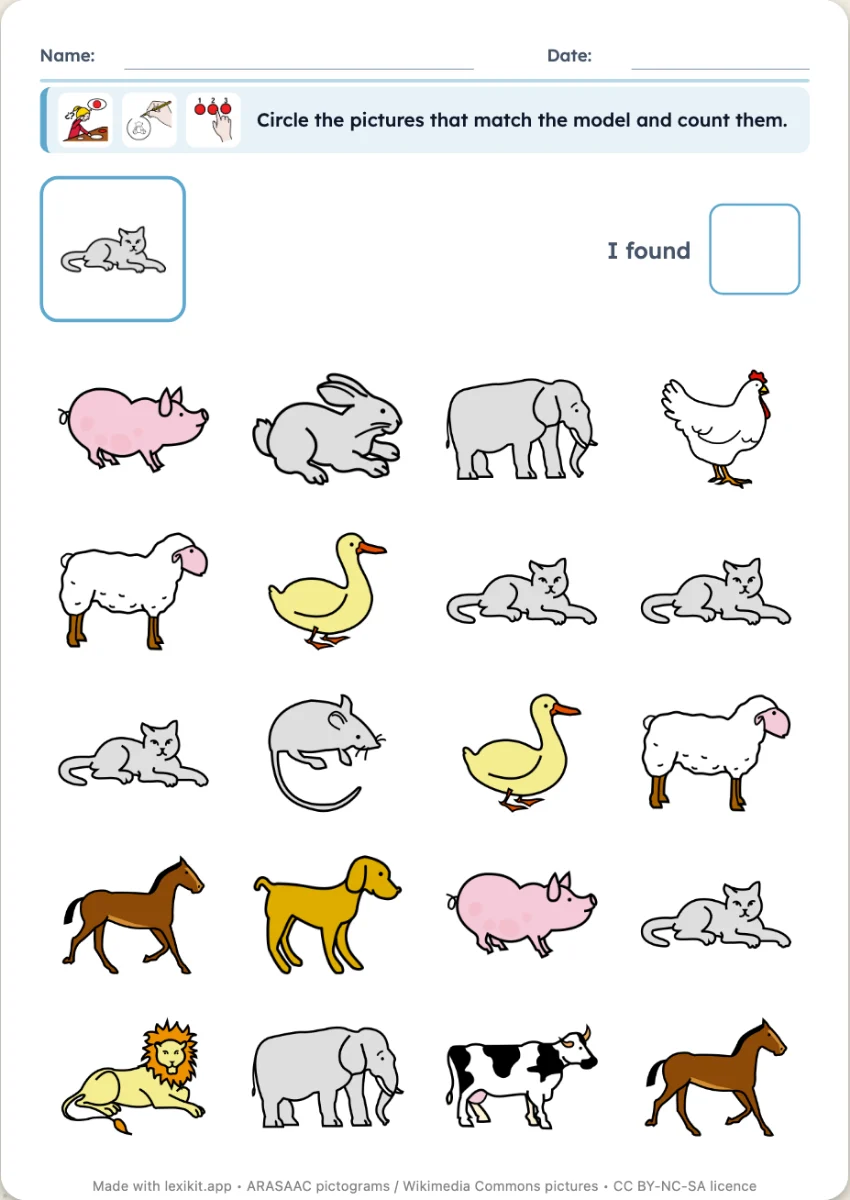 Seek and findA model picture to find several times in a grid of pictures, then to count.
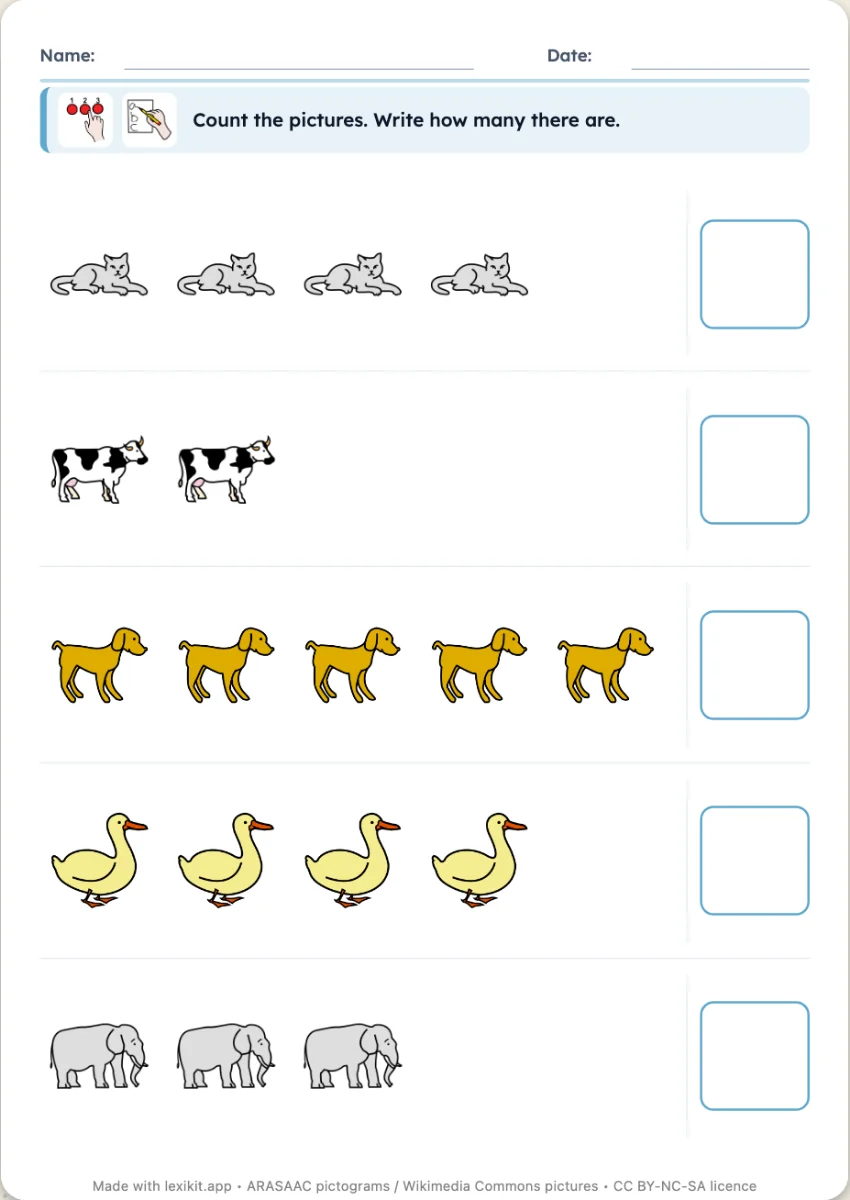 CountingA picture repeated several times per row: write, circle or colour the number.
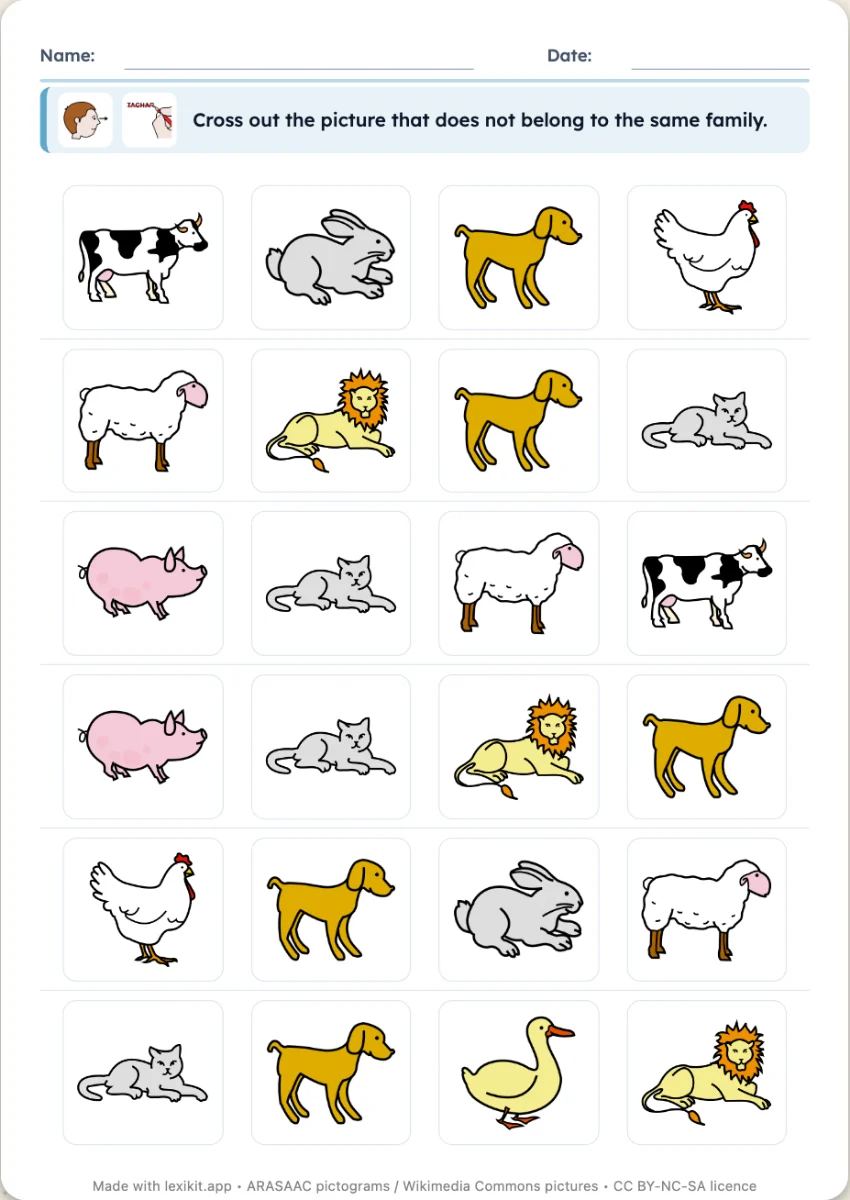 Sort: odd one out, boxesTwo families of words: cross out the odd one out on each row, or stick each picture in its box.
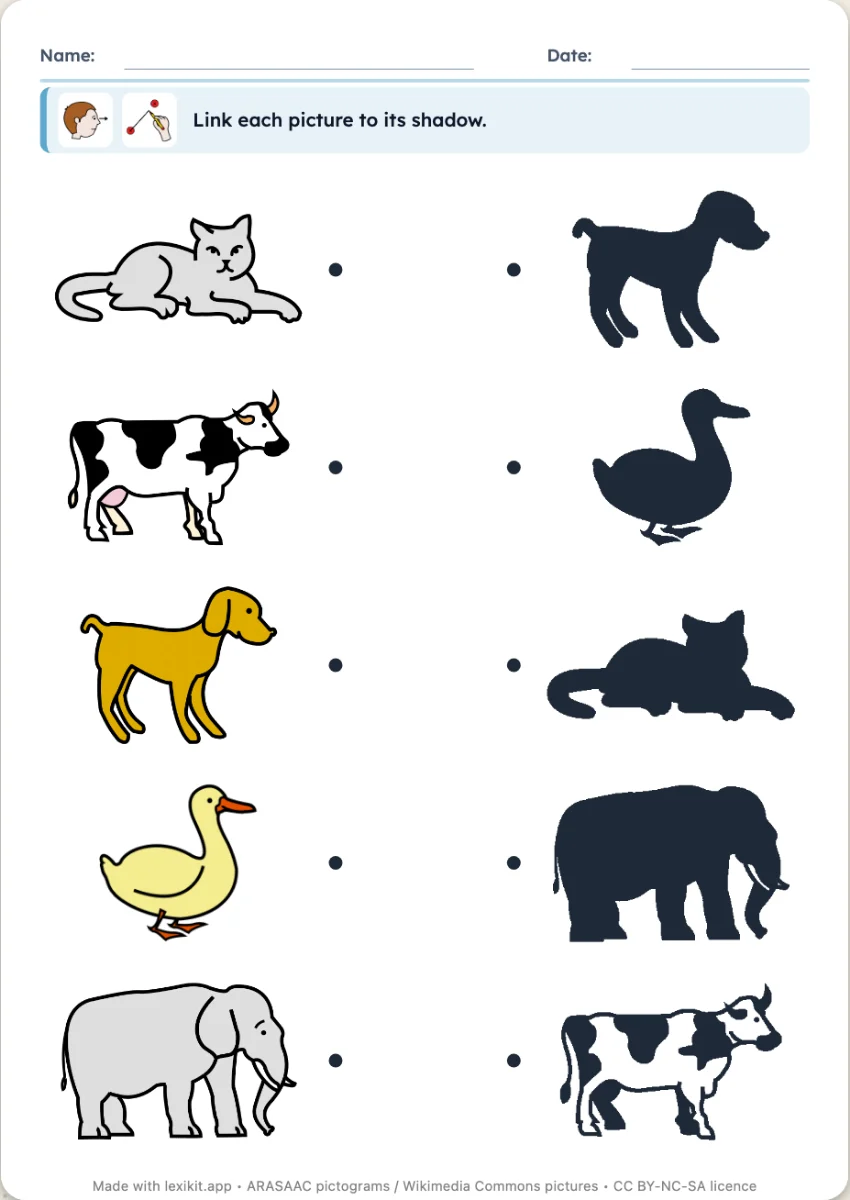 ShadowsLink each picture to its black silhouette, placed in a different order.
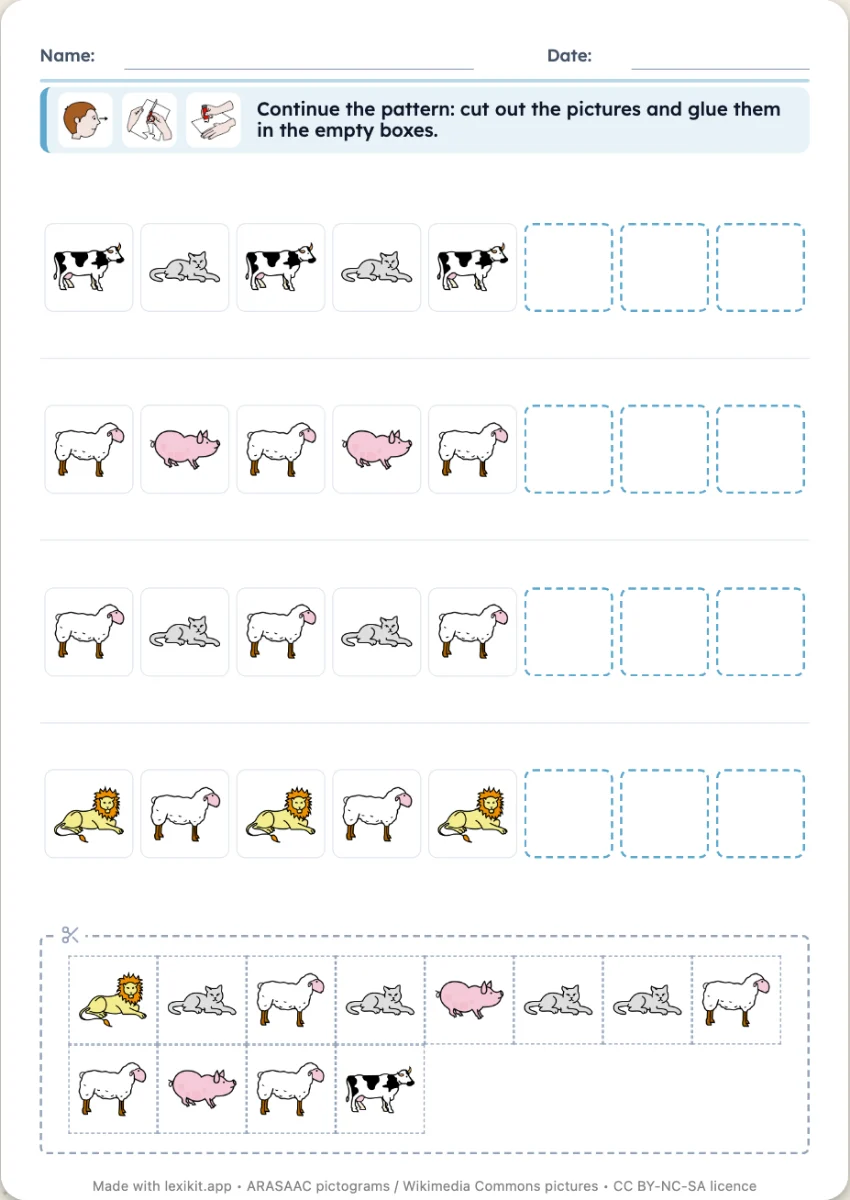 PatternsRepeating picture strips (AB, AAB, ABC) to continue by sticking or drawing.
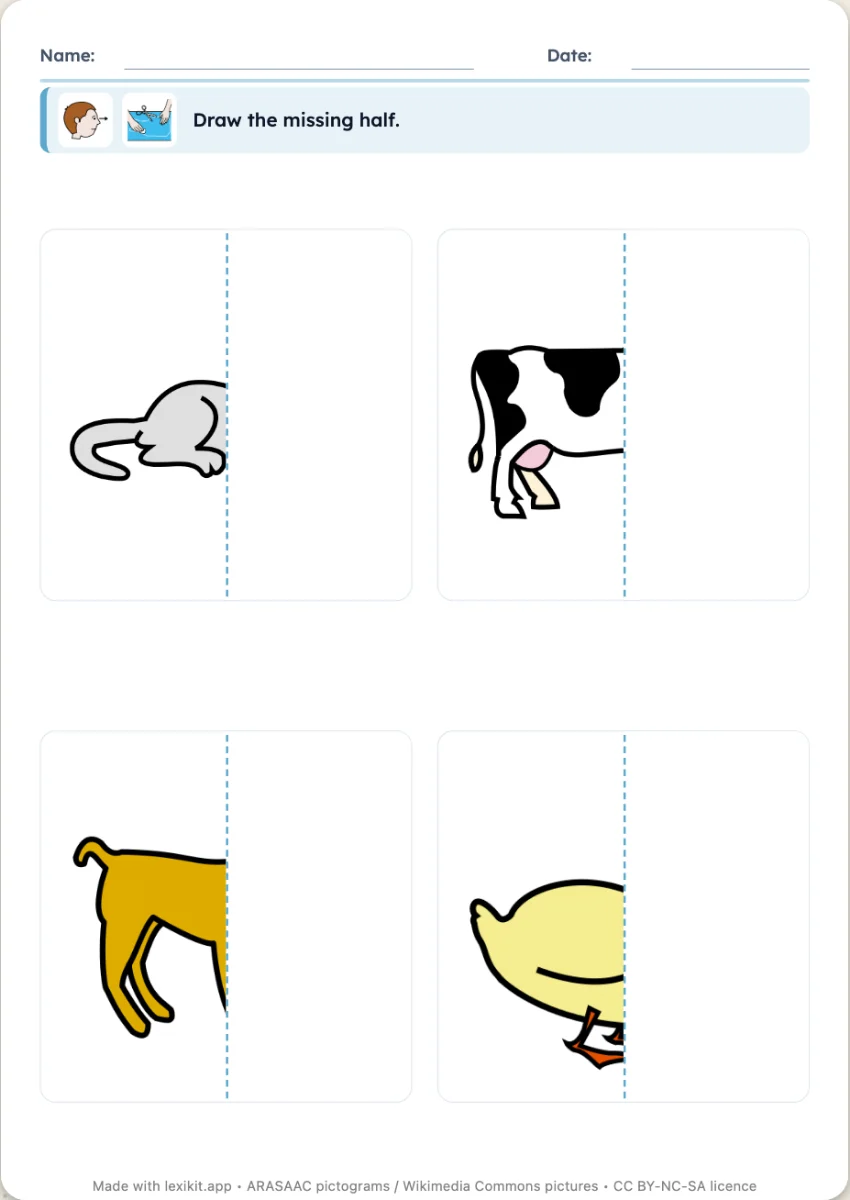 The missing halfHalf of a picture is hidden: draw it on the other side of the axis.
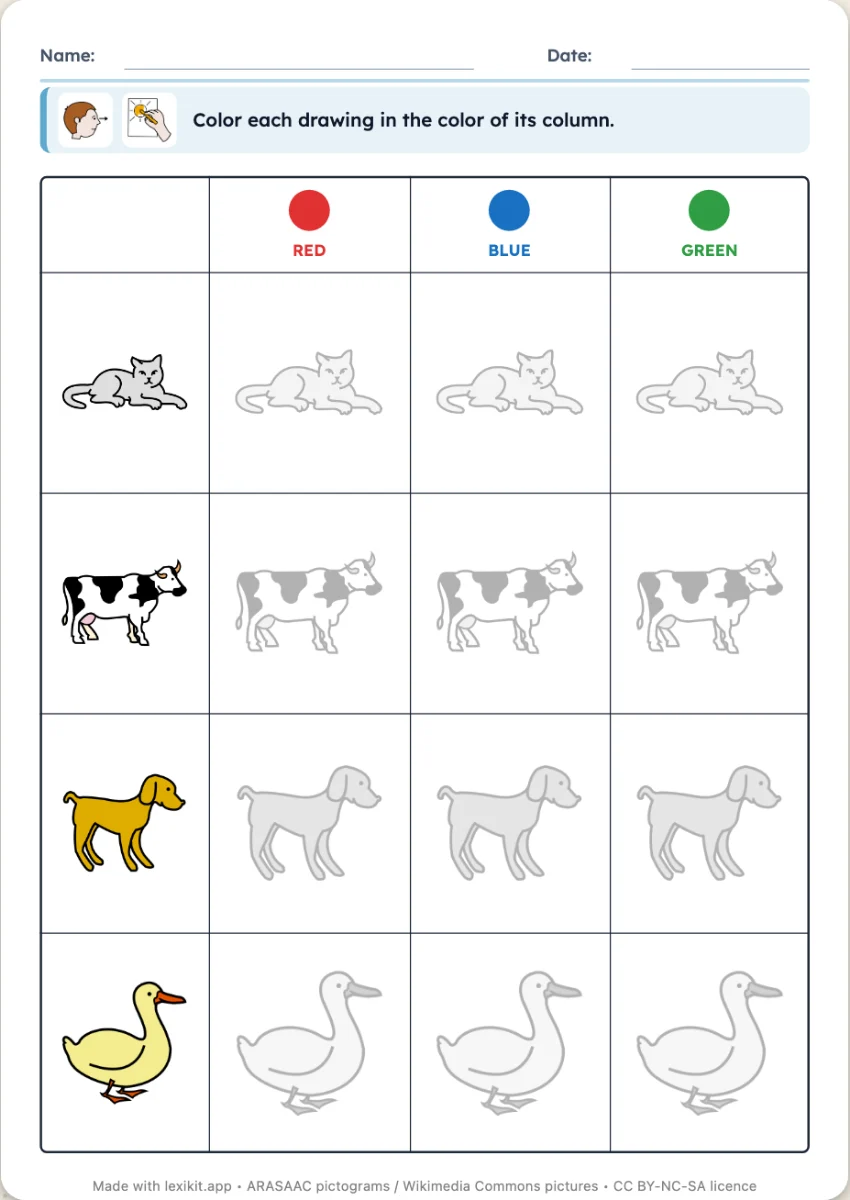 Double-entry tablePictures in rows, colours in columns: colour each box in the colour of its column.
Assessment
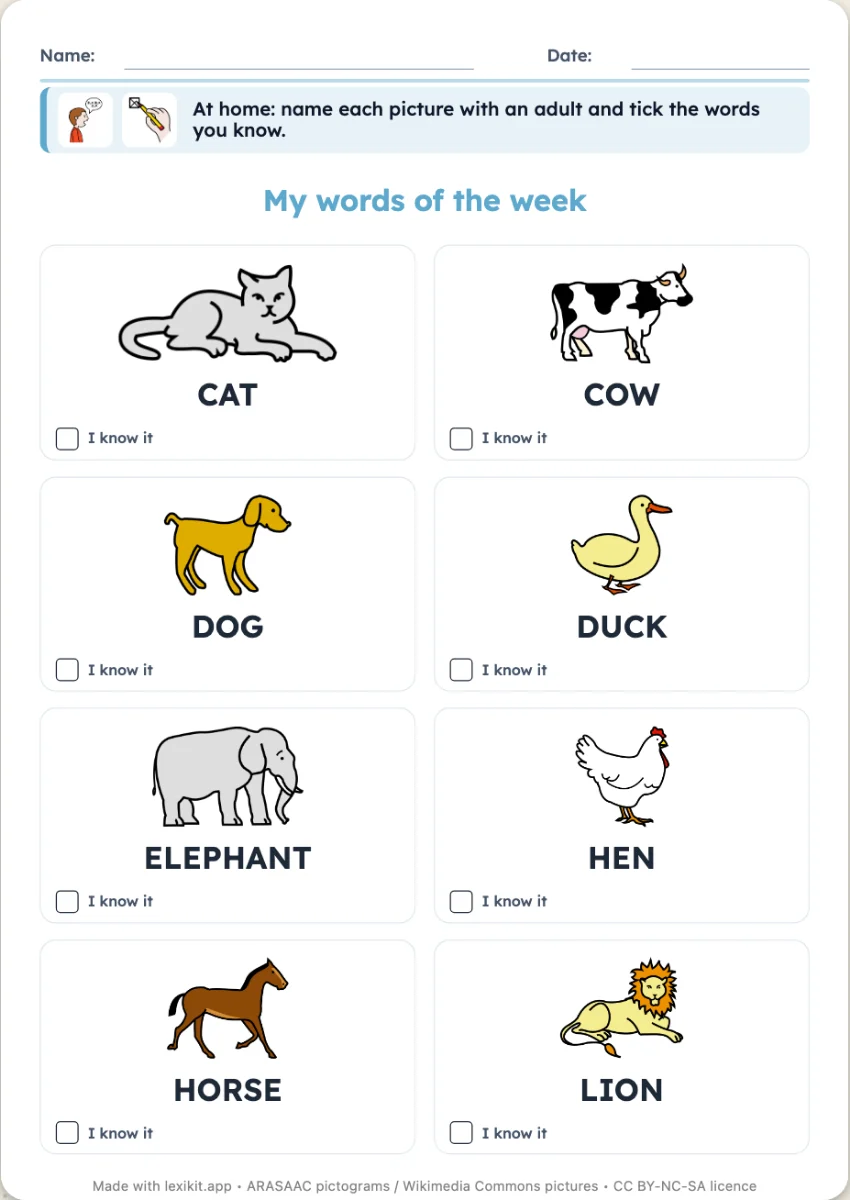
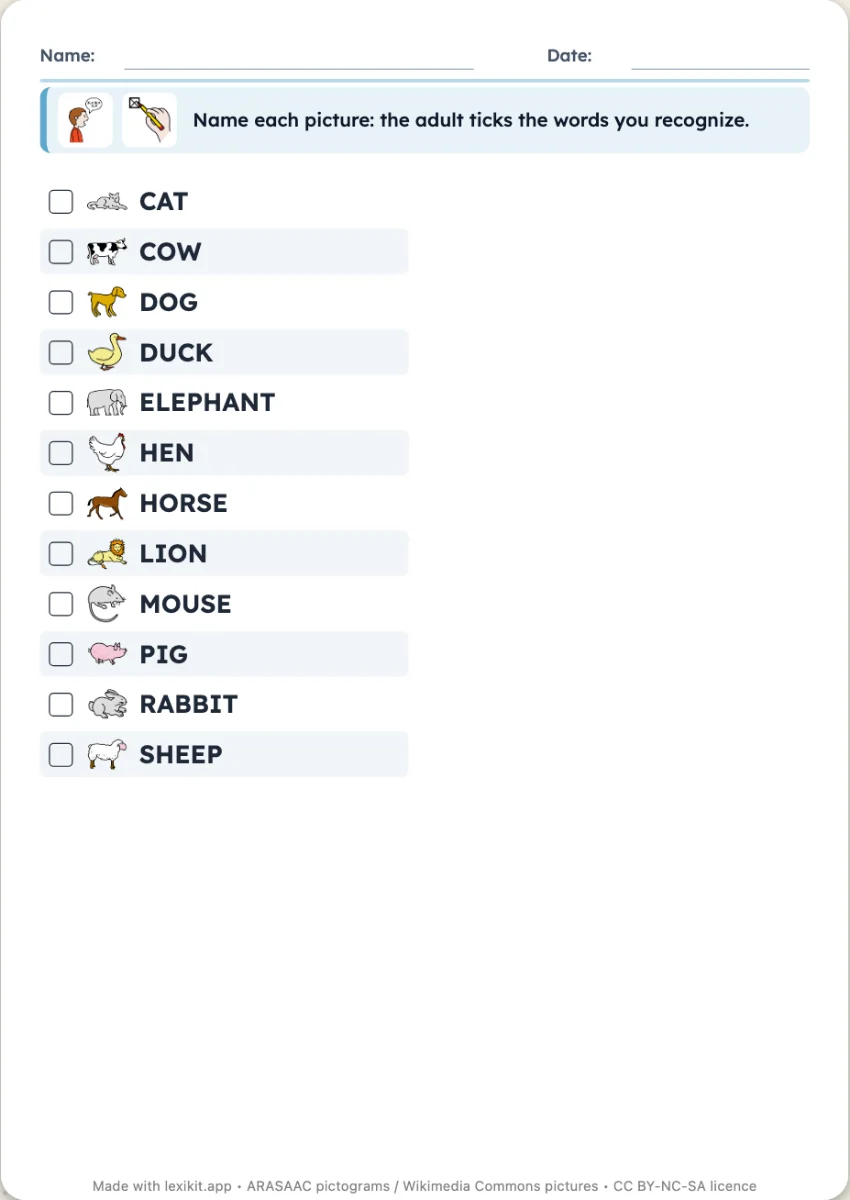 AssessmentOne grid per child: each word with its tick box, to track the words recognised session after session.
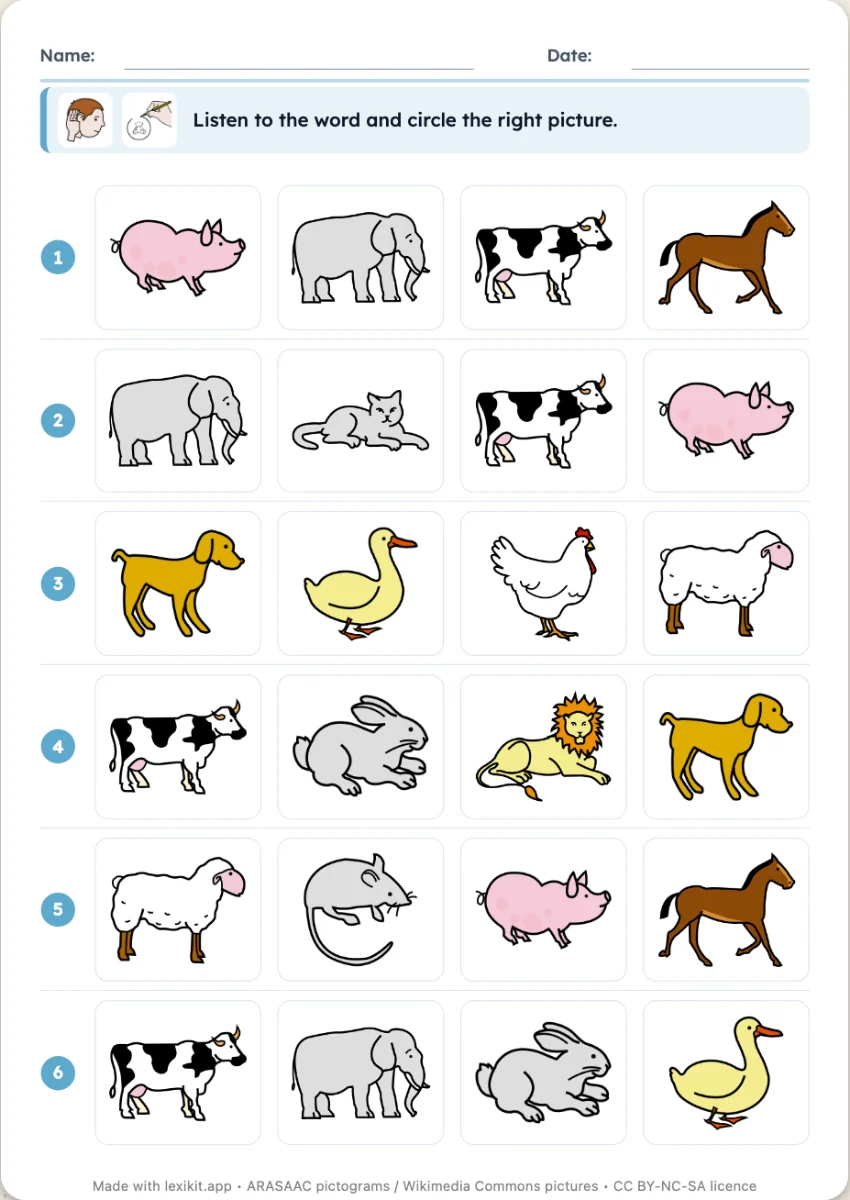 Picture dictationRows of pictures: the adult says a word, the child circles the picture. Answer key included.
At home
Interactive, on screen
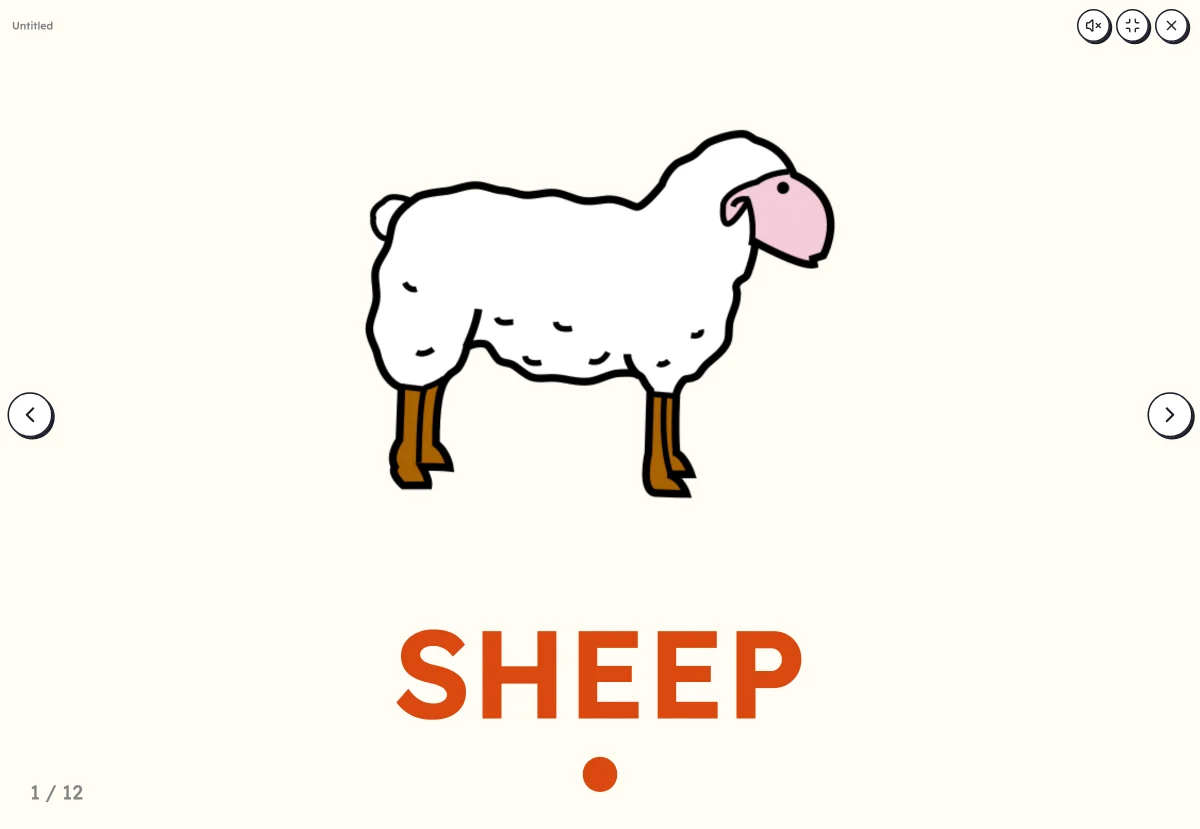 Picture dictionaryOne large picture: name it, then reveal the word and clap its syllables.
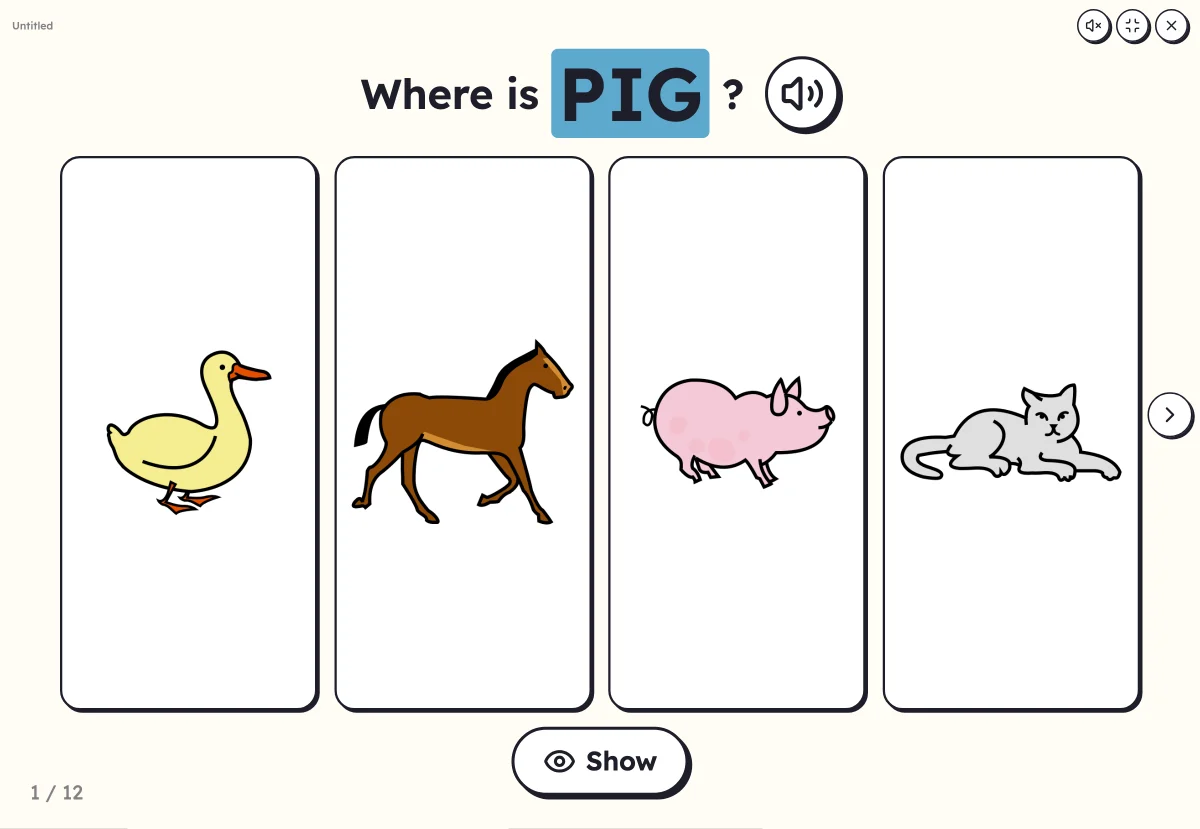 Where is…?A word is said, a pupil comes and touches the right picture among several: understanding the word heard.
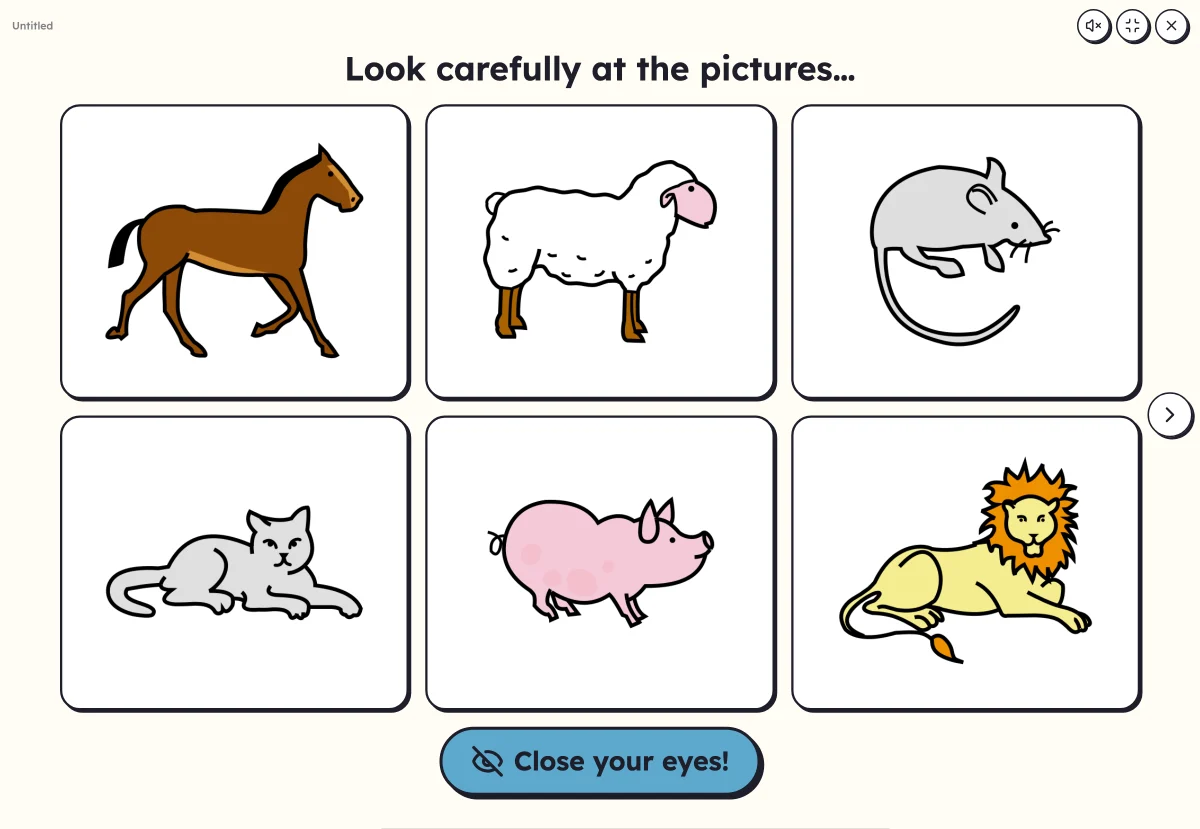 What's missing?Remember pictures. With eyes closed, one or two vanish: which ones?
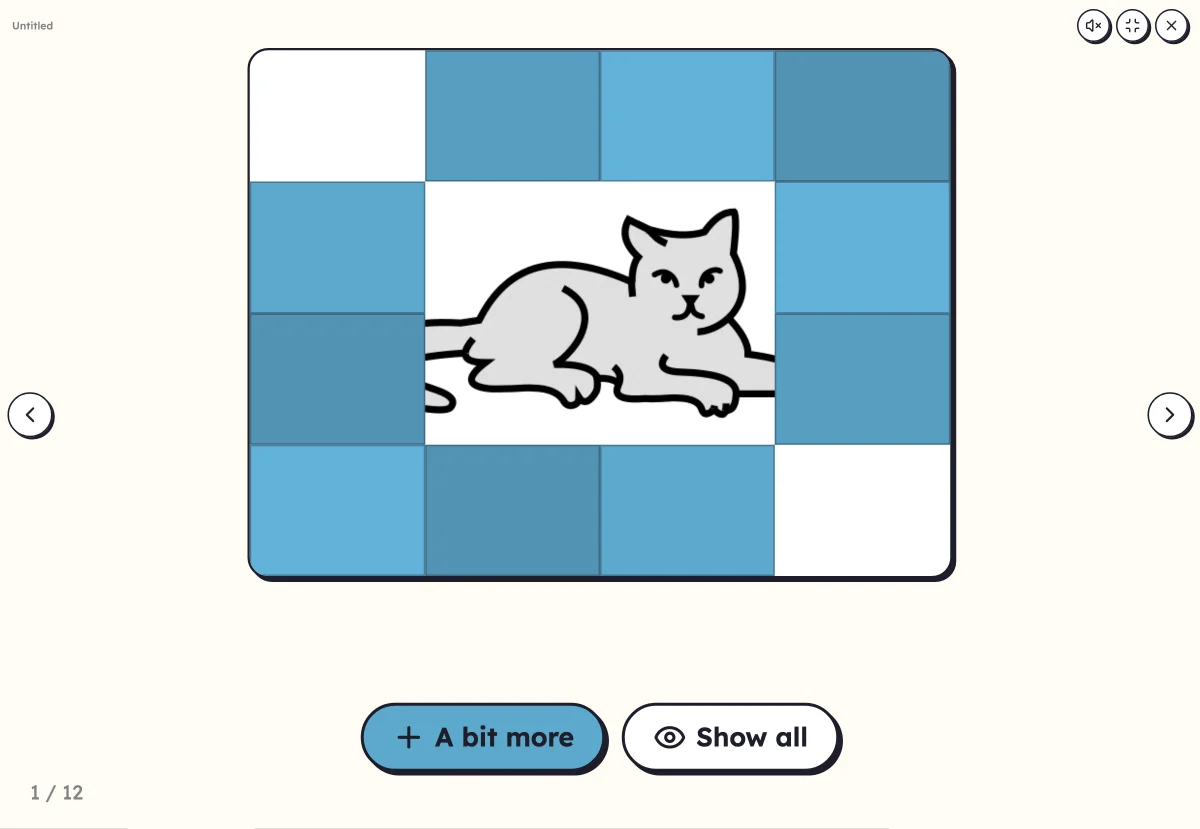 Hidden pictureThe picture appears little by little, tile by tile or zooming out: who recognises it?
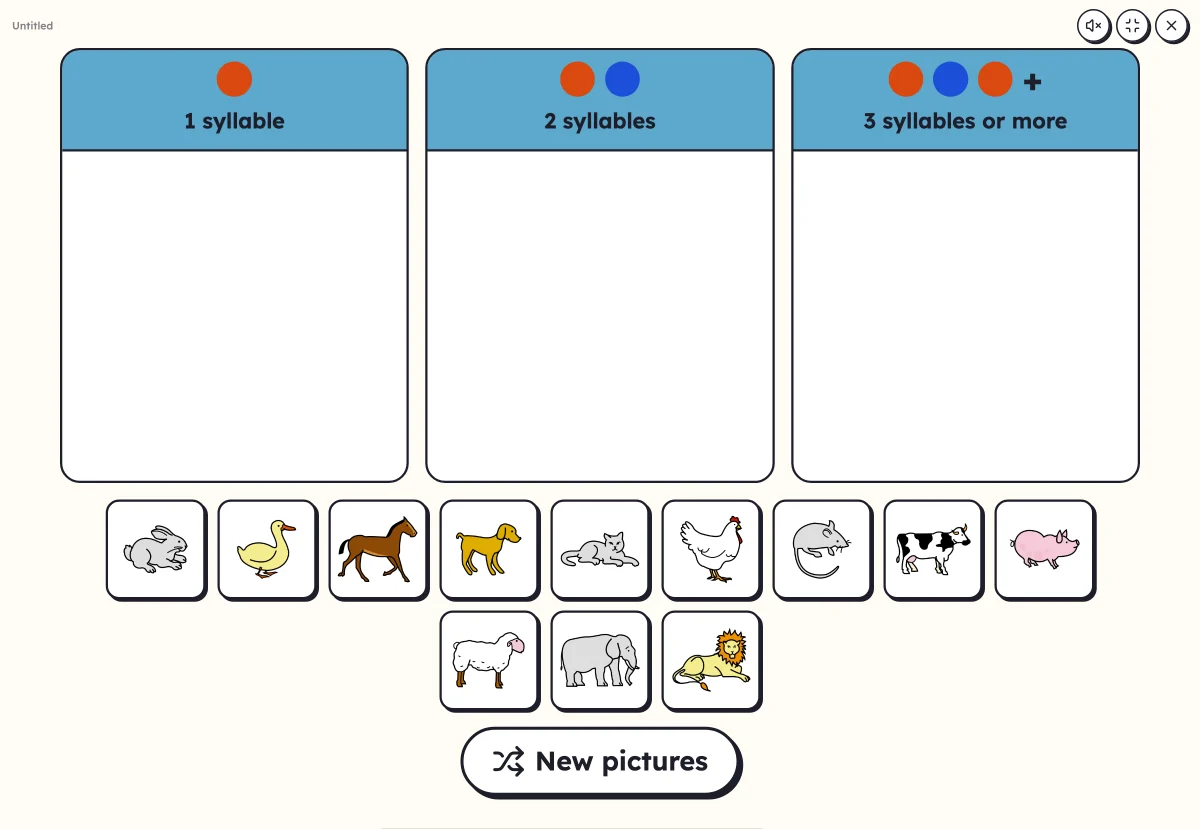 Sort into columnsDrag each picture into its column: number of syllables, first letter or family.
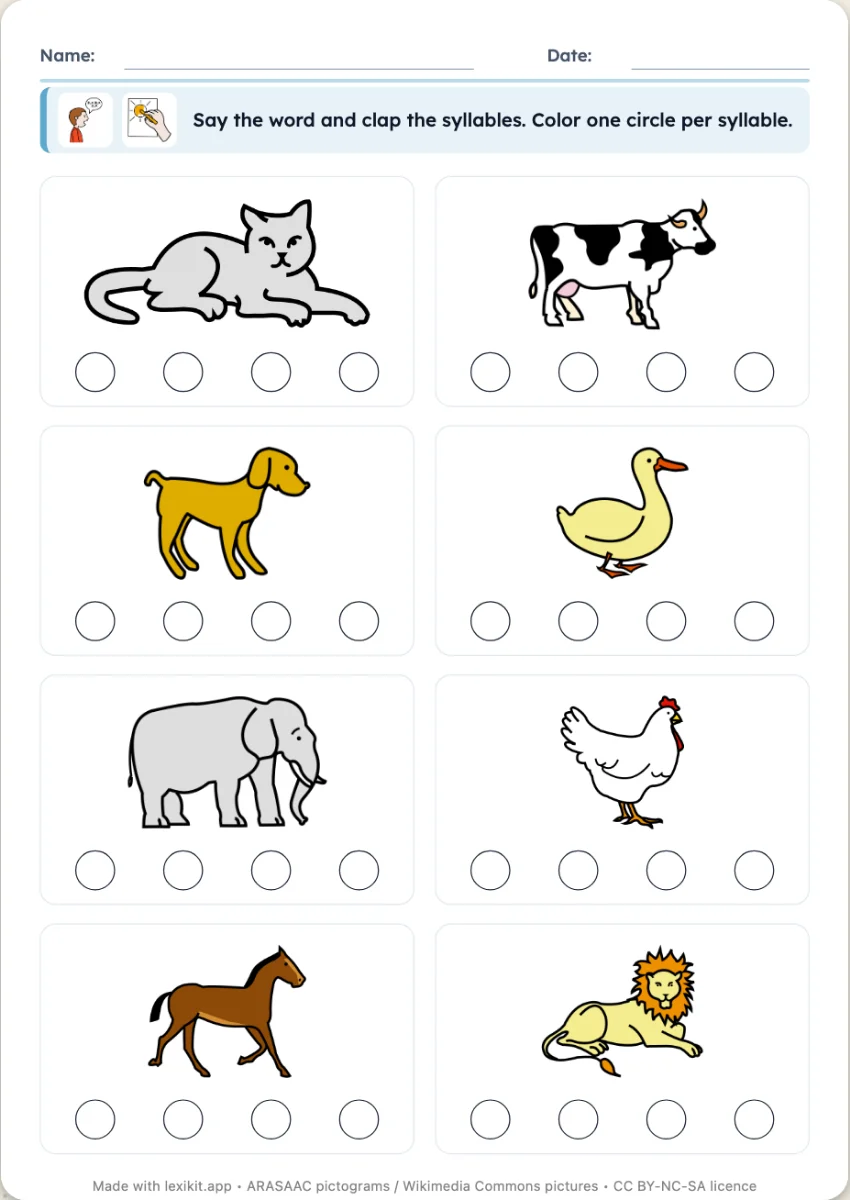
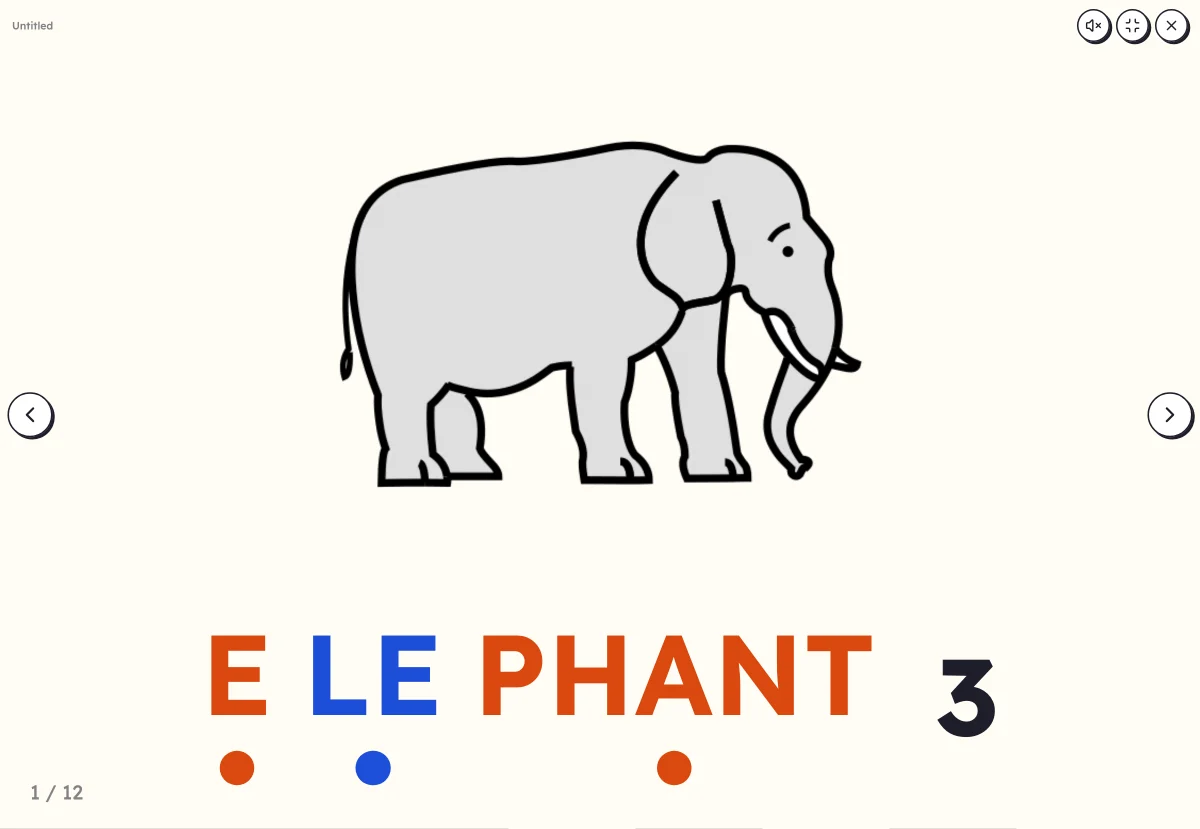 Clap the syllablesSay the word while clapping, count the syllables, then see the word split up.
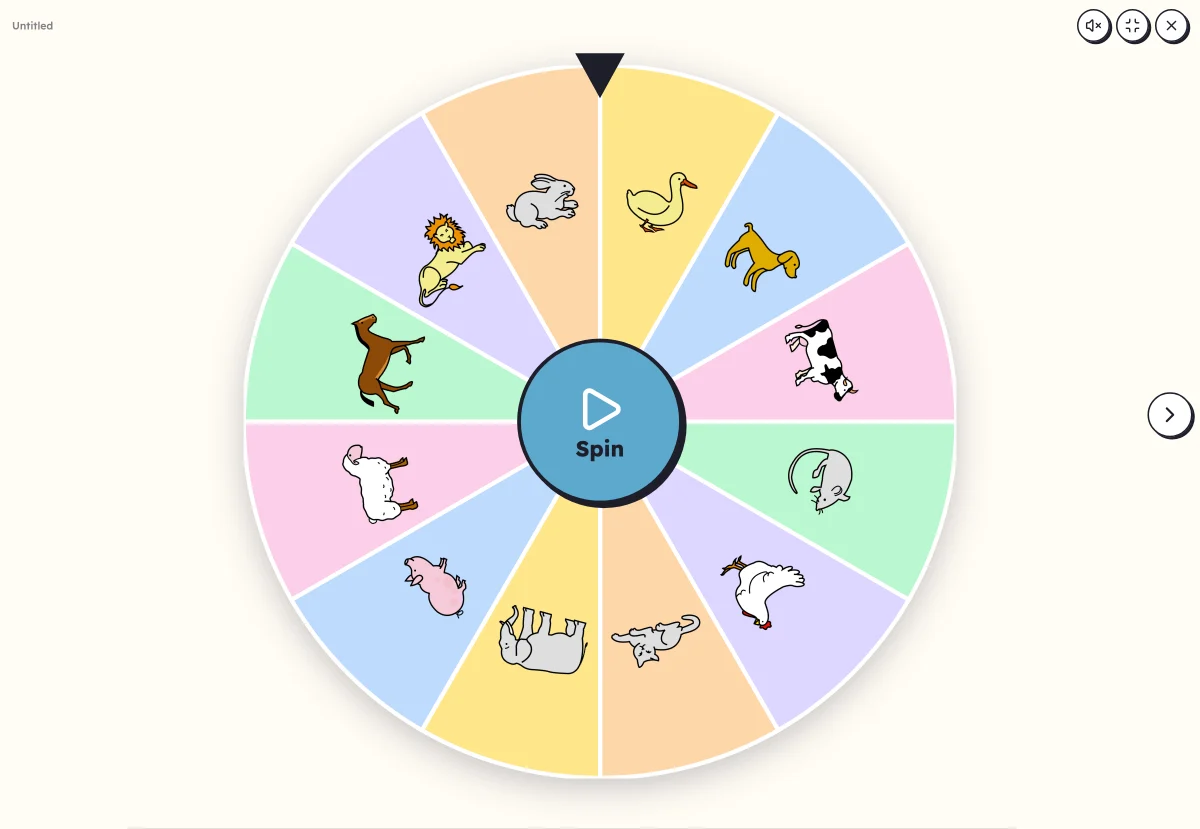 Picture wheelA wheel of pictures to spin: it picks the word to say, clap or write.
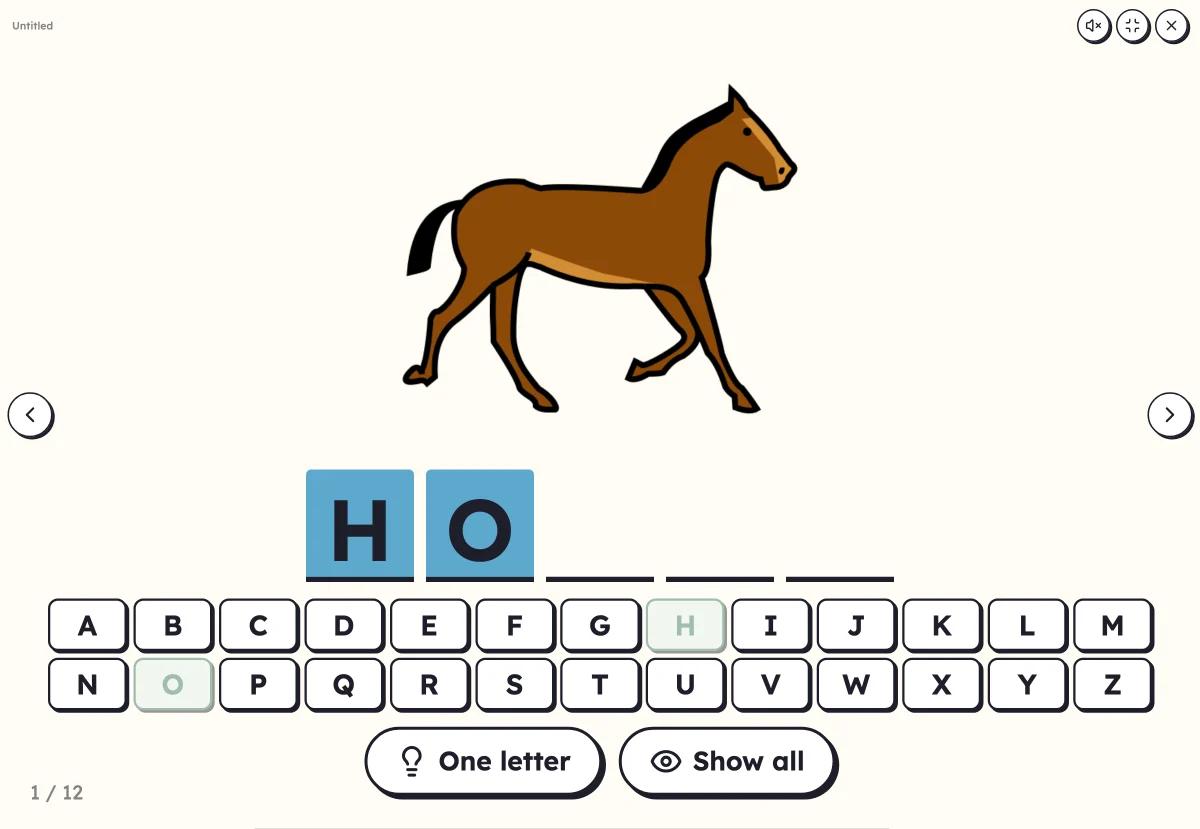 Mystery wordFind the word's letters on the alphabet. The picture helps, or appears at the end.
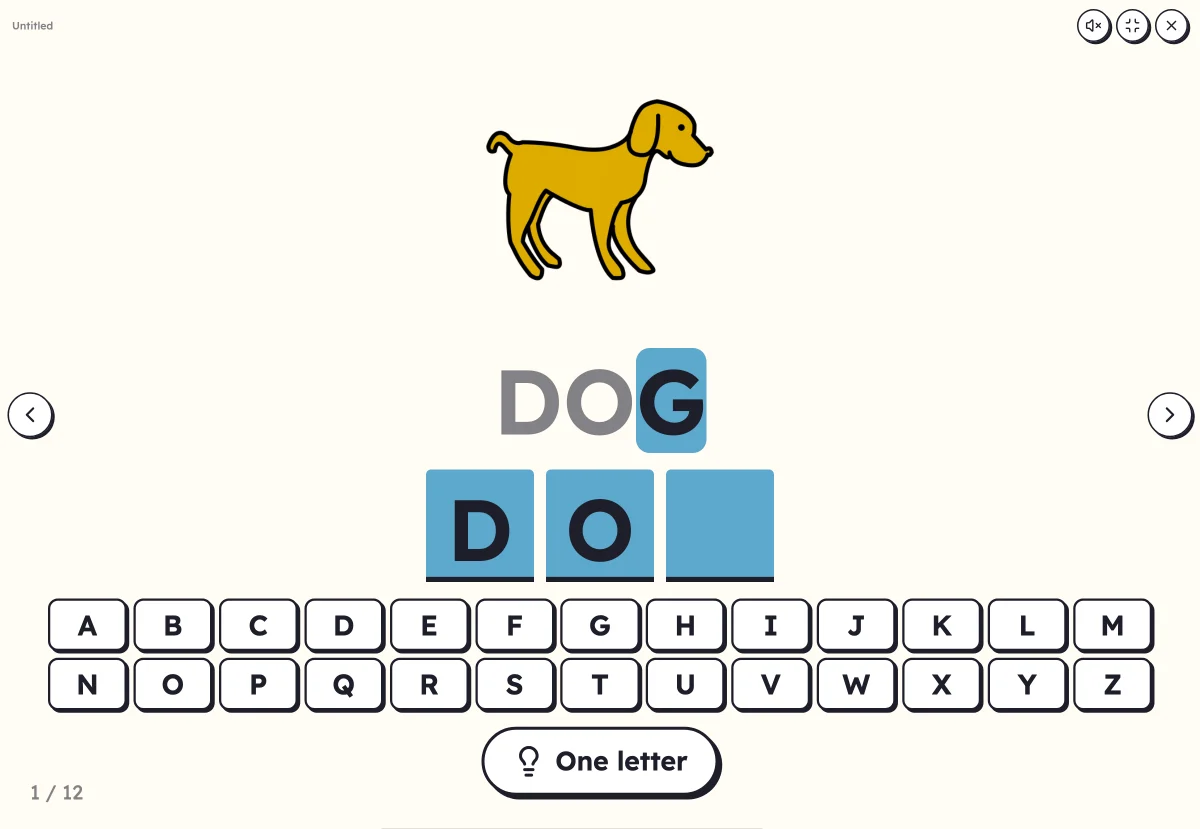 Letter keyboardWrite the word by touching its letters in order: copying the model, from memory or from dictation.
Ready to print
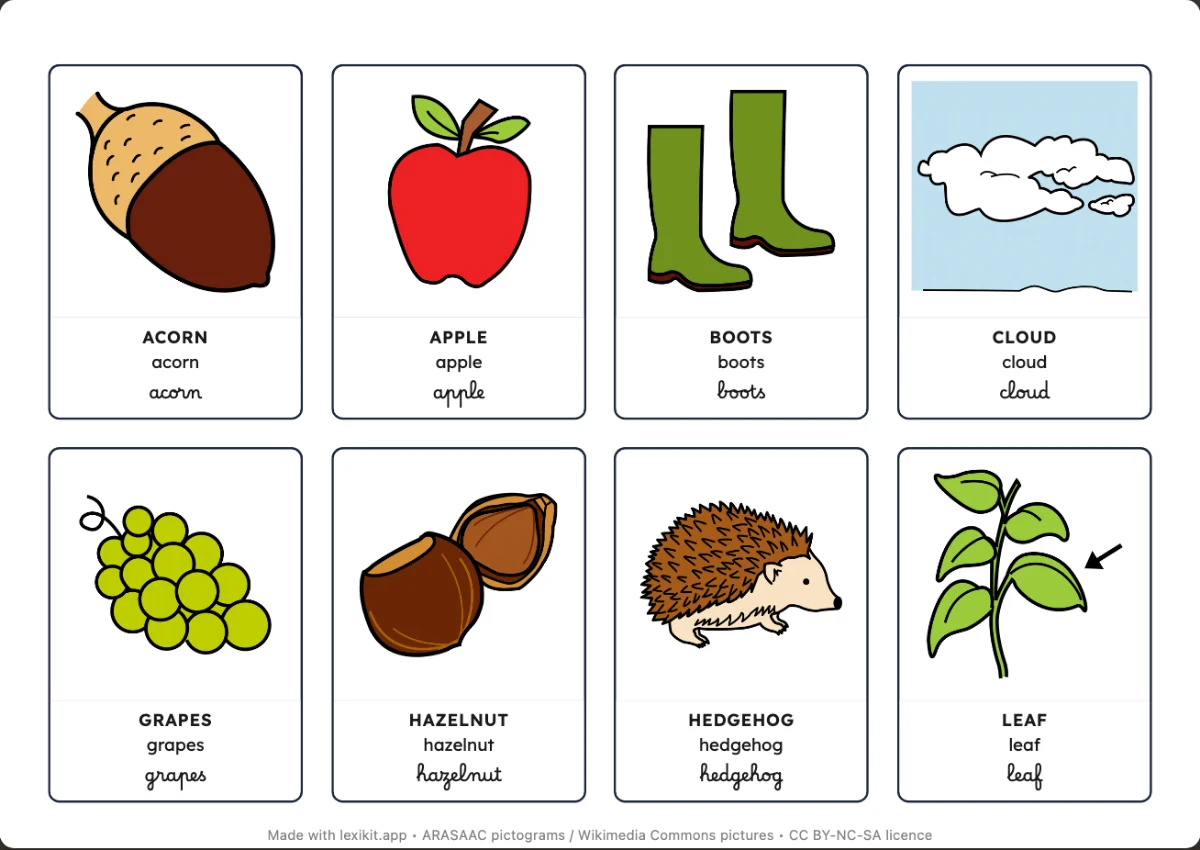
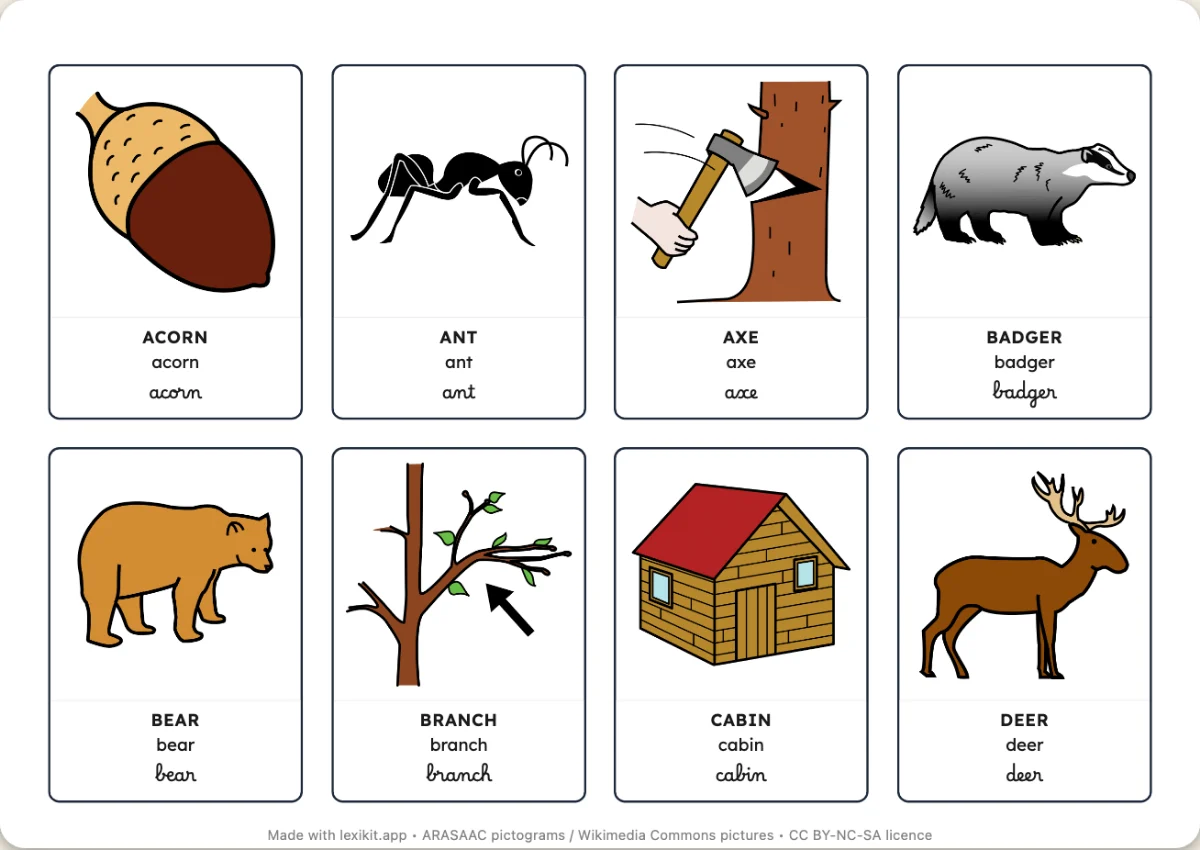
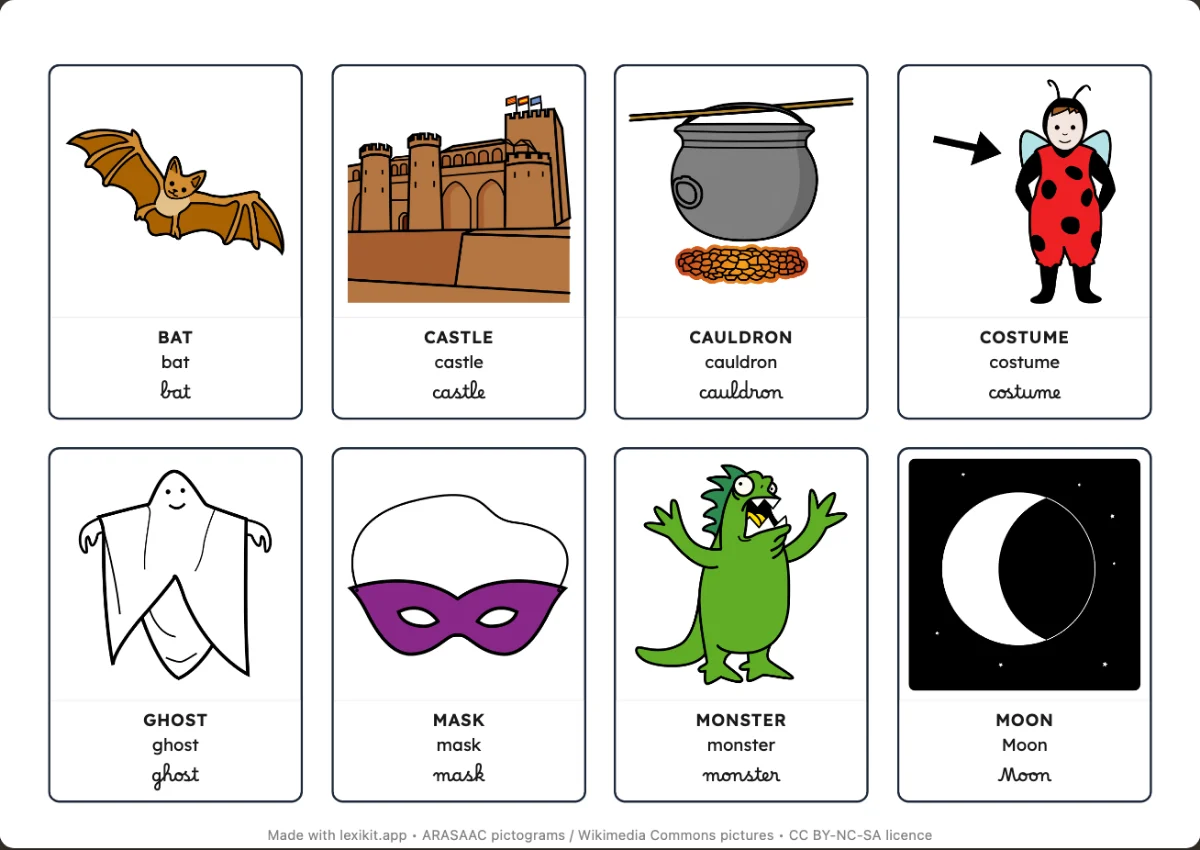
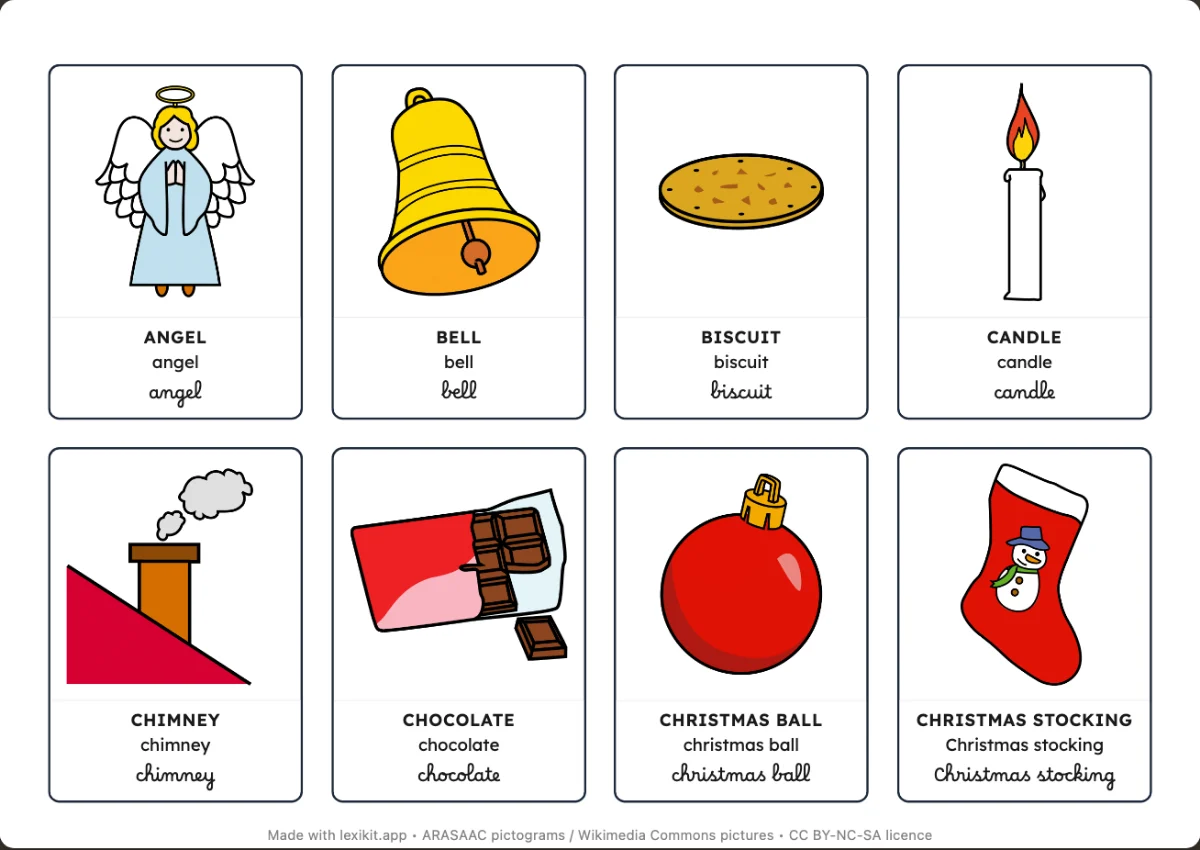
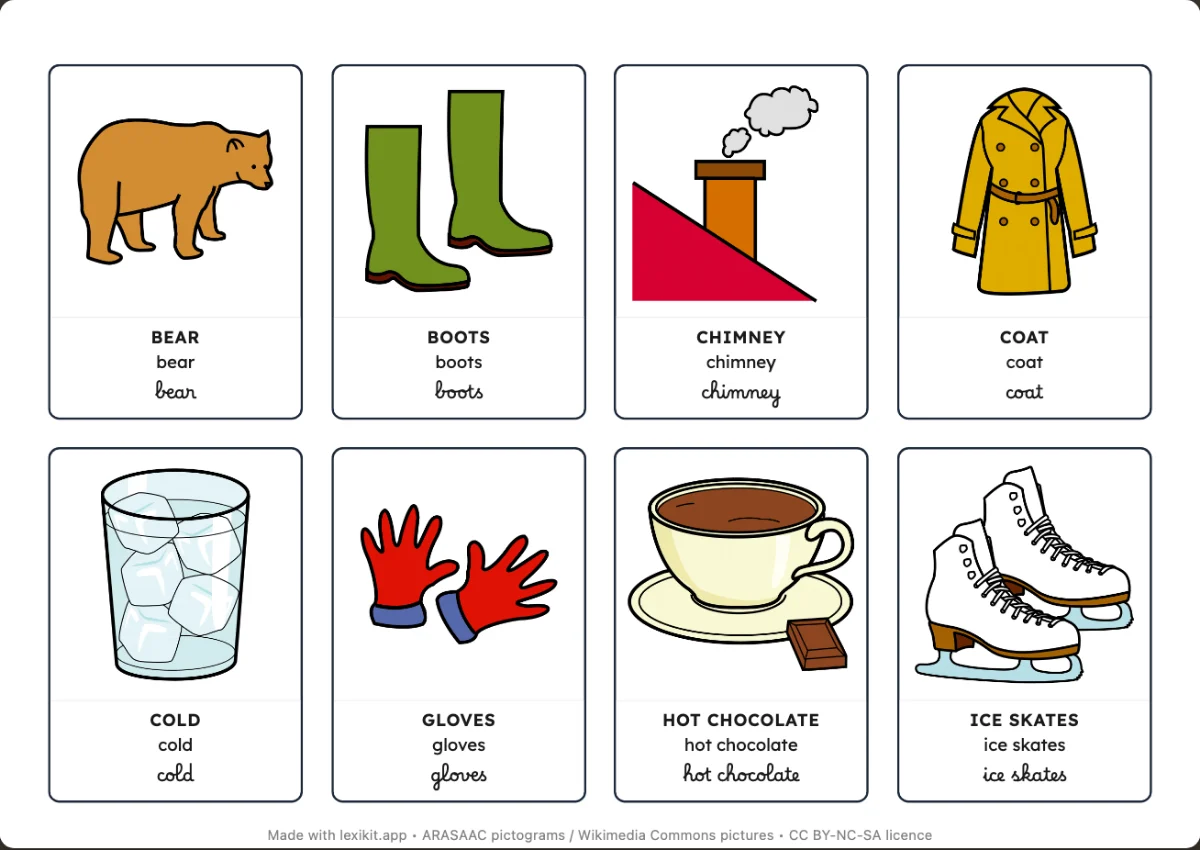
Ready-made picture dictionaries, bingo and memory games for every time of the school year, from the first day to the summer fair. The themes of the moment come first: download the PDF, or customise it in one click.
Autumn
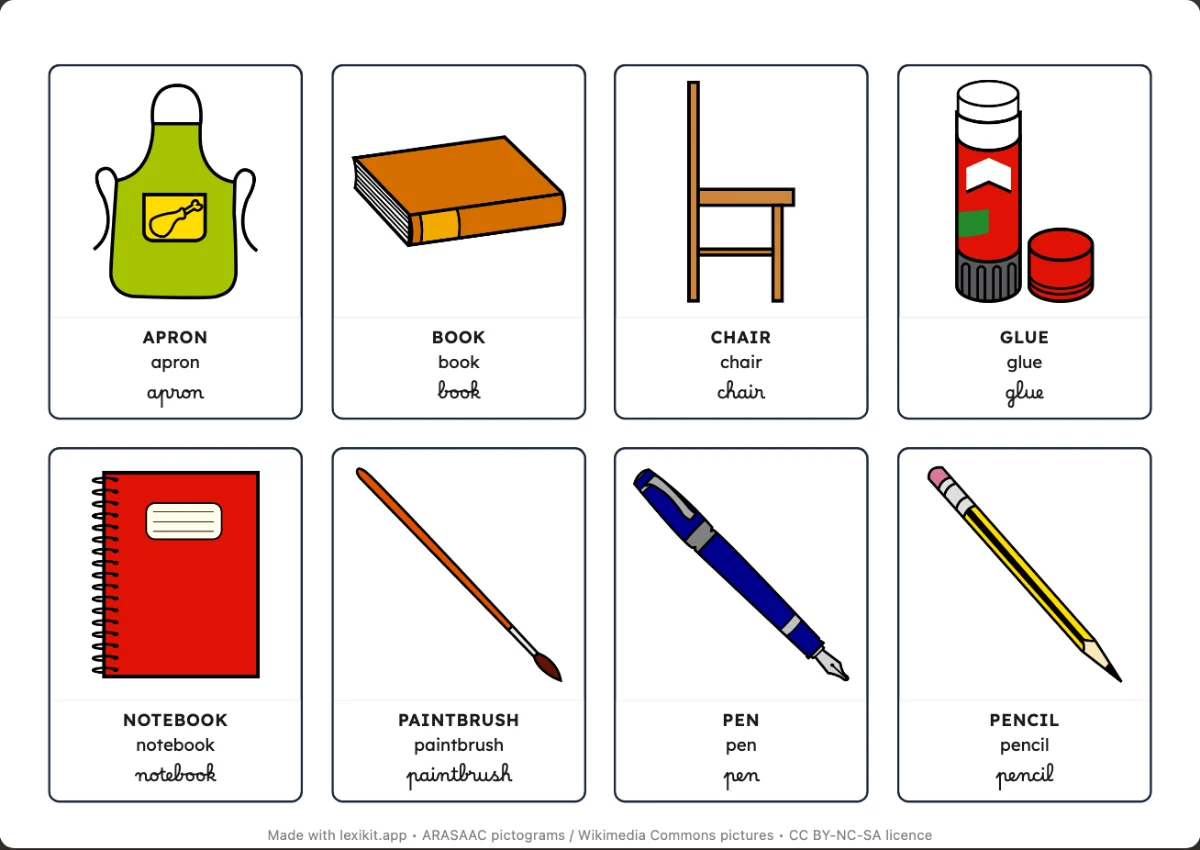
Winter
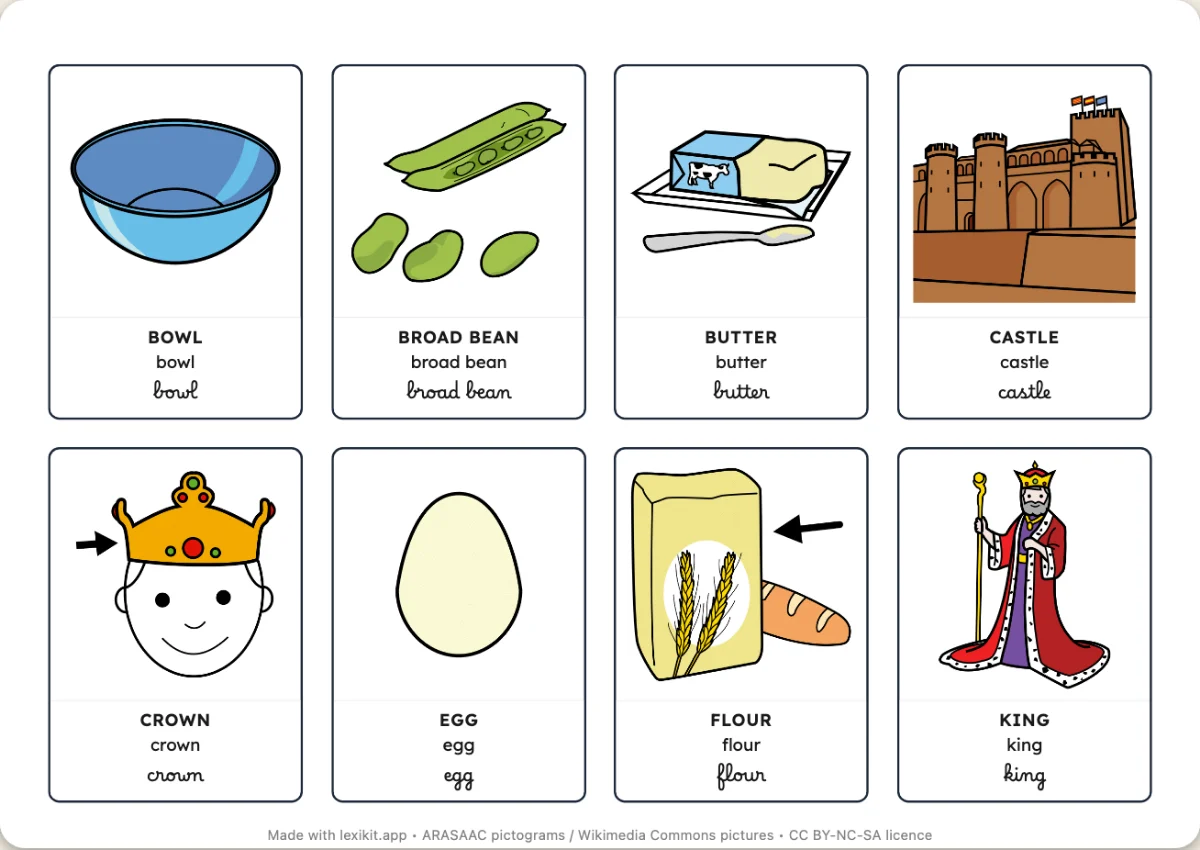
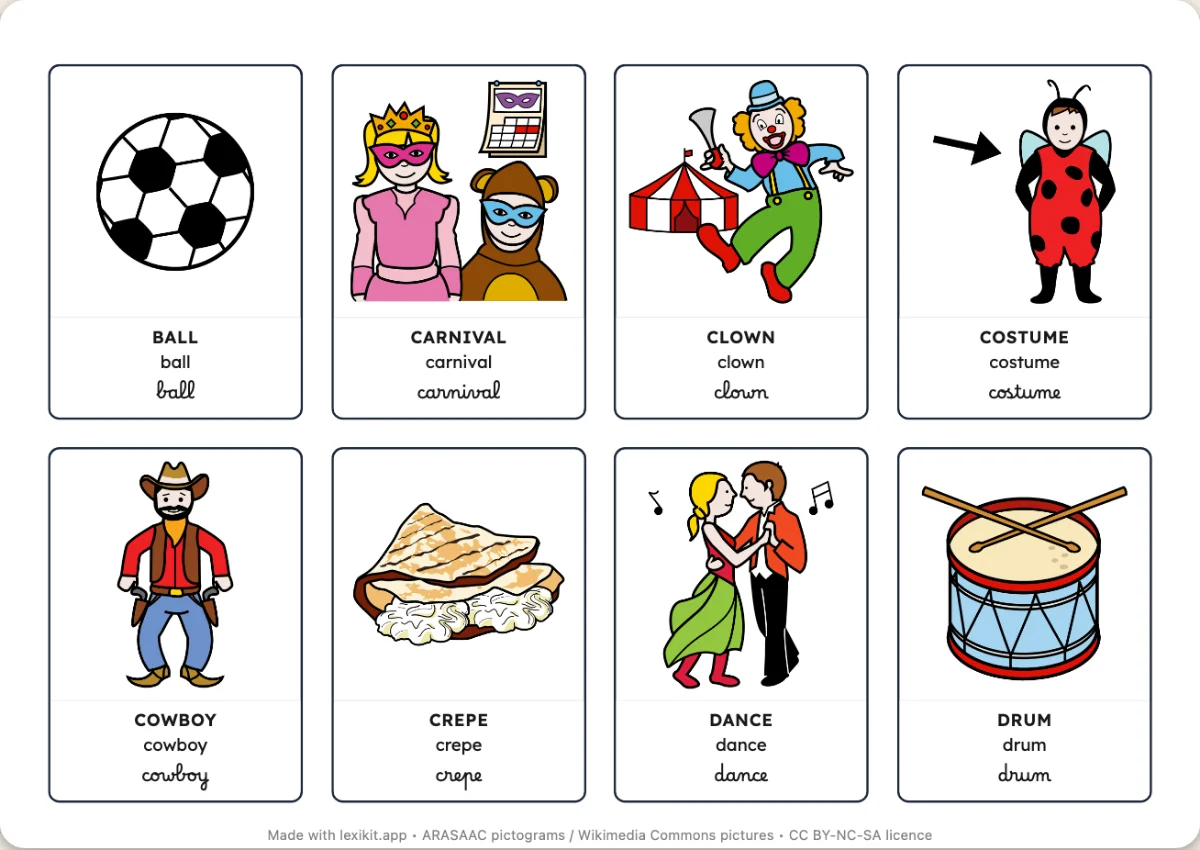
Spring
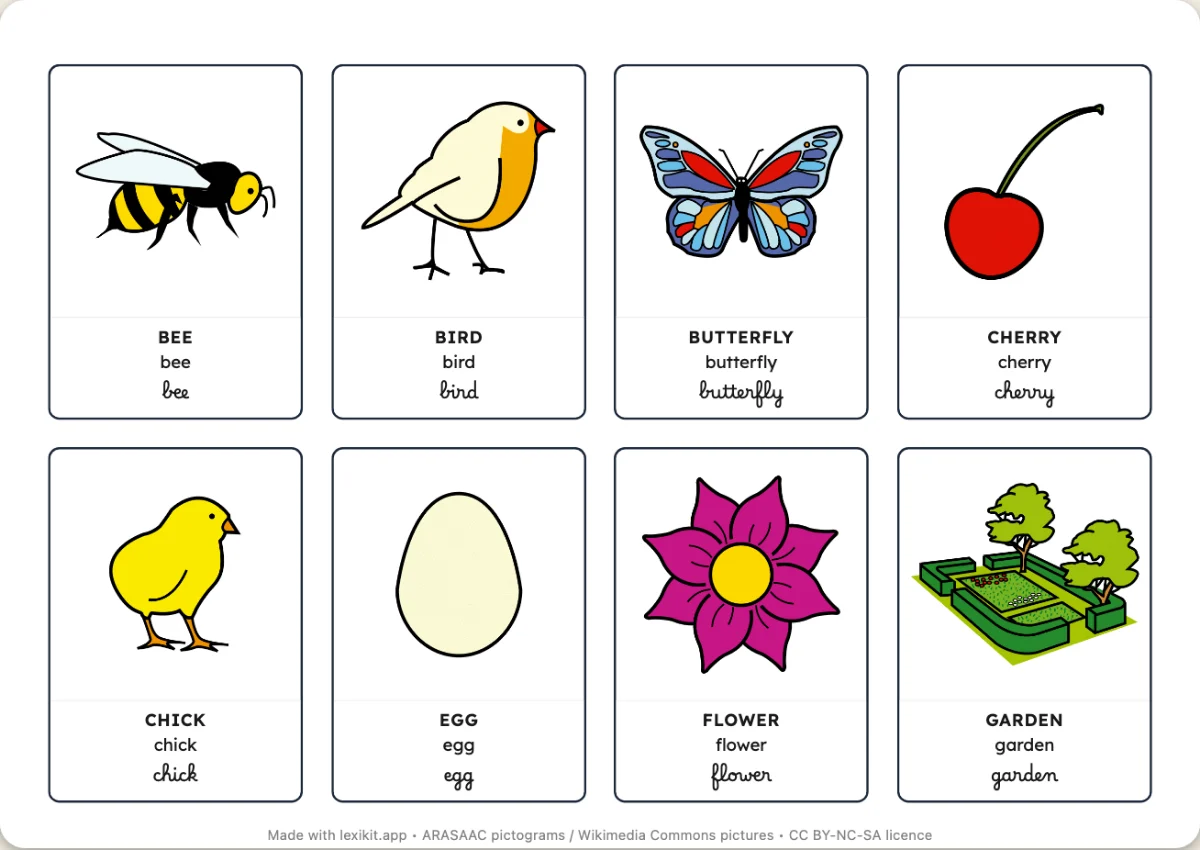
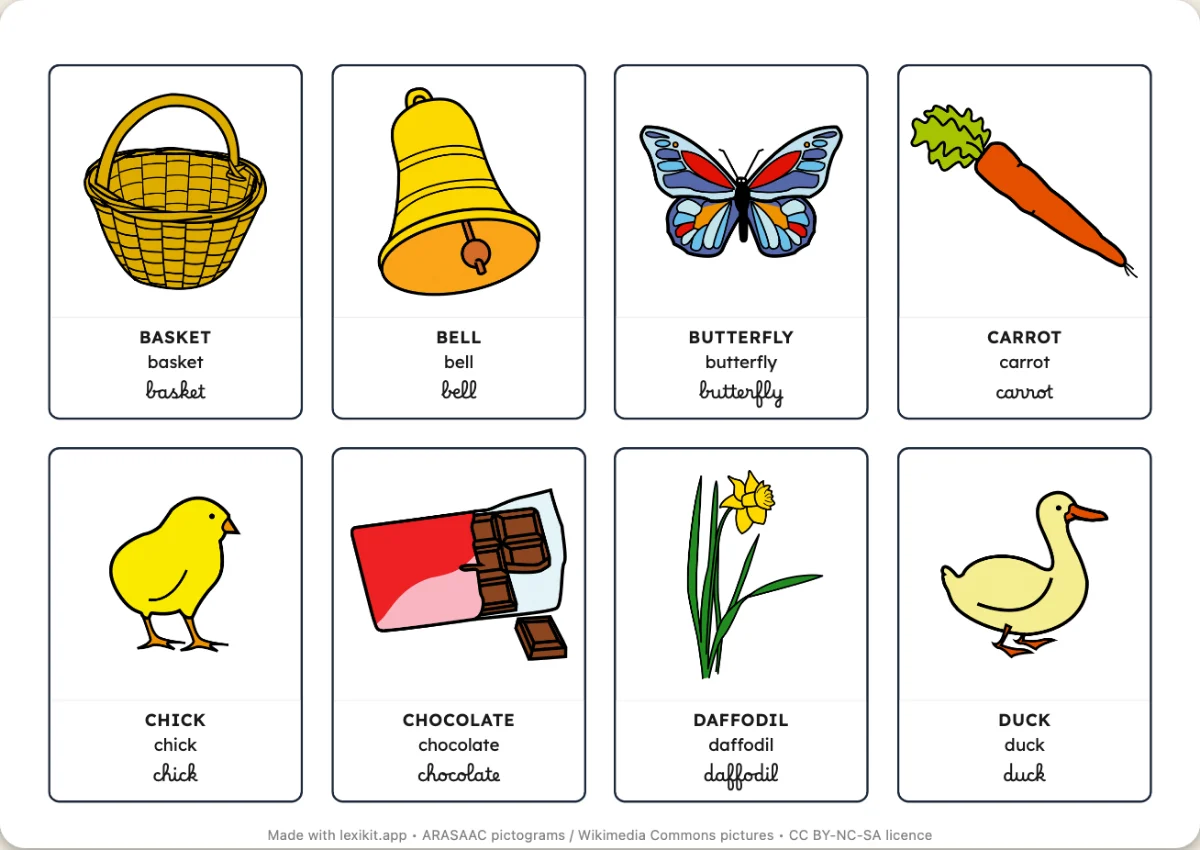
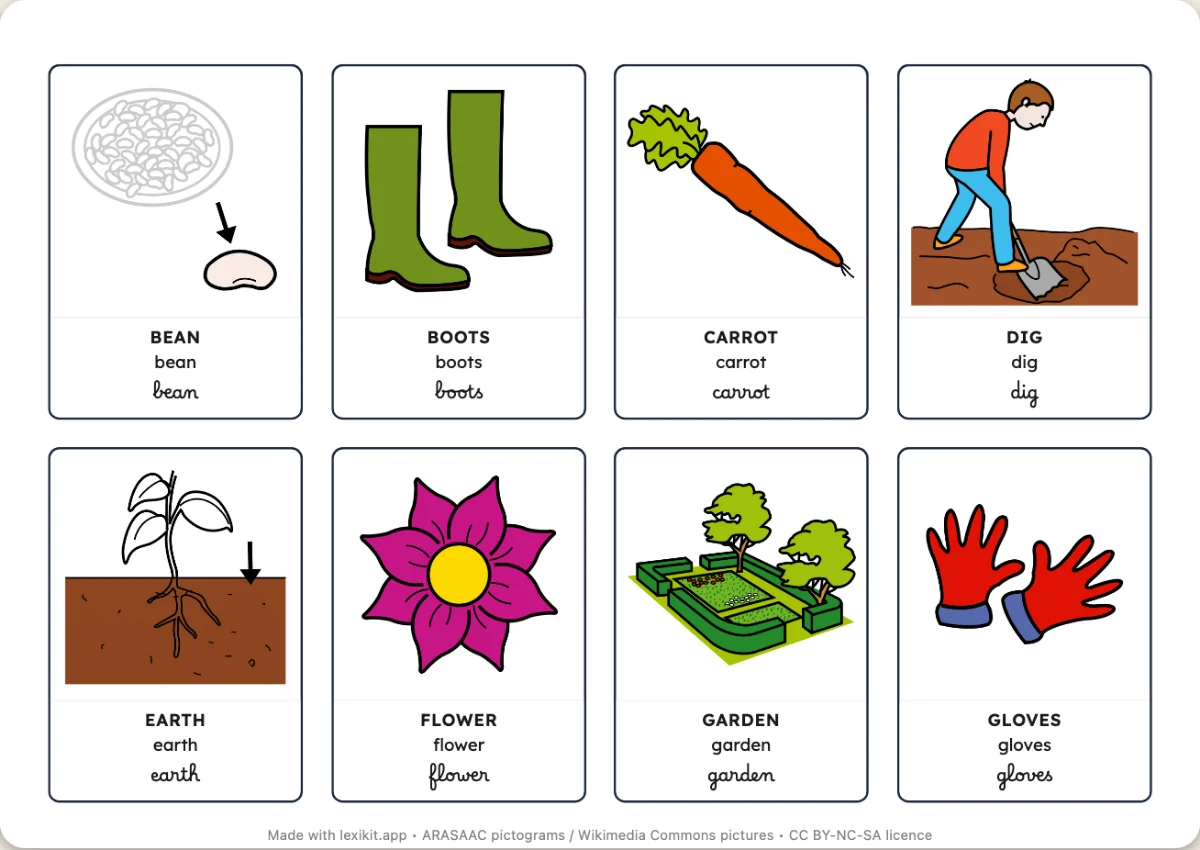
Summer
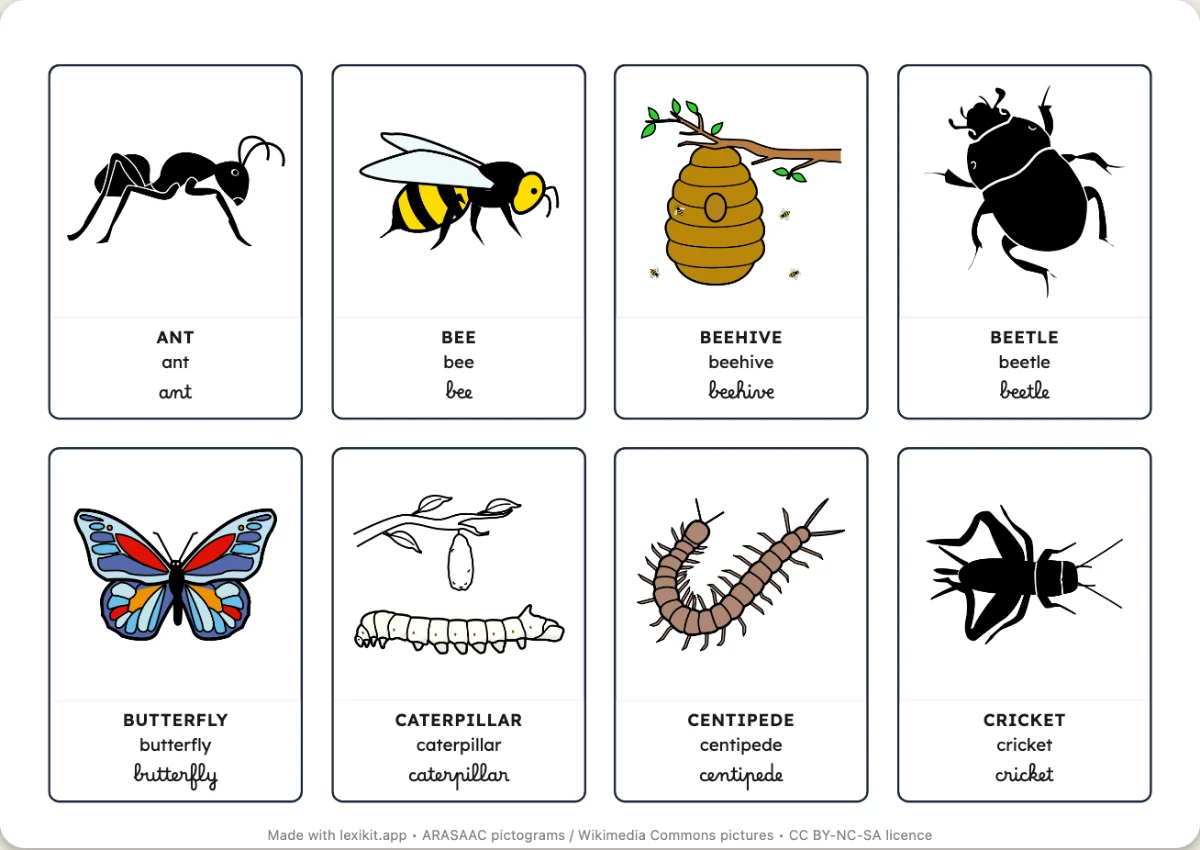
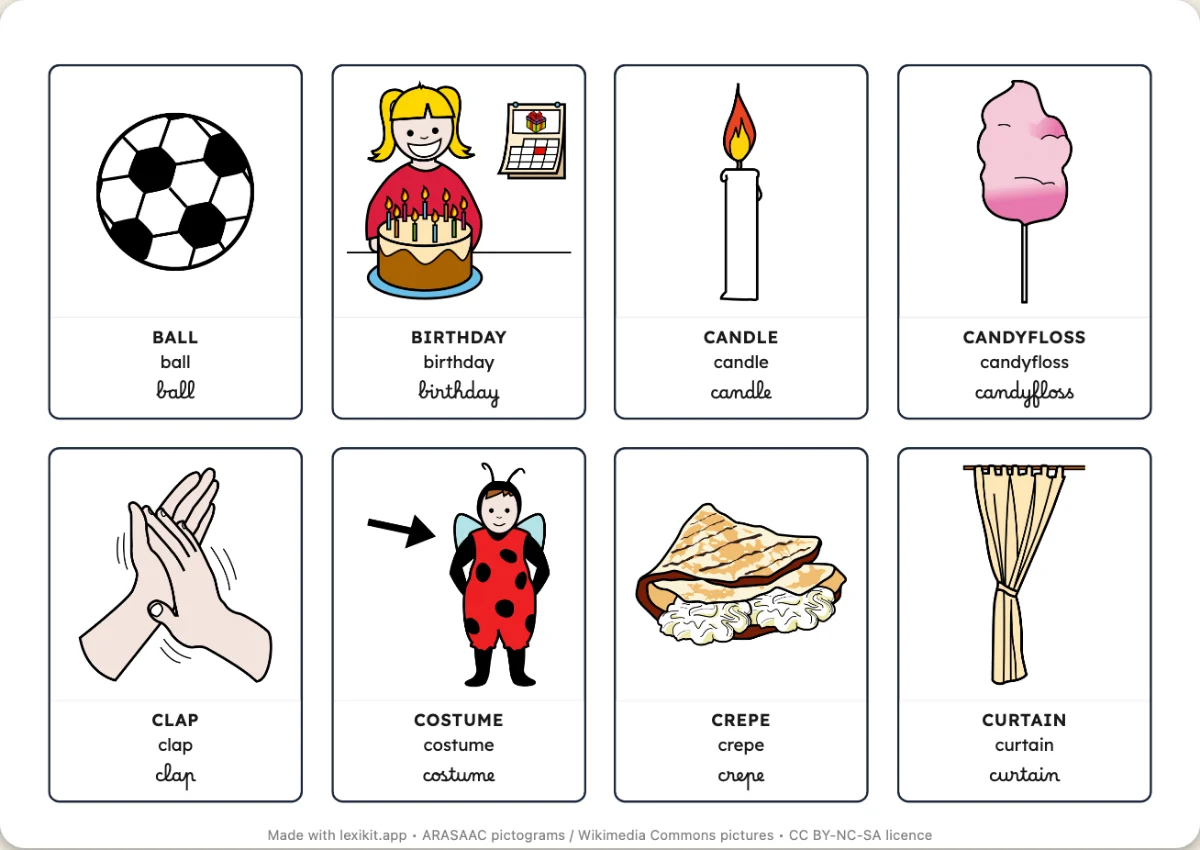
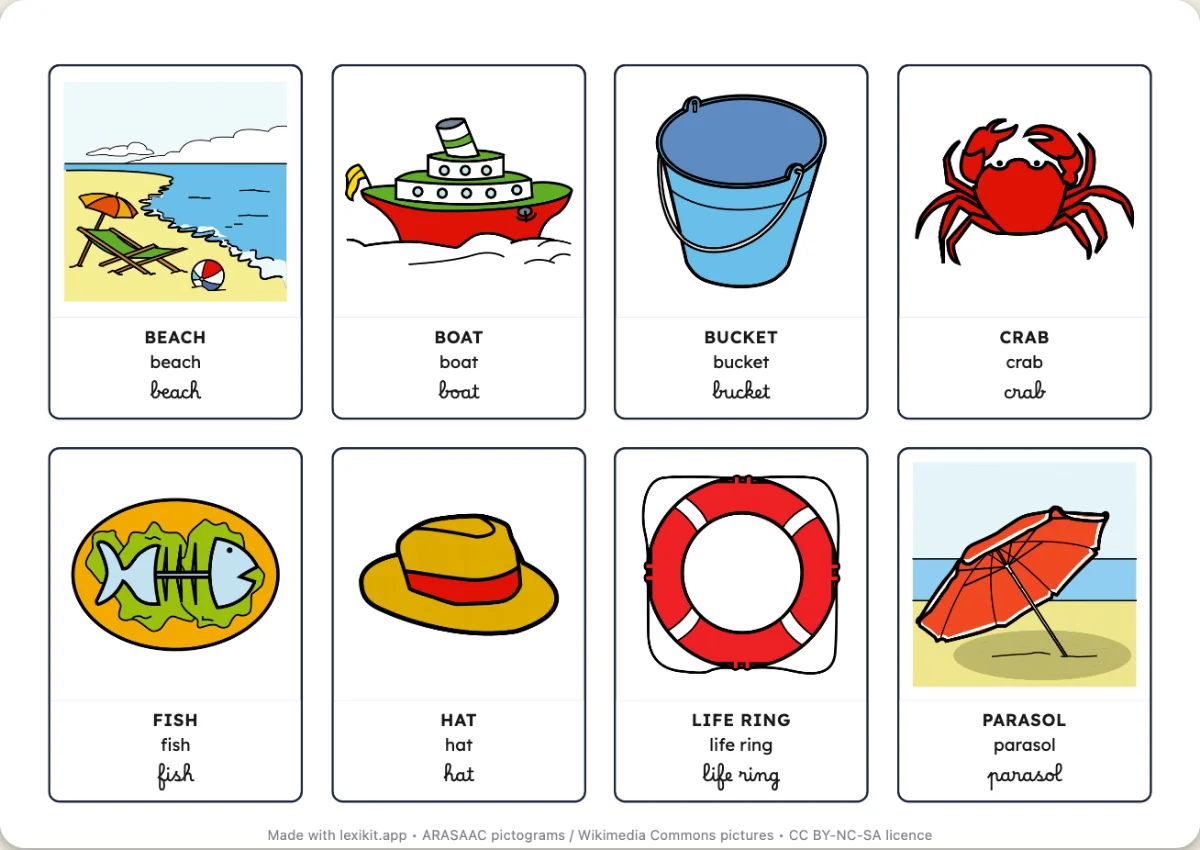
All year round
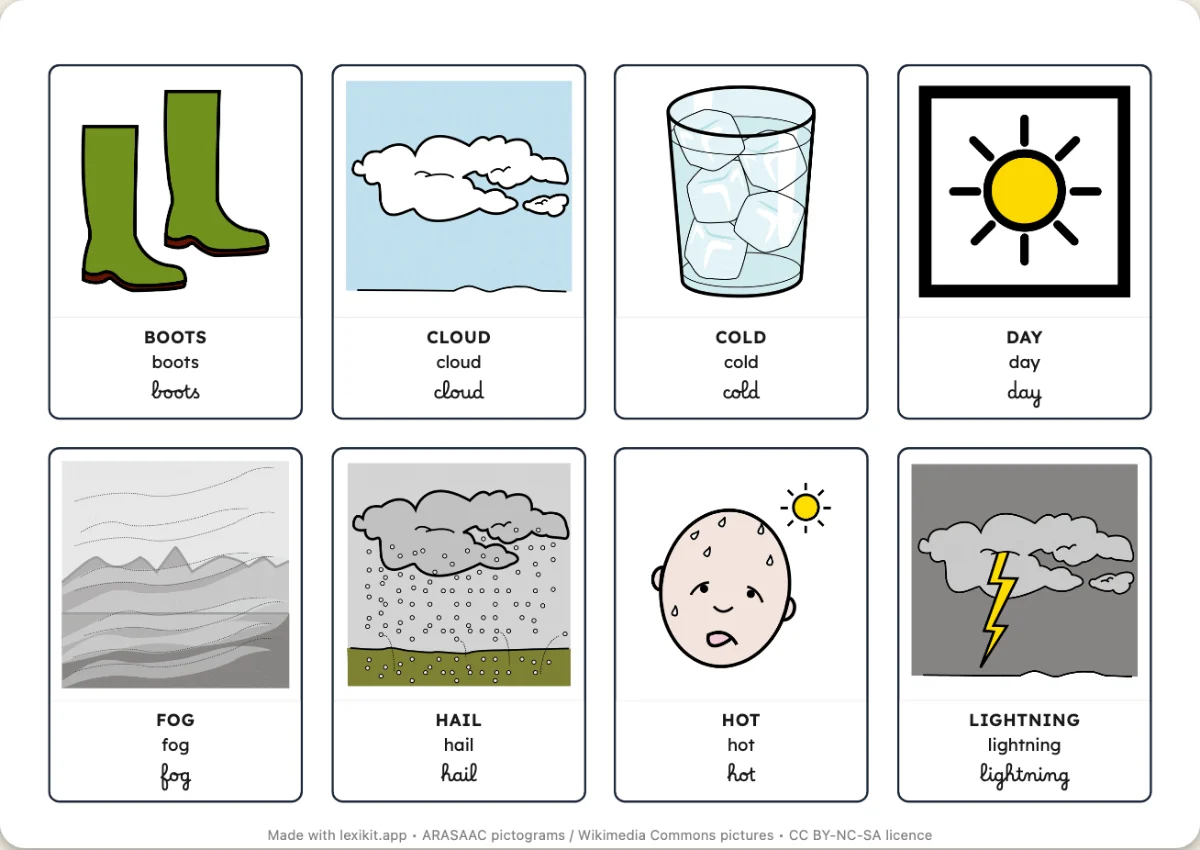 The weather22 words: picture dictionary, bingo and memory game
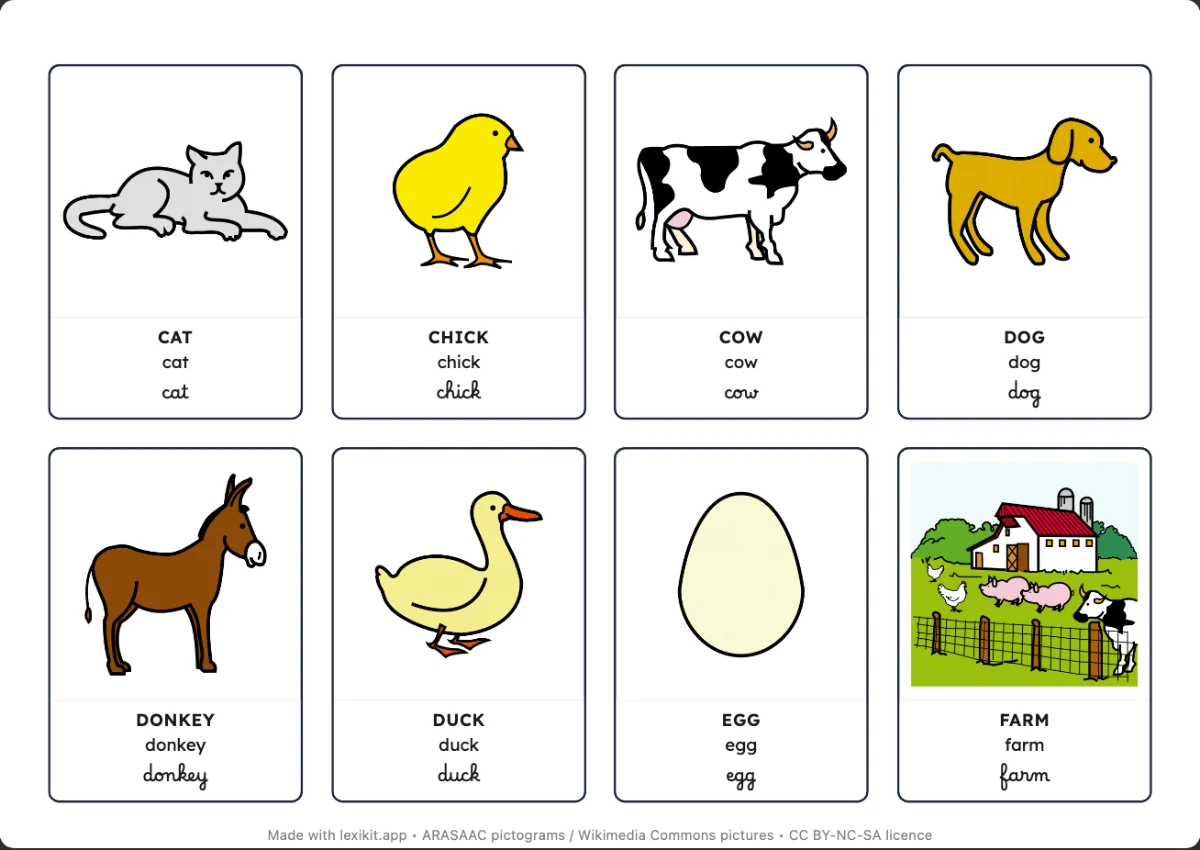 On the farm20 words: picture dictionary, bingo and memory game
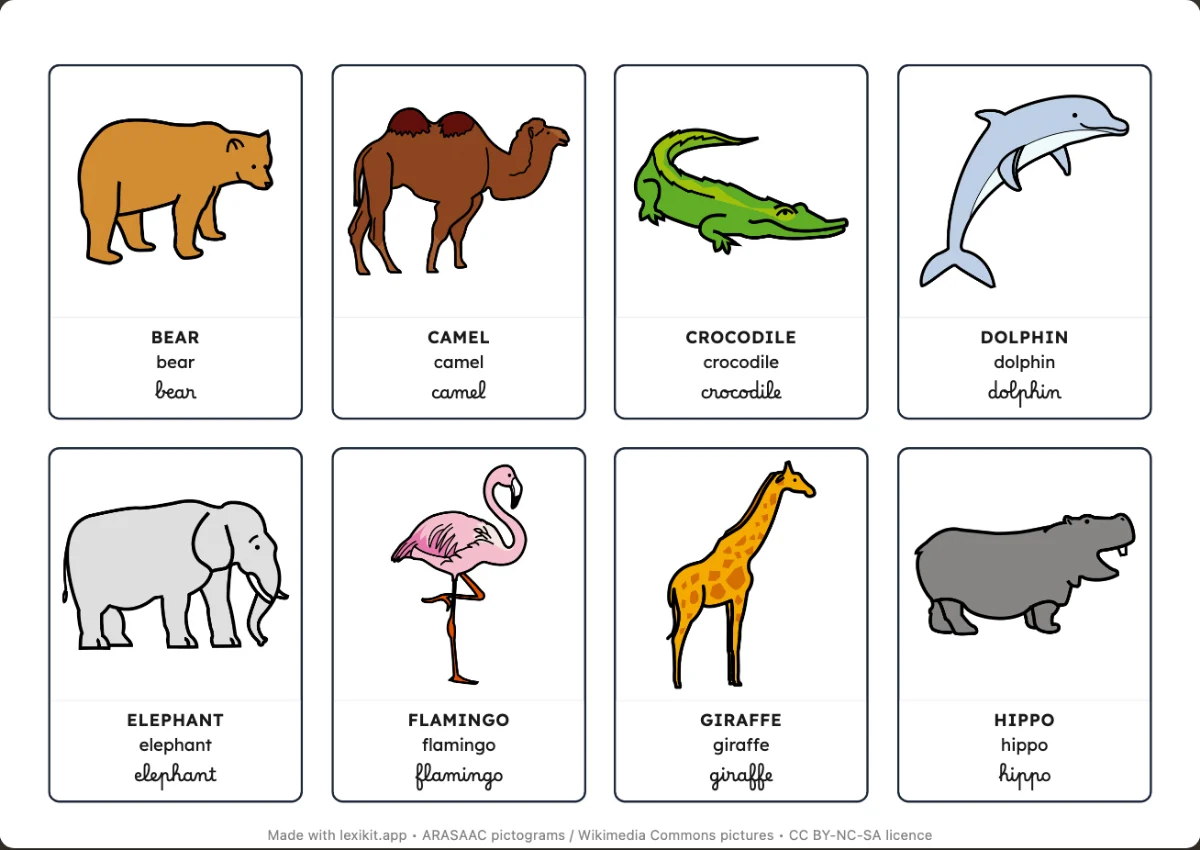 At the zoo24 words: picture dictionary, bingo and memory game
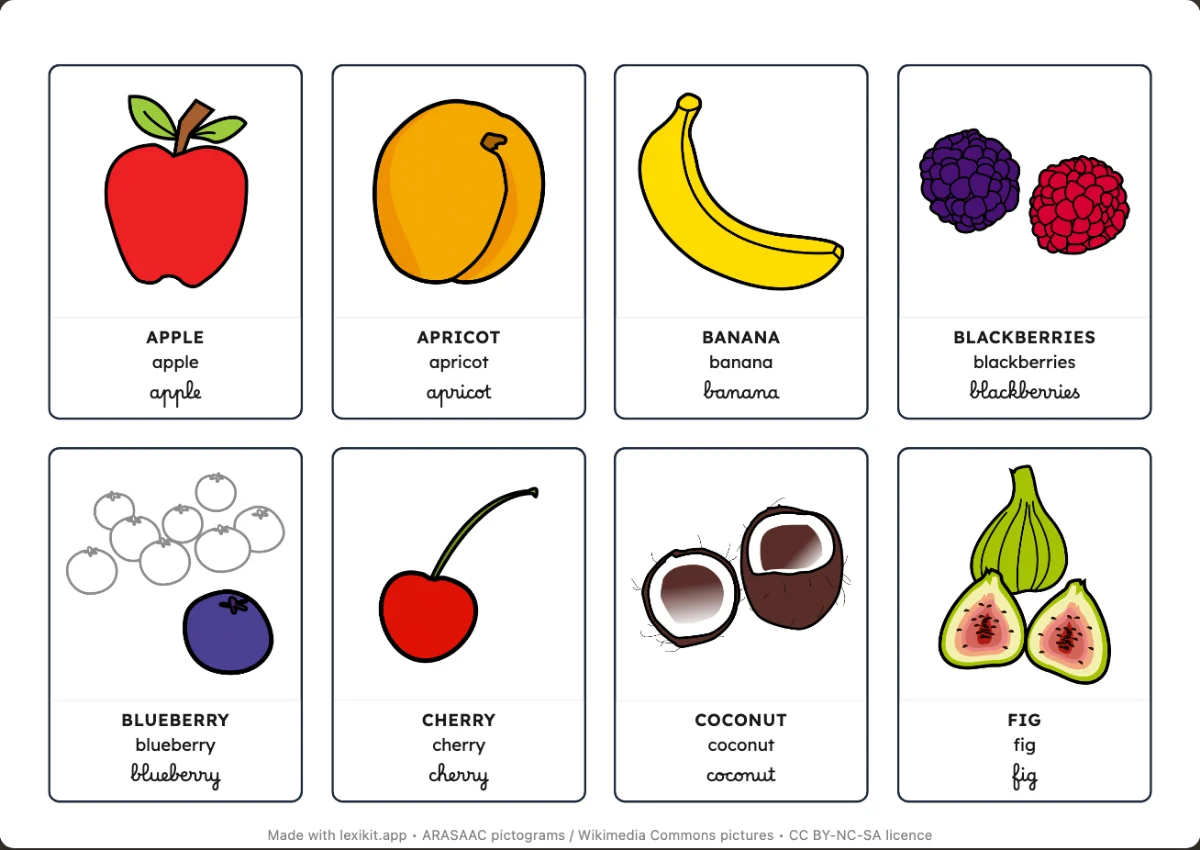 Fruit24 words: picture dictionary, bingo and memory game
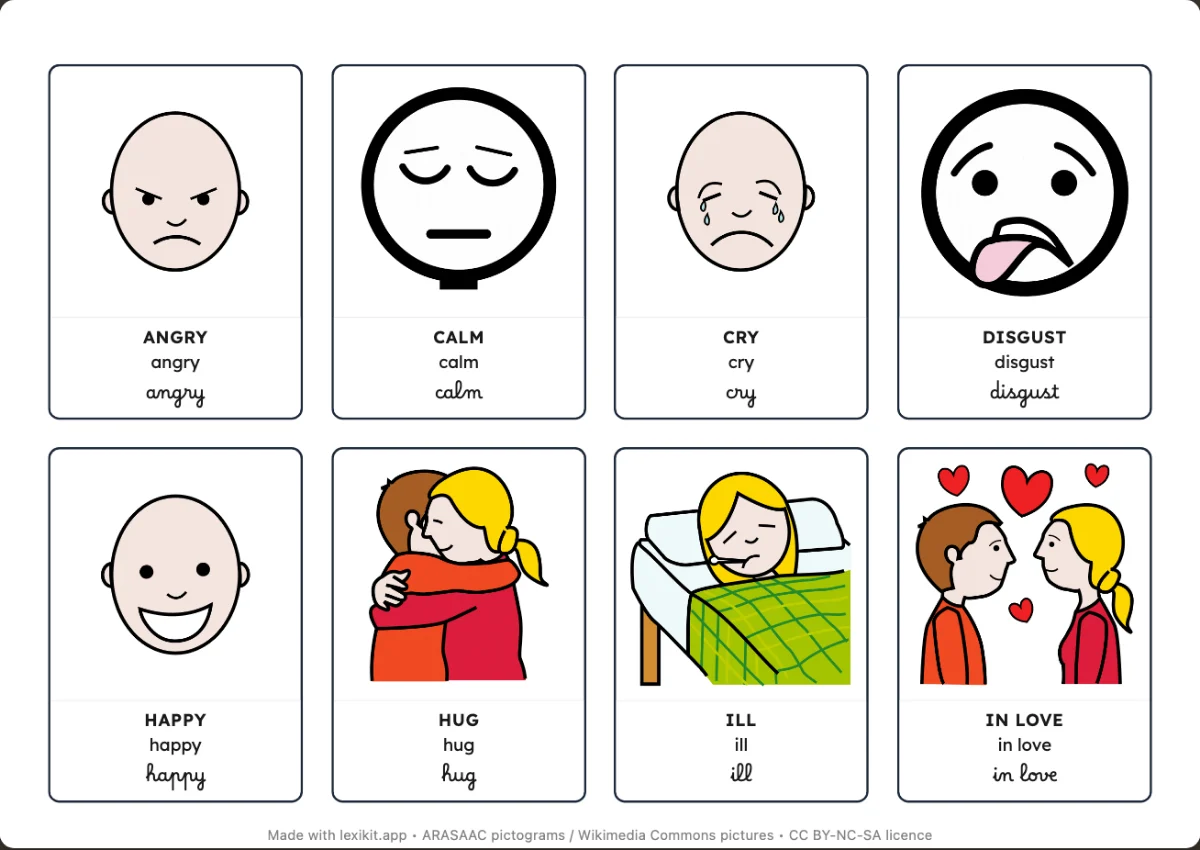 Feelings17 words: picture dictionary, bingo and memory game
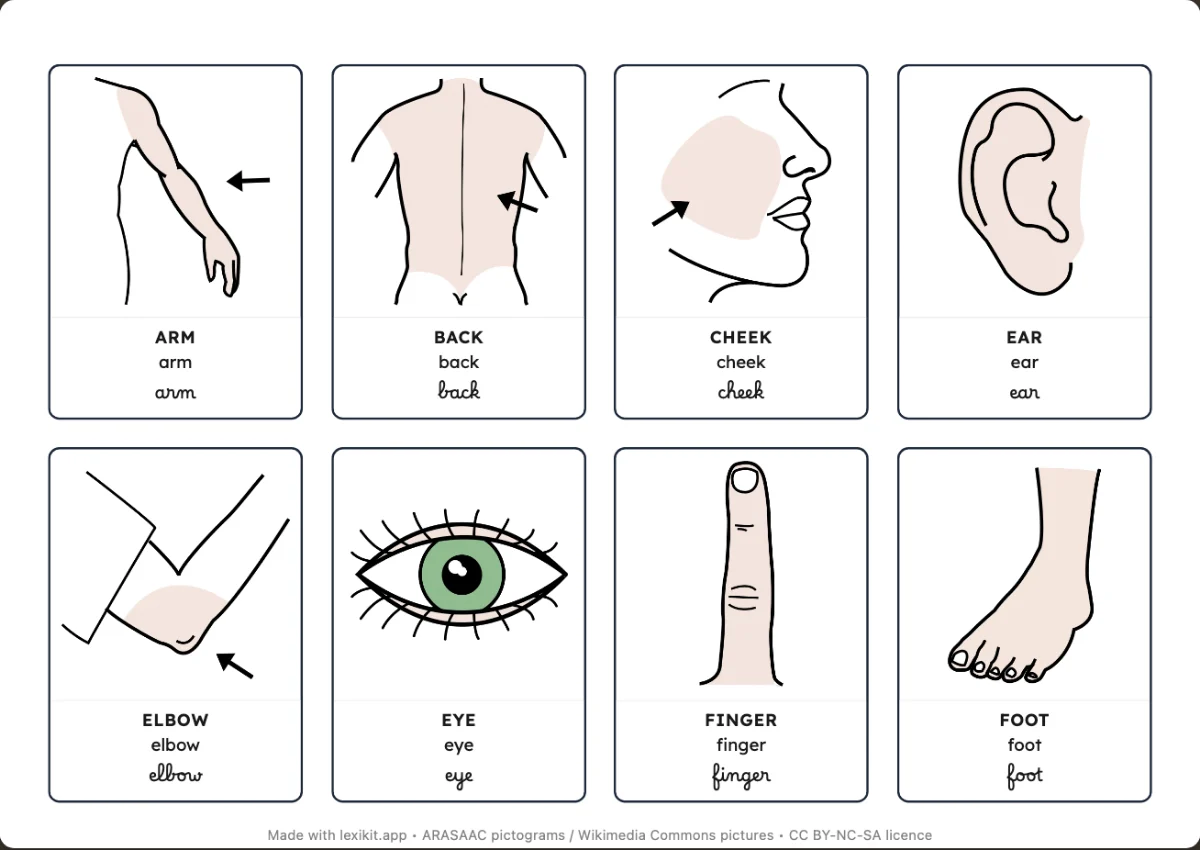 My body20 words: picture dictionary, bingo and memory game
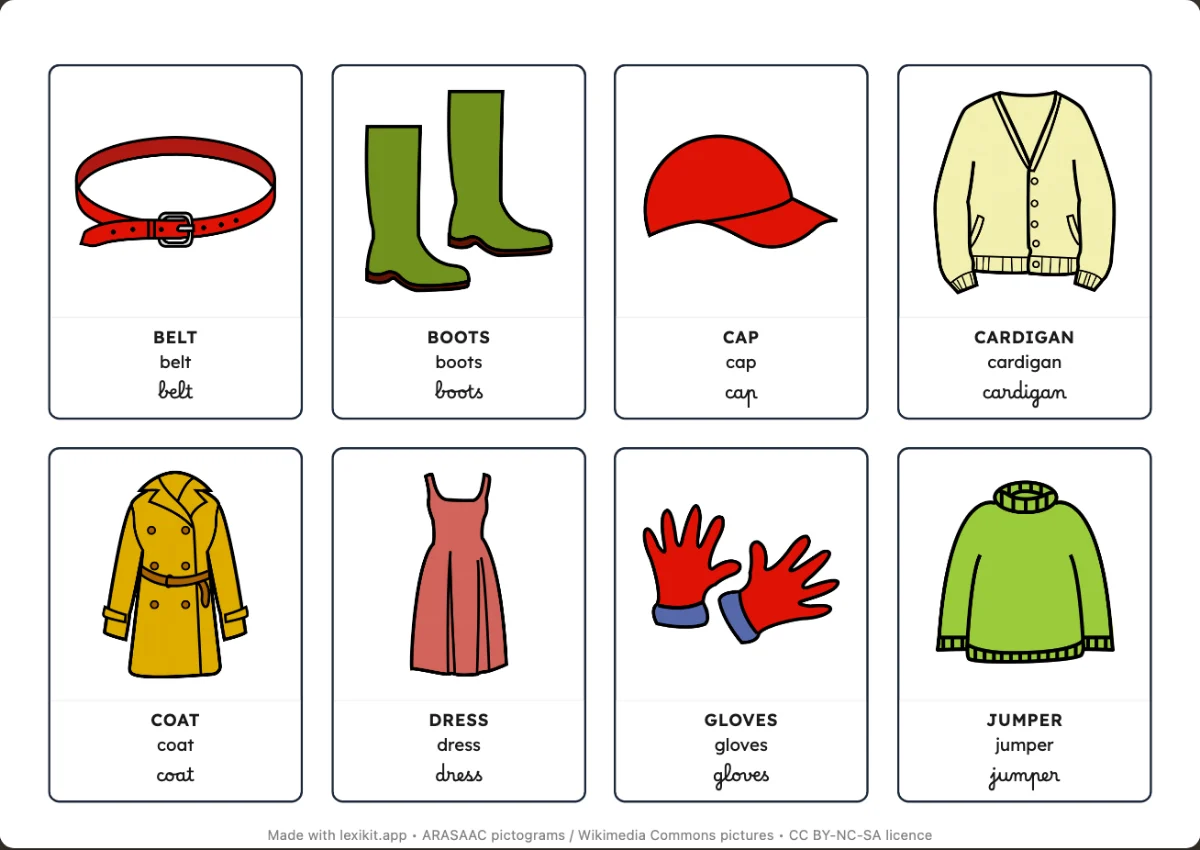 Clothes20 words: picture dictionary, bingo and memory game
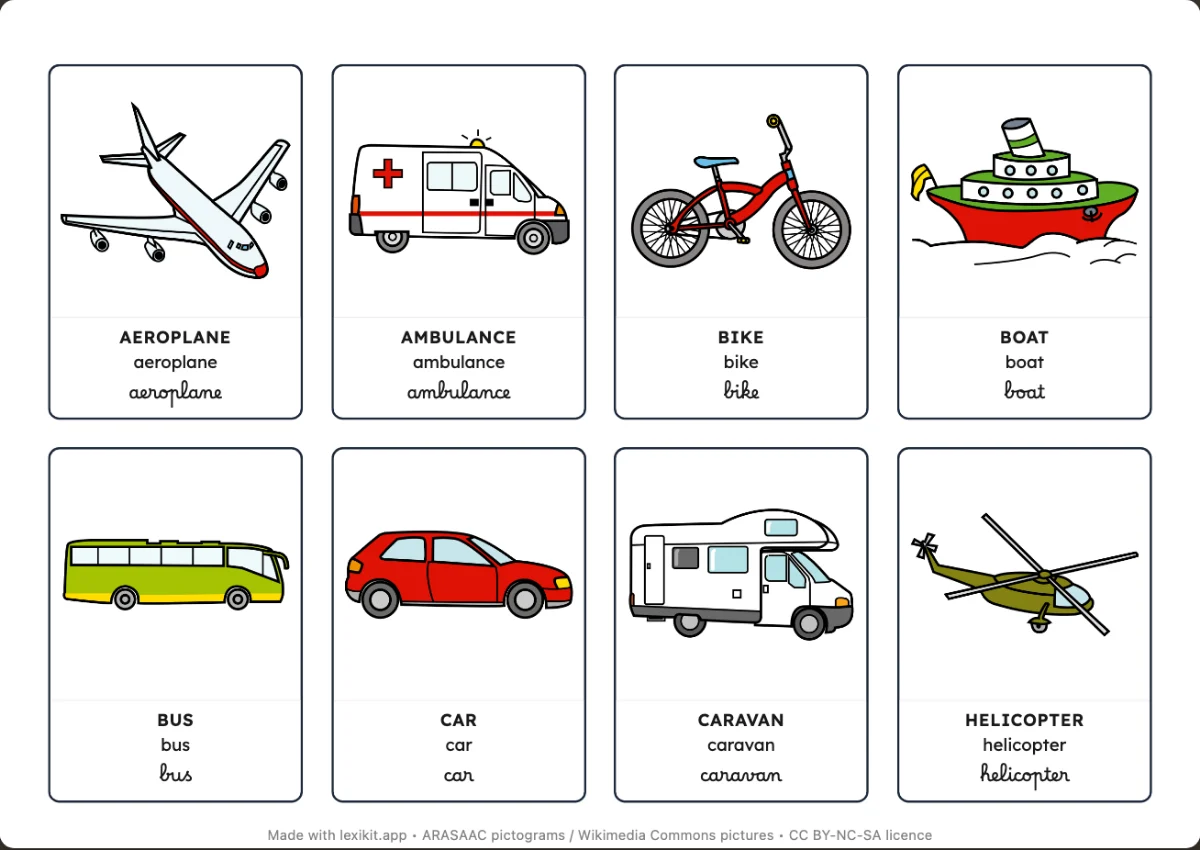 Transport23 words: picture dictionary, bingo and memory game
In 3 steps
- Write your words: type them, paste a list or start from a theme (animals, autumn, cooking…). The pictures come by themselves.
- Choose the resource: bingo, memory game, picture dictionary, word search, handwriting worksheet… The preview follows every setting.
- Print or display: download the PDF, or launch the activity full screen on the classroom board, a screen or a tablet.
Frequently asked questions
Is Lexikit free?
Yes. Create and print your resources for free, with no account and no ads.
Where do the pictures come from?
From ARASAAC pictograms, a symbol library created for communication. Also add pictures from Wikimedia Commons or your own photos.
Do I need to install anything?
No. Lexikit opens in your browser, on a computer or a tablet. Install it as an app if you prefer an icon on your home screen.
Where are my resources saved?
On your device, in your browser: nothing goes to a server, not even your photos. To switch devices, export your data to a file and import it on the other one.
Who is it for?
Anyone who learns words with pictures: children in preschool and the first years of primary school, in class or at home. Also pupils with special educational needs and people who communicate with pictograms, people seen in speech and language therapy, and language learners of any age.
Which languages?
The interface and the words exist in French, English, German and Spanish. Each resource chooses the language of its words and can show a second language under each word, from about thirty (Arabic, Portuguese, Turkish, Ukrainian…): enough for a bilingual picture dictionary or memory game.
Who makes Lexikit?
A nursery and primary school teacher for 10 years, working with pupils of very different profiles (mainstream classes, newcomers learning the language), I created Lexikit to solve a daily problem: the considerable time spent looking for the right pictures and designing suitable vocabulary resources. Developed independently and shaped by your feedback from the classroom, this project aims to make life in class easier for all of us. I hope it will be as useful to you as it is to me!
Support Lexikit
Lexikit is free and ad-free. If the tool is useful to you, you can contribute to its development: every donation helps cover the costs (domain name, hosting, subscriptions to creation and development tools) and keep the project free for everyone.
With a one-time donation, or by telling others about Lexikit.
Your turn
Open Lexikit, write your words, choose a resource: all that is left is to print. Free, no account, and your words stay on your device.
Create a resource