
Letter or not? A worksheet to recognise letters
A grid of large boxes. In some, a letter from the class's words. In the others, a digit, a sign or a shape. The child colours only the boxes with a letter.
Free, no account needed. Opens in your browser.
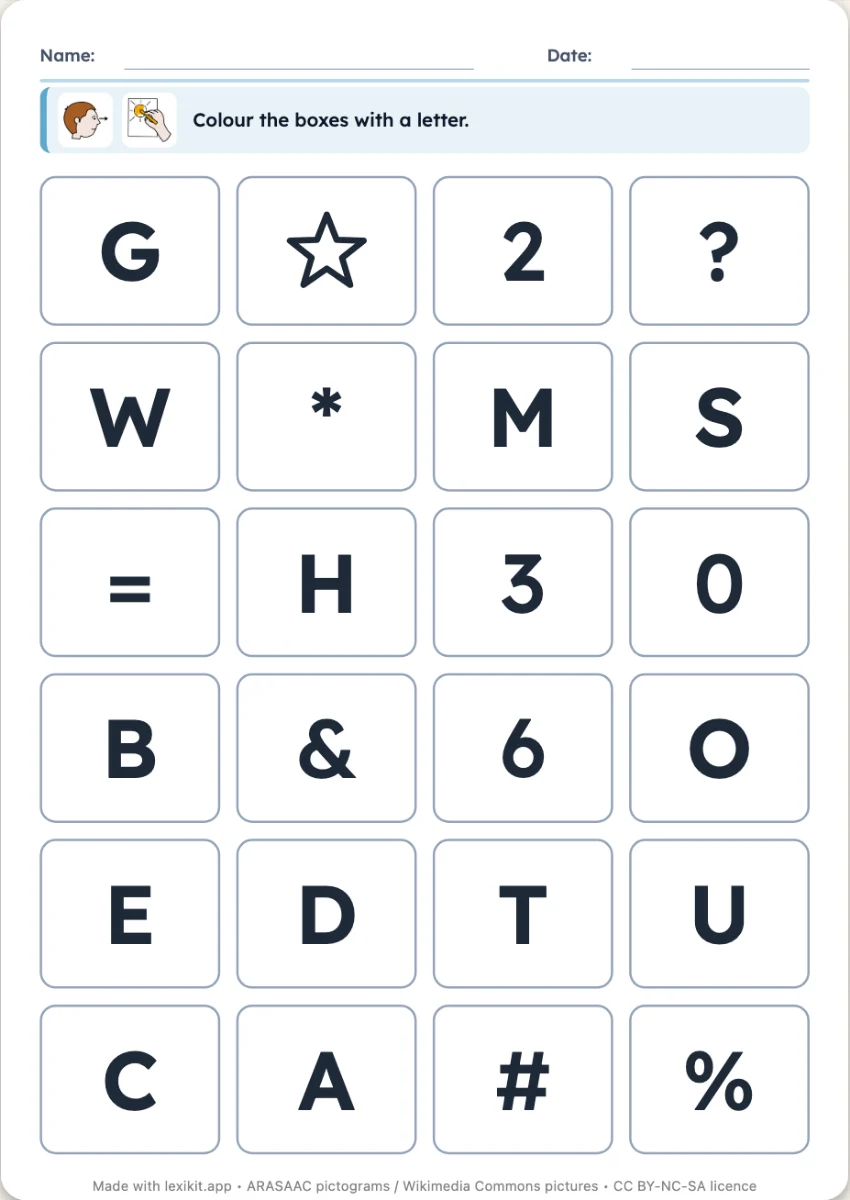
In 3 steps
- Add your words: their letters fill the grid, the children's names for example.
- Choose what is mixed with the letters and the number of boxes.
- Print: name, date and illustrated instruction are already at the top.
What you can set
- With the letters: digits, signs and shapes, digits only, or signs and shapes
- 16, 24 or 35 boxes
- Handwriting of the letters: capitals, print or cursive
- On screen: the child touches all the letters of the grid
Ways to use it
- Telling letters from digits with the youngest children
- Discovering the letters of the children's names
- A calm colouring activity
Frequently asked questions
Which letters appear?
The letters of the resource's words, in the chosen handwriting. With the children's names, each child finds their own letters.
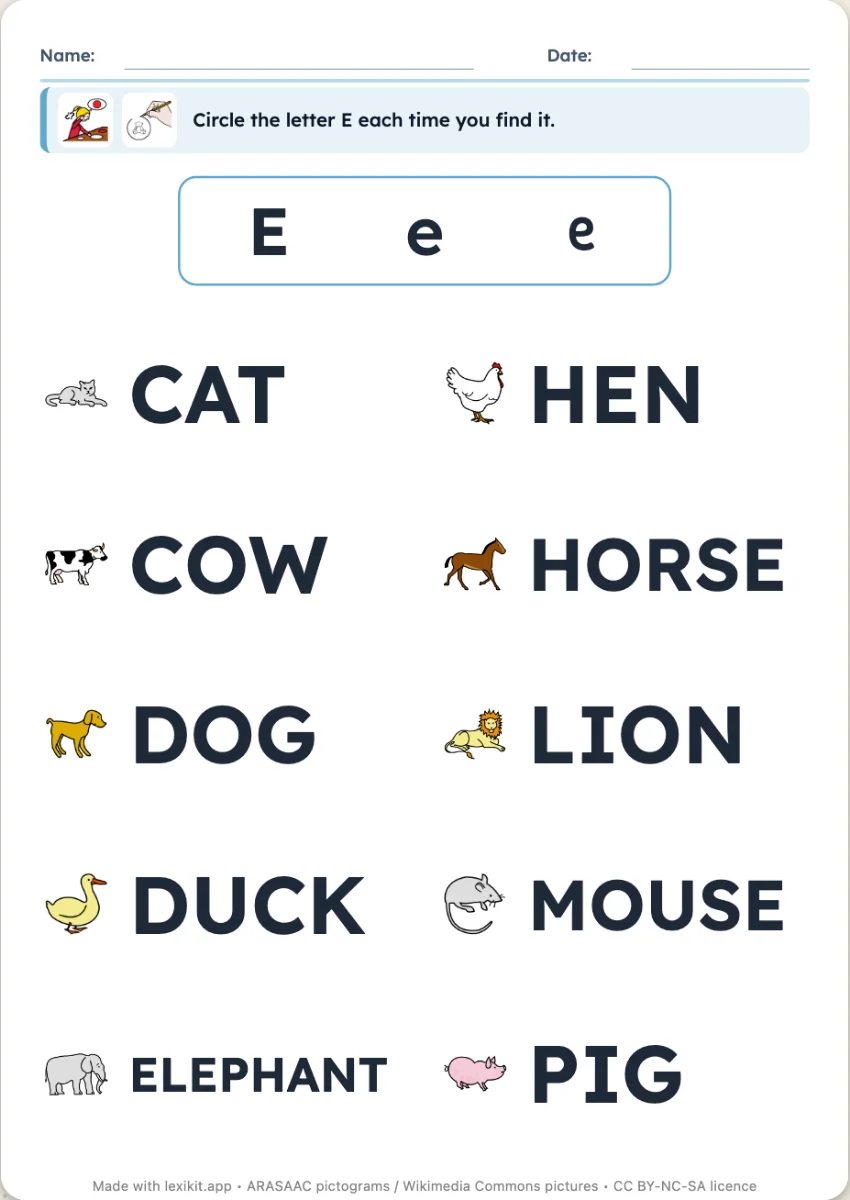
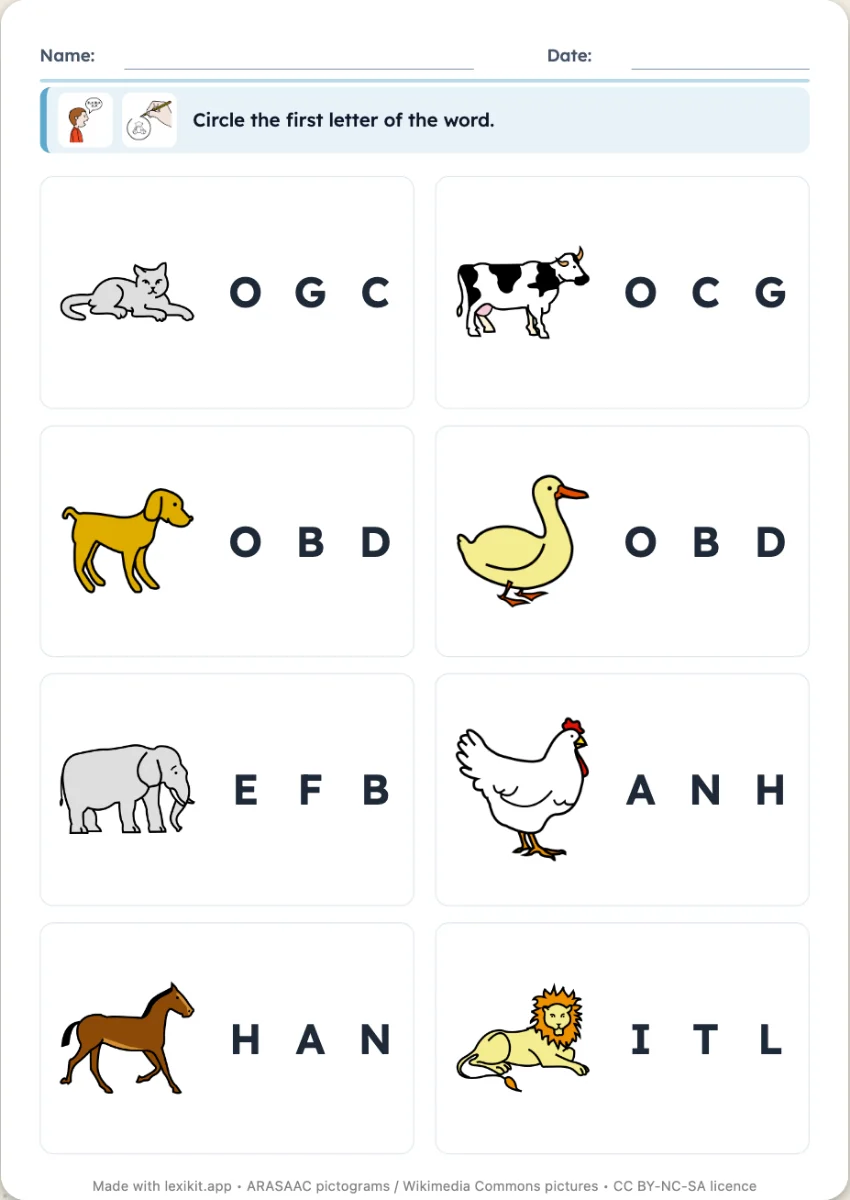
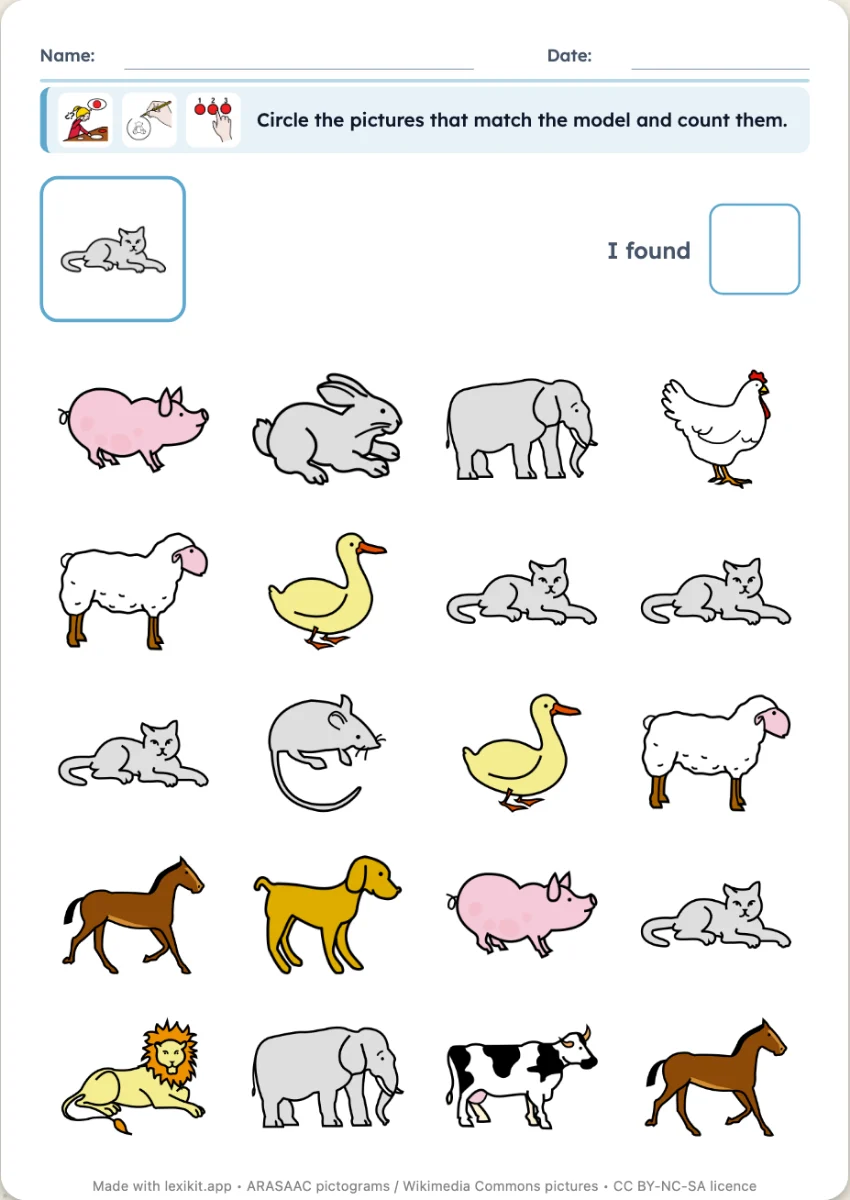
Your turn
Open Lexikit, write your words, choose a resource: all that is left is to print. Free, no account, and your words stay on your device.
Create a letter-or-not worksheet