
Look and find the right word among look-alike words, a printable worksheet
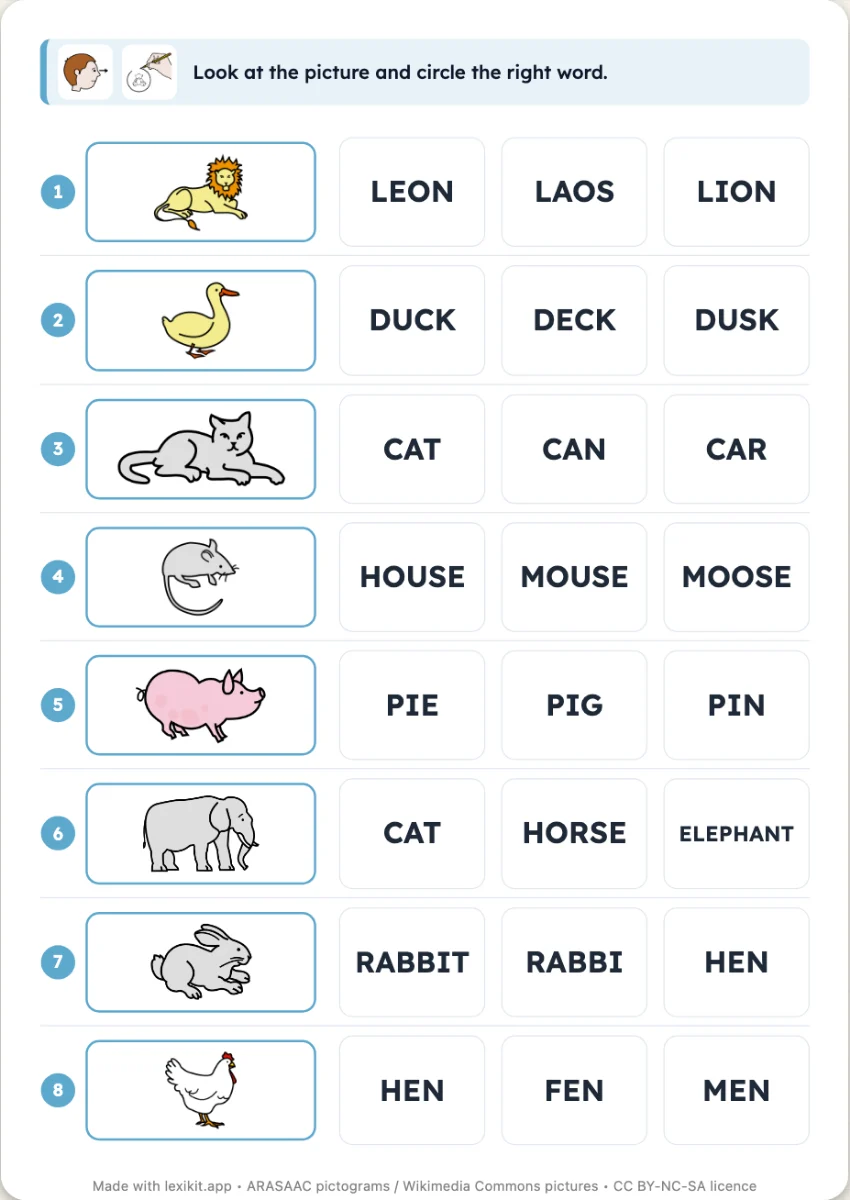
At the start of each line, a picture in a frame. Next to it, two to four words that look almost the same, each in its own box. They are not made-up traps: they are real words of the lexicon, one or two letters apart. To find the right one, the child must read each word to the end. It is “Read and find the picture” the other way round, with the same layout.
Free, no account needed. Opens in your browser.
In 3 steps
- Add your words: type them, paste a list or start from a theme.
- Choose two, three or four words per line and the handwriting style.
- Print: name, date and illustrated instruction are already at the top.
What you can set
- 2, 3 or 4 words per line, real look-alike words
- Handwriting style: capitals, print or cursive
- Answer key at the end of the PDF or on the back of each worksheet
- On screen: the picture in large, the child touches the right word, alone in Pupil mode
Ways to use it
- Reading whole words, without guessing from the first letter
- Telling close written words apart
- A speech therapy session on accurate reading
Frequently asked questions
Where do the look-alike words come from?
From the Lexikit lexicon: illustrated words only one or two letters apart. The plural or feminine form of the word is never one of them. When a word has too few neighbours, other words of your list fill in, and the preview says so.
With the same words
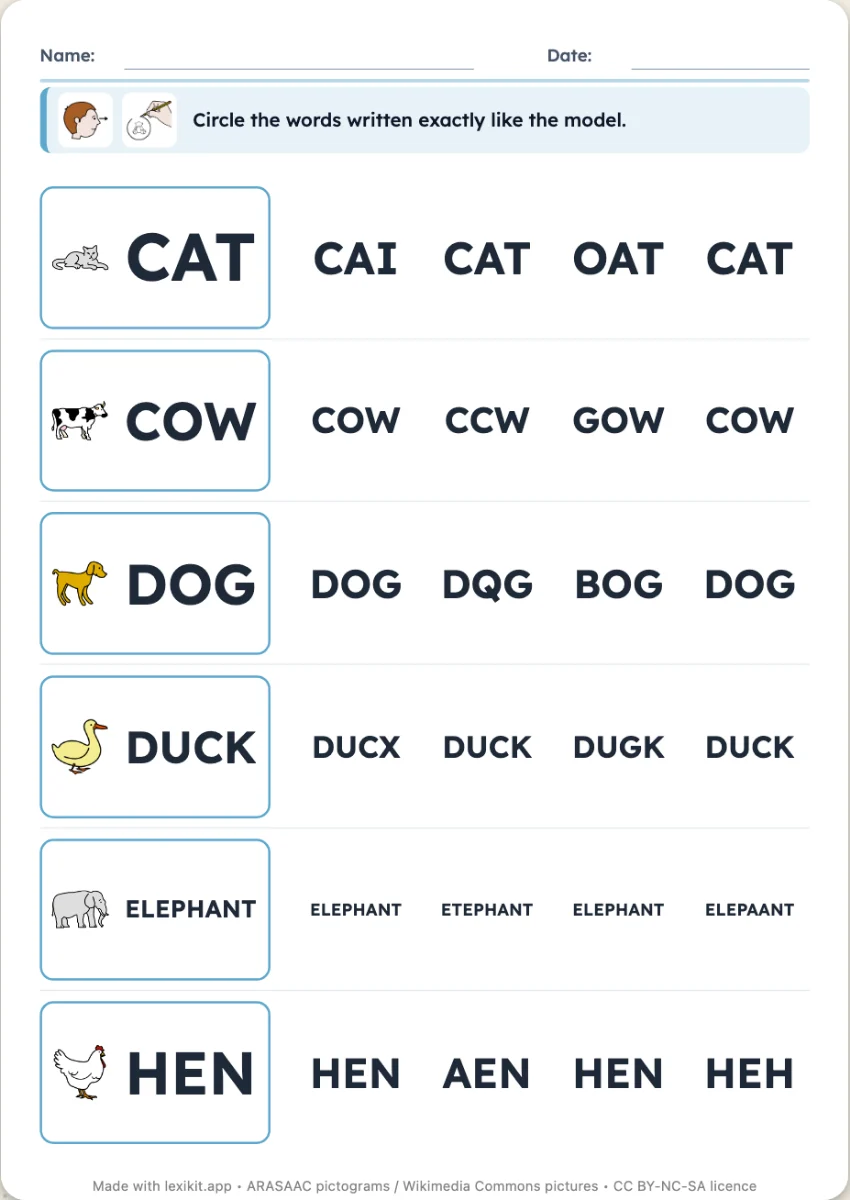
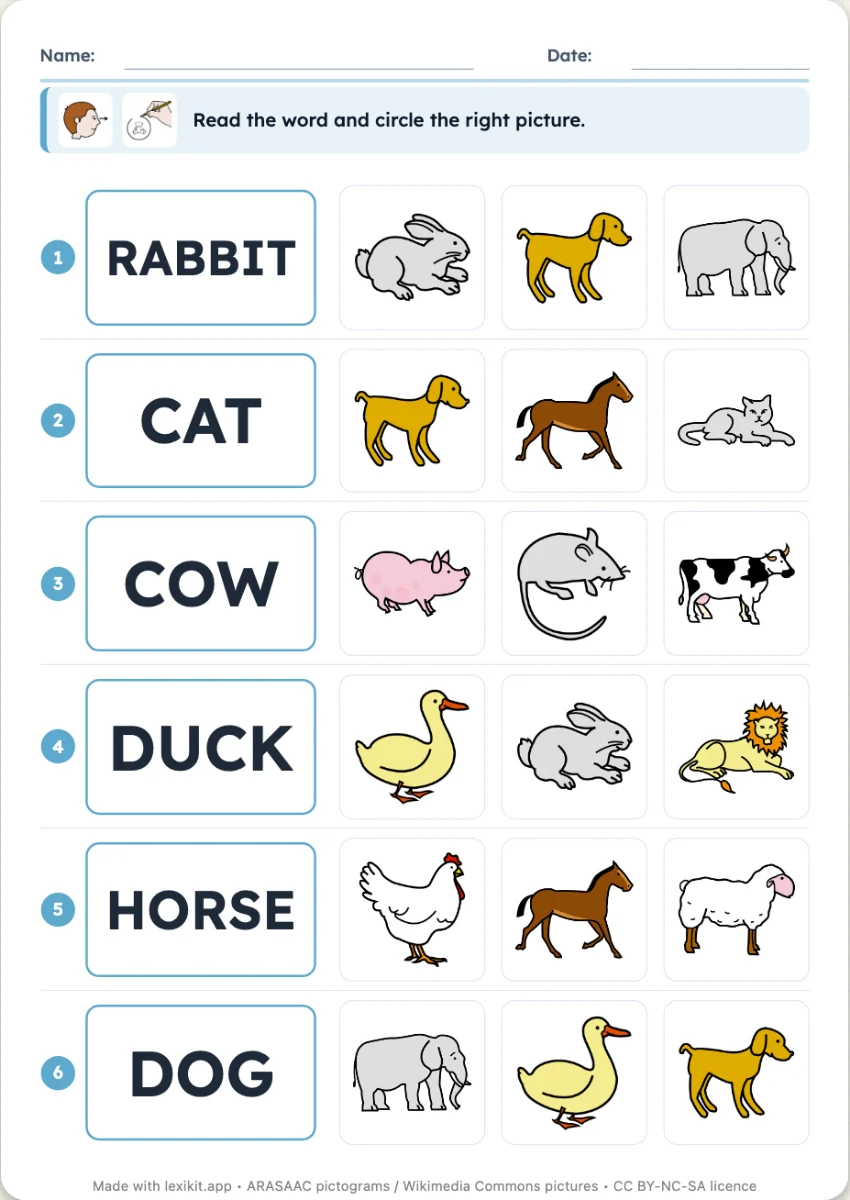
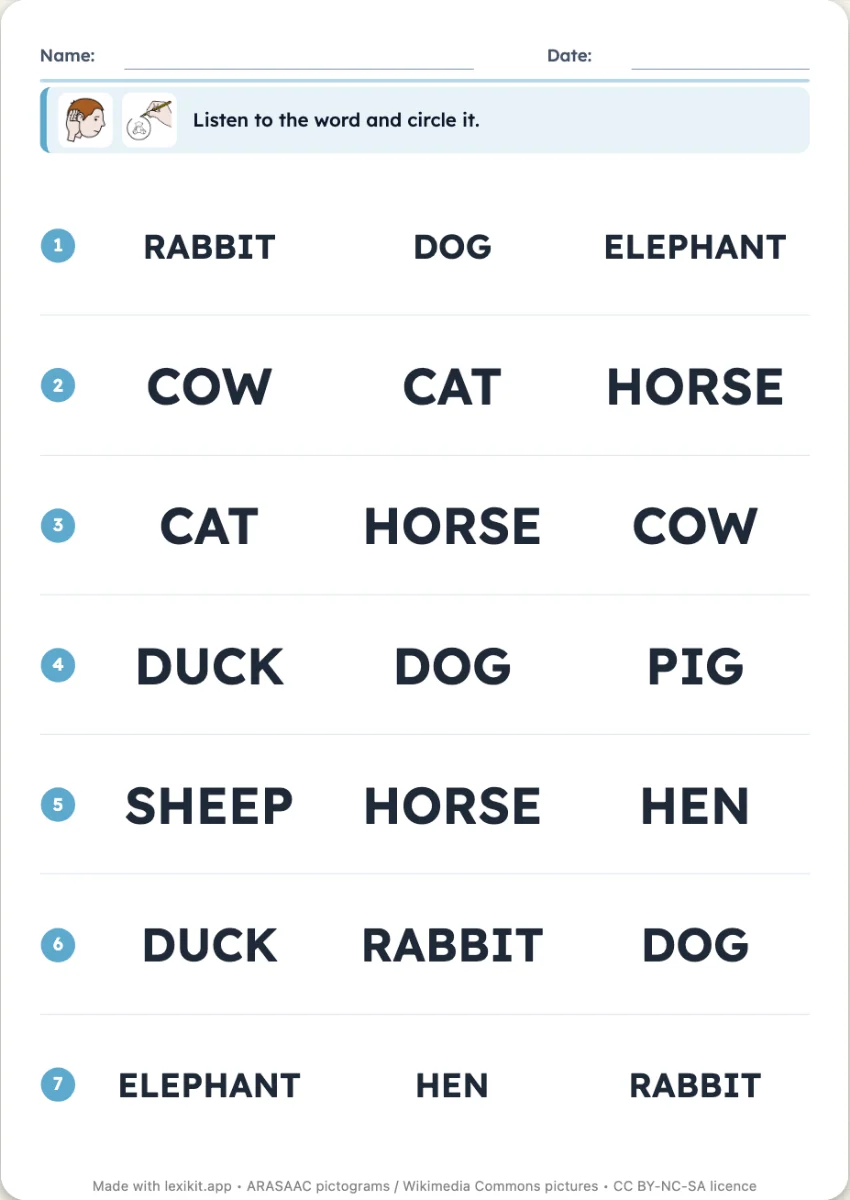
Your turn
Open Lexikit, write your words, choose a resource: all that is left is to print. Free, no account, and your words stay on your device.
Create a Look and find the right word worksheet