
The word heard, a word dictation to circle
Each line has a number and two to four written words. You say a word, the child listens and circles it. Never two words that sound the same on a line: only reading tells them apart.
Free, no account needed. Opens in your browser.
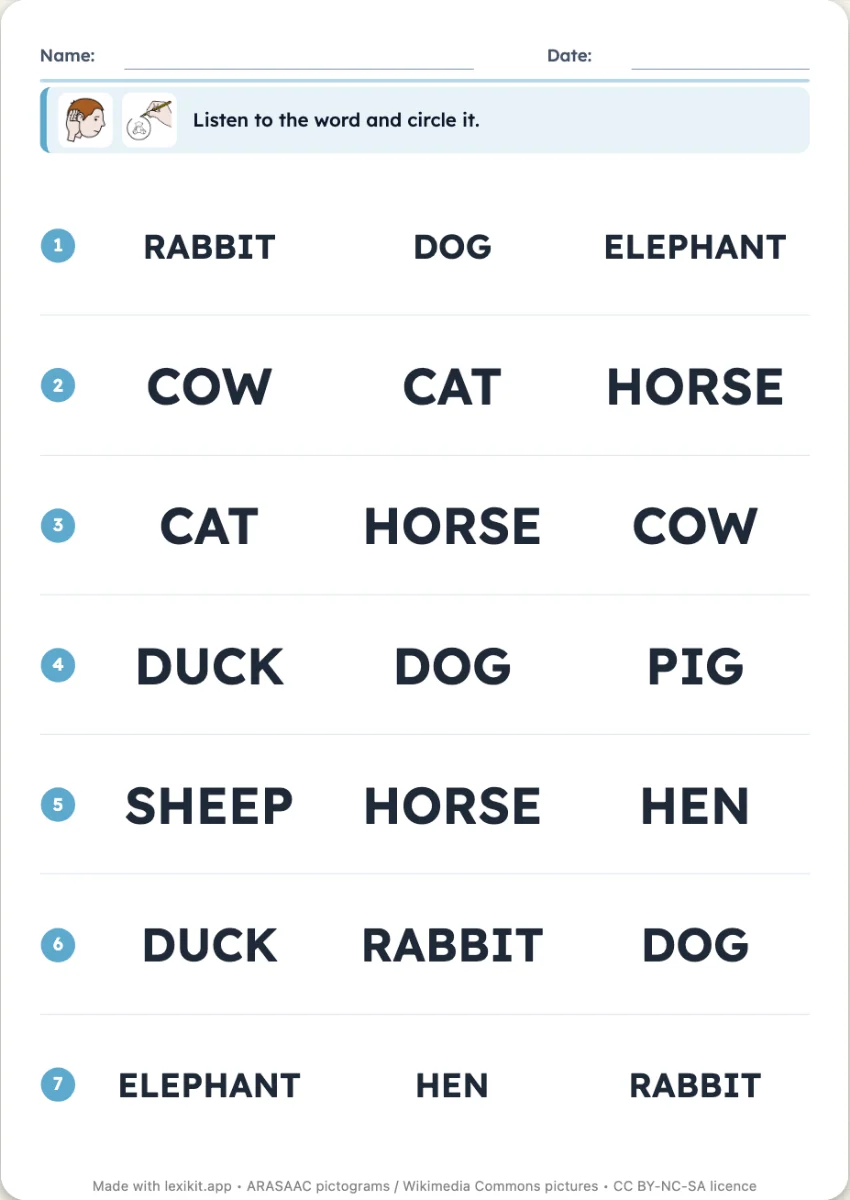
In 3 steps
- Add your words: type them, paste a list or start from a theme.
- Choose the number of words per line, look-alike words or words of the list.
- Print: the page of words to say follows the worksheet, in the order of the lines.
What you can set
- 2, 3 or 4 words per line
- Words offered: other words of the list, or look-alike words
- Handwriting style: capitals, print or cursive
- Page of the words to say
- On screen: the device's voice says the word, the child touches the right one, alone in Pupil mode
Ways to use it
- Linking the spoken and written words of the class
- A quick assessment, the whole class at once
- A tablet activity, the voice says the words
Frequently asked questions
How does the child know which word to circle?
You read the page of words to say, one line after the other. On screen, the device's voice says it, and a button repeats it.
With the same words
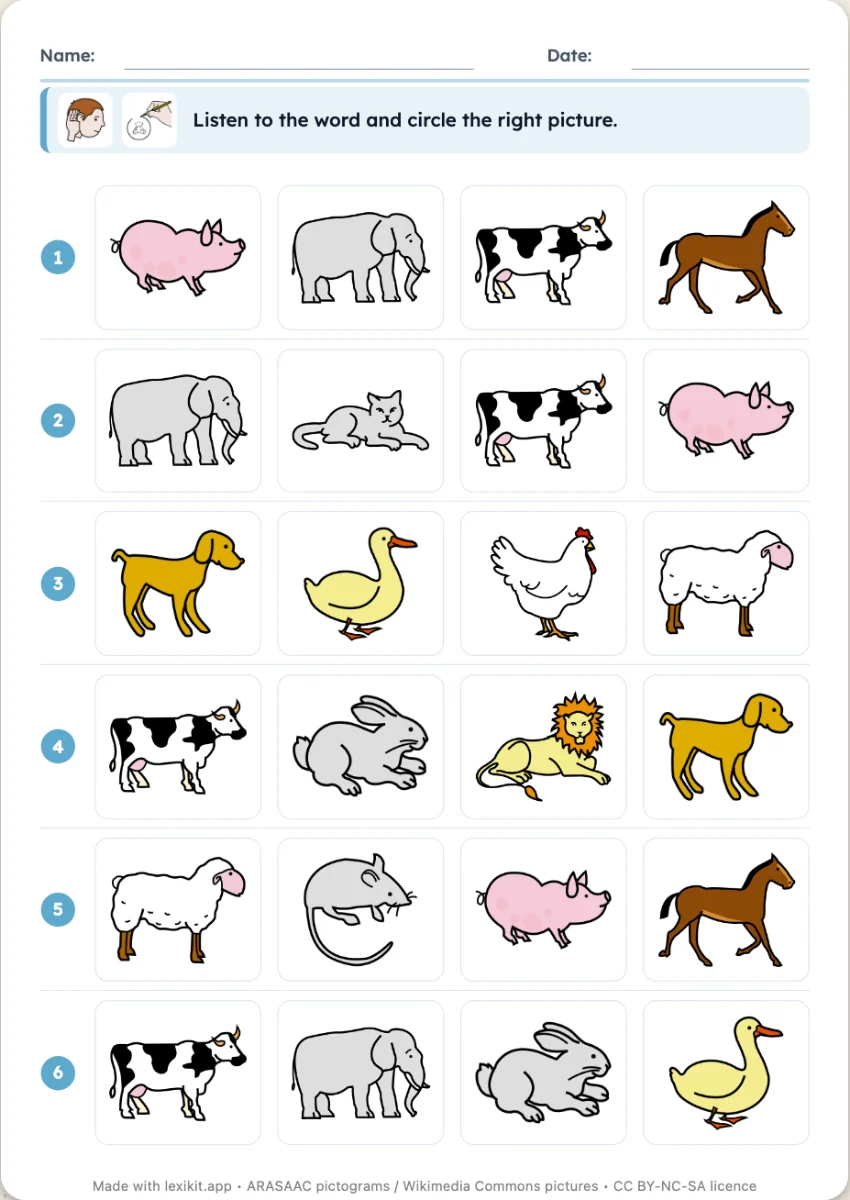
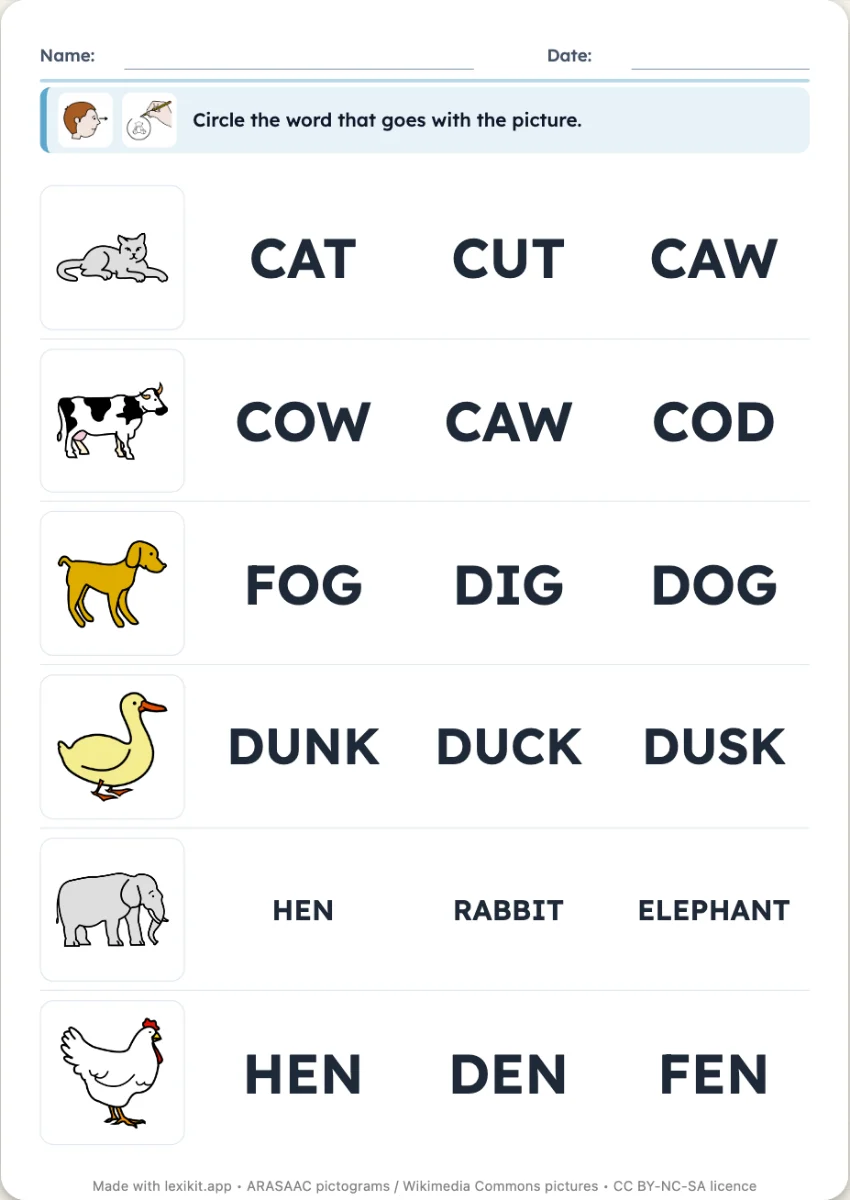
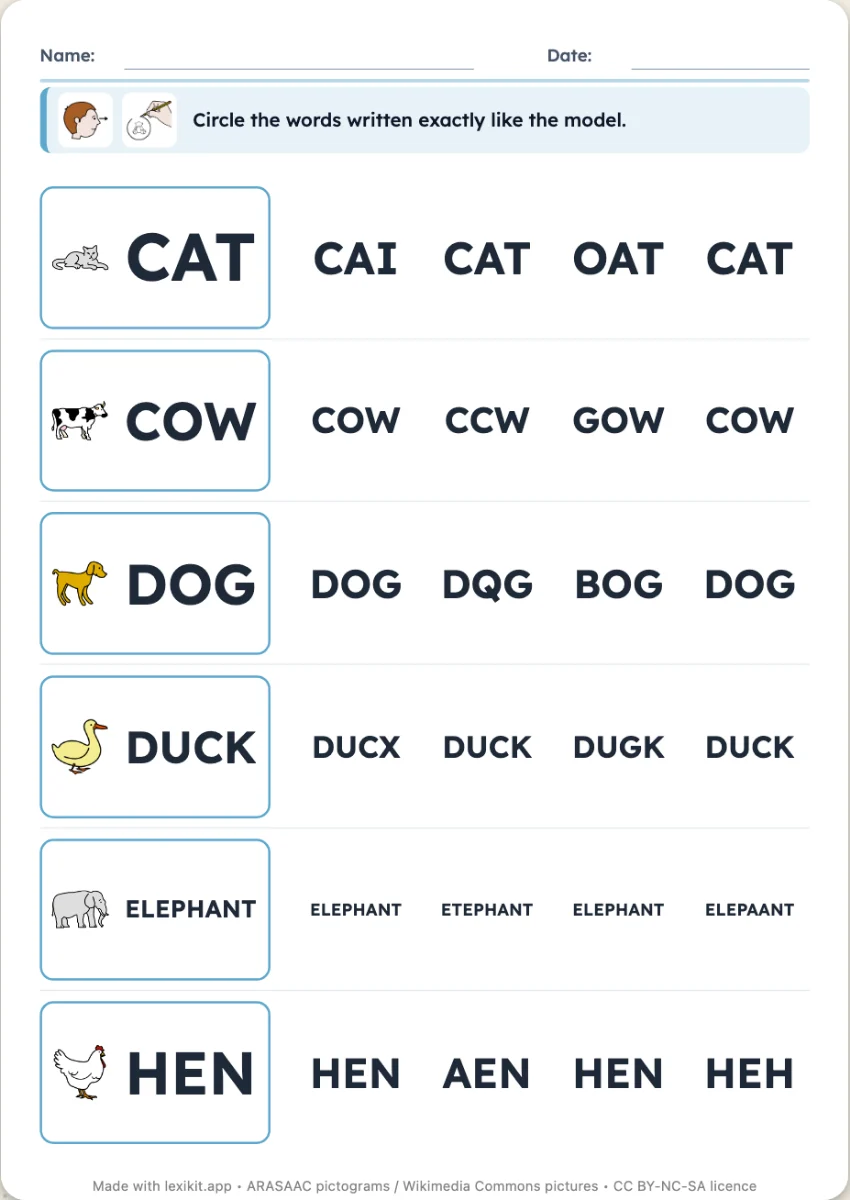
Your turn
Open Lexikit, write your words, choose a resource: all that is left is to print. Free, no account, and your words stay on your device.
Create a word-heard worksheet