
Word flower: all the links of a word on one page
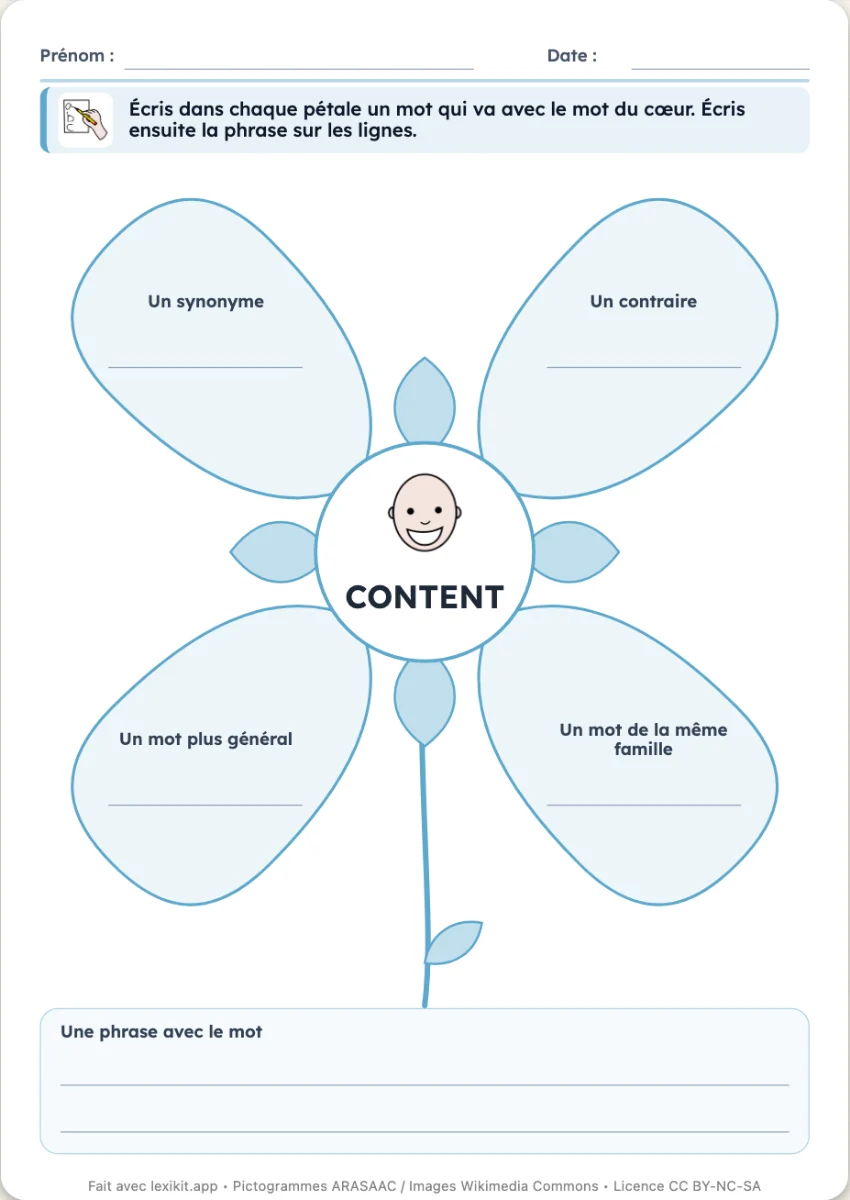
The word is in the heart of the flower, with its picture. Each petal asks for a link: a synonym, an opposite, a word of the same family, a more general word, another sense, a sentence with the word. The child writes them, alone or in a group. Set to “With examples”, the flower fills with what Lexikit knows of the word.
Free, no account needed. Opens in your browser.
In 3 steps
- Add your words: one flower per word.
- Choose the petals: to fill in, or with examples.
- Print: one flower per page, examples of answers at the end.
What you can set
- Petals to fill in, or with examples
- Six petals: synonym, opposite, family, more general word, another sense, sentence
- Writing in capitals, print or cursive
- Examples of answers for the teacher
- On screen: the links of the word, to find one by one
Ways to use it
- Structure the vocabulary of a word studied
- Keep a trace in the vocabulary notebook
- In speech therapy, work on the network of a word
Frequently asked questions
Where do the examples come from?
From the Lexikit lists: the opposites, the word families, the synonyms, the senses and the categories. A petal Lexikit cannot fill stays blank.
With the same words
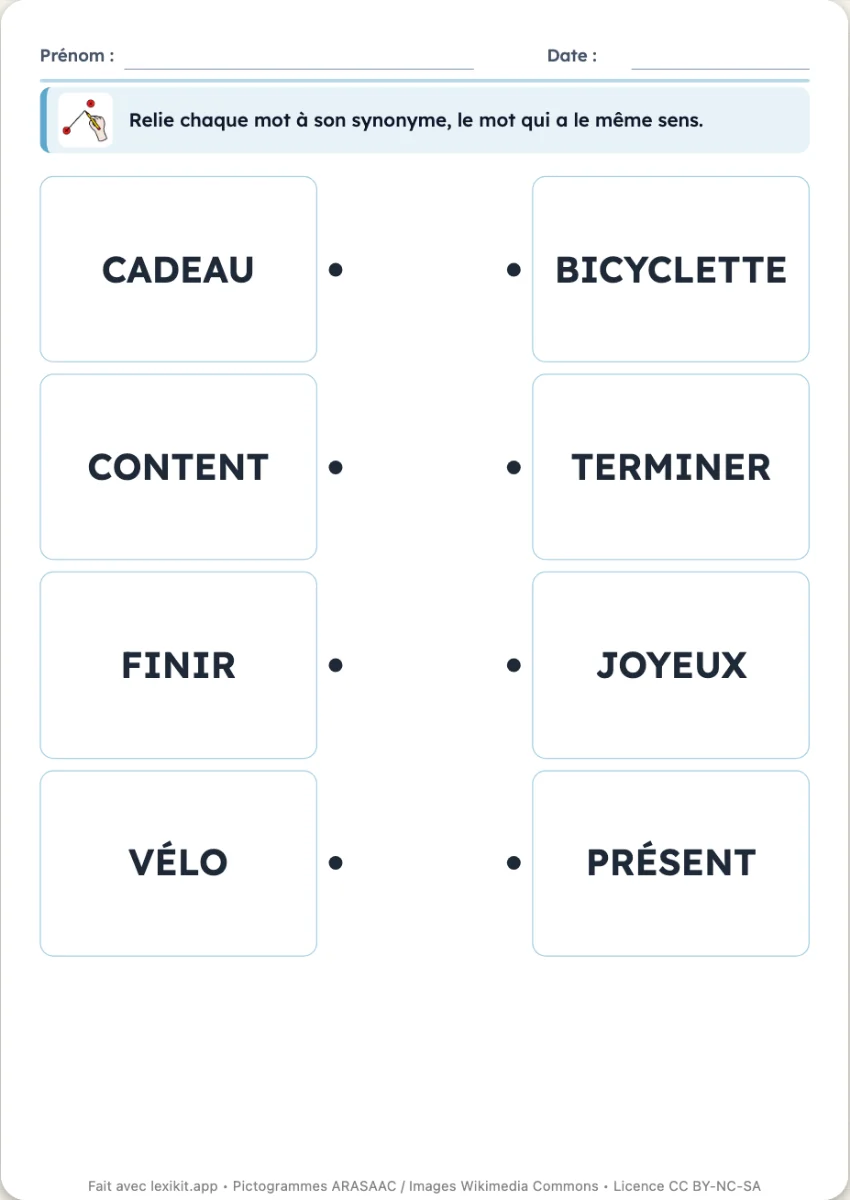 Join the synonymsEach word to join to its synonym, the word with the same sense: finir and terminer, vélo and bicyclette, content and joyeux.
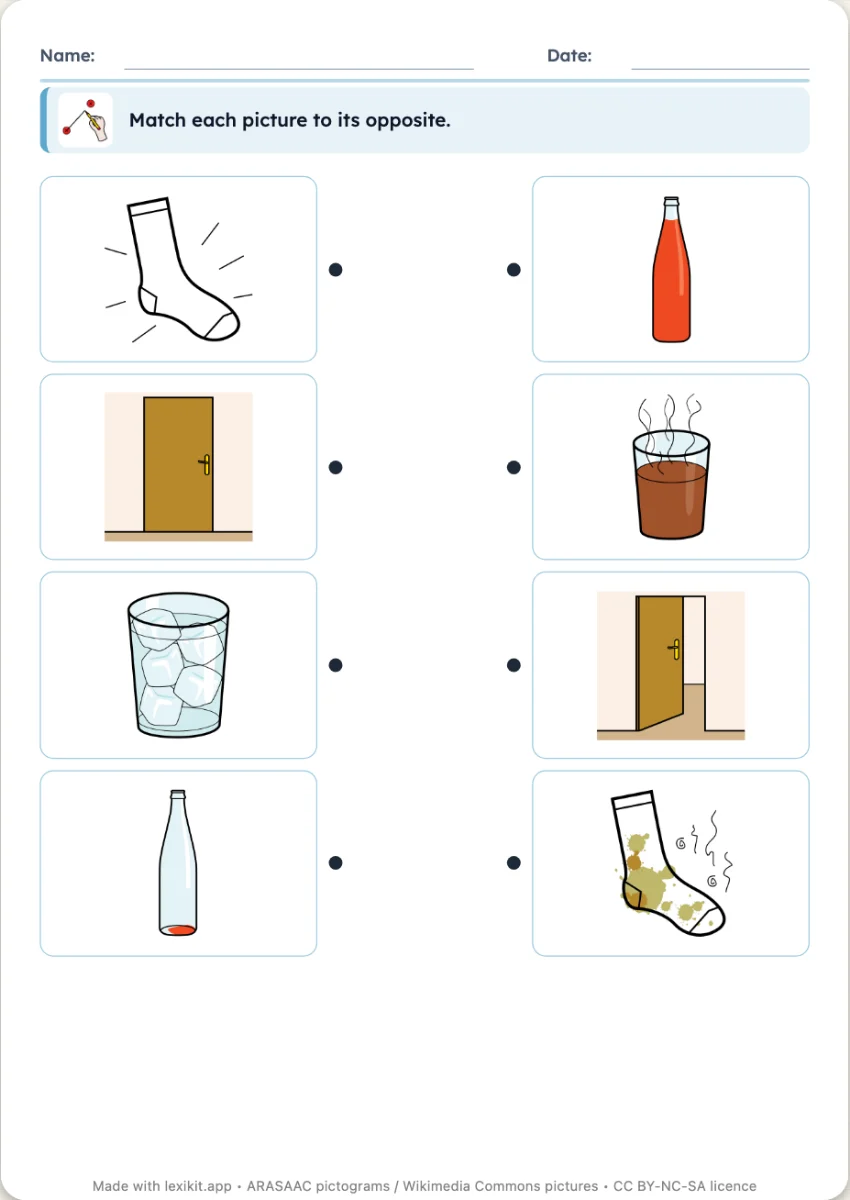 Match the oppositesEach picture to match to that of its opposite: hot and cold, open and closed, full and empty. In pictures, words or both.
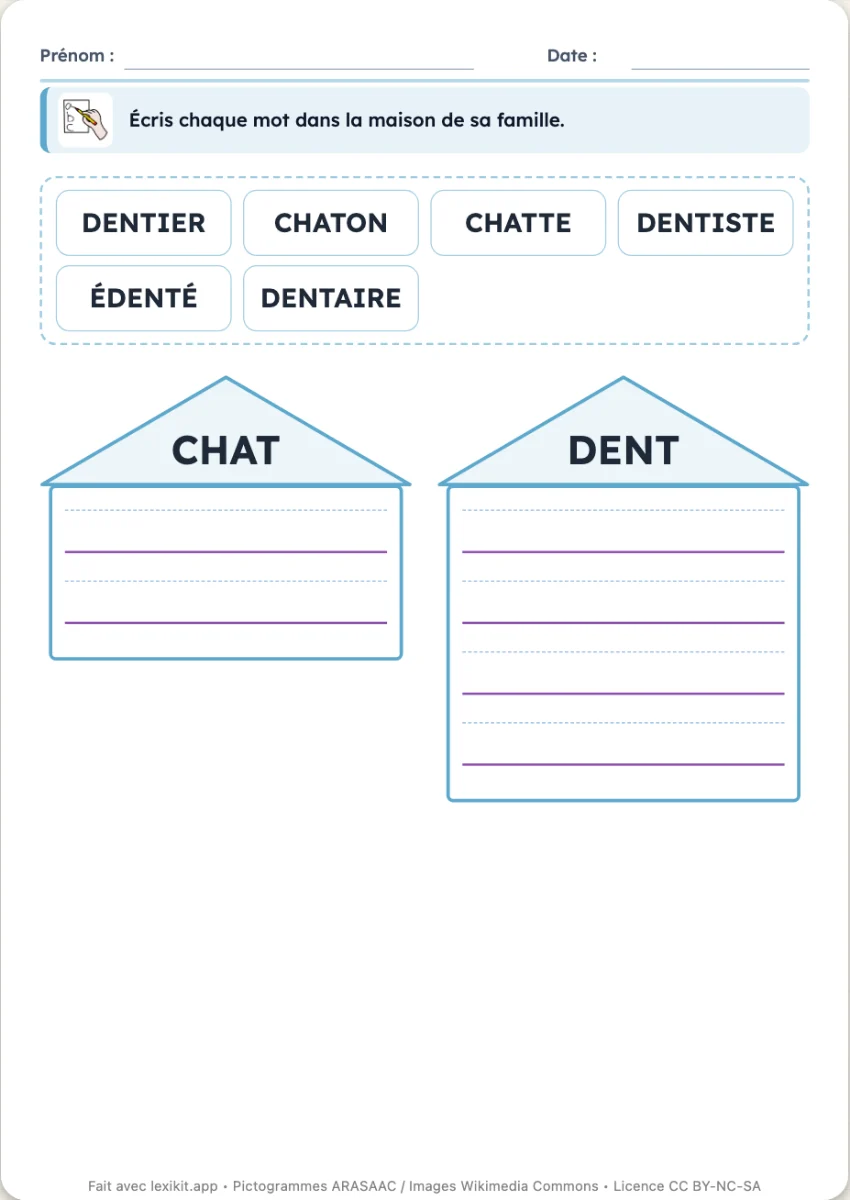 Sort the words by familyThe words of two or three word families mixed at the top of the page, one house per family: chaton, laitier, jardinier to write under the right roof.
Your turn
Open Lexikit, write your words, choose a resource: all that is left is to print. Free, no account, and your words stay on your device.
Create a “Word flower” worksheet