
Circle the family, a printable sorting worksheet for the youngest
A grid of twelve or twenty pictures, and one instruction: “Circle every picture of the family: animals”. The child looks for the animals, circles them, and leaves the odd ones out. The model at the top recalls the family with its picture and its name. A first sorting, from age 3.
Free, no account needed. Opens in your browser.
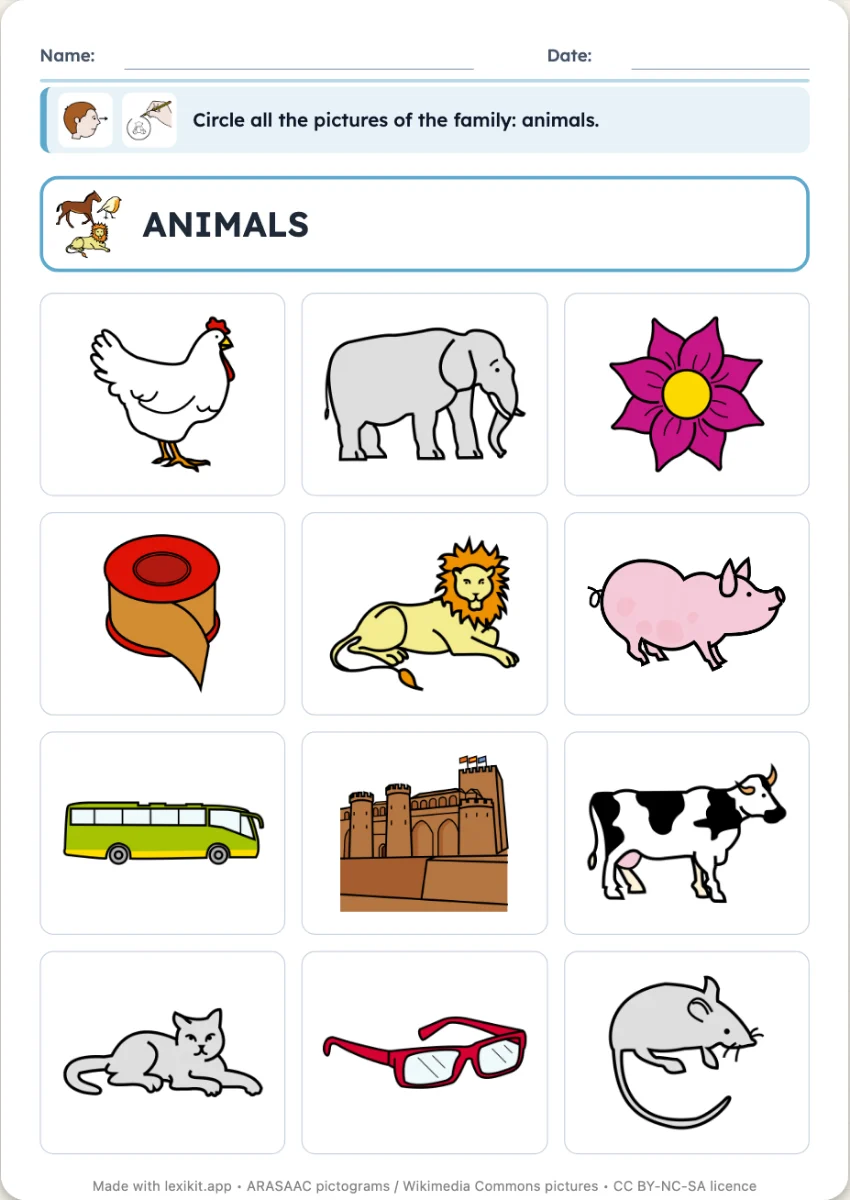
In 3 steps
- Add your words: farm animals, for example. Lexikit finds the odd ones out in your other resources or in the lexicon.
- Set the worksheet: the family to circle, a few odd ones out or half, the model at the top.
- Print: name, date and illustrated instruction are already at the top, the answer key at the end.
What you can set
- Family to circle: automatic, or chosen among those of your words
- Odd ones out: a few, or half of the pictures
- Model at the top: the picture and the name of the family, or nothing
- Answer key page for the adult, size of the worksheet, name and date
Ways to use it
- A first sorting at age 3, with nothing to cut or stick
- Naming the odd ones out and saying why they do not belong
- In speech therapy, working on one category at a time
Frequently asked questions
My list only has animals: where do the odd ones out come from?
From your other resources first, then from the words of the lexicon. The information line names them: “Added from the lexicon: apple, bike”. In the “Families” section, you choose where Lexikit takes them, or keep to your own words.
With the same words
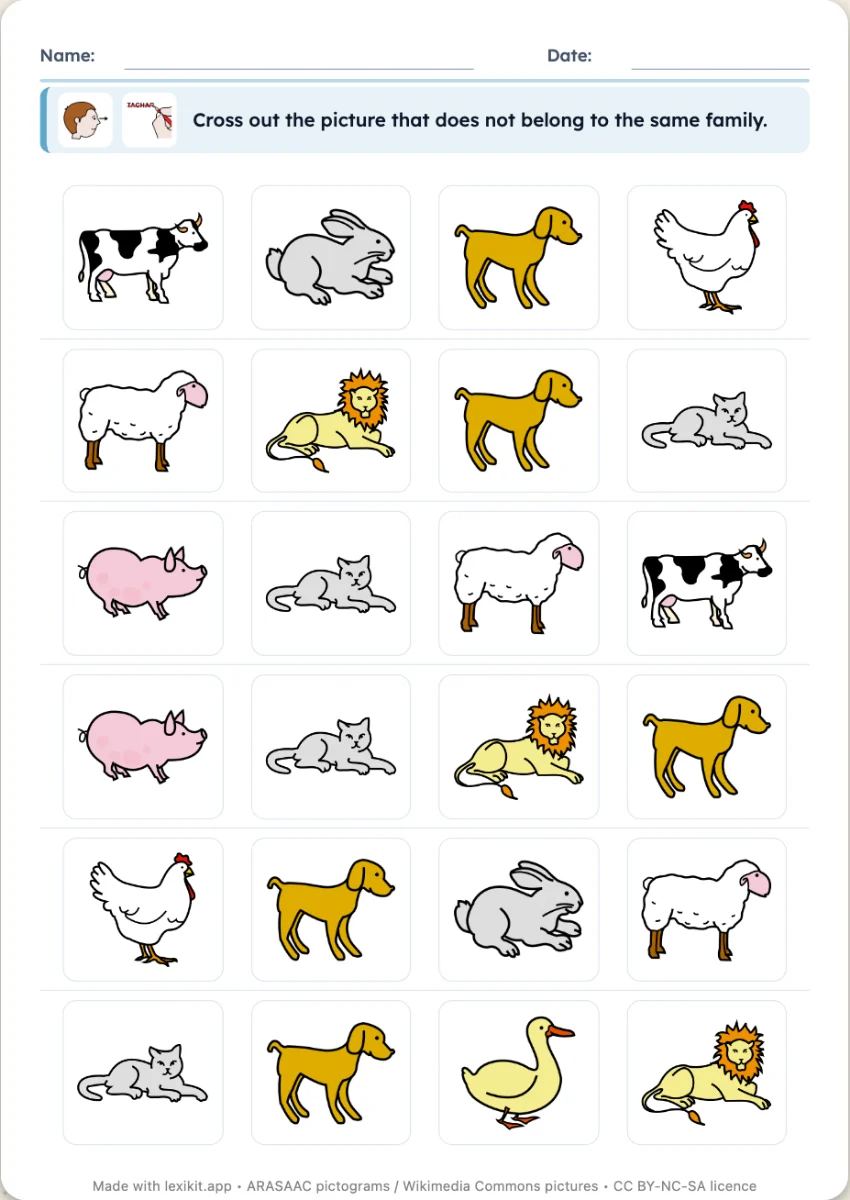 Odd one outOn each row, three pictures of one family and an odd one out to cross out, six or eight rows per sheet.
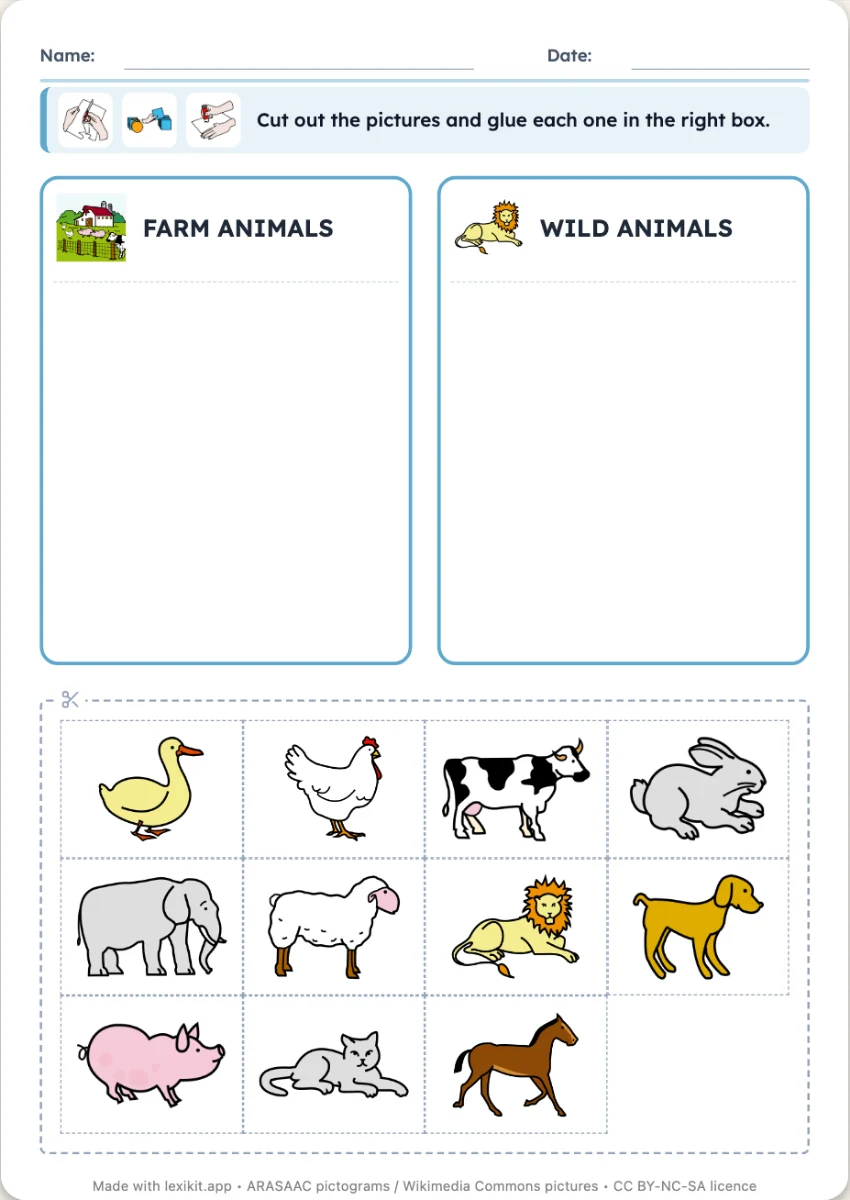 The boxesTwo to four boxes, one per family, and the pictures to cut out and stick in the right one. The boxes above the pictures, on their own sheet or one per sheet.
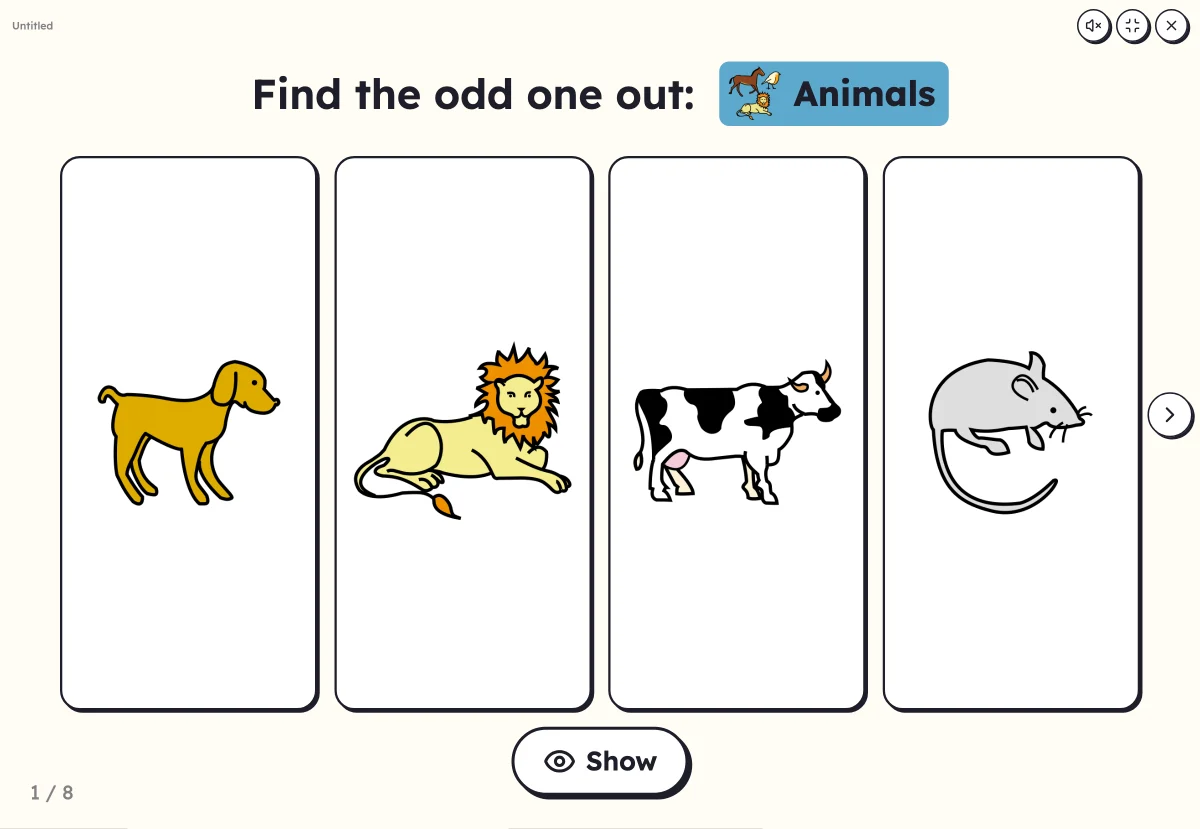 Odd one outFour or six pictures of one family on screen, except one: touch the odd one out.
Your turn
Open Lexikit, write your words, choose a resource: all that is left is to print. Free, no account, and your words stay on your device.
Create a “Circle the family” worksheet