
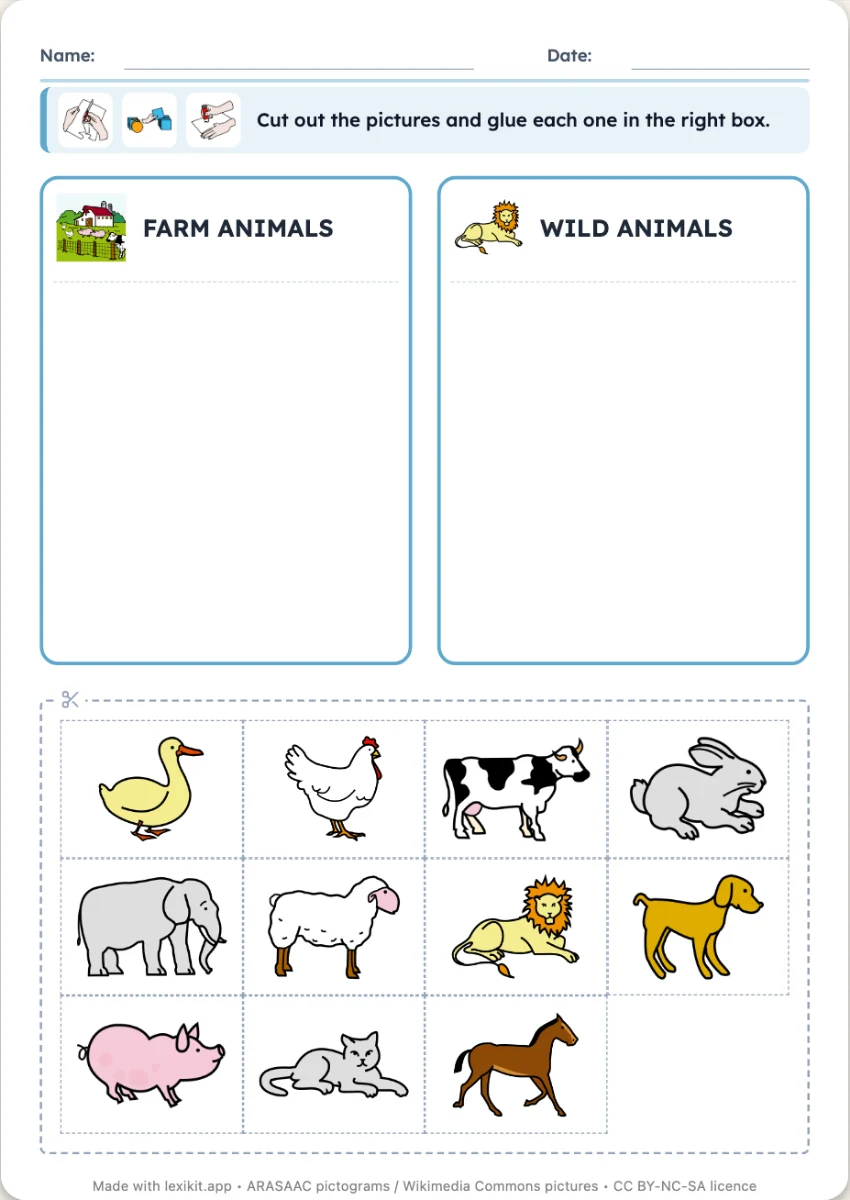
The boxes: cut out the pictures and stick each one in the box of its family
At the top of the sheet, two, three or four boxes, each with the picture and the name of a family: animals, fruit. Below, the pictures to cut out. The child sticks the cat with the animals, the apple with the fruit. The boxes can also take a sheet of their own, or one sheet each, and the pictures follow, small, medium or large. If your list has a single family, Lexikit borrows the second one from your other resources or from the lexicon.
Free, no account needed. Opens in your browser.
In 3 steps
- Add your words: animals and fruit, or a single family, Lexikit completes it.
- Lay out the boxes: one to four per sheet, the pictures under them or apart, small, medium or large.
- Print: name, date and illustrated instruction are already at the top, the cutting lines too.
What you can set
- Boxes per sheet: one, two, three or four
- Boxes: two, three or four, each with its family, chosen by you or found by Lexikit
- Pictures to stick: under the boxes, apart on other sheets, or none, small, medium or large
- Box names: shown next to the picture of the family, or not
Ways to use it
- Categorising by cutting and sticking: the farm and the savannah, fruit and vegetables
- A sheet of boxes on the board and large pictures: each child comes to stick theirs and says why
- In speech therapy, handling the pictures before naming the family
Frequently asked questions
How many pictures to stick per sheet?
Fifteen small, twelve medium or six large ones under the boxes. When the boxes have their own sheet, twelve, six or four pictures per sheet, the large ones about 12 cm. Without pictures to stick, Lexikit prints the boxes alone, filling the whole sheet.
With the same words
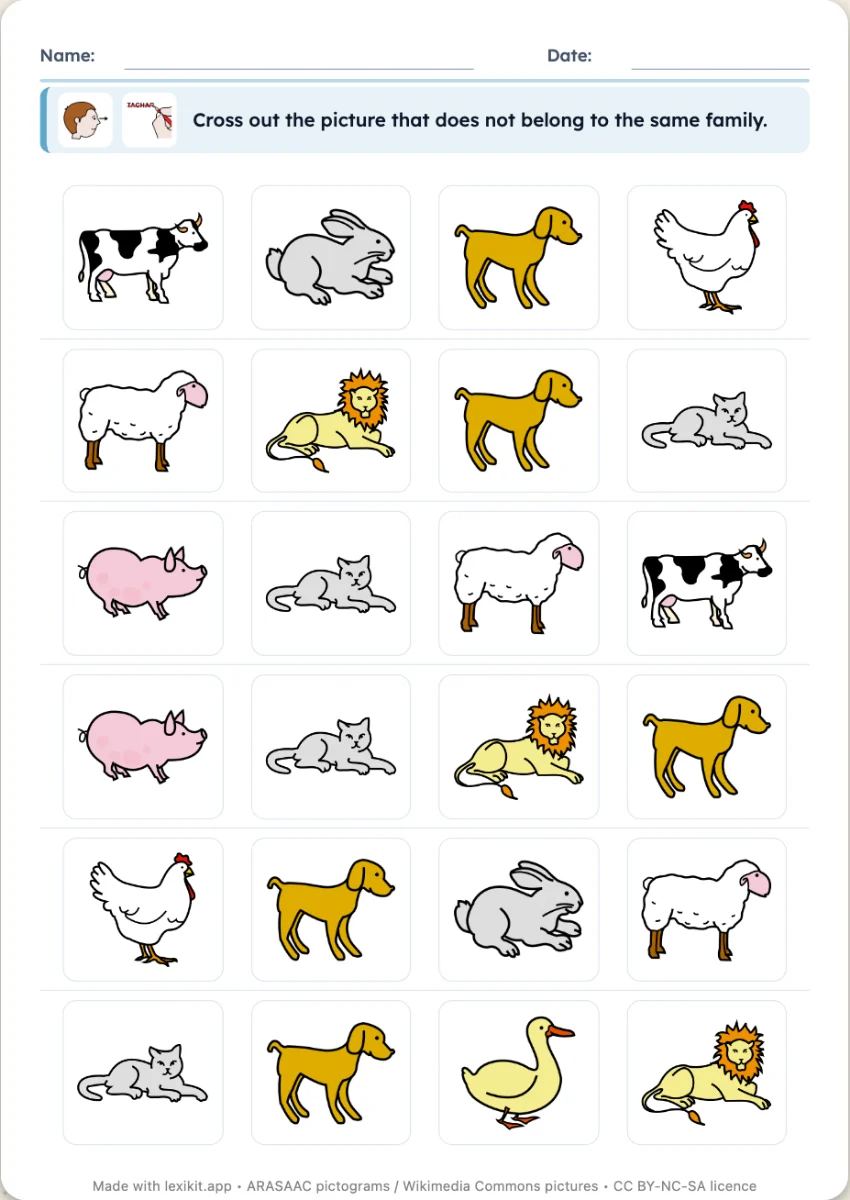 Odd one outOn each row, three pictures of one family and an odd one out to cross out, six or eight rows per sheet.
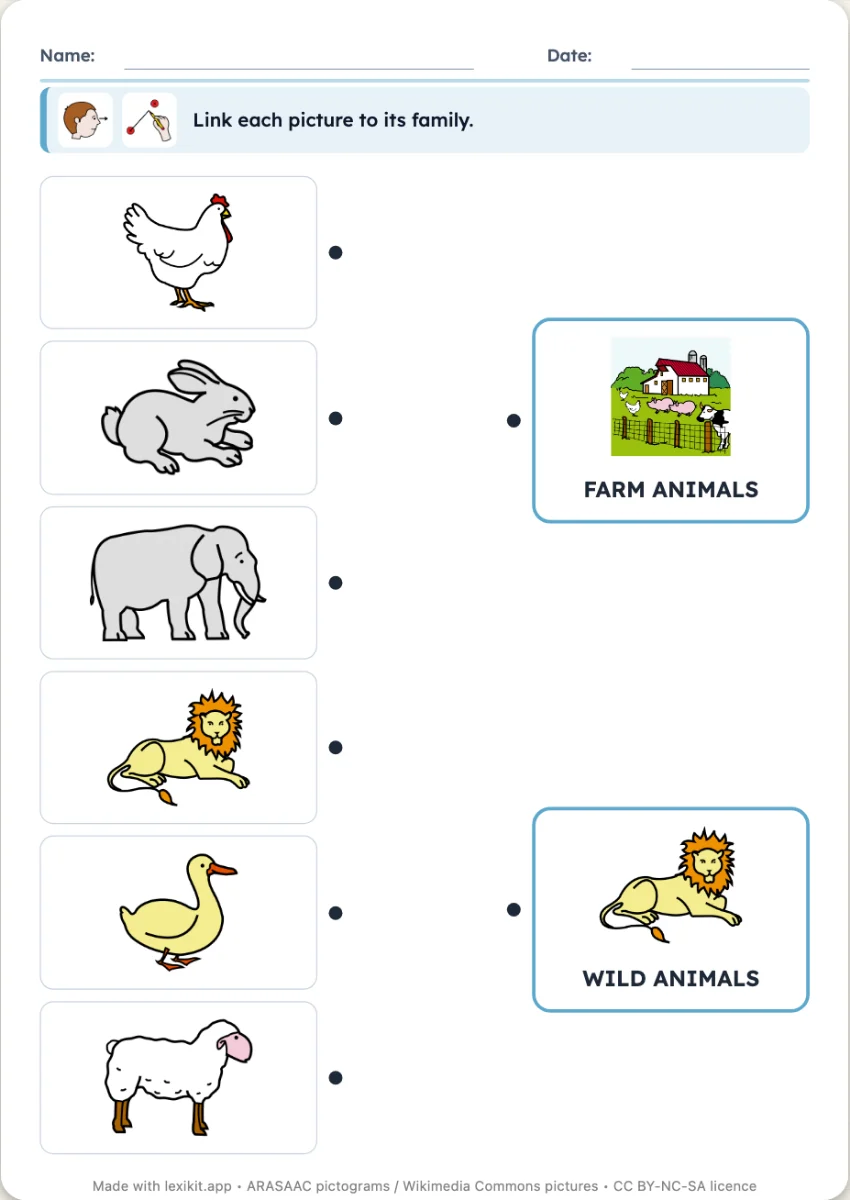 Link to its familyPictures on the left, two to four families on the right: link each picture to its family.
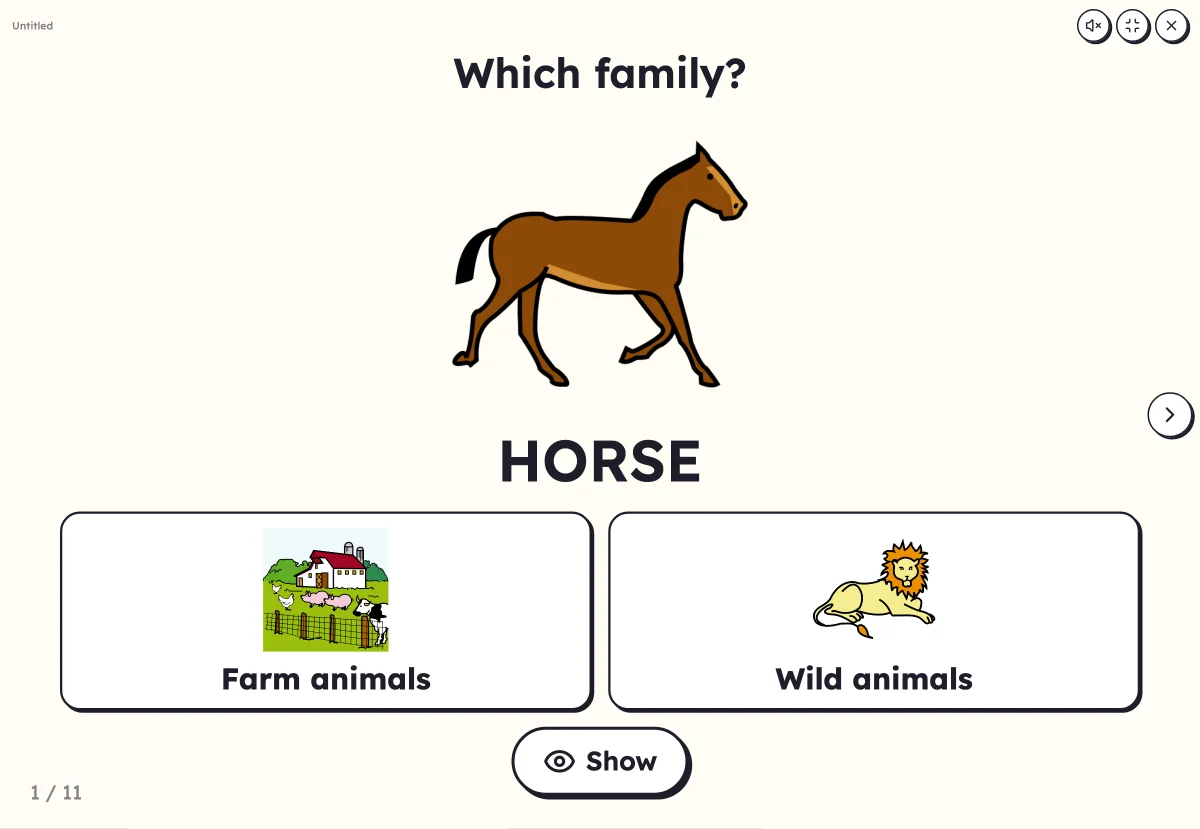 Which family?A big picture, two to four family boxes: touch the box of its family.
Your turn
Open Lexikit, write your words, choose a resource: all that is left is to print. Free, no account, and your words stay on your device.
Create a “Boxes” worksheet