
Double-entry table, a printable worksheet
The pictures of the list head the rows, colours head the columns. In each box, the child finds the picture and colours it in the colour of its column. Reading a table by crossing two pieces of information.
Free, no account needed. Opens in your browser.
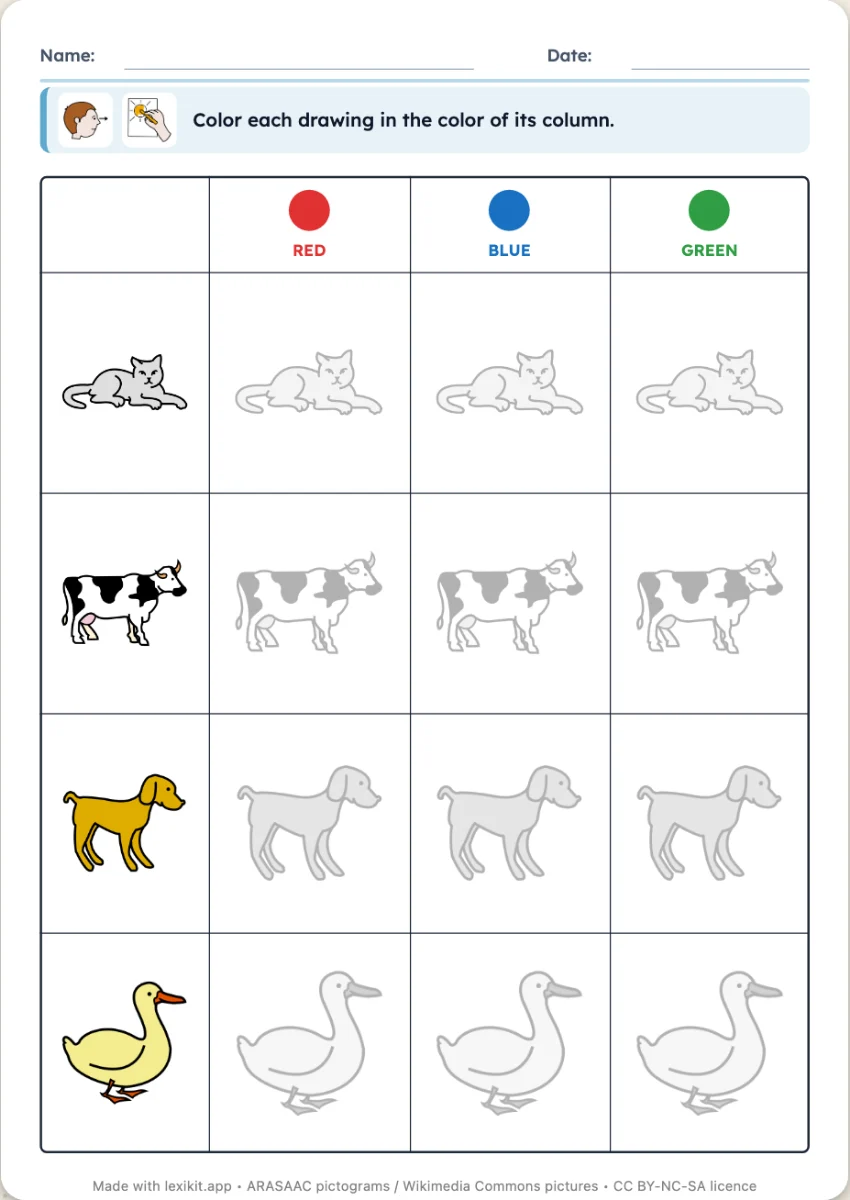
In 3 steps
- Add your words: type them, paste a list or start from a theme.
- Choose the number of colours, and drawn or empty boxes.
- Print: name, date and illustrated instruction are already at the top.
What you can set
- 2, 3 or 4 colours in columns
- In the boxes: the drawing to colour, or an empty box
- Size of the worksheet
- Editable instruction, name and date
Ways to use it
- Reading a double-entry table in preschool
- Colour names, in English or in another language
- Guided colouring: one criterion, then two
Frequently asked questions
What about the empty boxes?
The child draws the row's picture in them, then colours it in the column's colour. One step more than the drawing already in place.
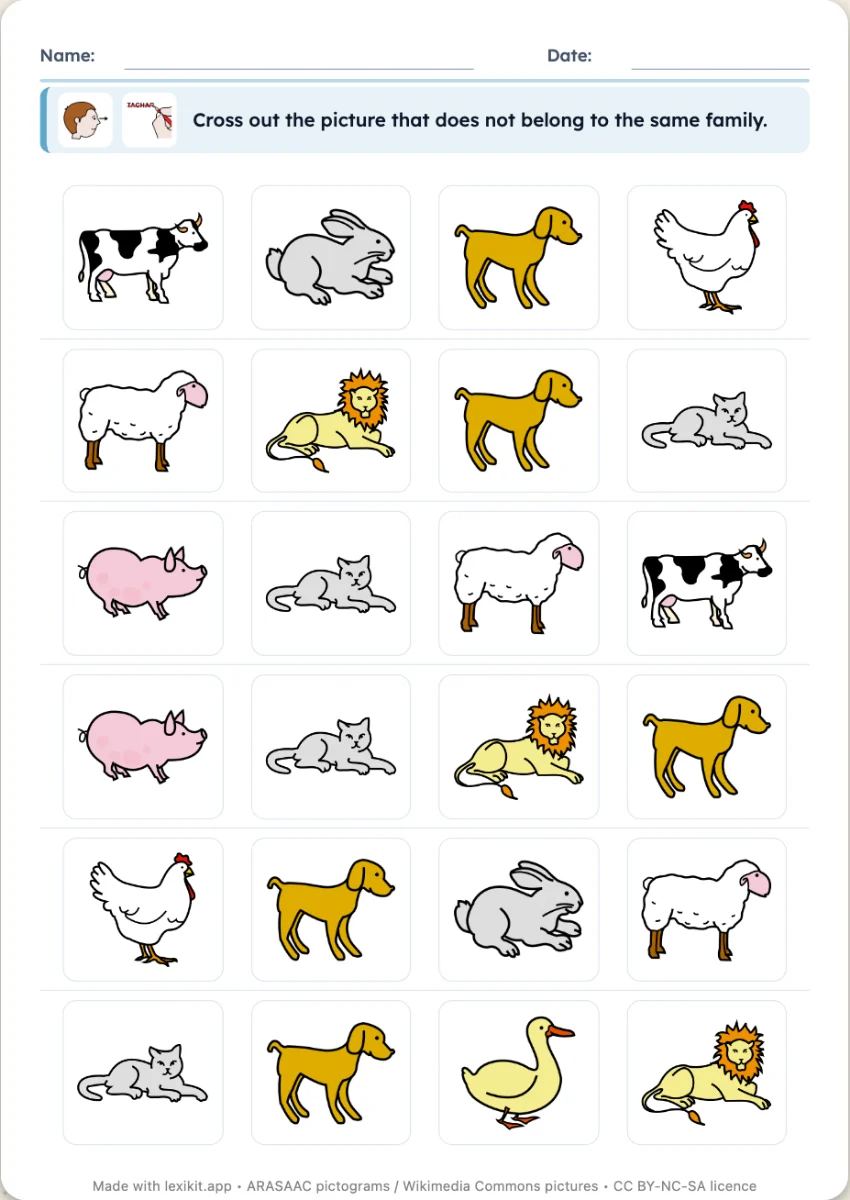
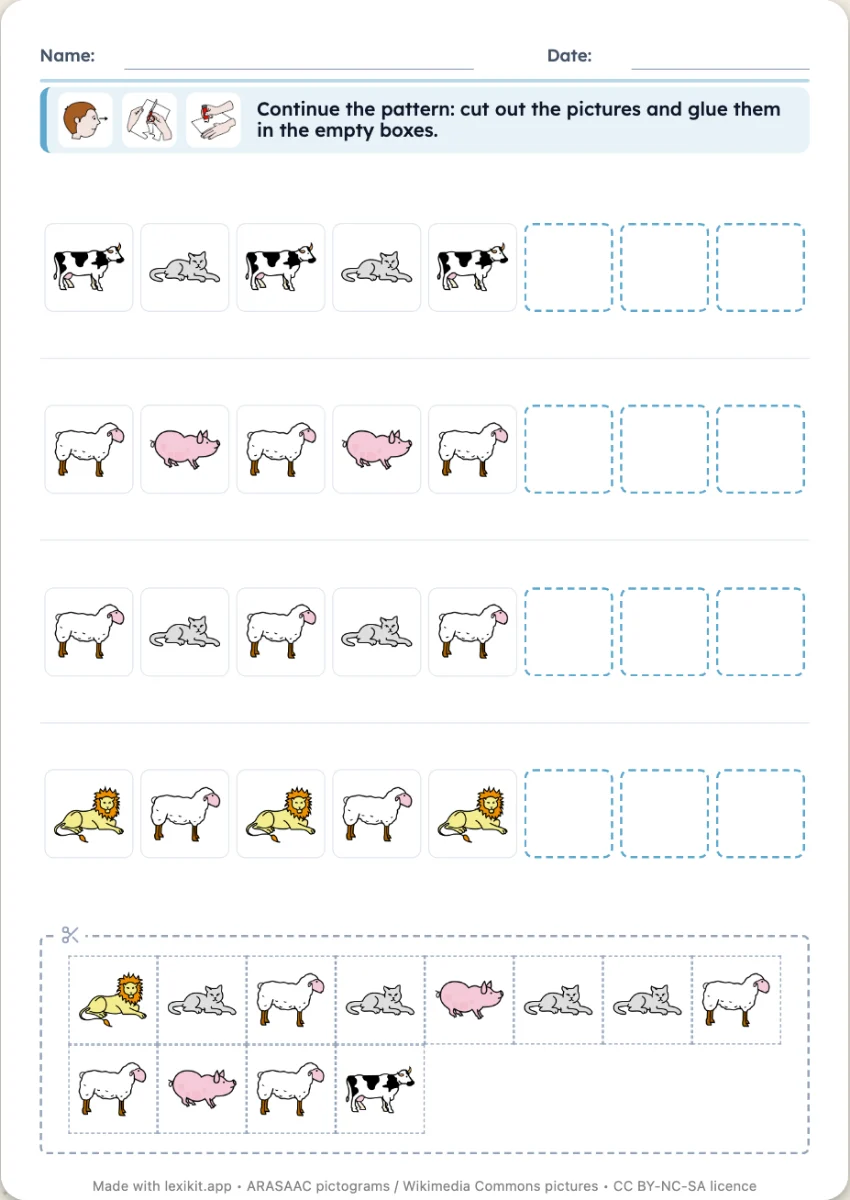
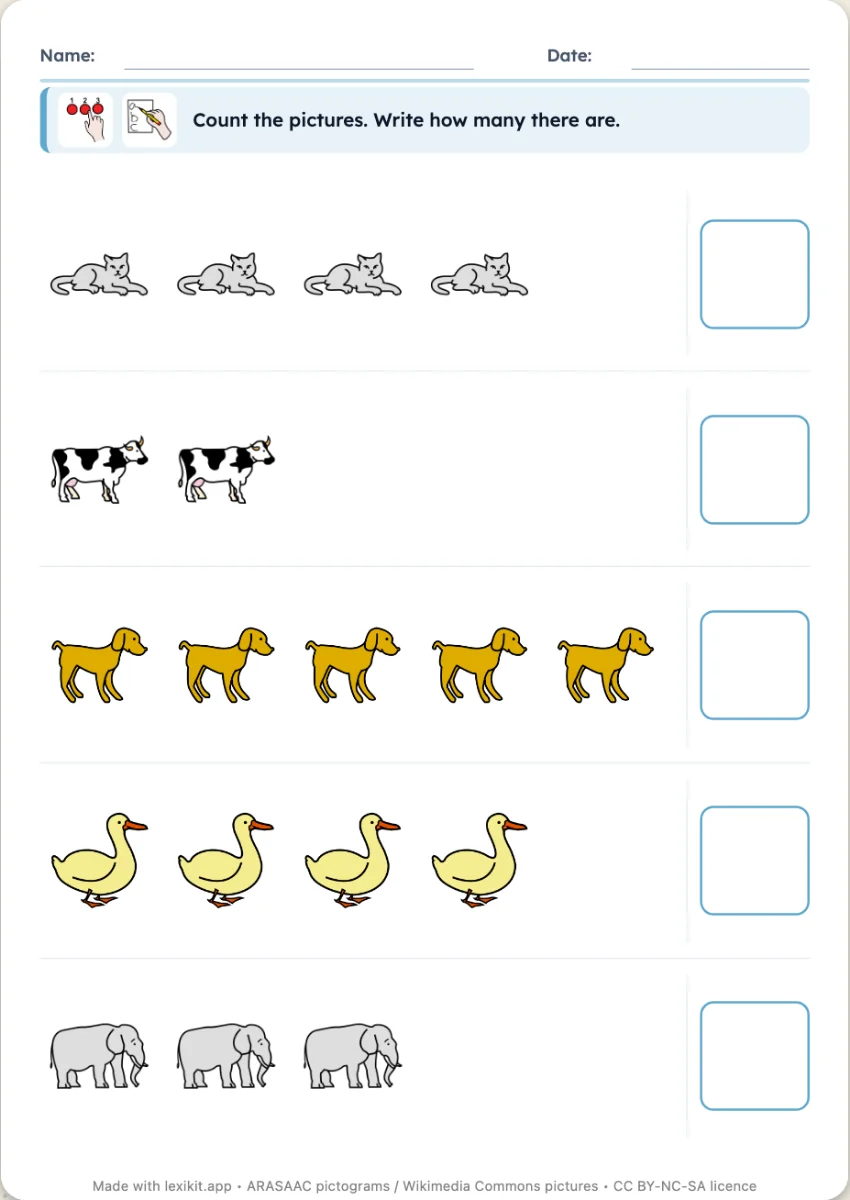
With the same words
Your turn
Open Lexikit, write your words, choose a resource: all that is left is to print. Free, no account, and your words stay on your device.
Create a double-entry table