
Counting with your pictures, a printable worksheet
On each row, the same picture repeated. The child counts the pictures and records the result: writing the number, circling it among several, or colouring as many boxes. The class's vocabulary becomes maths material.
Free, no account needed. Opens in your browser.
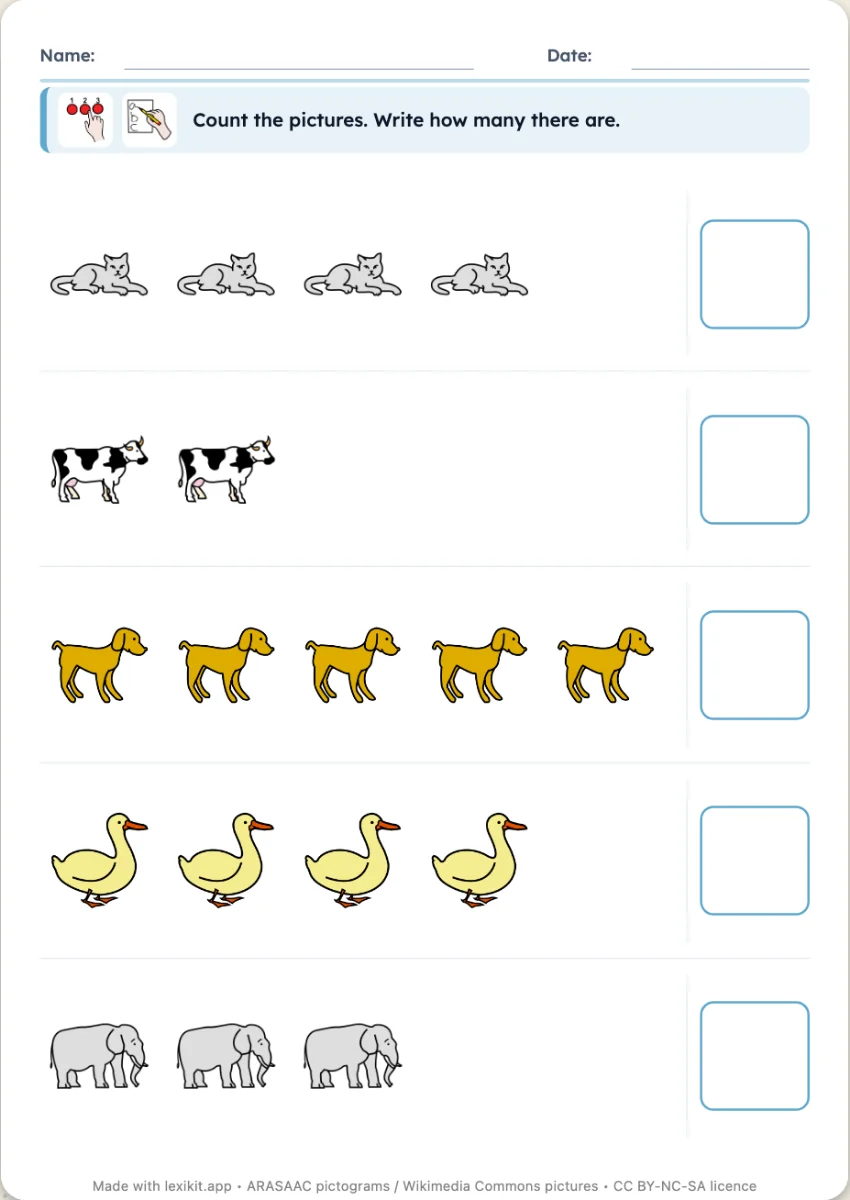
In 3 steps
- Add your words: type them, paste a list or start from a theme.
- Choose the maximum quantity and how to answer.
- Print: name, date and illustrated instruction are already at the top.
What you can set
- Quantities up to 3, 5, 6 or 10
- Answer: write the number, circle it or colour boxes
- Size of the worksheet
- Editable instruction, name and date
Ways to use it
- Counting small quantities, in preschool
- Linking the written number to the quantity
- The same theme in language and in maths
Frequently asked questions
Do the quantities change?
Yes, each worksheet draws new quantities within the chosen limit. The shuffle button gives you another one.
With the same words
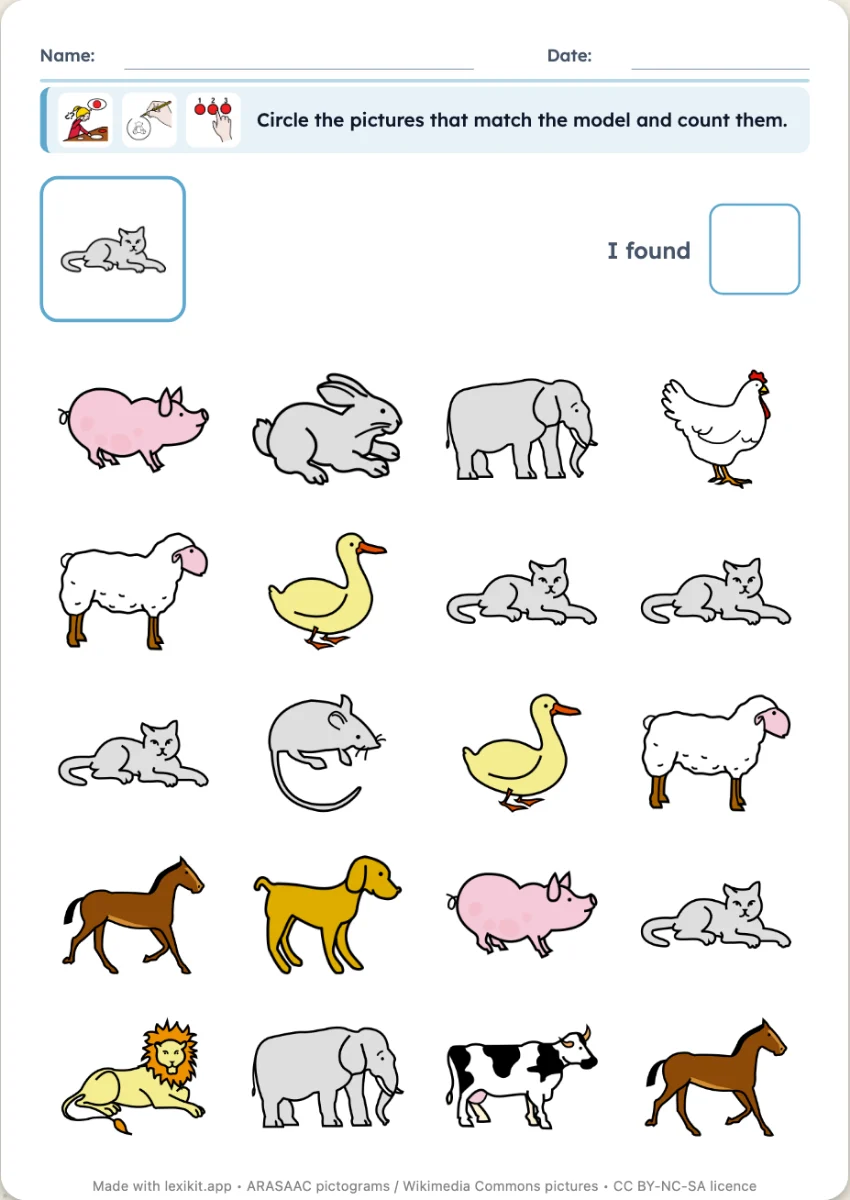 Seek and findA model picture to find several times in a grid of pictures, then to count.
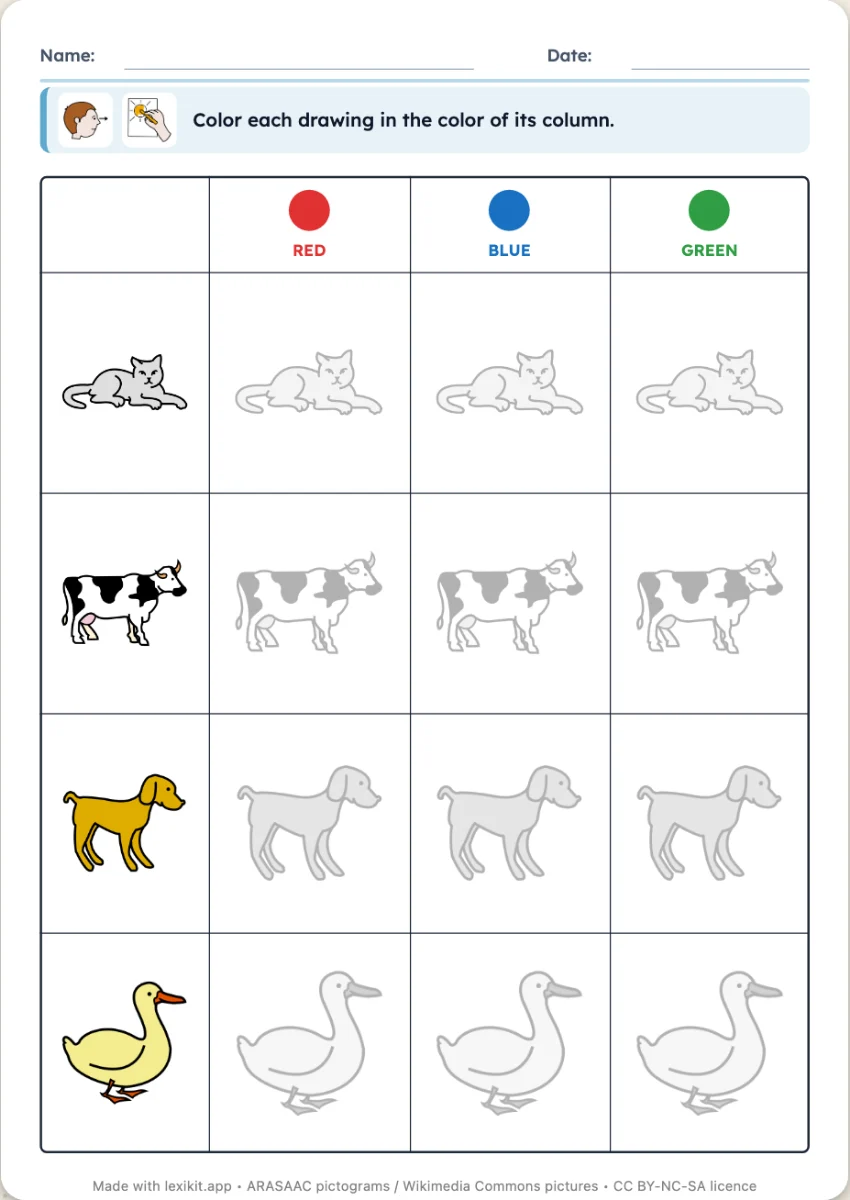 Double-entry tablePictures in rows, colours in columns: colour each box in the colour of its column.
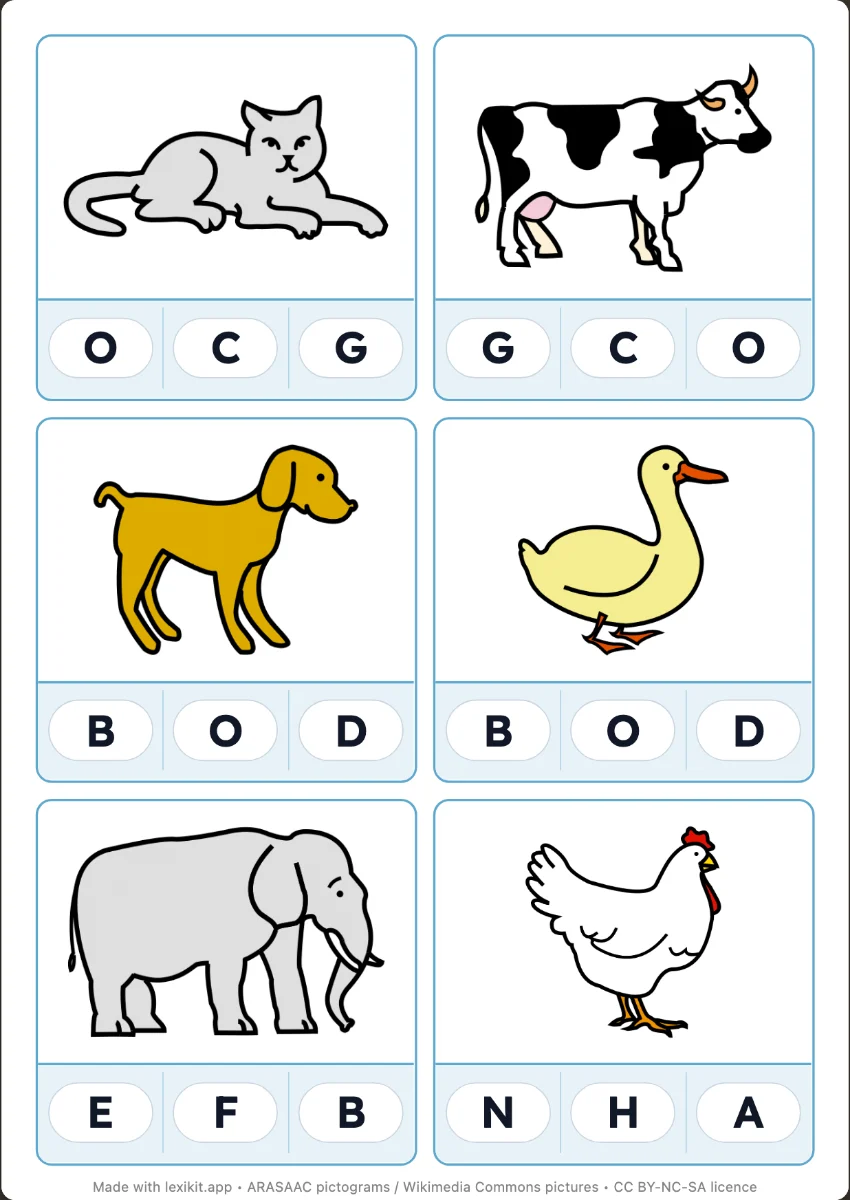 Clip cardsClip the right answer with a clothes peg: first letter, syllables, word or number, with the answer on the back.
Your turn
Open Lexikit, write your words, choose a resource: all that is left is to print. Free, no account, and your words stay on your device.
Create a counting worksheet