
In one minute! Name as many words of a category as you can before time is up
“Name as many words as you can: animals!” The timer starts, the children say words, and you touch on the board the one just said: it turns from a silhouette into the coloured picture. A right word that is not on the list counts too, with “+1 other word” or the arrow of a remote. At the end, every word shows. A quick way to bring back the vocabulary of a term.
Free, no account needed. Opens in your browser.
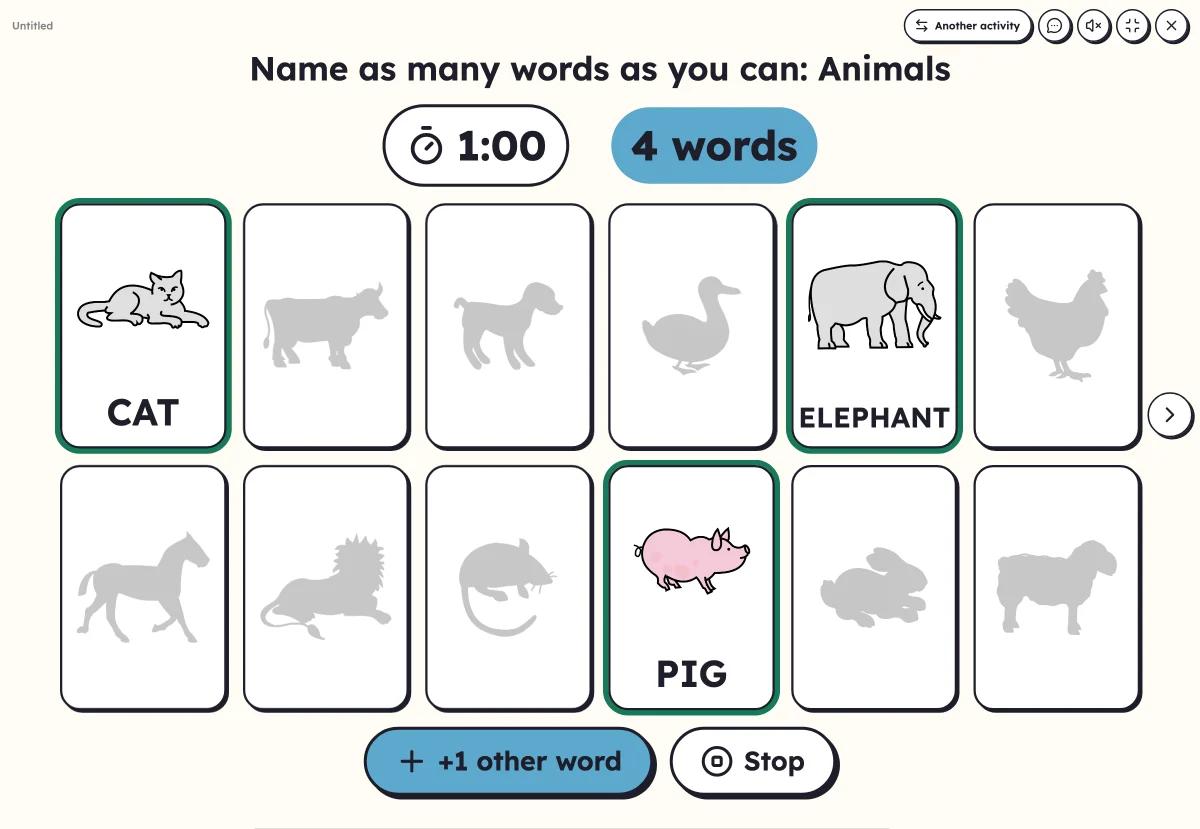
In 3 steps
- Add your words: those of a category or of a theme you studied. Lexikit finds the category and says it in the instruction.
- Choose the time: 30 seconds, 1 minute or 2 minutes, the words as silhouettes or hidden.
- Start in full screen: “Go!”, then touch each word said, or count with the arrow.
What you can set
- Time: 30 seconds, 1 minute or 2 minutes
- The words to find as silhouettes, to help, or hidden
- “+1 other word” for right words outside the list, also with a remote
- Writing of the word shown in capitals, print or cursive
Ways to use it
- Bring back the words of the term at the start of a lesson
- See the progress: play the same minute again at the end of the term
- In a language class, name the words learnt for a theme
Frequently asked questions
Do I touch the words in order?
No: the words are in alphabetical order, you touch the one just said, wherever it is. A word touched by mistake is touched again to undo it.
What if the list mixes several categories?
The instruction becomes “Name as many words as you can!”, and the class names the words of the list.
With the same words
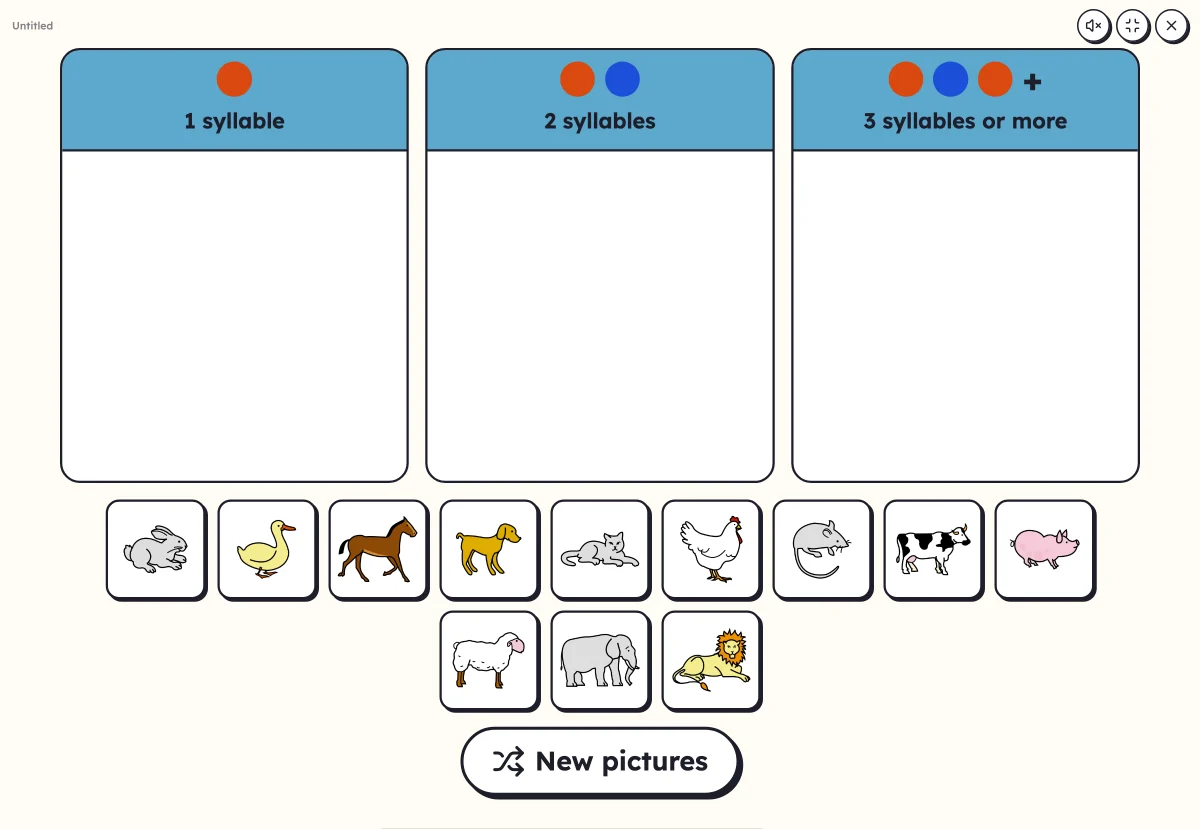 Sort into columnsDrag each picture into its column: number of syllables, first letter or part of speech.
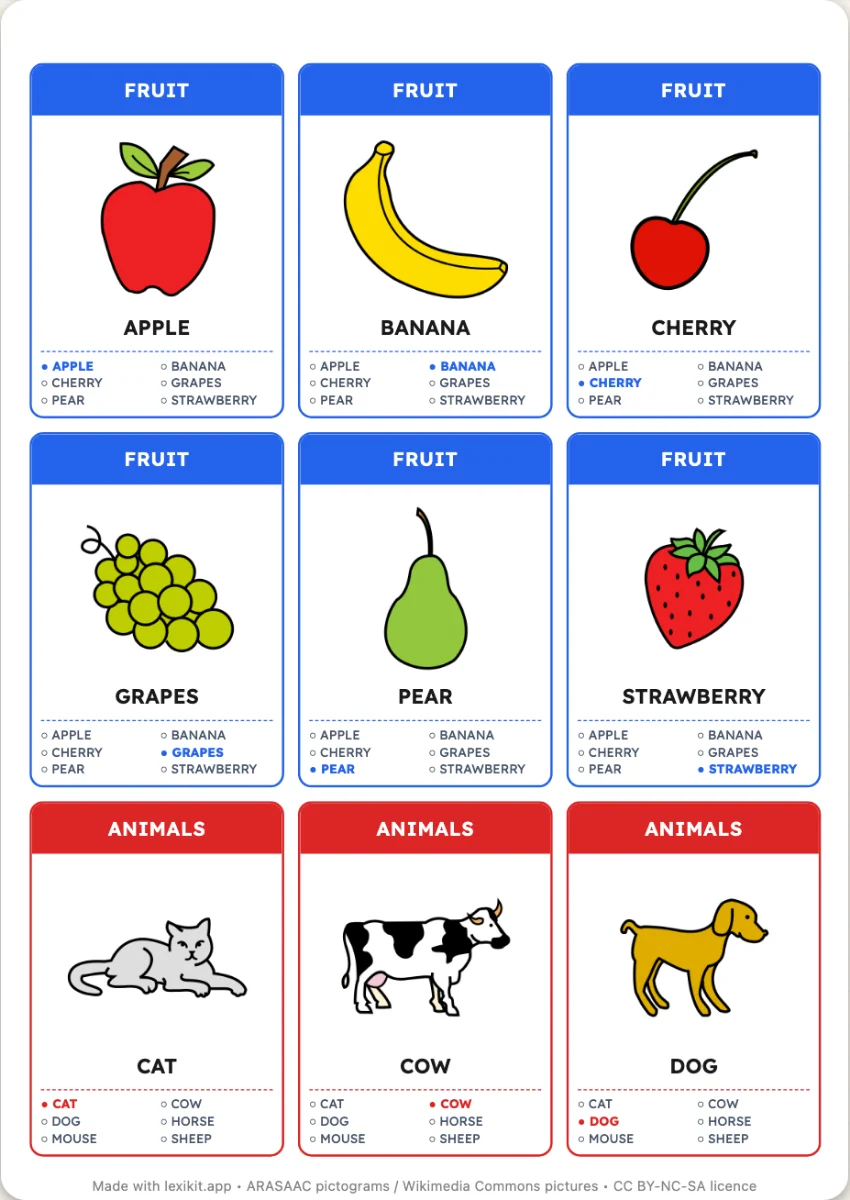 Happy FamiliesA Happy Families card game made with your words: one family per category, four or six cards each, the list of the family on every card.
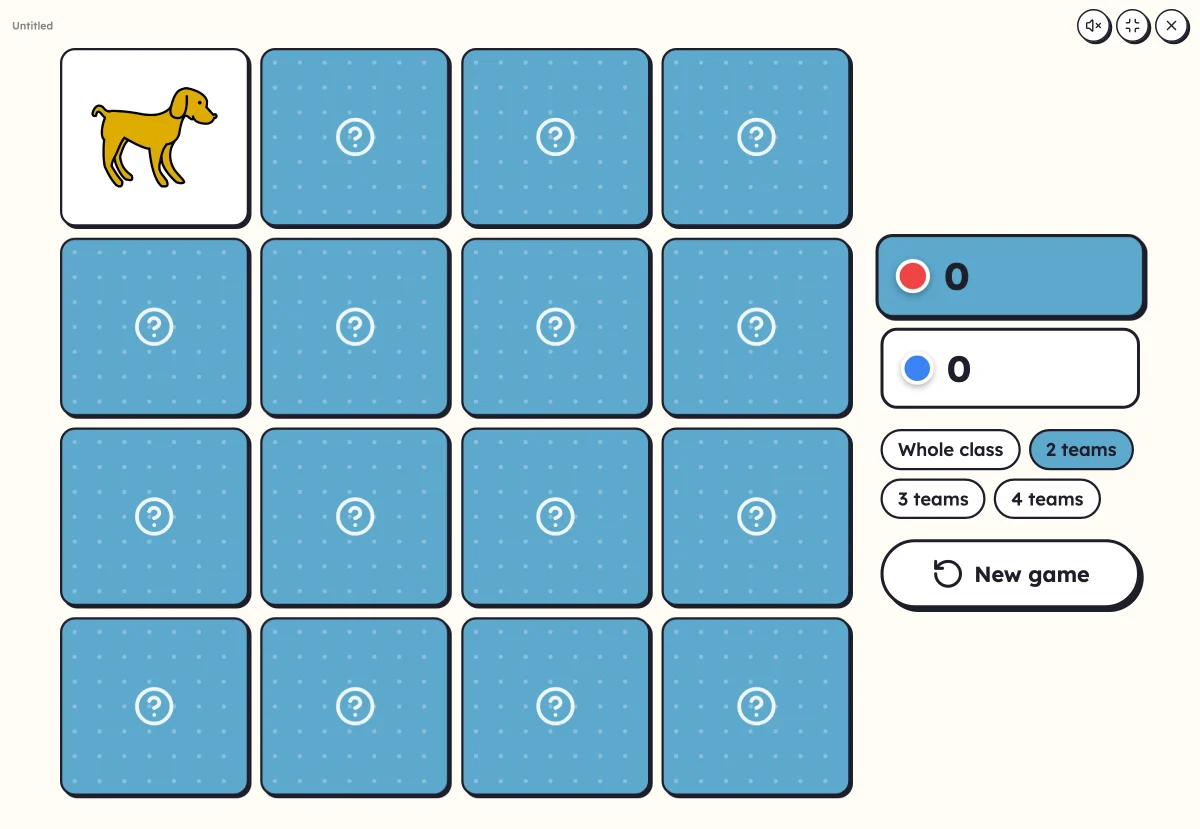 On-screen activitiesFive activities that only exist on screen. And every game, every worksheet also plays full screen with the class.
Your turn
Open Lexikit, write your words, choose a resource: all that is left is to print. Free, no account, and your words stay on your device.
Start “In one minute!”