
Printable picture dictionary to bind
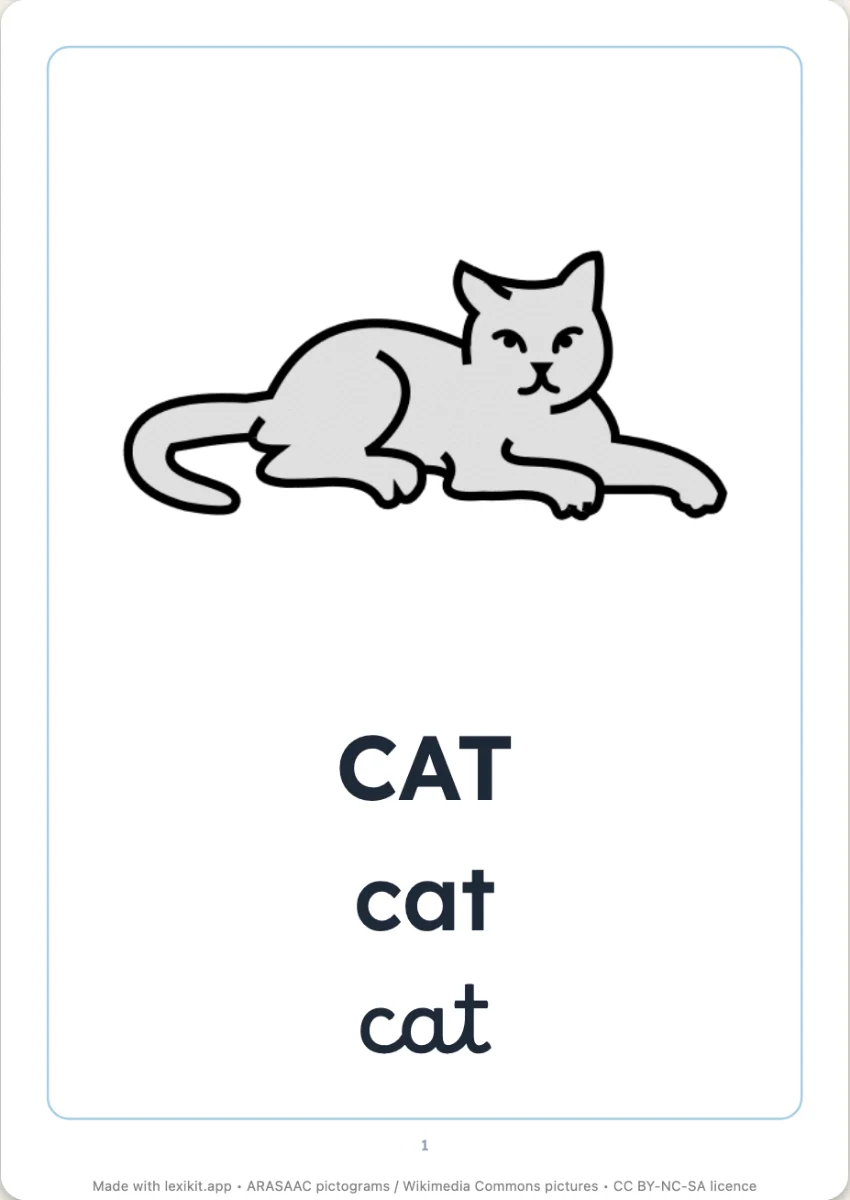
A book for the child, made of their words: the cover with their name, the contents, then a picture and its word per page, in one script or all three. In colour, or outlined to colour in. Stapled on the side, it is leafed through in class and goes home.
Free, no account needed. Opens in your browser.
In 3 steps
- Add your words: type them, paste a list or start from a theme. The pictures come by themselves.
- Compose the book: one, two or four words per page, one script or all three, chapters by family with their contents page, the title of the cover, pictures in colour or to colour in.
- Print and staple: A4 pages, in order, stapled on the side.
What you can set
- One, two or four words per page, in one script or in capitals, lowercase and cursive
- Pictures in colour, or outlined to colour in
- Chapters by family with their contents page: animals, fruit, clothes…
- Word written or to trace, a last page to draw on
Ways to use it
- The class picture dictionary, a chapter per family
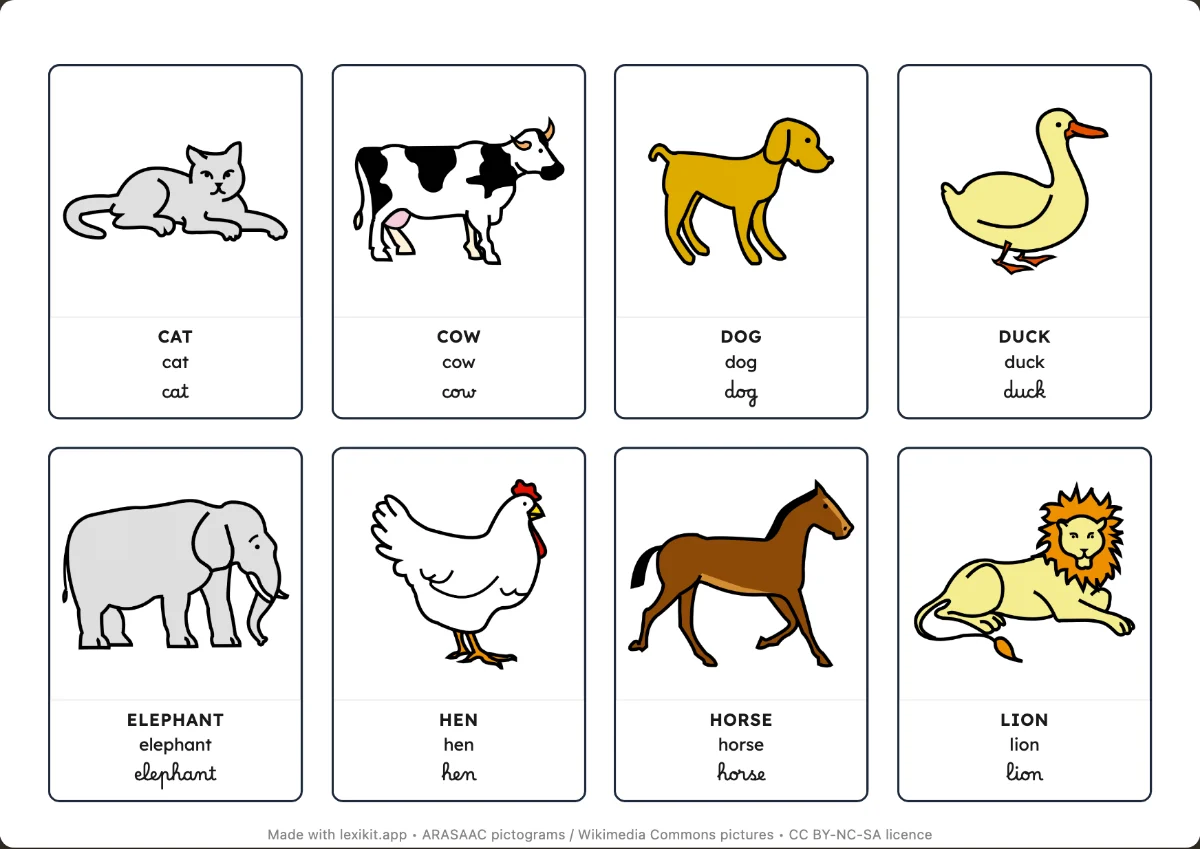
- The picture dictionary of a theme, to read again or colour in at home
- A bilingual picture dictionary, with the translation under each word
Frequently asked questions
Do I need to print on both sides?
No: each A4 page is printed on one side, then the pages are stapled in order on the side, on any printer.
Which pictures can be coloured in?
Pictograms and drawings in flat colours: only their strokes are kept, the rest is to colour in. A photo keeps its colours, and the worksheet tells you which ones: choose them another picture if you want them coloured in.
How is it different from the mini book?
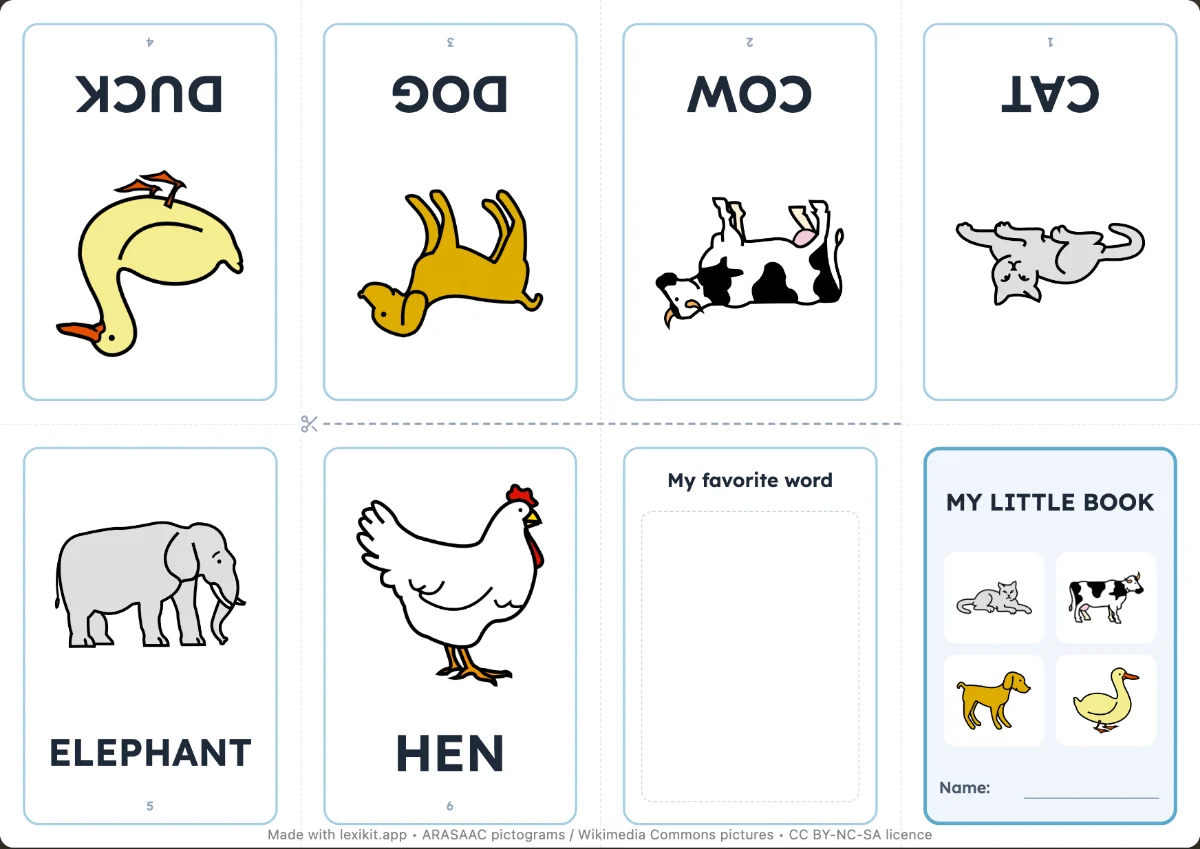
The mini book is one sheet folded in eight, for six words. The picture dictionary is a real book, from ten to forty words, with its chapters and its three scripts.
Your turn
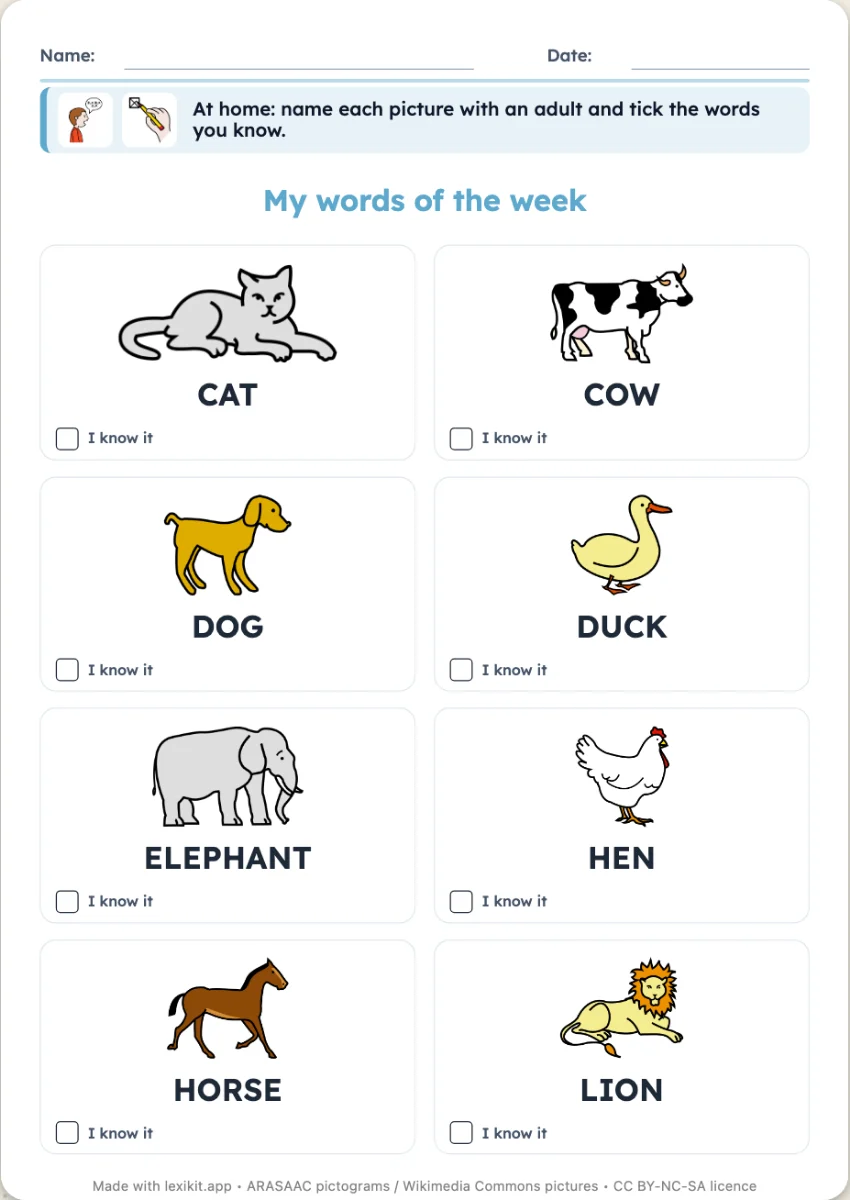
Open Lexikit, write your words, choose a resource: all that is left is to print. Free, no account, and your words stay on your device.
Create a picture dictionary