
Sort pictures into columns, on screen
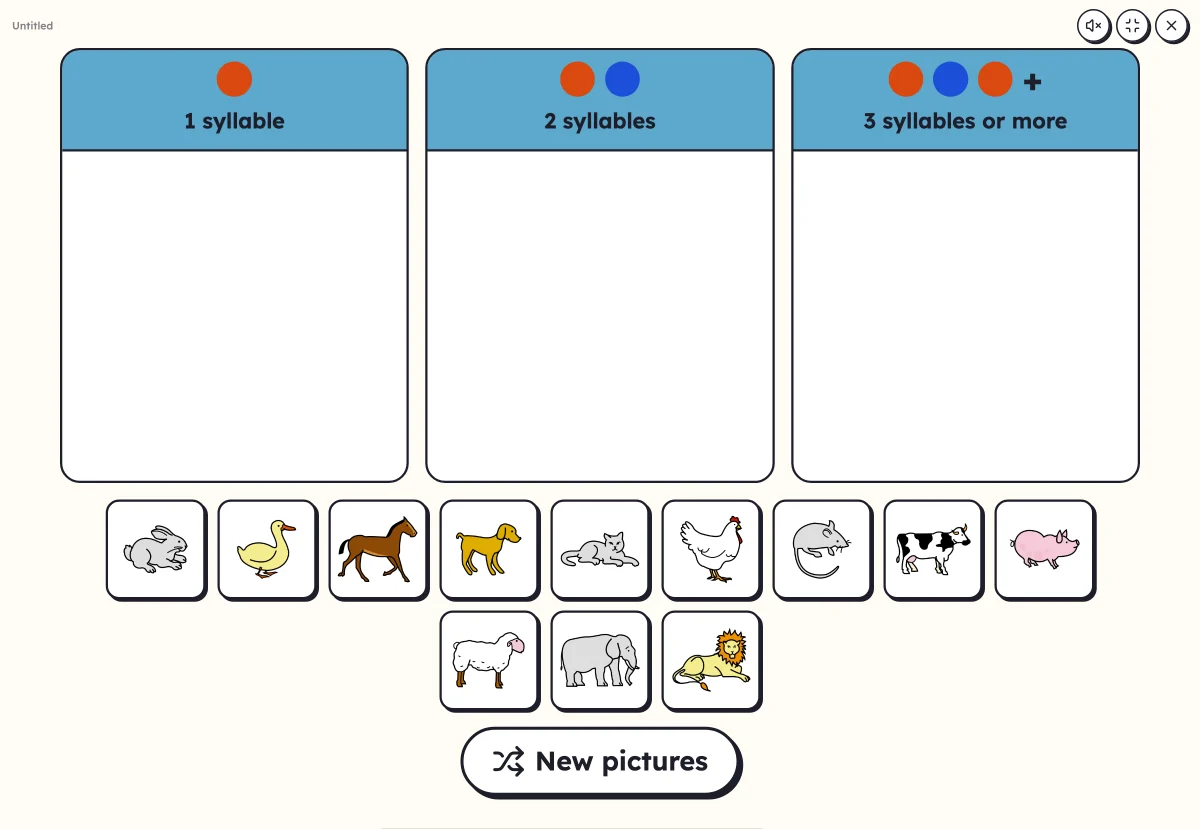
The pictures wait at the bottom, the columns at the top: one syllable, two syllables, three… or the first letter, or the family. The child drags each picture into place, and Lexikit says whether it is right.
Free, no account needed. Opens in your browser.
In 3 steps
- Add your words: at least four, with their pictures.
- Choose the sorting: by syllables, by first letter or by family, based on the words' tags.
- Launch full screen: the children drag the pictures, the checking comes straight away or at the end.
What you can set
- Sorting by number of syllables, with or without the final silent e
- Sorting by first letter
- Sorting by family: two tags of your words make the two columns
- Checking straight away, or at the end to let them search
- “New pictures” to play again with other words from the list
Ways to use it
- Counting syllables as a group, before the “How many syllables?” worksheet
- Spotting the first letter of words
- Sorting farm and savannah animals, fruit and vegetables…
Frequently asked questions
Where do the families come from?
From your words' tags: “farm”, “savannah”, “fruit”… You need words from two families, for example animals and fruit, to make two columns.
Does sorting by syllables count the silent e?
As you wish: “ta-ble” counts as two syllables or just one, whichever your class is used to.
With the same words
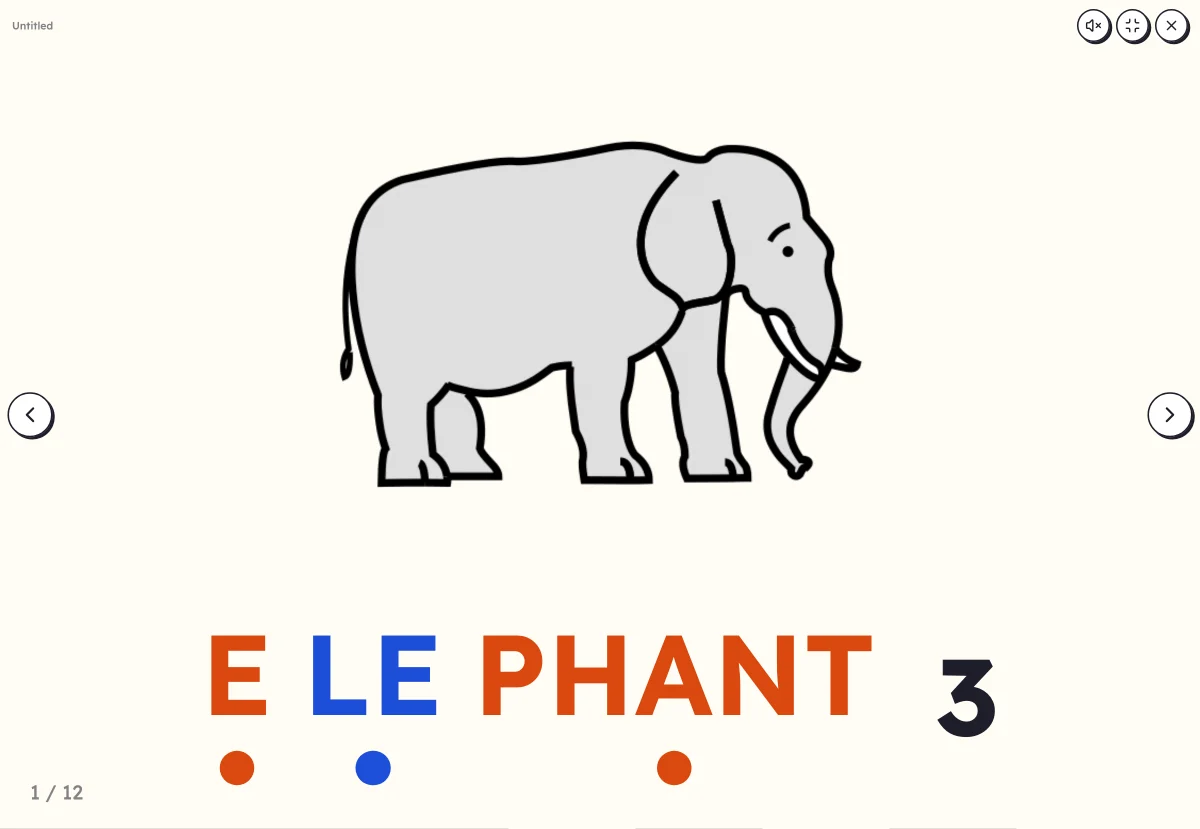 Clap the syllablesSay the word while clapping, count the syllables, then see the word split up.
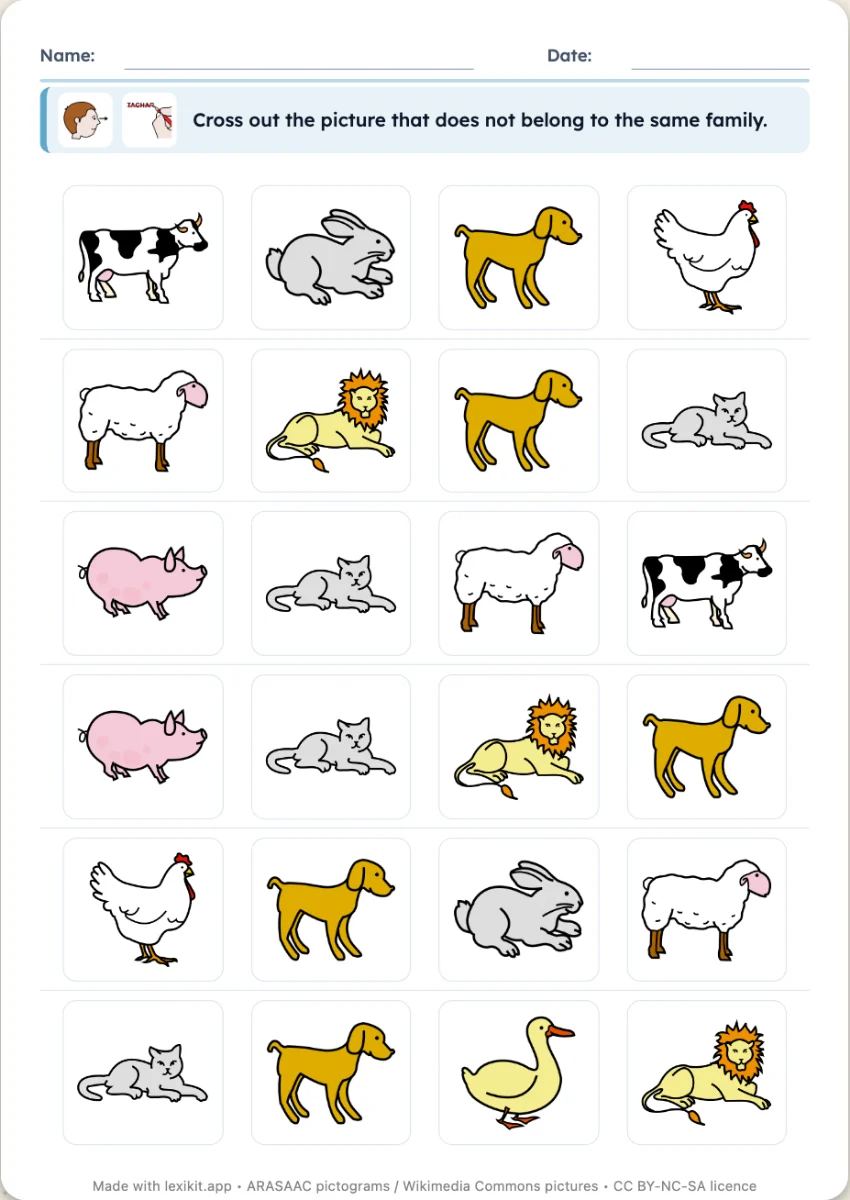 Sort: odd one out, boxesTwo families of words: cross out the odd one out on each row, or stick each picture in its box.
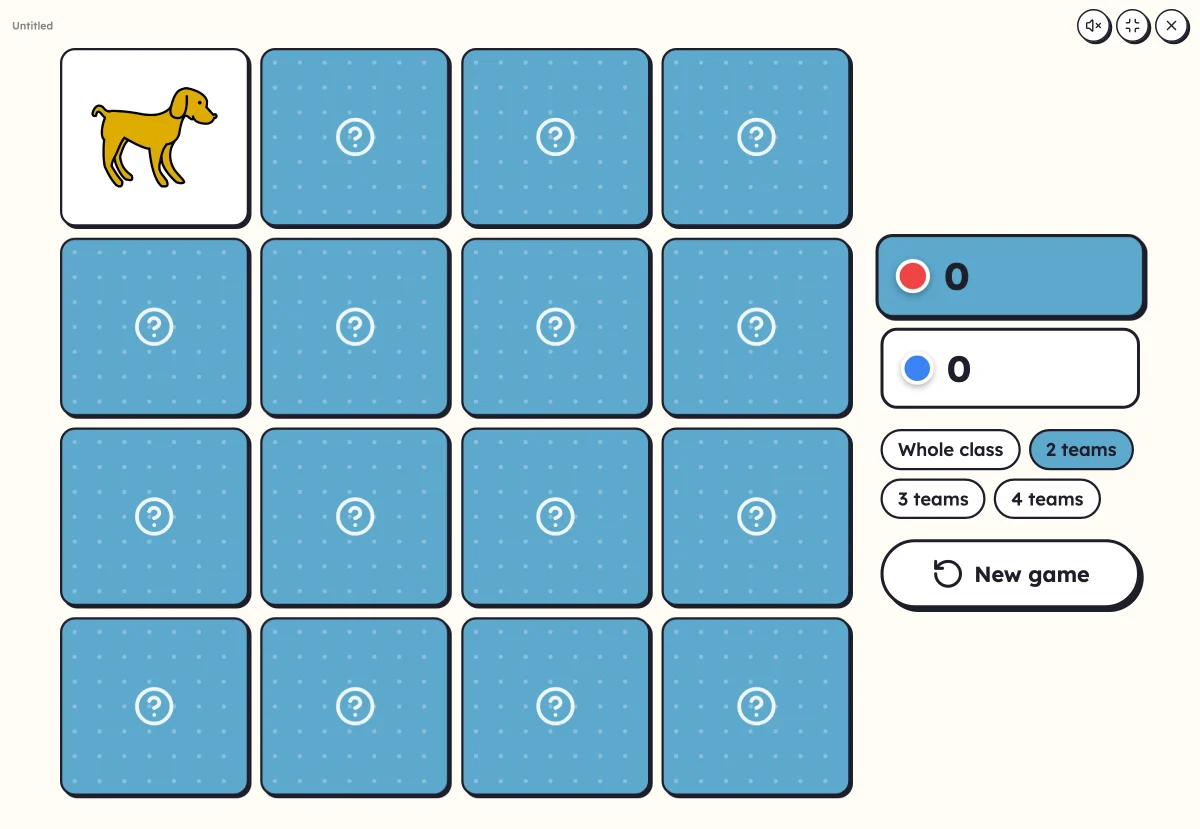 On-screen activitiesNine full-screen activities, plus bingo, the memory game, clip cards and the Goose game, which can also be played on the classroom board.
Your turn
Open Lexikit, write your words, choose a resource: all that is left is to print. Free, no account, and your words stay on your device.
Launch the sorting