
Vocabulary activities on screen
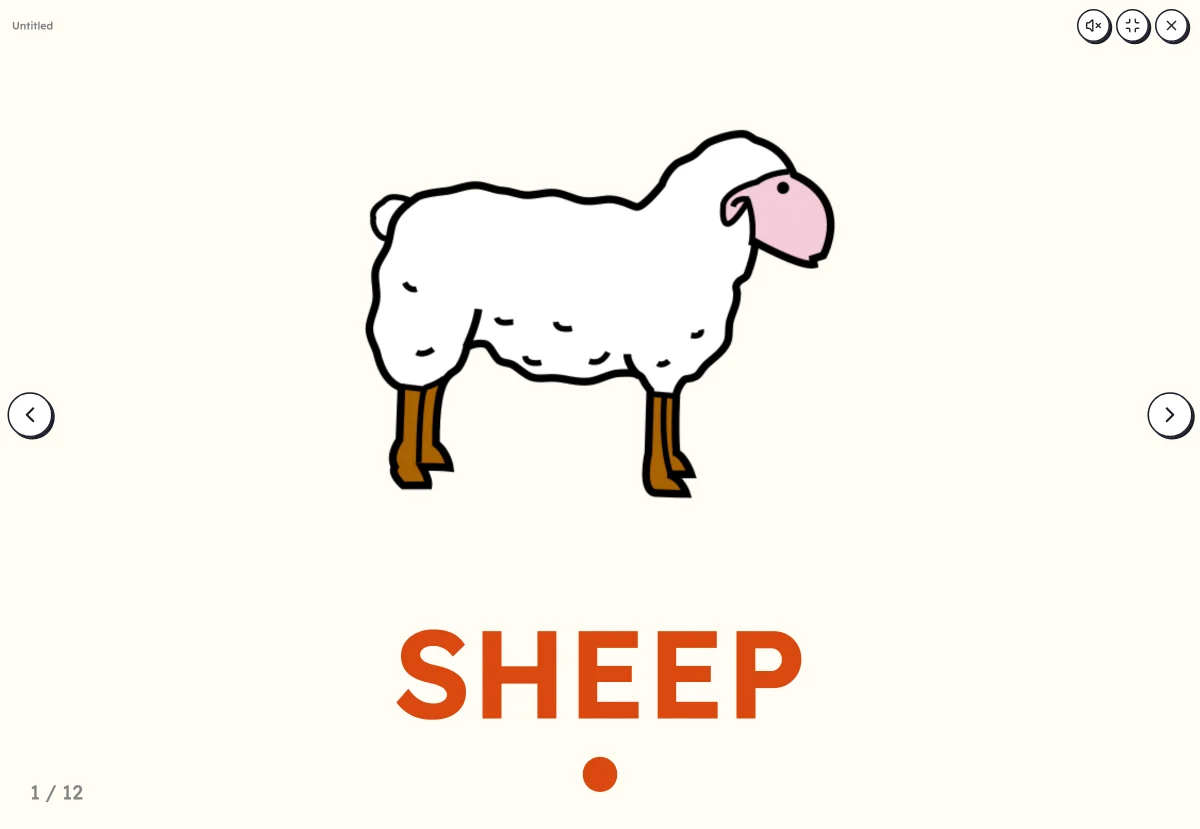
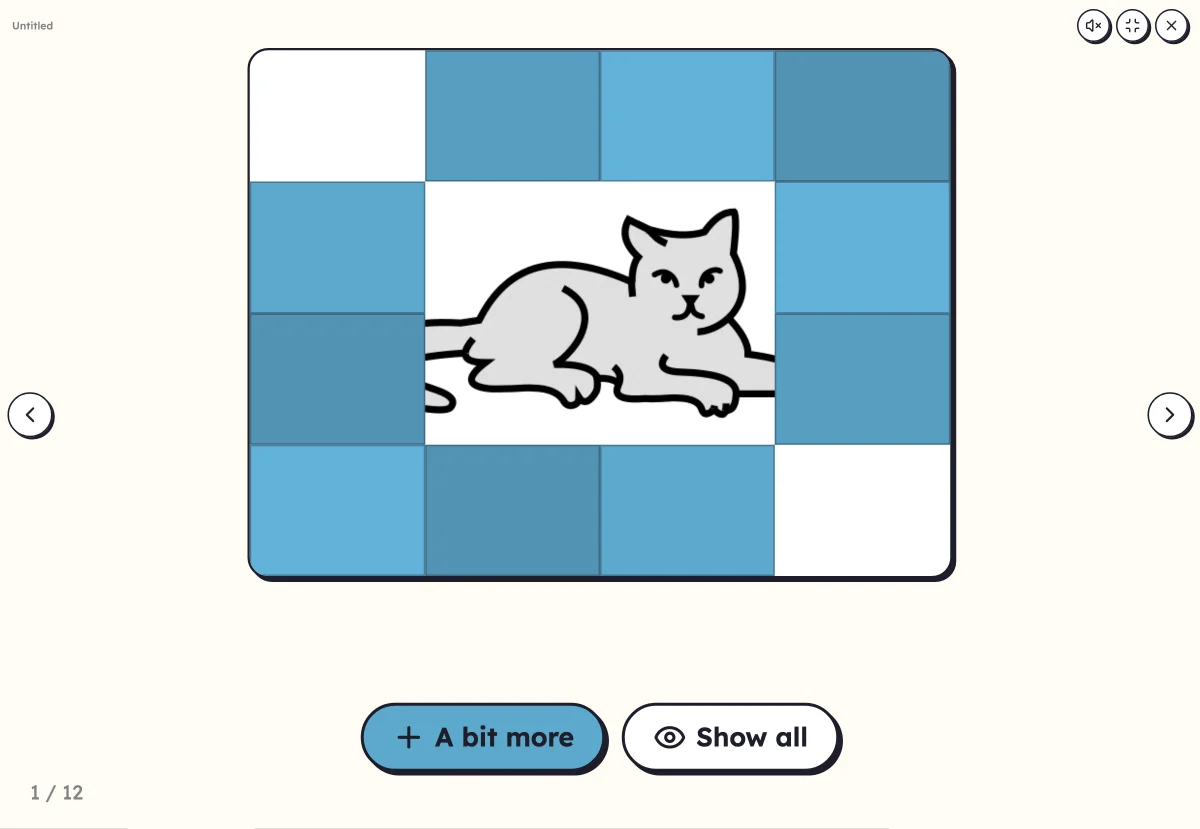
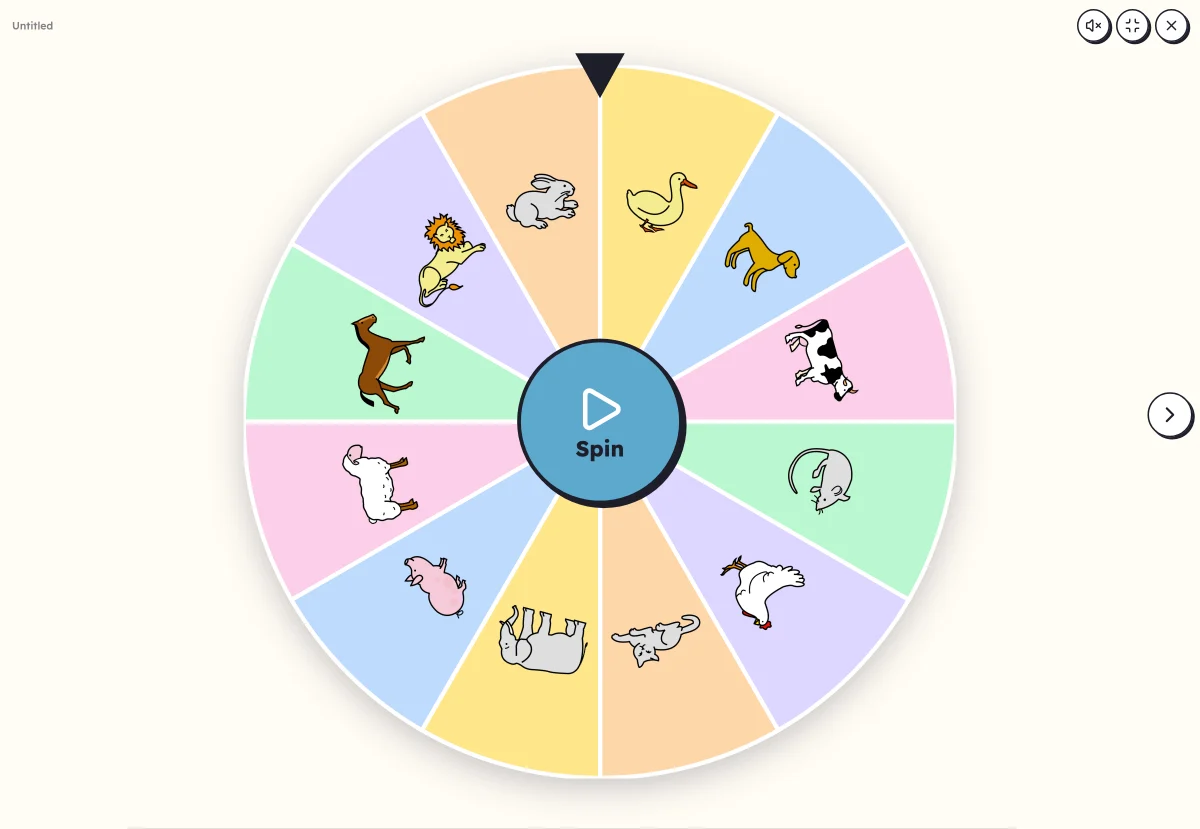
Your words full screen: a picture dictionary to page through, a hidden picture to guess, a wheel that picks the word to say. On a classroom board, a screen or a tablet, with a finger or a mouse.
Free, no account needed. Opens in your browser.
In 3 steps
- Add your words: type them, paste a list or start from a theme.
- Choose the activity and its settings: the preview is already playable.
- Launch full screen: click, touch, keyboard or remote control to move on.
What you can set
- Picture dictionary, Where is…?, What's missing?, Hidden picture, Sort into columns, Clap the syllables, Picture wheel, Mystery word, Letter keyboard
- Voice: your recording, or the device's voice
- Words in capitals, print or cursive
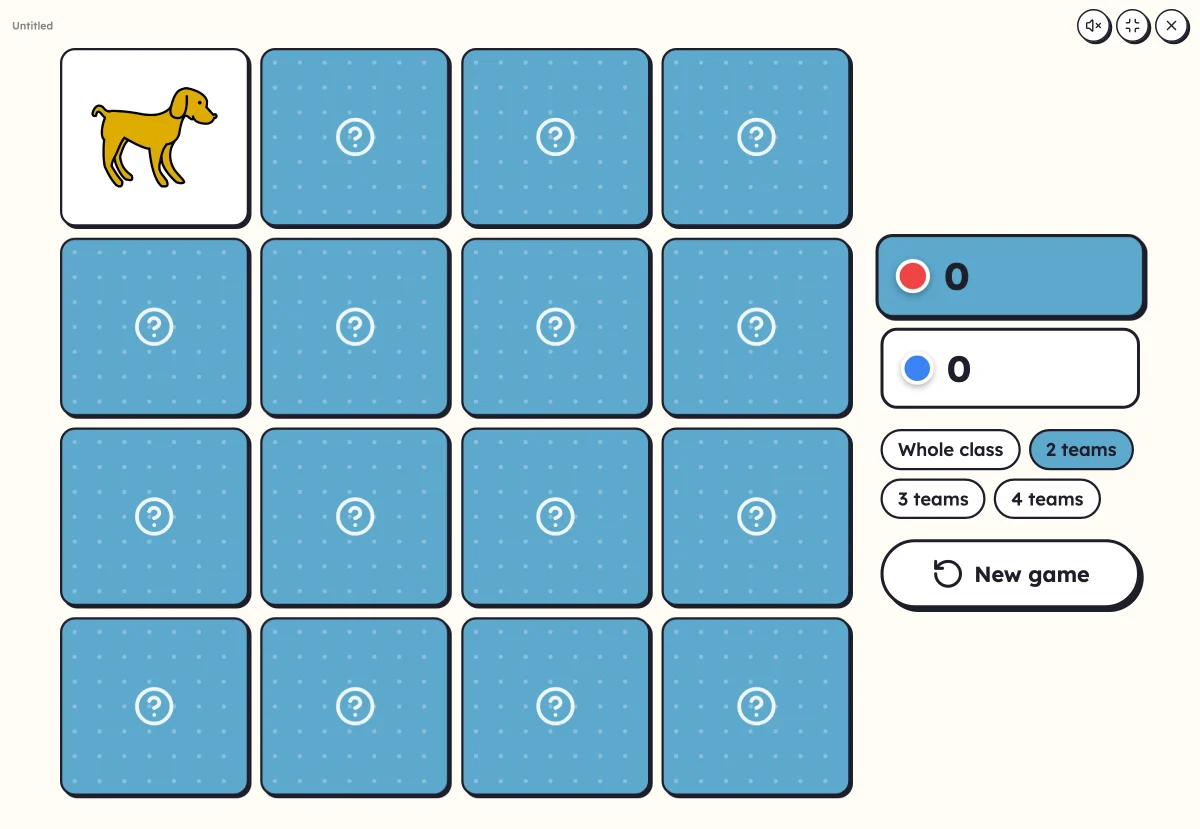
- Bingo, the memory game, clip cards and the Goose game can also be played on screen
Ways to use it
- Discovering the words of a new theme, as a group
- A routine to start a lesson or the day: the hidden picture, the wheel
- Typing a word on the keyboard, letter by letter
Frequently asked questions
Do I need an interactive whiteboard?
No: a computer, a tablet, a projector or a large screen is enough, with a mouse or keyboard. On a touch screen, you touch the pictures directly.
Do the activities speak?
If you turn on the voice: Lexikit says the word with your recording if there is one, otherwise with the device's voice.
Your turn
Open Lexikit, write your words, choose a resource: all that is left is to print. Free, no account, and your words stay on your device.
Start an activity