
Printable picture word search
The pictures tell you which words to look for, the grid hides them. Word searches for beginners: words read from left to right, and from top to bottom if you choose.
Free, no account needed. Opens in your browser.
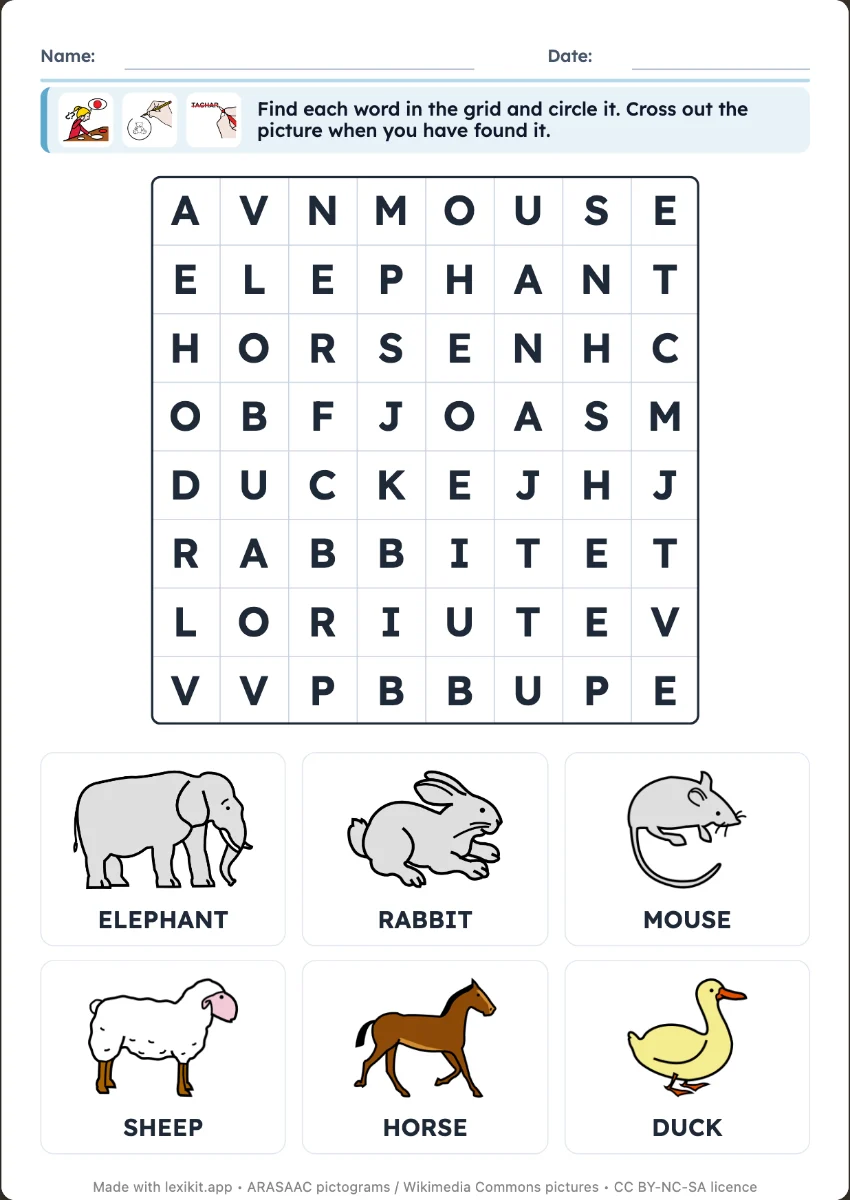
In 3 steps
- Add your words: type them, paste a list or start from a theme.
- Set up the grid: size, word direction, list with or without the written words.
- Print the worksheet and its answer key.
What you can set
- 8 × 8, 10 × 10 or 12 × 12 letter grid
- Words left to right only, or also top to bottom
- List with pictures and words, or pictures only, which is harder
- Answer key page. Name, date and instruction at the top of the worksheet
Ways to use it
- Recognising a written word from its picture
- Work to do alone, once the words are known
- A revision worksheet for a theme's vocabulary
Frequently asked questions
From what age?
From 5 or 6 years old, with a small grid, words in one direction and the written list. Remove the written words from the list to make the search harder.
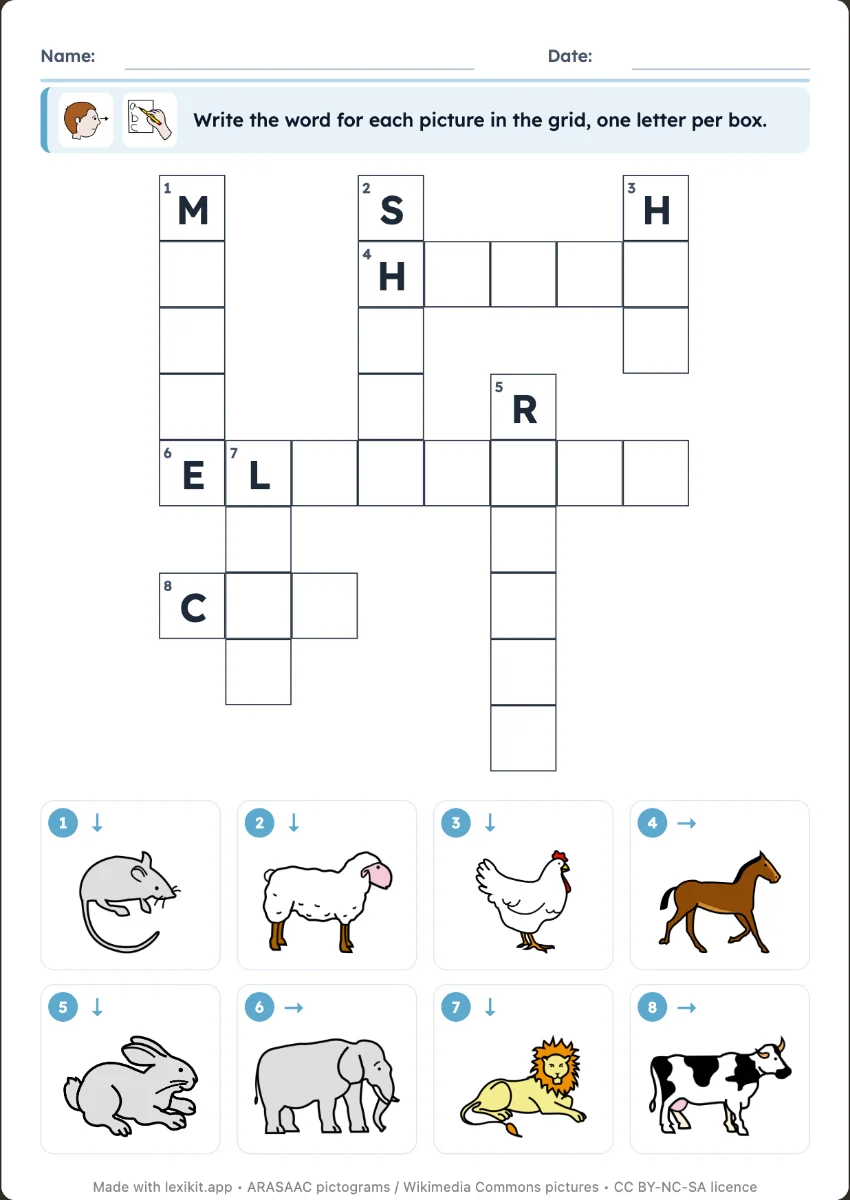
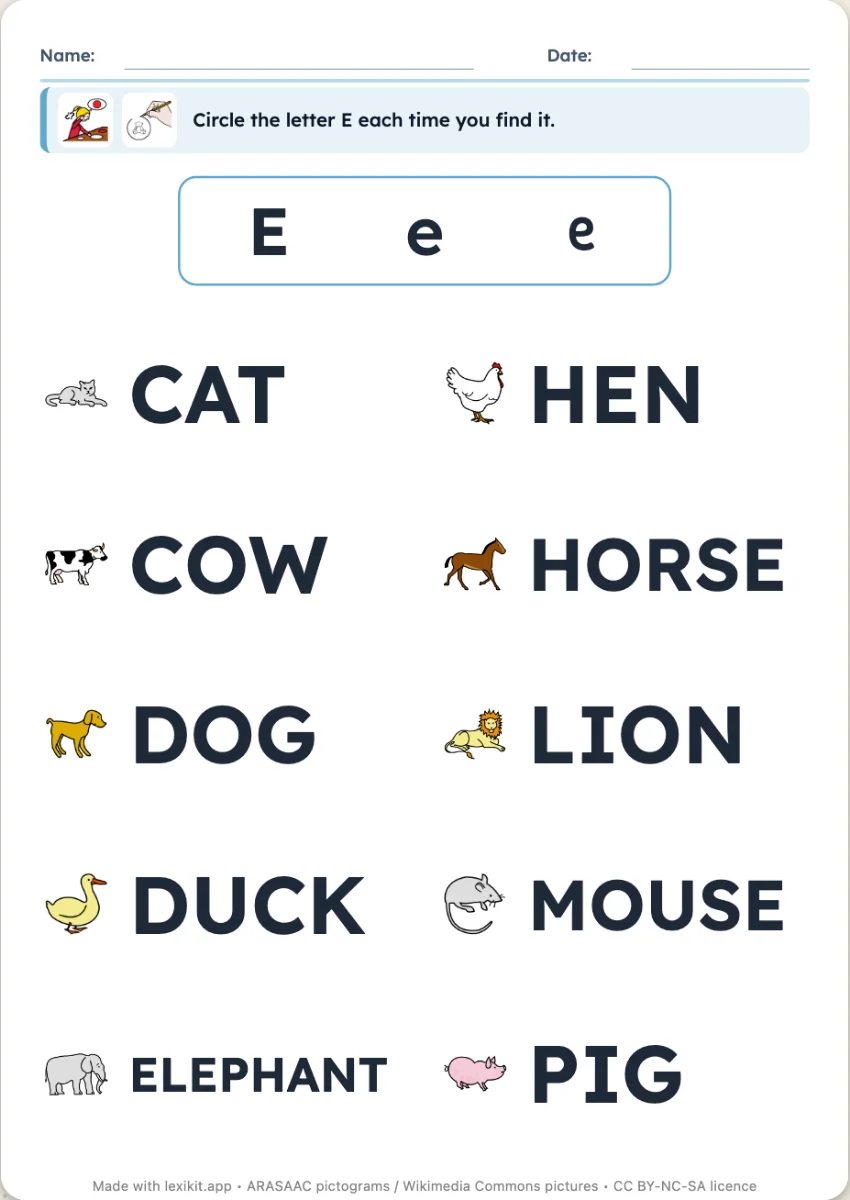
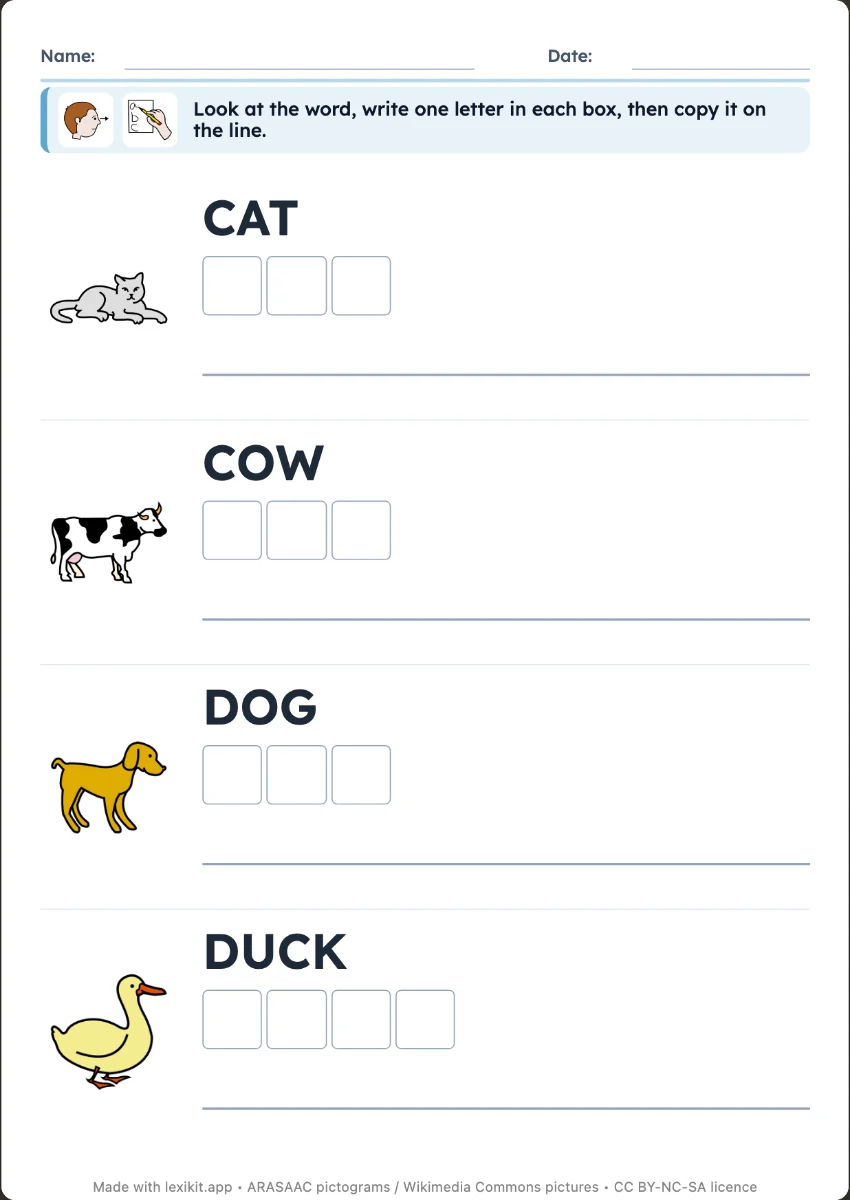
Your turn
Open Lexikit, write your words, choose a resource: all that is left is to print. Free, no account, and your words stay on your device.
Create a word search