
Ways to use it
- Copying the words of a theme, around 5 or 6 years old
- Silent dictation: the picture alone, the word to write from memory
- The same word in capitals for one child, in cursive for another
Vocabulary in writingWrite the word
Next to each picture, the model word on its ruling. The child copies it on the lines, from left to right, the letters joined in cursive. In a silent dictation the model disappears: the child writes the word from memory, with the first letter and an alphabet strip if needed.
Free, no account needed. Opens in your browser.
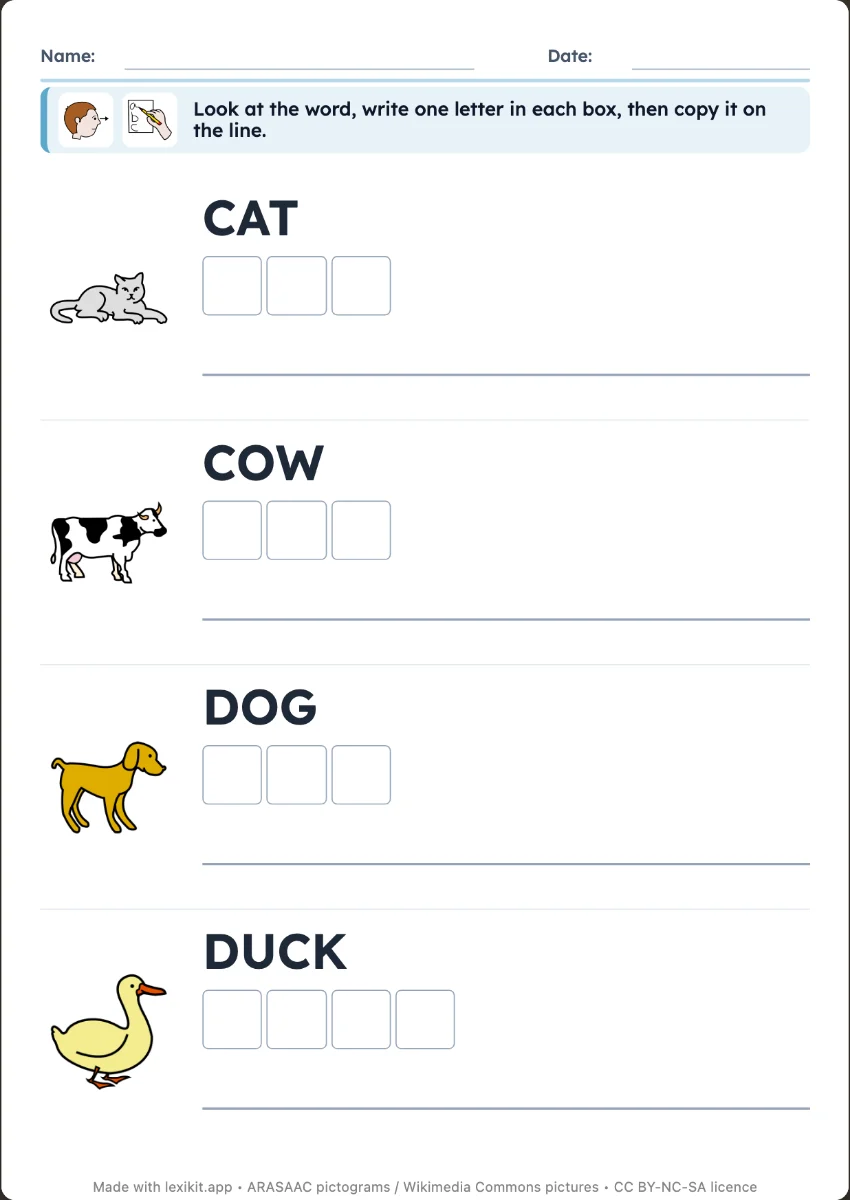
Capitals, print or cursive (joined-up writing), one choice for the whole worksheet, with the fonts of Settings › Fonts. The ruling starts as the one of Settings › Display, at the real size of school notebooks, and the model takes its size. You can change it for each worksheet.
The child sees the picture but not the word, and writes it from memory. Lexikit can give the first letter and an alphabet strip. The answer key, if you want one, goes at the end of the PDF or on the back of each worksheet.
Boxes split the letters apart. In cursive they prevent joining them, and the child can fill the last box before the first one. On the lines, the child writes the word from left to right, as in an exercise book.
Lexikit’s resources follow the French nursery school curriculum and the Eduscol guides: words that are taught, organised, reviewed and used again.
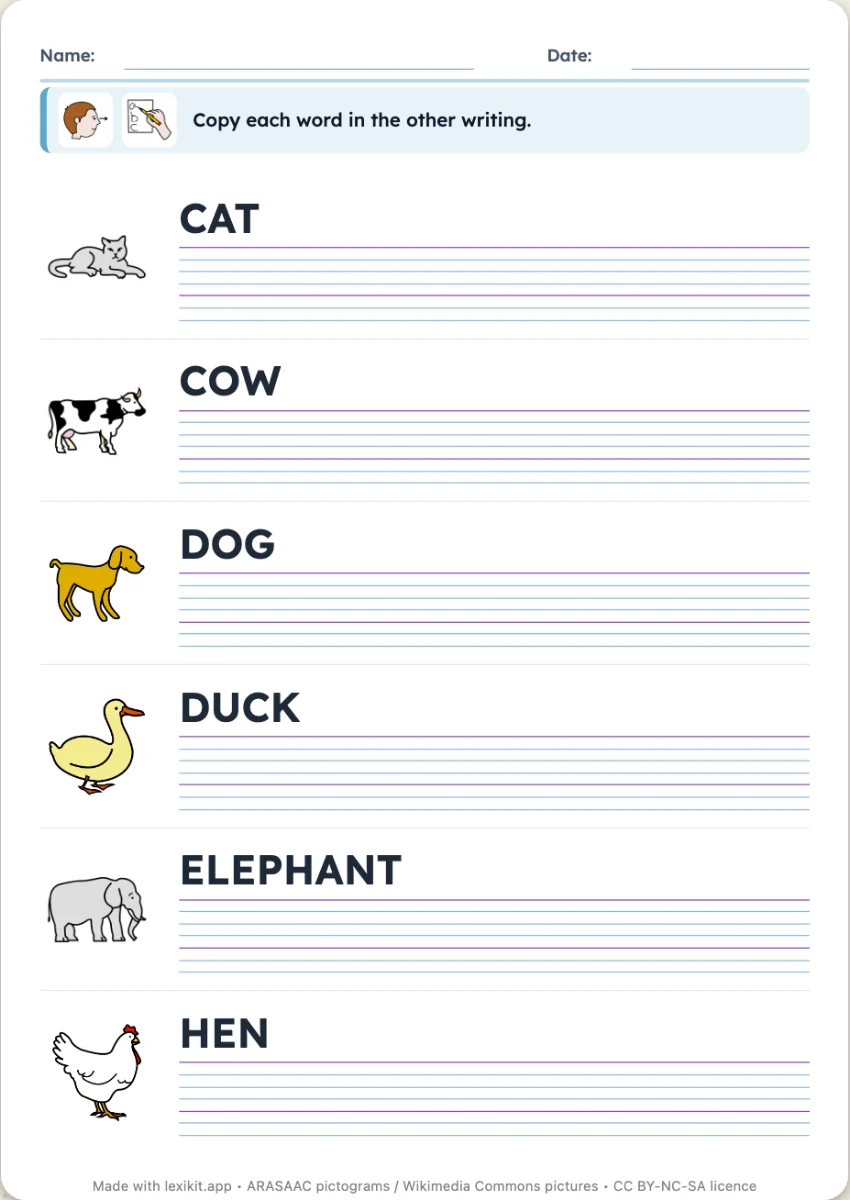 Copy in another writing styleThe word in capitals or print to copy in cursive, or the two styles to link.
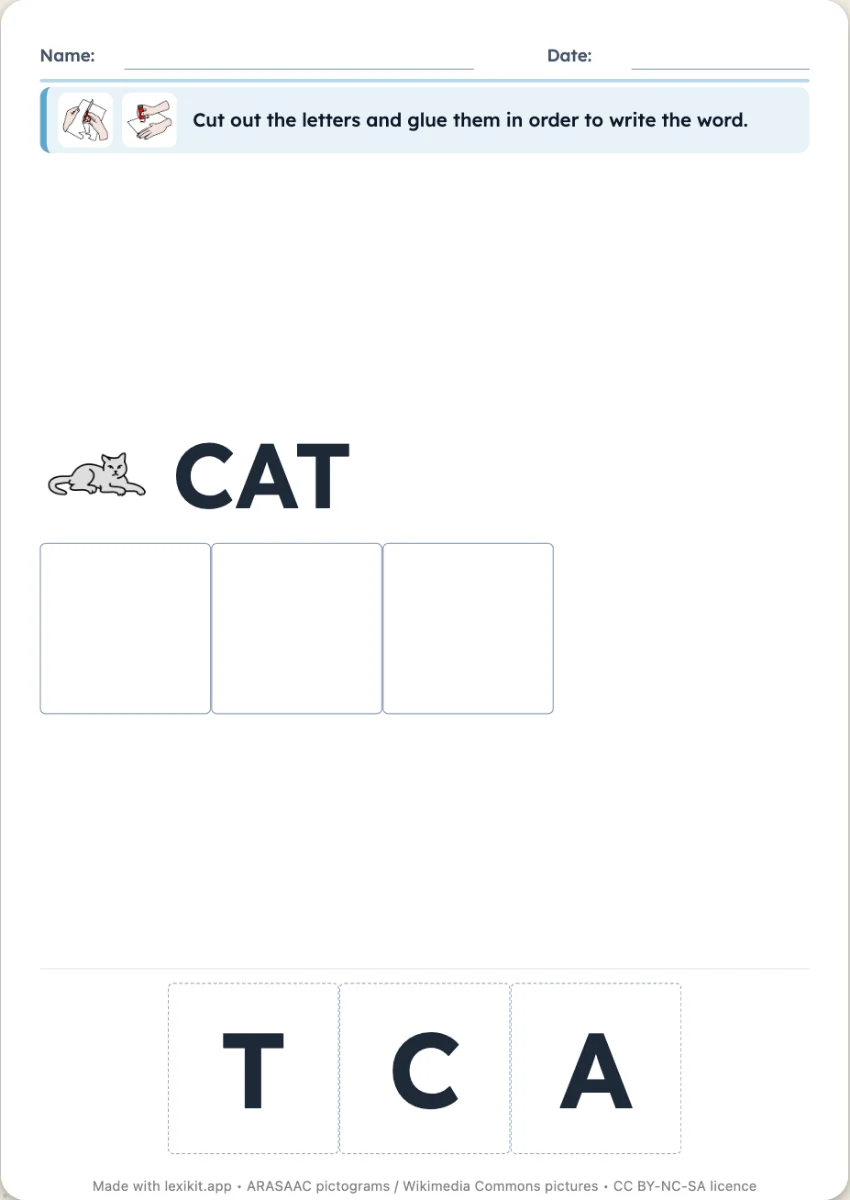 Words to rebuildA board for each word, its picture and its line, then the letters or syllables to cut out and put in order, from left to right.
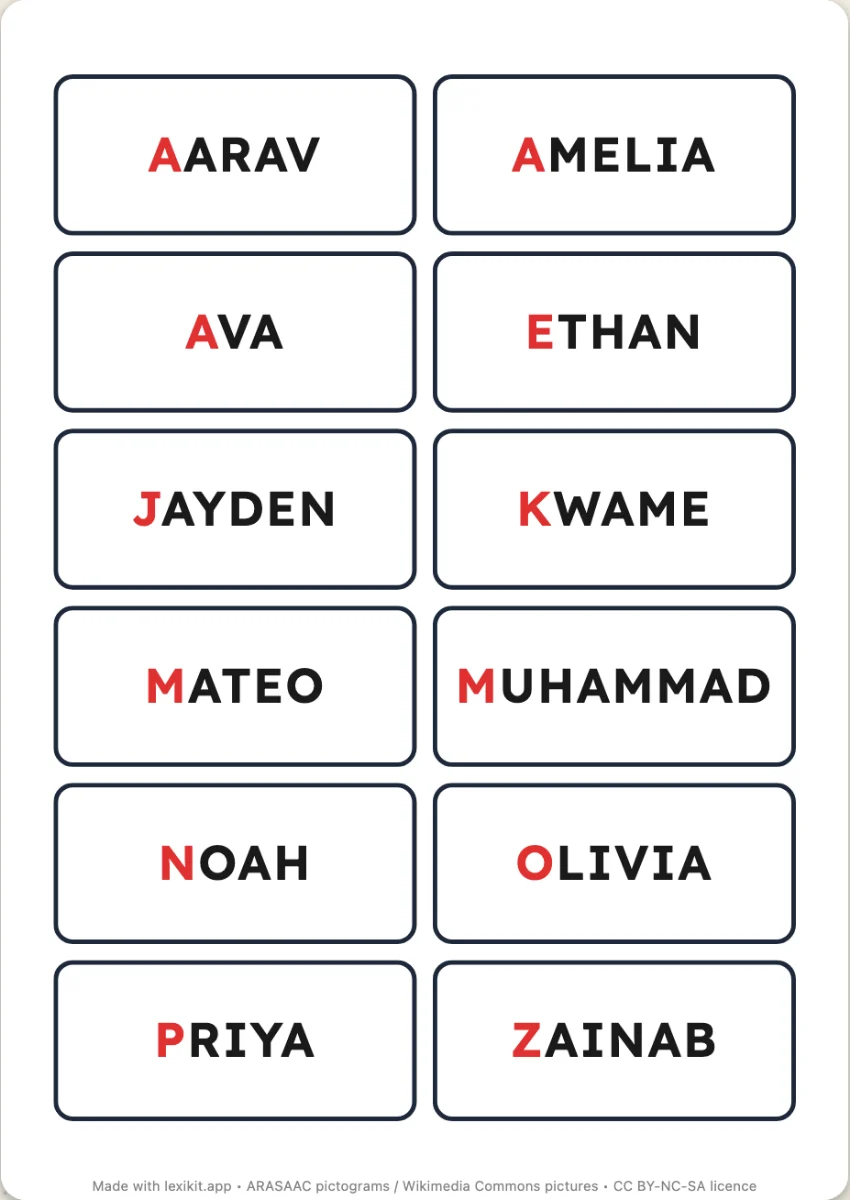 LabelsNames and words at actual size: coat pegs, exercise books, trays.
Open Lexikit, write your words, choose a resource. All that is left is to print or to play. Free, no account, and your words stay on your device.
Create a handwriting worksheet