
Ways to use it
- A self-correcting activity to do alone
- Fine motor skills and phonological awareness at the same time
- On screen: the same cards as a quiz, for a group or a class
Vocabulary in writingObserve the word
The child puts a clothespin on the right answer, then turns the card over to check. Six ways to play, from the first letter of the word to counting.
Free, no account needed. Opens in your browser.
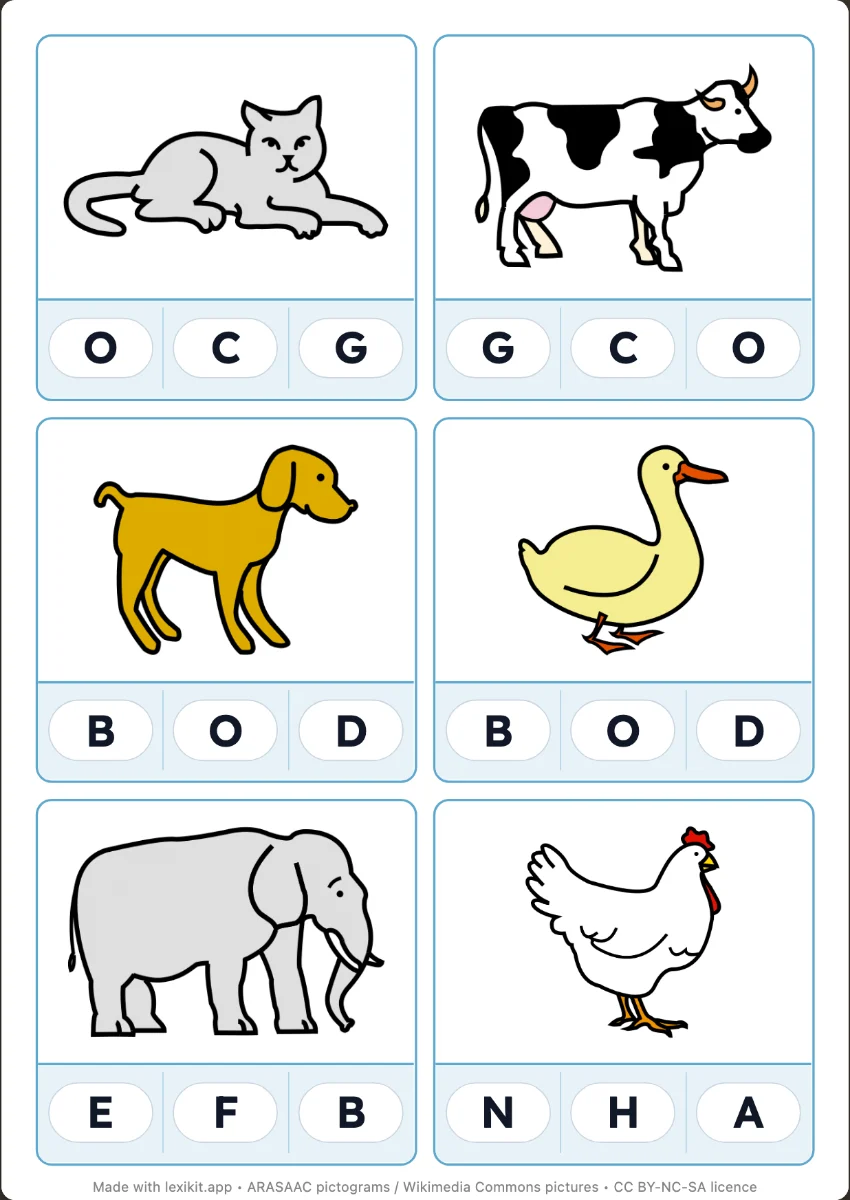
Print double-sided, flipping on the long edge: the back of each card repeats the answer band, and a ticked dot marks the slot of the right answer. The child turns the card over: the clip should sit on the dot.
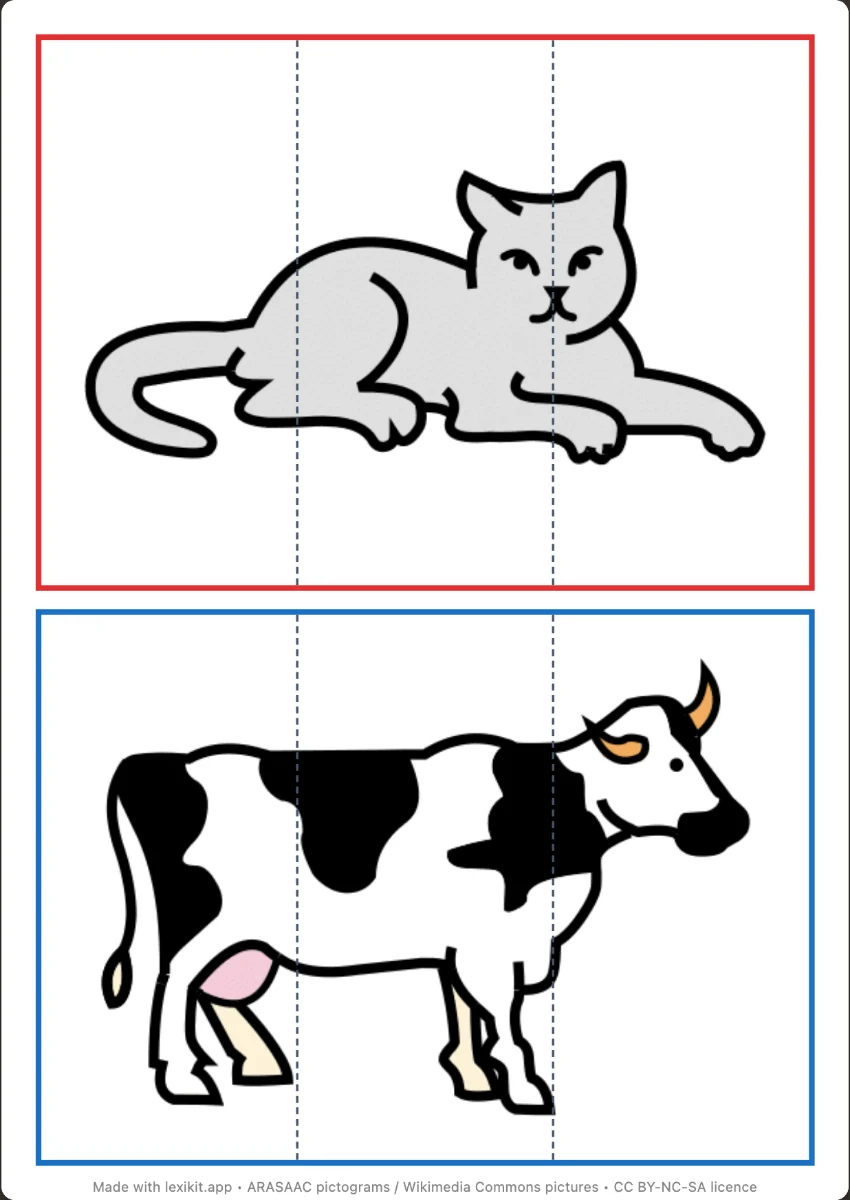 PuzzlesRebuild the picture of each word: 2 to 16 pieces, with a board if you want one.
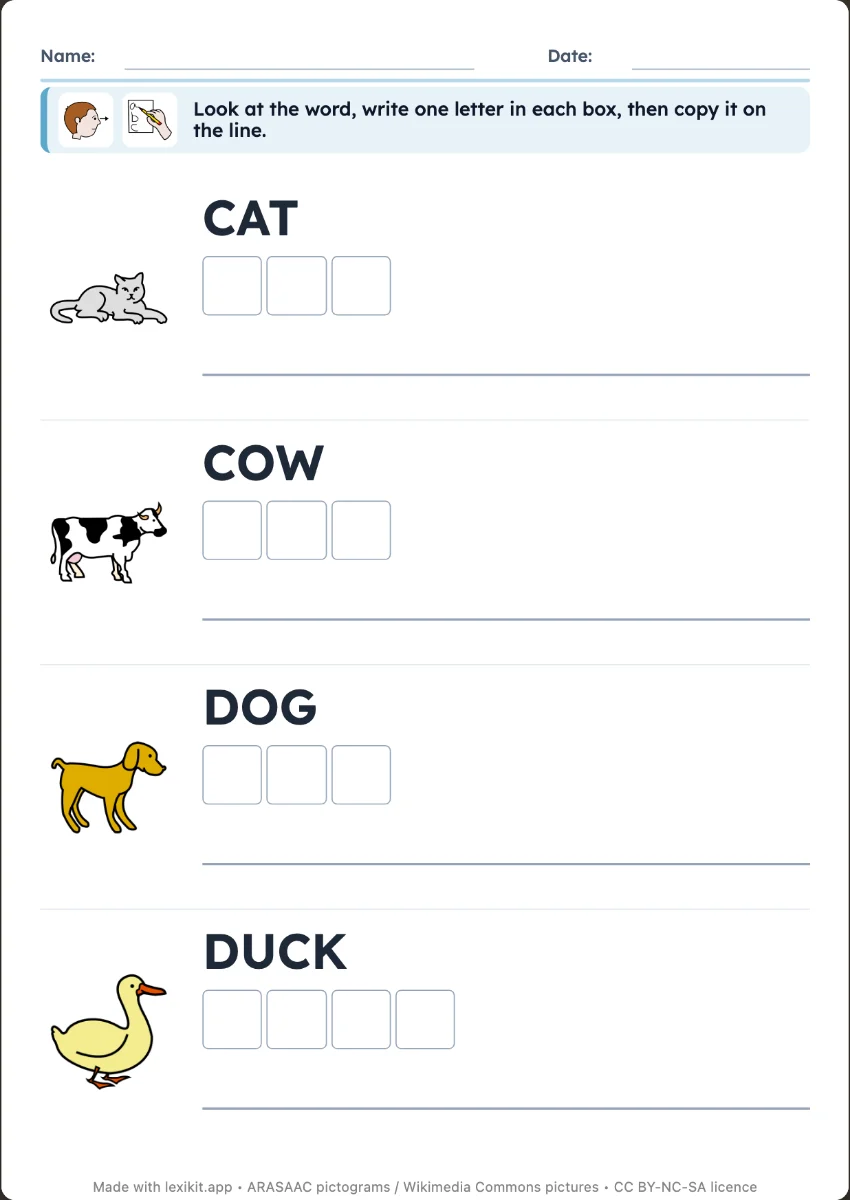 Write the word on the linesCopy the word next to its picture, or write it from memory as a silent dictation, on the lines of a real exercise book.
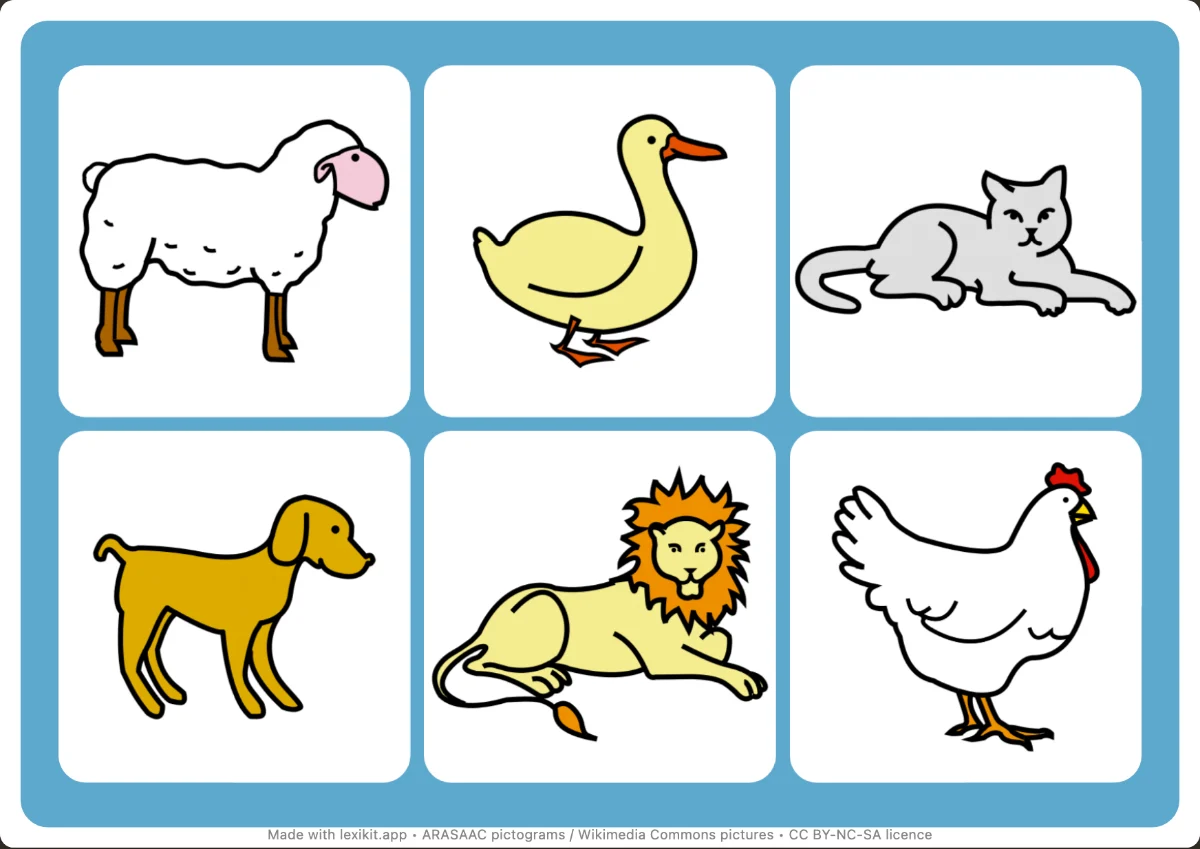 Picture bingoFind the drawn pictures on boards with 6 to 12 squares.
Open Lexikit, write your words, choose a resource. All that is left is to print or to play. Free, no account, and your words stay on your device.
Create clip cards