
Find the odd one out: circle the category or cross out the odd ones out, printable worksheet
A grid of pictures, and the instruction of your choice: “Circle the pictures that go with “Animals””, or “Cross out the pictures that don't go with “Animals””. You choose the category among those of your words, then you add the odd ones out yourself by searching the lexicon: an apple, a bicycle, a chair. Nothing is drawn at random. At the top, the category is shown with its picture and its name. Circling first, from age 3, crossing out later: the same grid, the same odd ones out.
Free, no account needed. Opens in your browser.
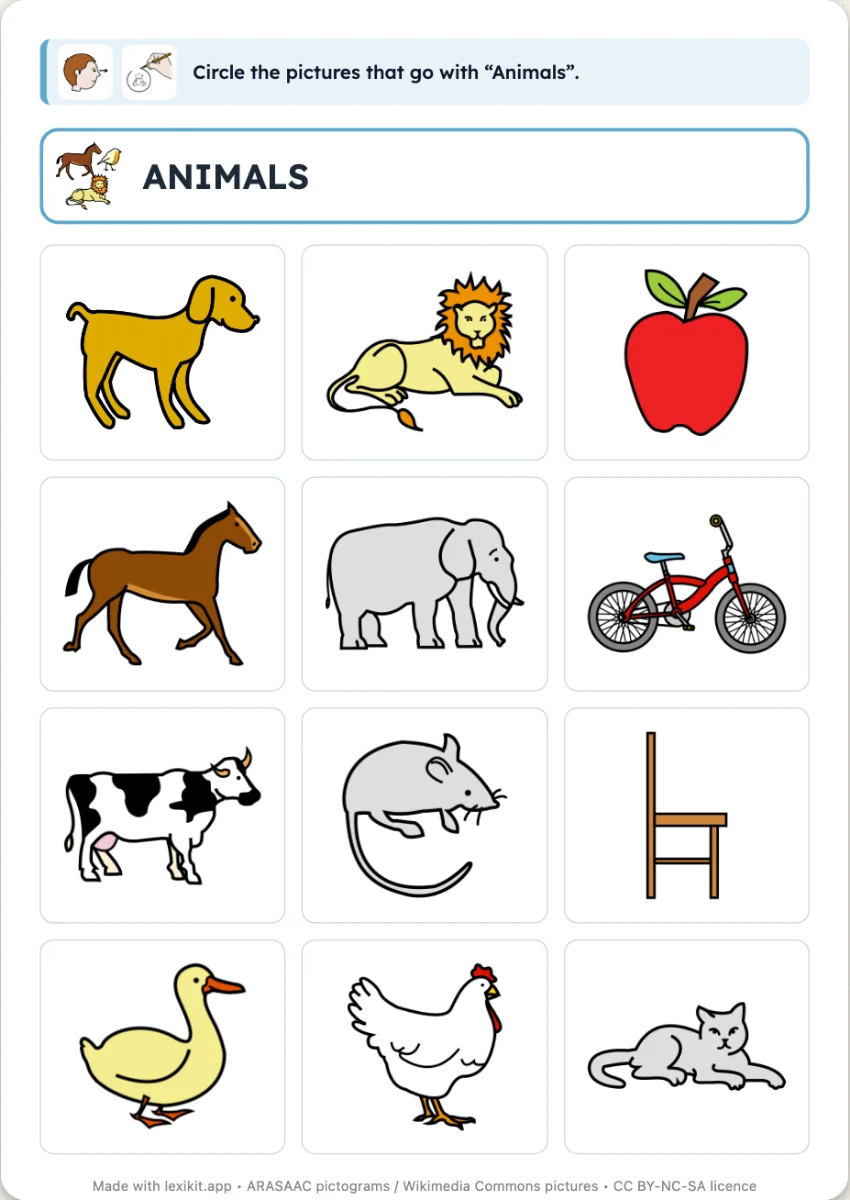
In 3 steps
- Add your words: farm animals, for example.
- Add the odd ones out: in the left column, search for an apple, a bicycle, a chair. There are none until you add some.
- Choose the exercise and print: circle the category or cross out the odd ones out. The illustrated instruction is already at the top, the answer key at the end or on the back if you want it.
What you can set
- Exercise: circle the pictures of the category, or cross out the odd ones out
- Category of the worksheet: chosen among those of your words
- Odd ones out: the ones you add, of another category
- The category shown at the top of the worksheet, its picture and its name
- Answer key at the end or on the back, illustrated instruction
- On screen: to circle, the grid full screen, the child touches every picture of the category. To cross out, one row of pictures at a time, the child touches the odd one out
Ways to use it
- A first sorting at age 3, with nothing to cut or stick
- Naming the odd ones out and saying why they are not in the category, out loud
- In speech therapy, working on one category at a time
Frequently asked questions
My list only has animals: where are the odd ones out?
You add them yourself. In the left column, search for a word, an apple or a bicycle, and click it. The search offers neither the words of your list nor those of the worksheet's category.
Circle or cross out?
It is the same worksheet. In “Exercise”, choose “Circle the category” or “Cross out the odd ones out”. The grid and the odd ones out stay the same, only the instruction and the answer key change.
With the same words
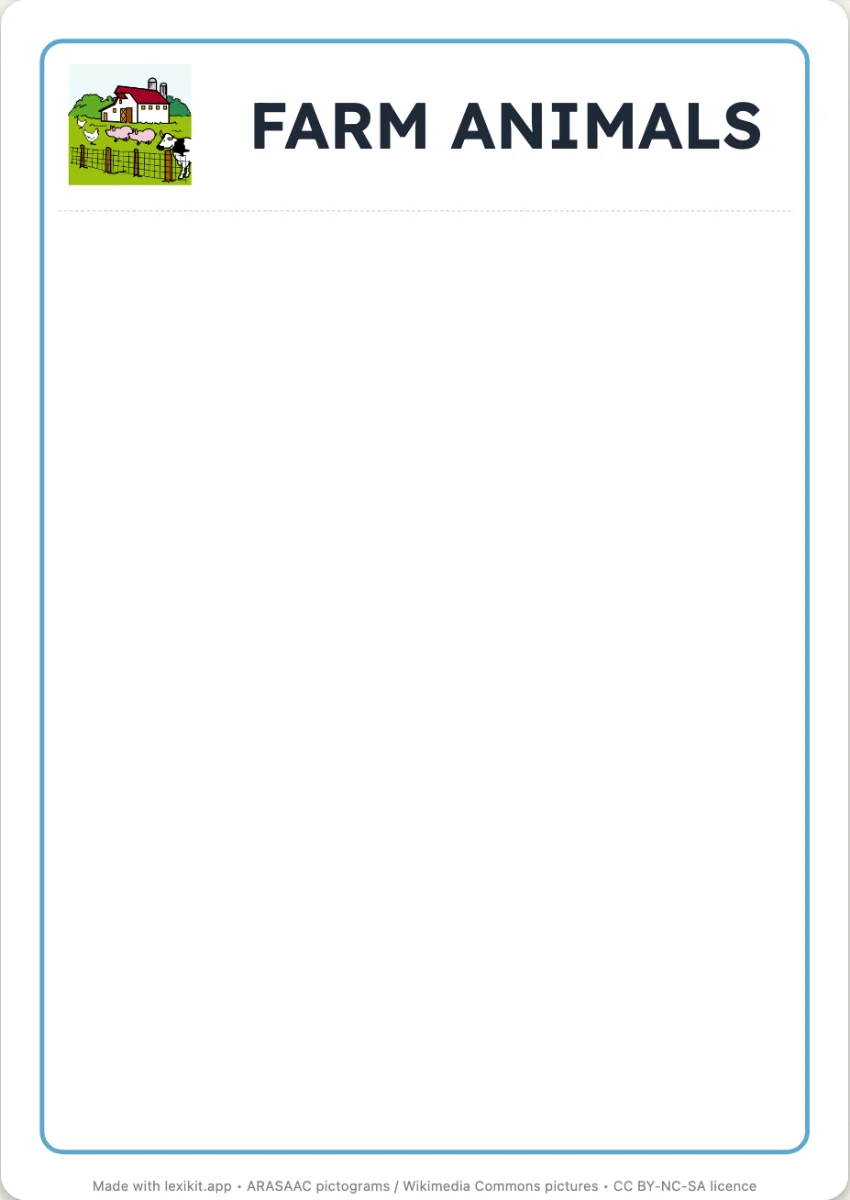 Sort by categoryOne large box per page, one per category, then the pictures to cut out and stick in the right one. The same material as « Sort by part of speech ».
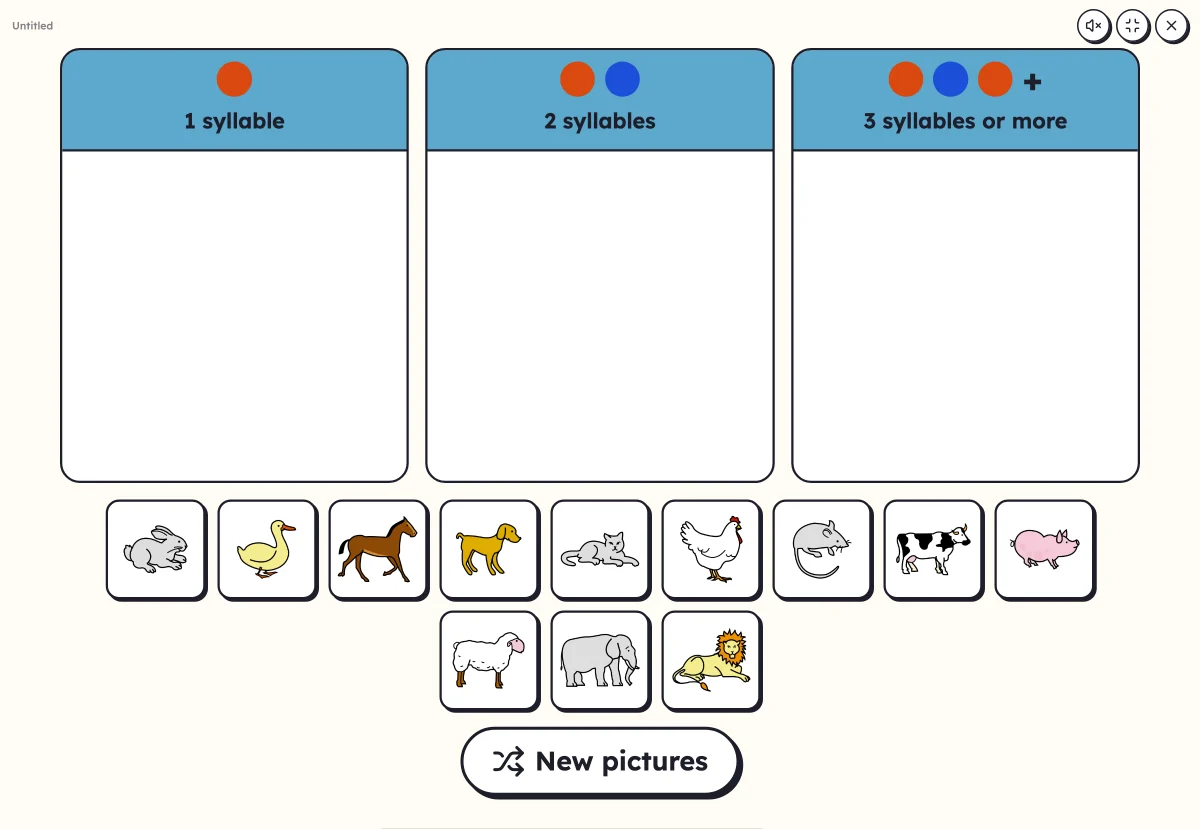 Sort into columnsDrag each picture into its column: number of syllables, first letter or part of speech.
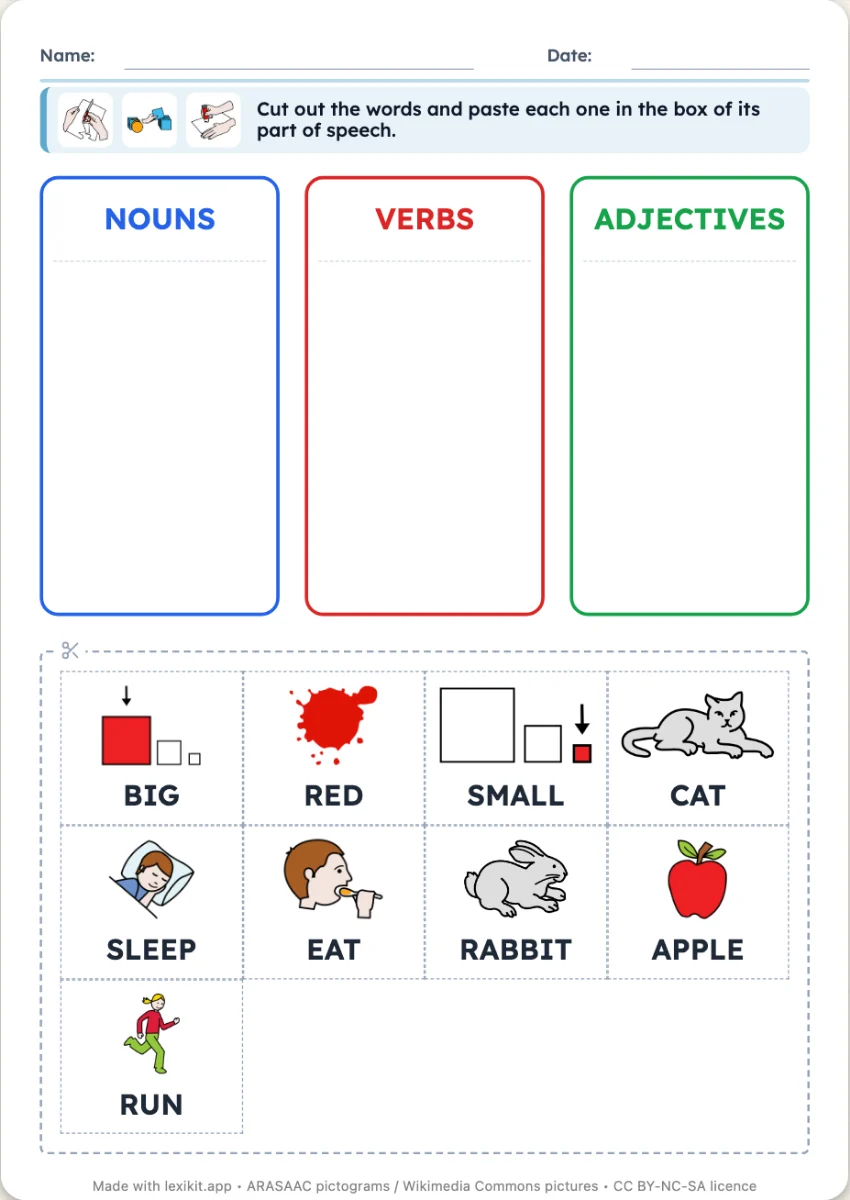 Sort by part of speechWords to cut out and paste into the box of their part of speech: nouns, verbs, adjectives. The boxes in the colours of the class code.
Your turn
Open Lexikit, write your words, choose a resource: all that is left is to print. Free, no account, and your words stay on your device.
Create a “Find the odd one out” worksheet