
Sort by category: cut out the pictures and stick each one in the box of its category
First two, three or four large boxes, one per page, each with the picture and the name of a category: animals, fruit. Then the labels to cut out, a picture and its word, all the same size. With no name or instruction, it is material to laminate, made like « Sort by part of speech »: the child puts the cat with the animals, the apple with the fruit, and starts again. If your list has a single category, Lexikit borrows the second one from your other resources or from the lexicon.
Free, no account needed. Opens in your browser.
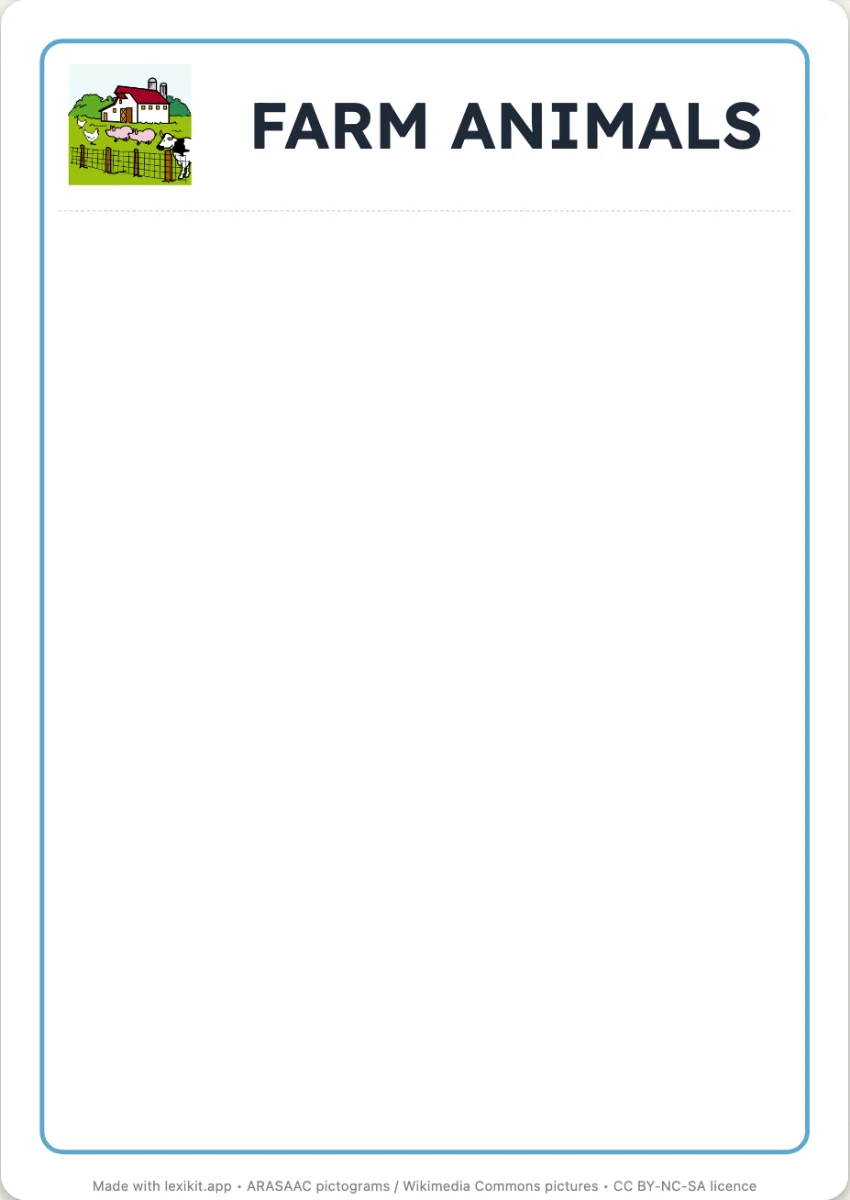
In 3 steps
- Add your words: animals and fruit, or a single category, Lexikit completes it.
- Choose the categories: two, three or four, found by Lexikit or chosen in the left column.
- Print: the boxes first, one per page, then the labels to cut out with their cutting lines.
What you can set
- Number of categories: two, three or four, each chosen by you or found by Lexikit
- Box names: written next to the picture of the category, or the picture alone
- Pictures to stick: after the boxes, or none to print the boxes alone
- Writing of the words on the labels: capitals, print or cursive
- On screen: the category boxes as columns, the child drags each picture into its box
Ways to use it
- Categorising by cutting and sticking: the farm and the savannah, fruit and vegetables
- A sheet of boxes on the board and large pictures: each child comes to stick theirs and says why
- In speech therapy, handling the pictures before naming the category
Frequently asked questions
How many labels per sheet?
Twelve, in three columns of four, each with its picture and its word. Each box has its own page, the whole page. Without pictures to stick, Lexikit prints the boxes alone.
With the same words
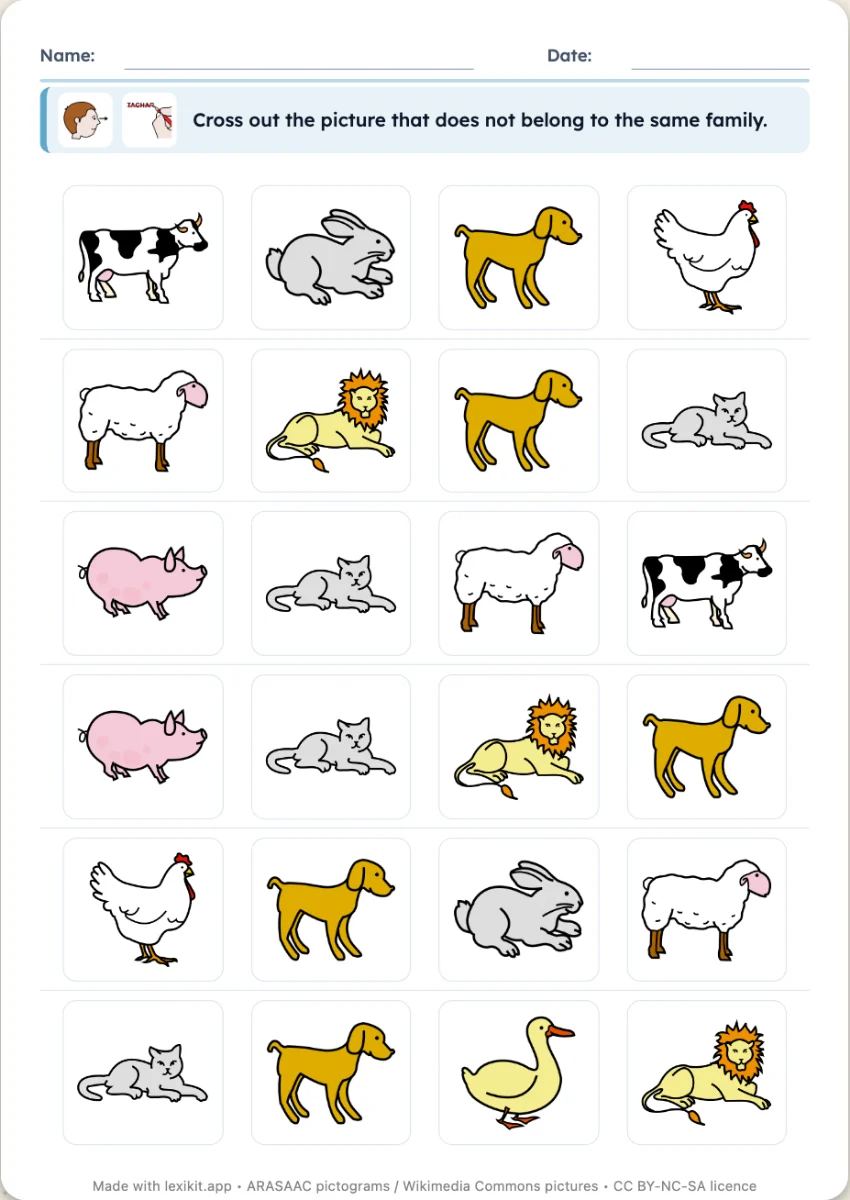 Odd one outOn each row, three pictures of one category and an odd one out to cross out, six or eight rows per sheet.
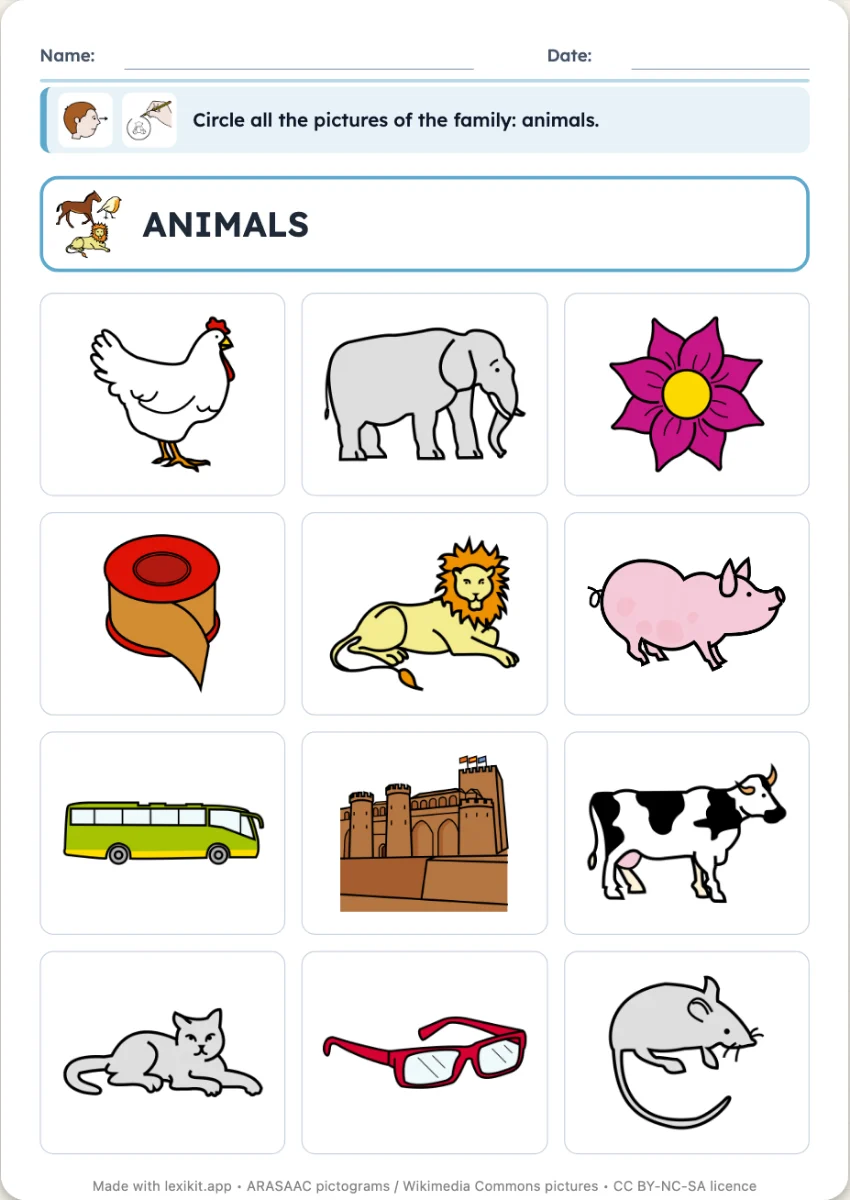 Circle the categoryA grid of pictures: circle every picture of the category asked for, the others are odd ones out.
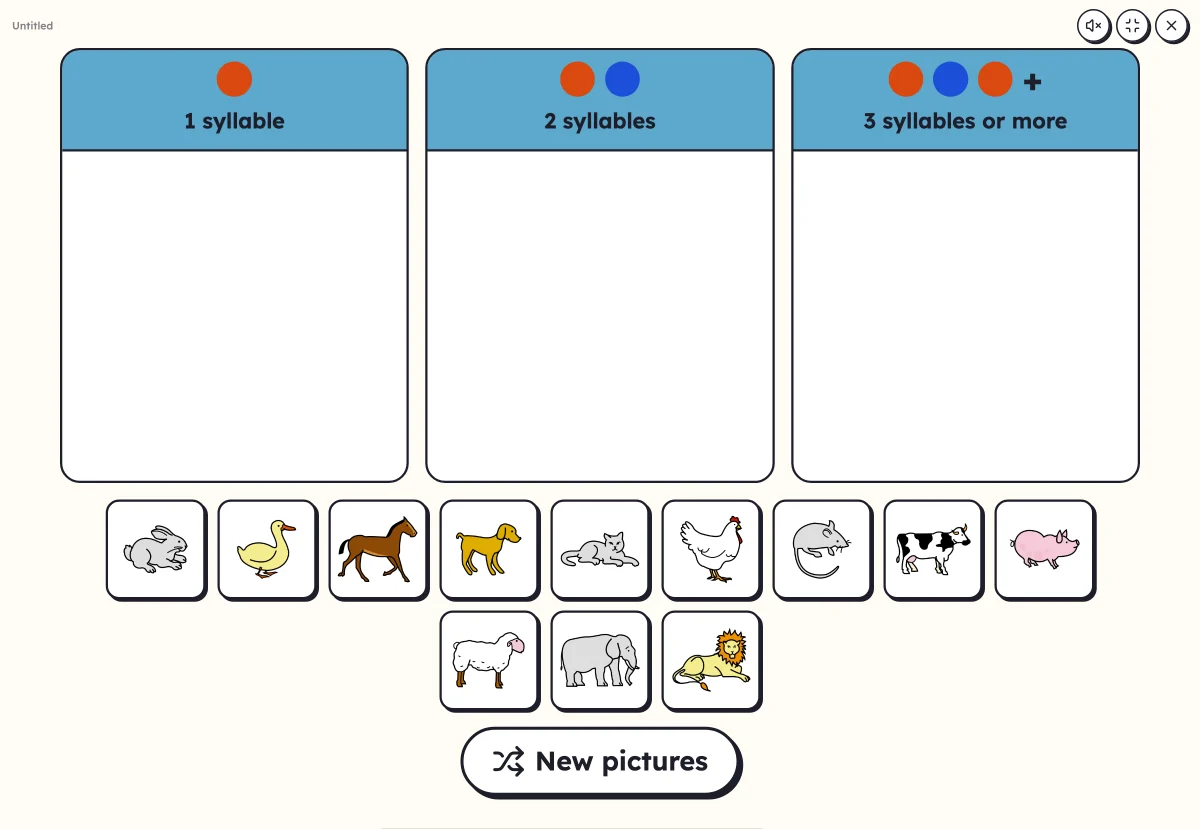 Sort into columnsDrag each picture into its column: number of syllables, first letter or part of speech.
Your turn
Open Lexikit, write your words, choose a resource: all that is left is to print. Free, no account, and your words stay on your device.
Create « Sort by category »