
The picture wheel, on screen
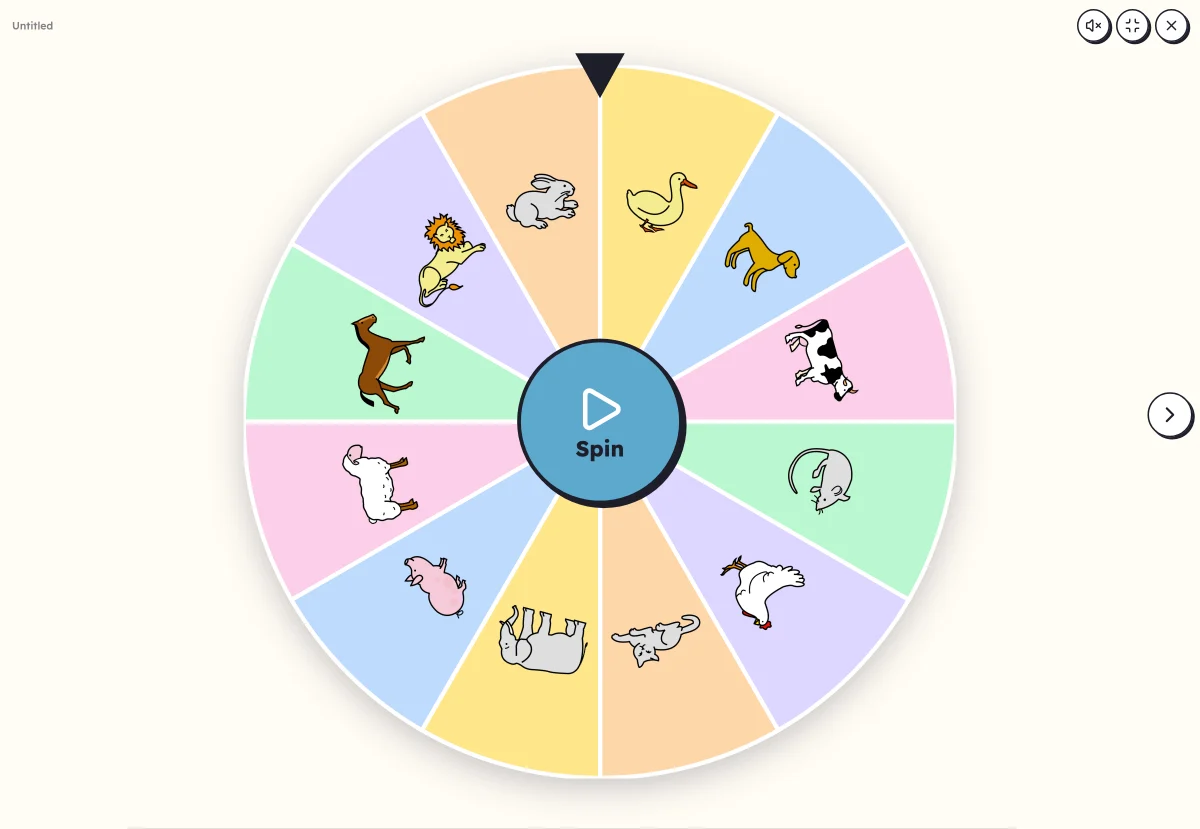
Your words on a fairground wheel. A child spins it, it slows down, stops: here is the picture to name, clap or write on the mini whiteboard. The picture drawn leaves the wheel, down to the last one.
Free, no account needed. Opens in your browser.
In 3 steps
- Add your words: at least two, with their pictures. Twelve make a fine wheel.
- Set up the wheel: the picture drawn is removed or stays, the word shows under it or not.
- Launch full screen: one touch on the wheel, it spins, the picture drawn appears large.
What you can set
- Remove the picture drawn, or leave it on the wheel
- The word under the picture drawn, or the picture alone
- Words in capitals, print or cursive
- Voice: the picture drawn is named aloud
Ways to use it
- Drawing at random the word for the dictation, the mini whiteboard or the drawing
- A routine where everyone takes a turn spinning the wheel
- Handing out the words of a theme for a speaking activity
Frequently asked questions
Who spins the wheel?
A child, with a finger on a touch screen, or you, with a click or the space bar. The wheel spins, slows down and stops on a picture.
And when all the pictures are out?
Lexikit says so, and “Start again” fills the wheel up again. Set “Remove the picture drawn” to “No” for a wheel that never empties.
With the same words
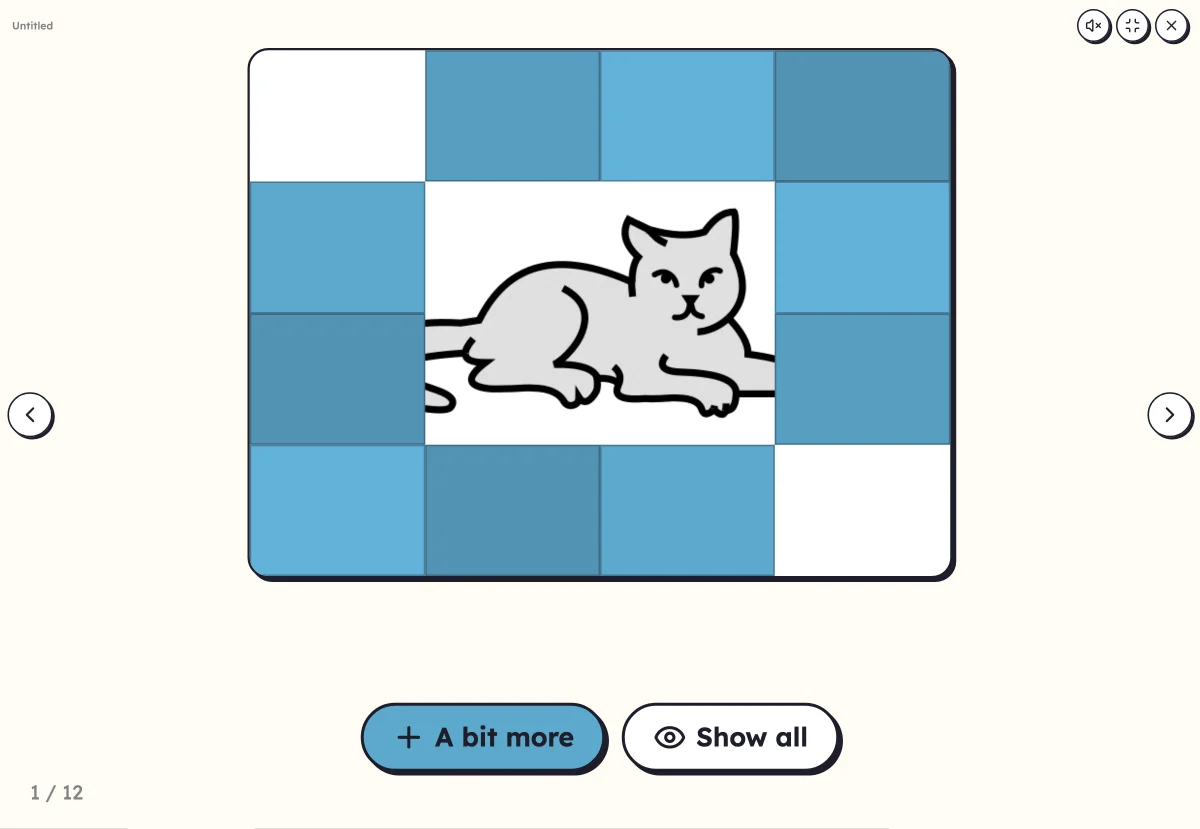 Hidden pictureThe picture appears little by little, tile by tile or zooming out: who recognises it?
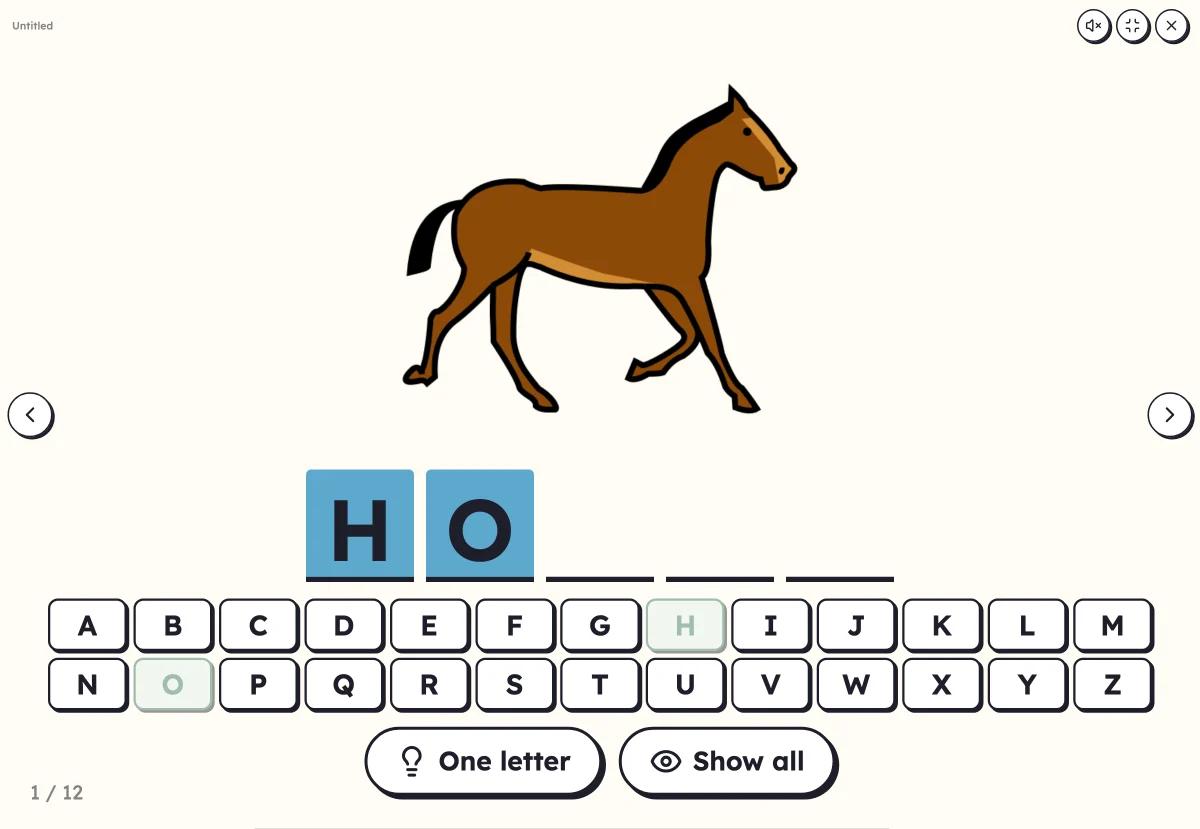 Mystery wordFind the word's letters on the alphabet. The picture helps, or appears at the end.
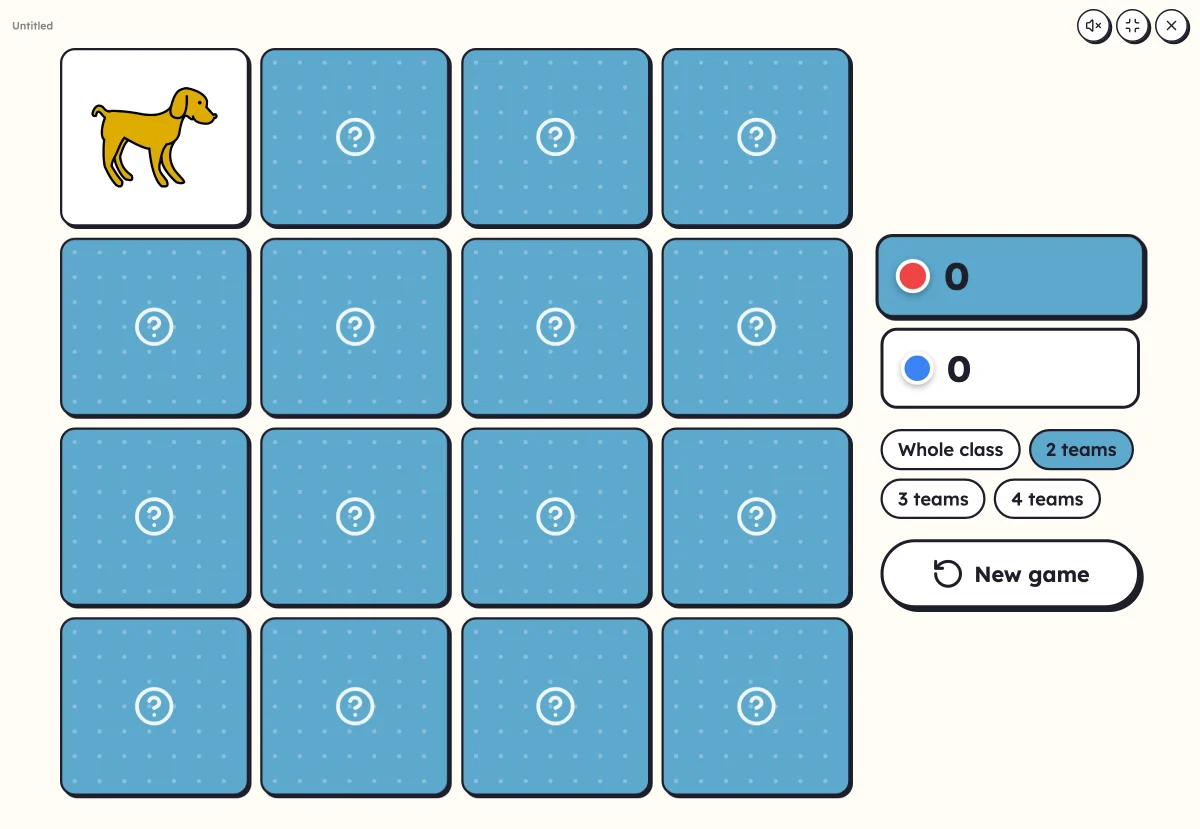 On-screen activitiesNine full-screen activities, plus bingo, the memory game, clip cards and the Goose game, which can also be played on the classroom board.
Your turn
Open Lexikit, write your words, choose a resource: all that is left is to print. Free, no account, and your words stay on your device.
Launch the wheel