
Hidden picture: guess the word on screen
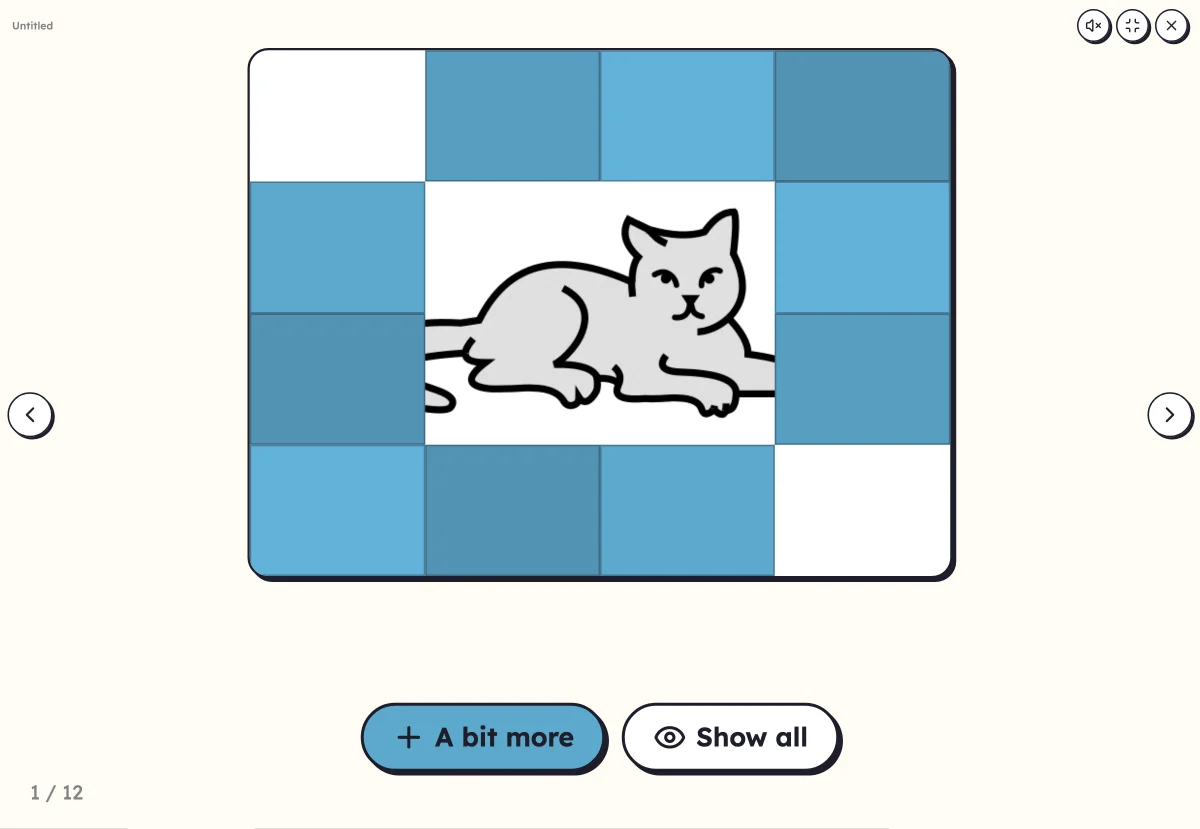
The picture is there, but hidden. Tile by tile, or zooming out little by little, it is revealed: who recognises it first? The word appears, the voice says it, and on to the next picture.
Free, no account needed. Opens in your browser.
In 3 steps
- Add your words: one picture is enough, a list makes a whole game.
- Choose the reveal: by tiles, 9, 16 or 25, or by a zoom that pulls back.
- Launch full screen: touch a tile, or “A bit more”, until someone finds it.
What you can set
- Reveal by tiles: 9, 16 or 25
- Or by zoom: the picture first appears from very close
- List order or random
- The word shown when the picture is found, in capitals, print or cursive
- Voice: your recording, or the device's voice
Ways to use it
- A start-of-day routine that gets the whole class talking
- Having the children form hypotheses: “it might be…”
- Going over the words of a theme while having fun, in class or at home
Frequently asked questions
Who removes the tiles?
You, or a child who comes to the board: each touch removes a tile. Without a touch screen, “A bit more” removes one at random, and “Show all” shows the whole picture.
When does the word appear?
When the picture is fully revealed, or as soon as you touch “Show all” because a child has found it. The word is written under the picture, and the voice says it.
With the same words
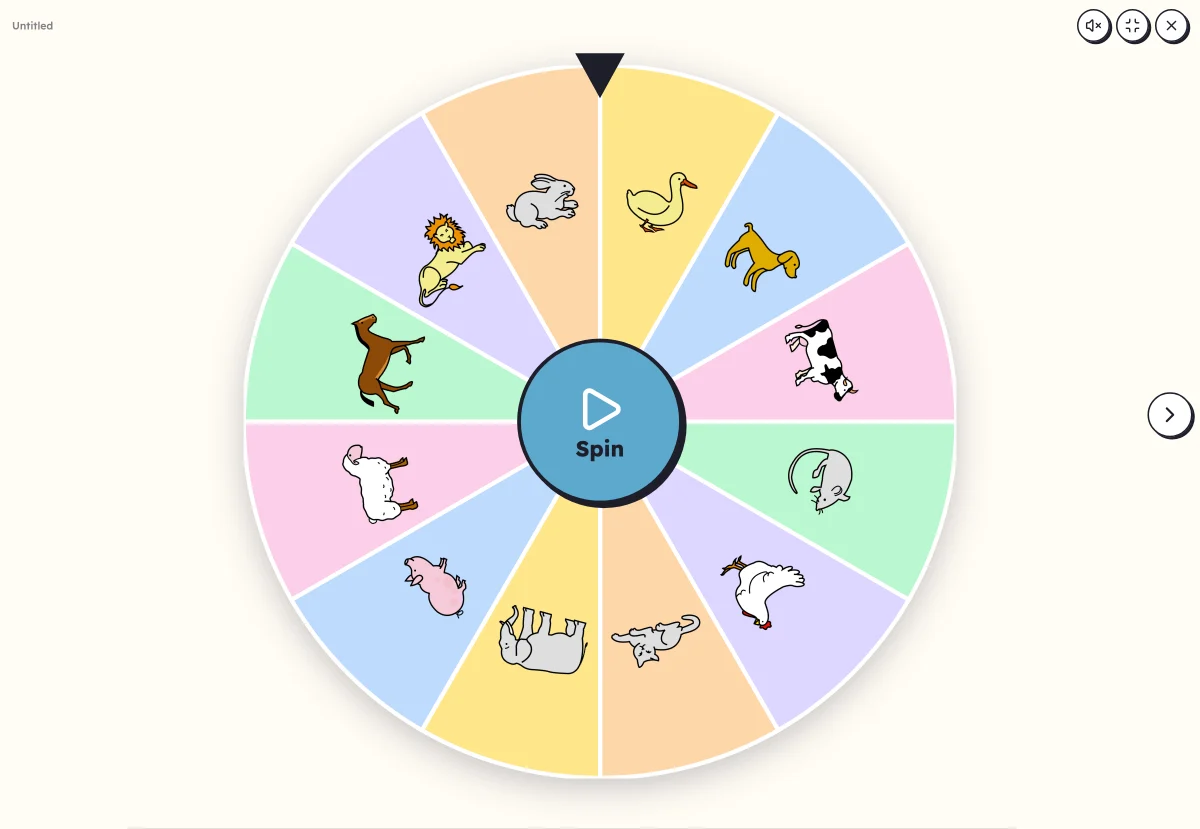 Picture wheelA wheel of pictures to spin: it picks the word to say, clap or write.
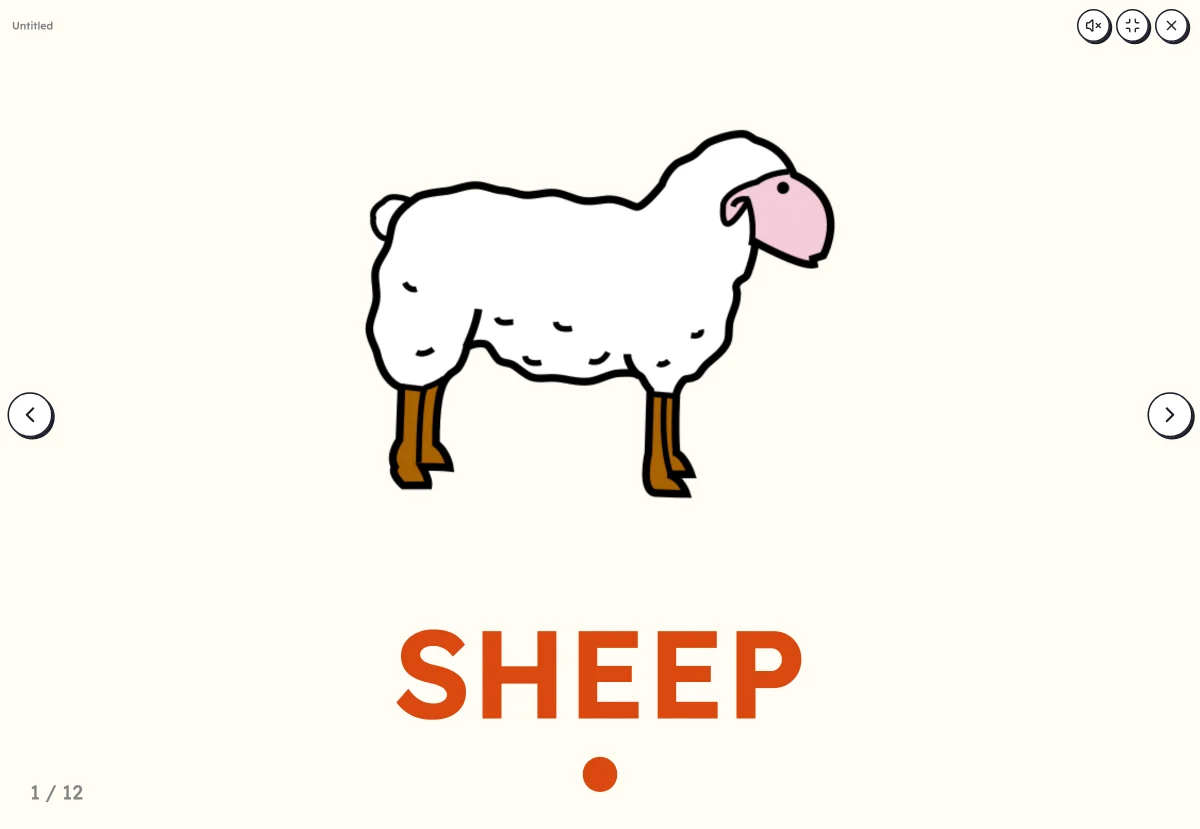 Picture dictionaryOne large picture: name it, then reveal the word and clap its syllables.
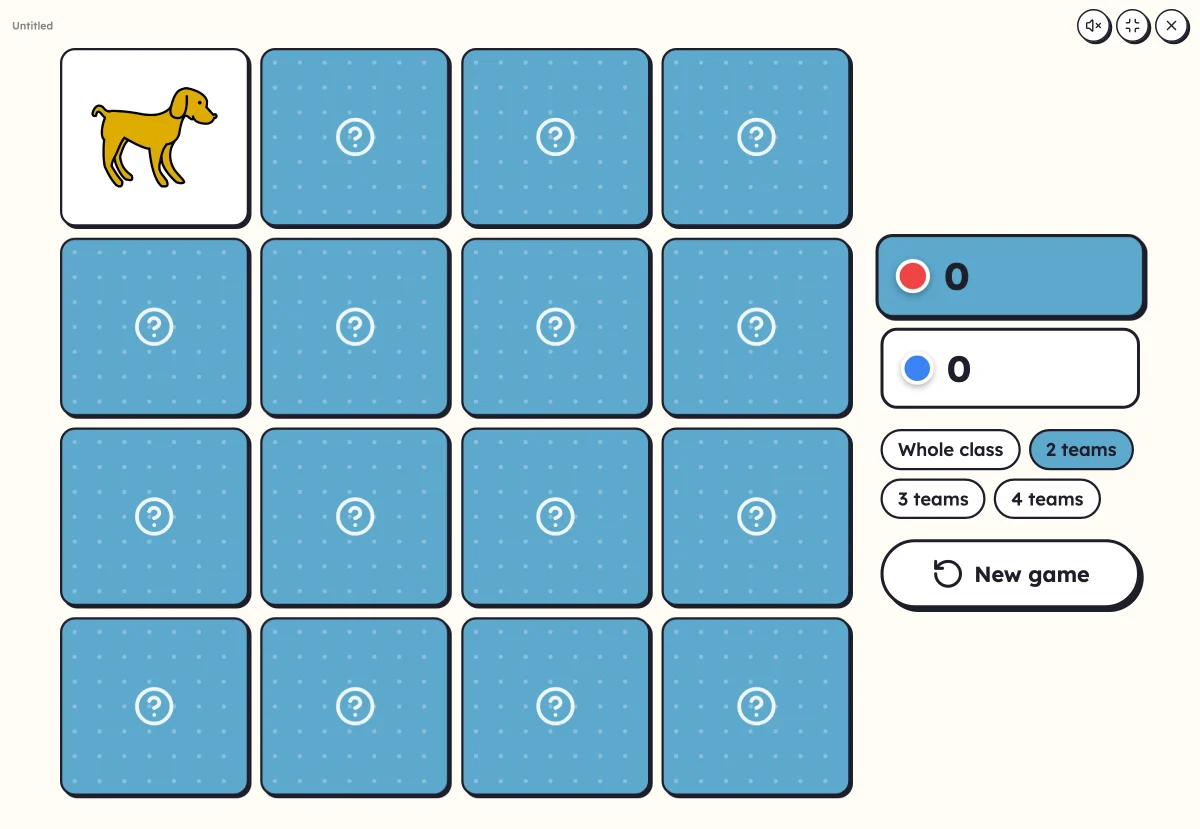 On-screen activitiesNine full-screen activities, plus bingo, the memory game, clip cards and the Goose game, which can also be played on the classroom board.
Your turn
Open Lexikit, write your words, choose a resource: all that is left is to print. Free, no account, and your words stay on your device.
Launch the hidden picture