
Link each picture to its word, a printable worksheet
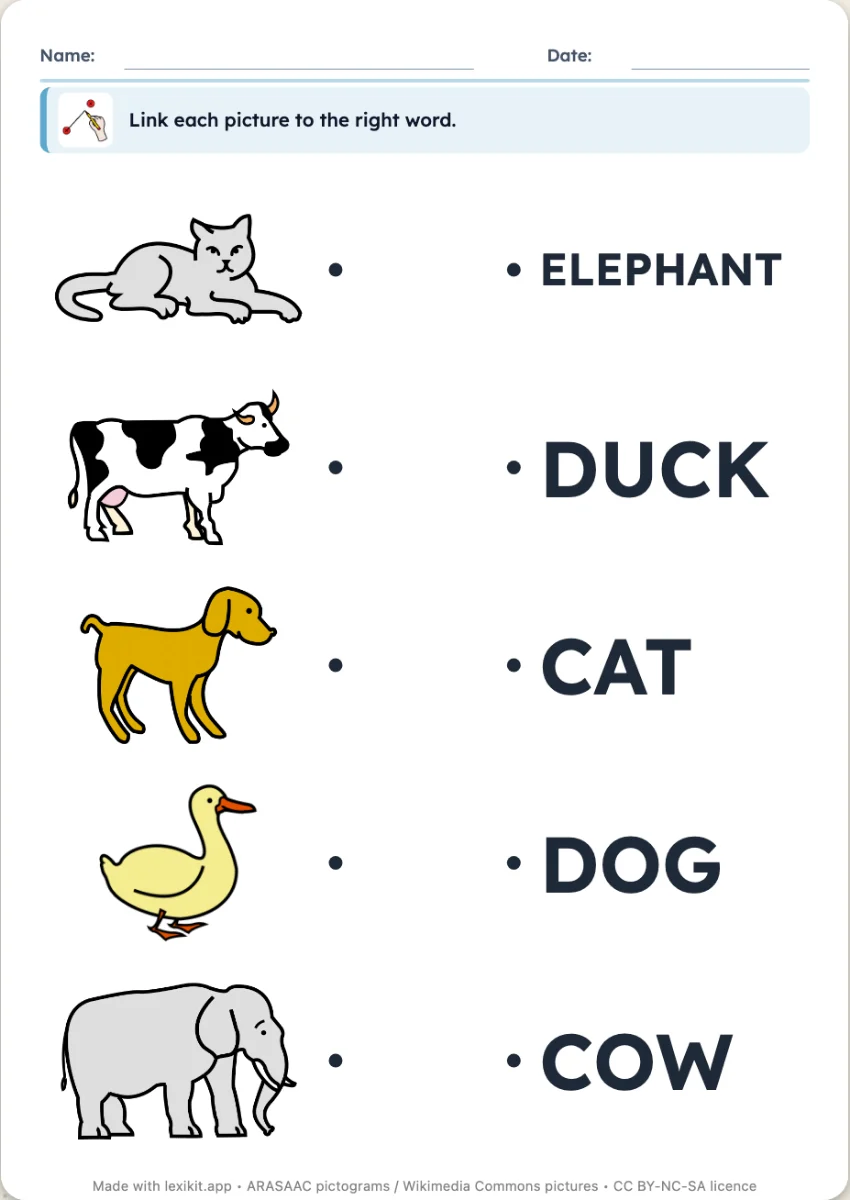
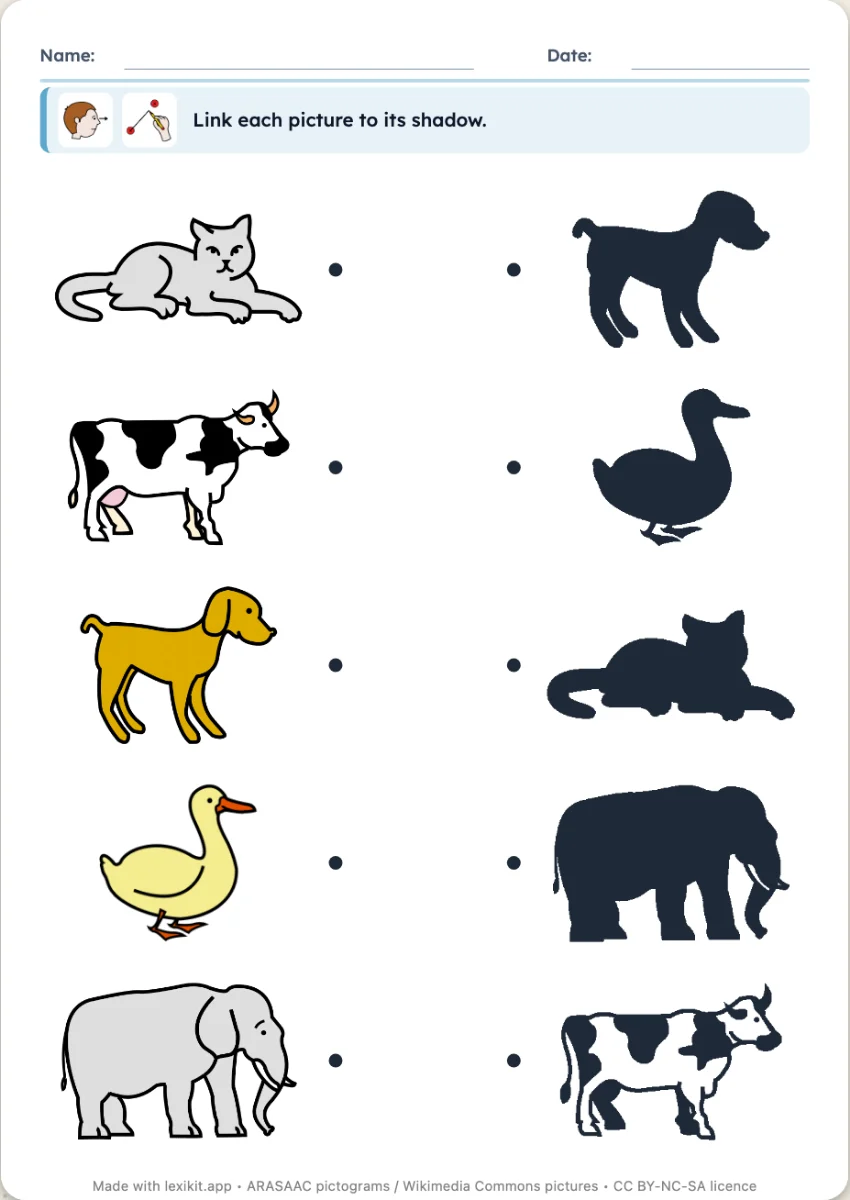
Pictures on one side, words on the other, in a jumbled order. The child draws a line from each picture to its word. One version links two pictures of the same word, with no reading at all.
Free, no account needed. Opens in your browser.
In 3 steps
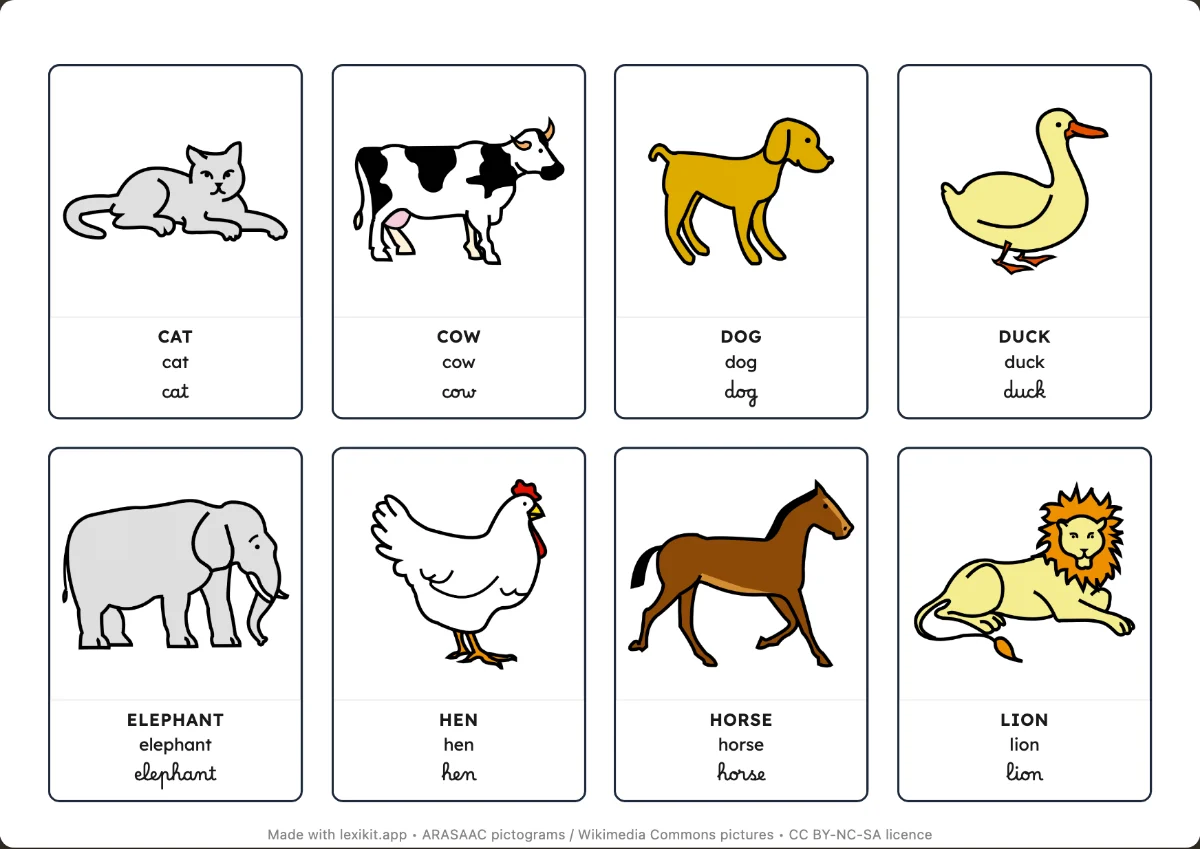
- Add your words: type them, paste a list or start from a theme.
- Choose: link the picture to its word, or to another picture of the same word.
- Print: name, date and illustrated instruction are already at the top.
What you can set
- Link the picture to its word, or to another picture of the same word
- Handwriting style of the words: capitals, print or cursive
- Size of the worksheet: large or normal
- Editable instruction, name and date
Ways to use it
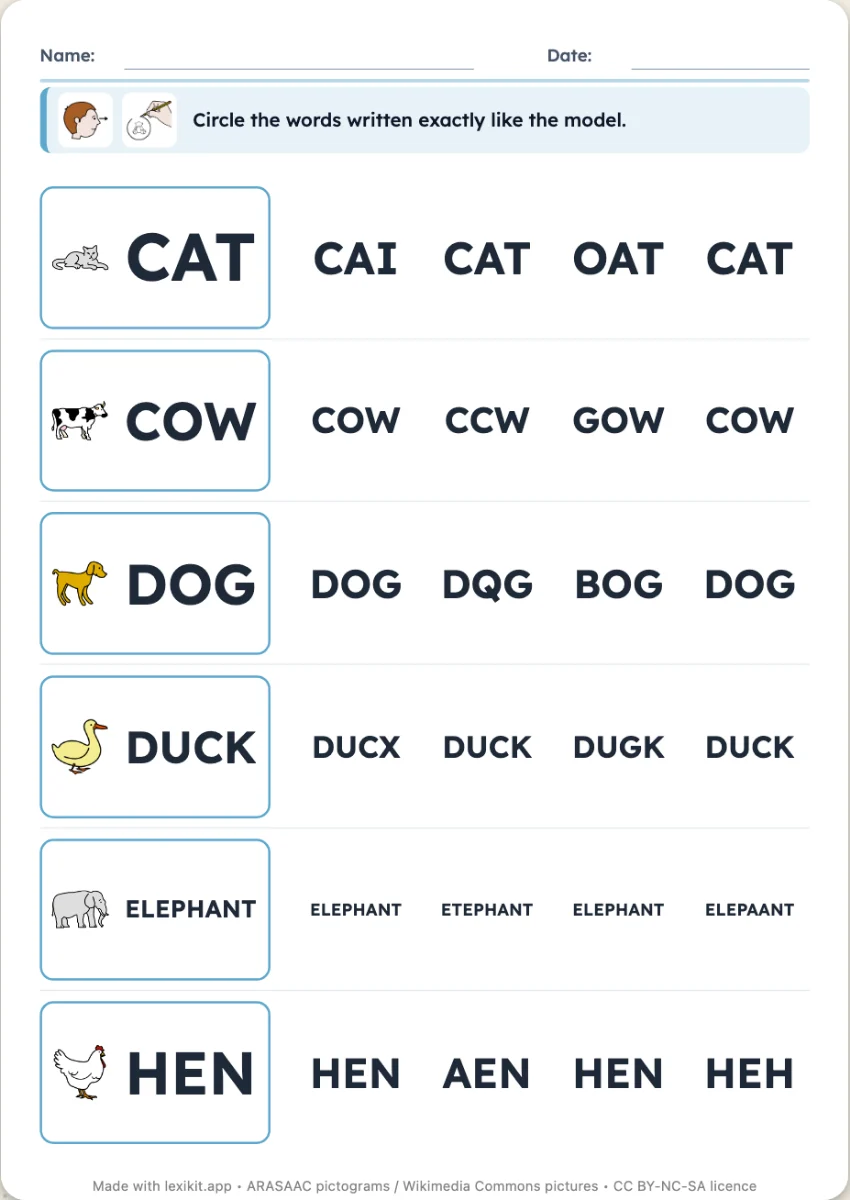
- First whole-word reading of a theme's words
- A worksheet with no reading for the youngest
- In a speech therapy session, linking what has just been named
Frequently asked questions
How many words per worksheet?
It depends on the size you choose. With many words, Lexikit adds pages.
Your turn
Open Lexikit, write your words, choose a resource: all that is left is to print. Free, no account, and your words stay on your device.
Create a linking worksheet