
Printable flashcards and picture dictionary
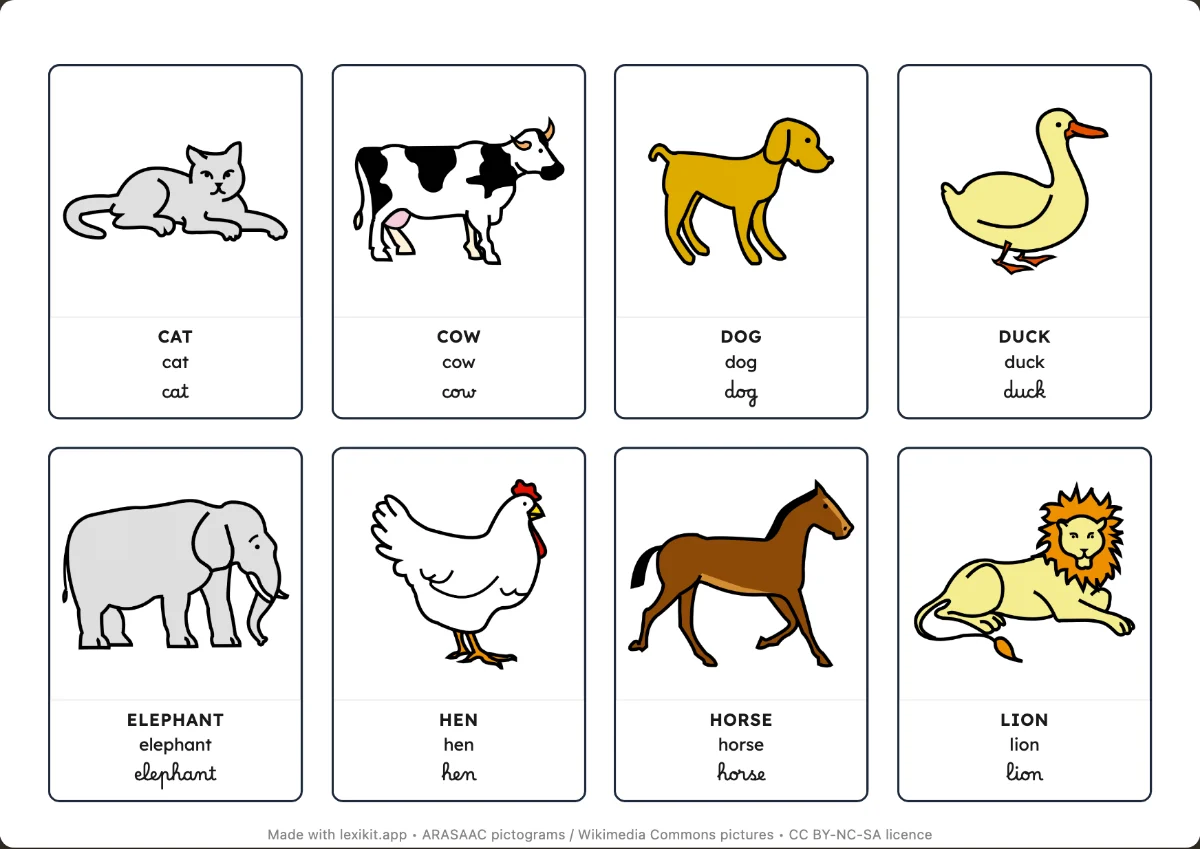
The picture and the word, to display, handle or sort, in one language or two. From a large card for display to a mini card for exercise books.
Free, no account needed. Opens in your browser.
In 3 steps
- Add your words: type them, paste a list or start from a theme.
- Choose the size: from a very large card to a page of 30 mini cards.
- Print and cut out, or switch to the Nomenclature model.
What you can set
- 5 sizes: 1, 2, 8, 16 or 30 cards per page
- Word in capitals, lowercase or cursive, or several scripts one under the other
- Translation under the word for a bilingual picture dictionary, coloured outline or dot
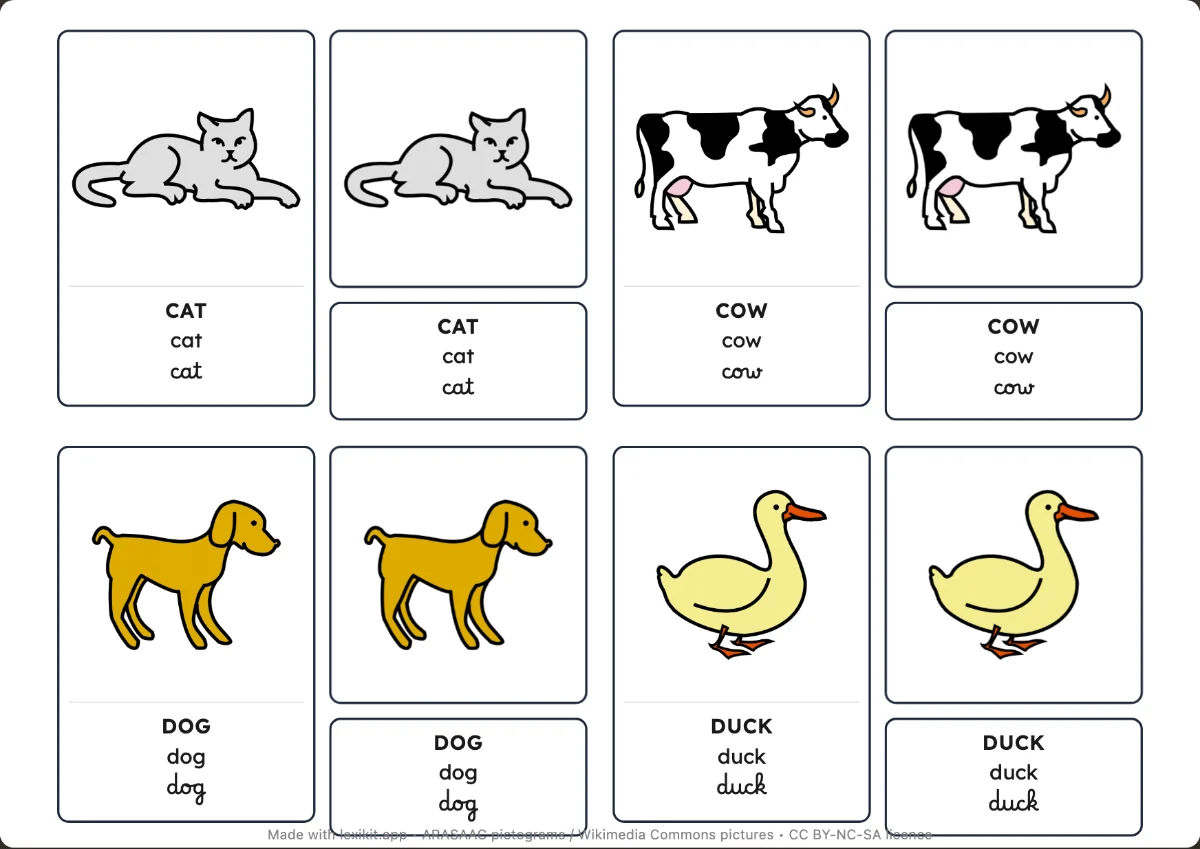
- Nomenclature model for Montessori cards
Ways to use it
- A picture dictionary, in one language or bilingual, to display or leaf through
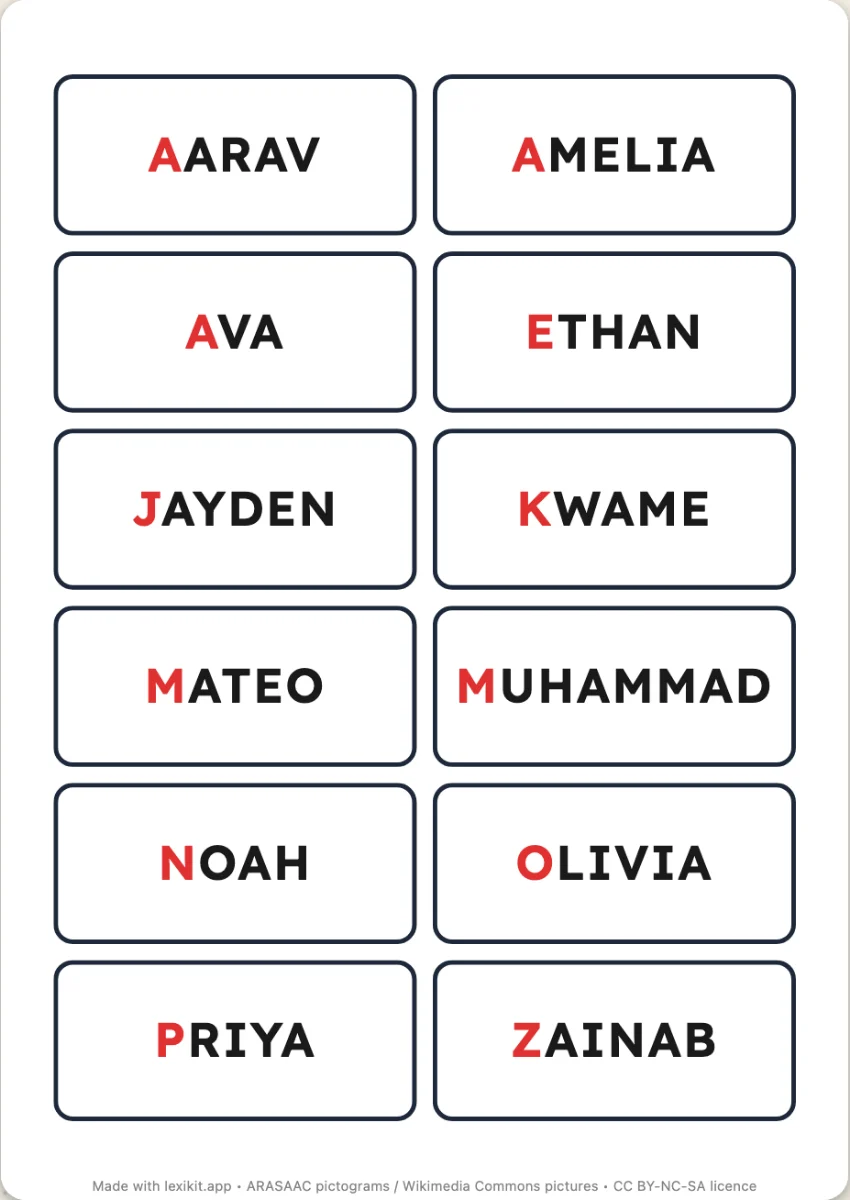
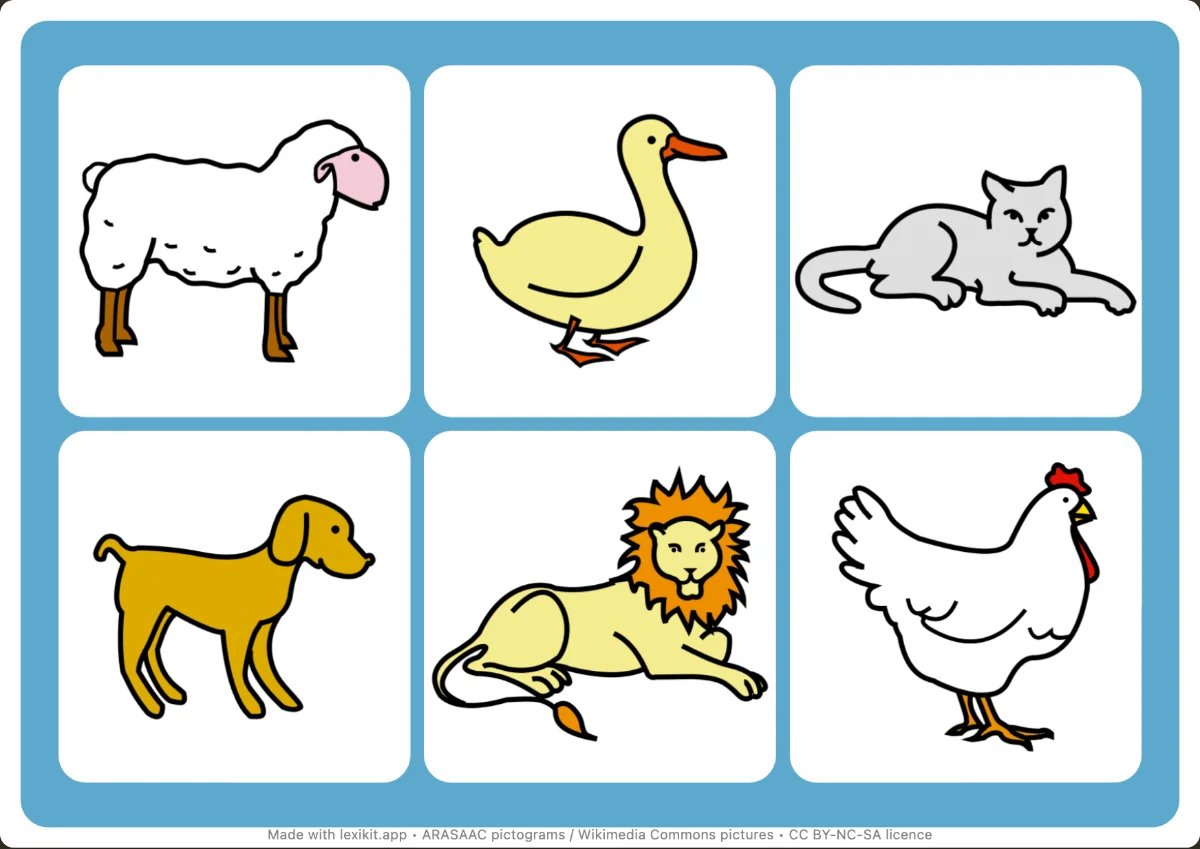
- Cards to sort, classify and match
- Mini cards to stick in exercise books
Frequently asked questions
Can the word be written in cursive?
Yes: in capitals, lowercase or cursive, or several scripts one under the other.
Your turn
Open Lexikit, write your words, choose a resource: all that is left is to print. Free, no account, and your words stay on your device.
Create cards