
Printable folding mini book
One A4 sheet, a few folds and one cut make an 8-page book: six words and their pictures, a cover with your title, and a last page to draw on.
Free, no account needed. Opens in your browser.
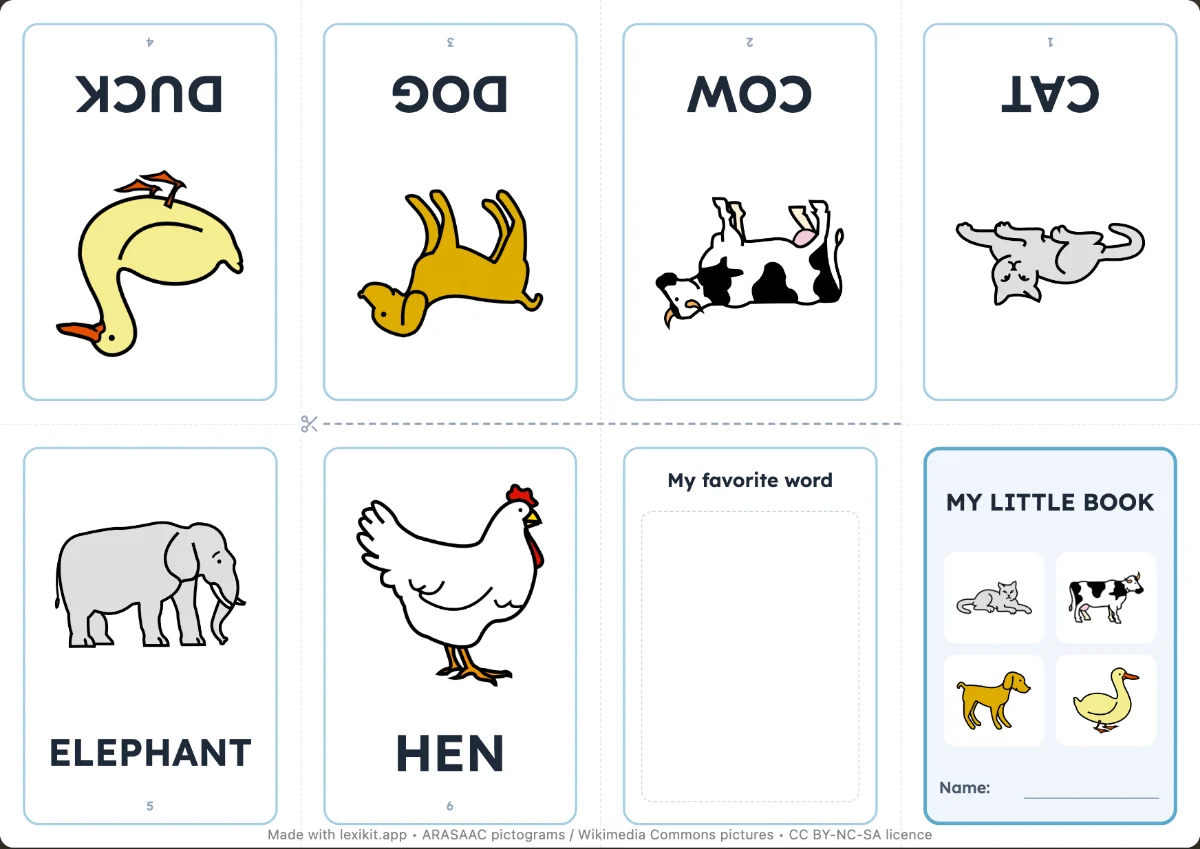
In 3 steps
- Add six words, or more: one mini book is made for each group of six.
- Give the cover a title and choose: written word or word to trace, last page “My favorite word” or “The end”.
- Print, fold, cut: the folds and the cut are marked.
What you can set
- 6 words per mini book, editable cover title
- Written word or word to trace
- Last page: “My favorite word” to draw, or “The end”
- More than 6 words, several mini books. Fewer than 6, pages to draw on
Ways to use it
- A mini book per theme, to keep or to give
- Rereading the words of the week with family
- A first book the child “reads” alone
Frequently asked questions
How do I fold the mini book?
Follow the fold lines and the cut line printed on the sheet: it's the classic 8-page mini book fold, with no staples or glue.
With the same words
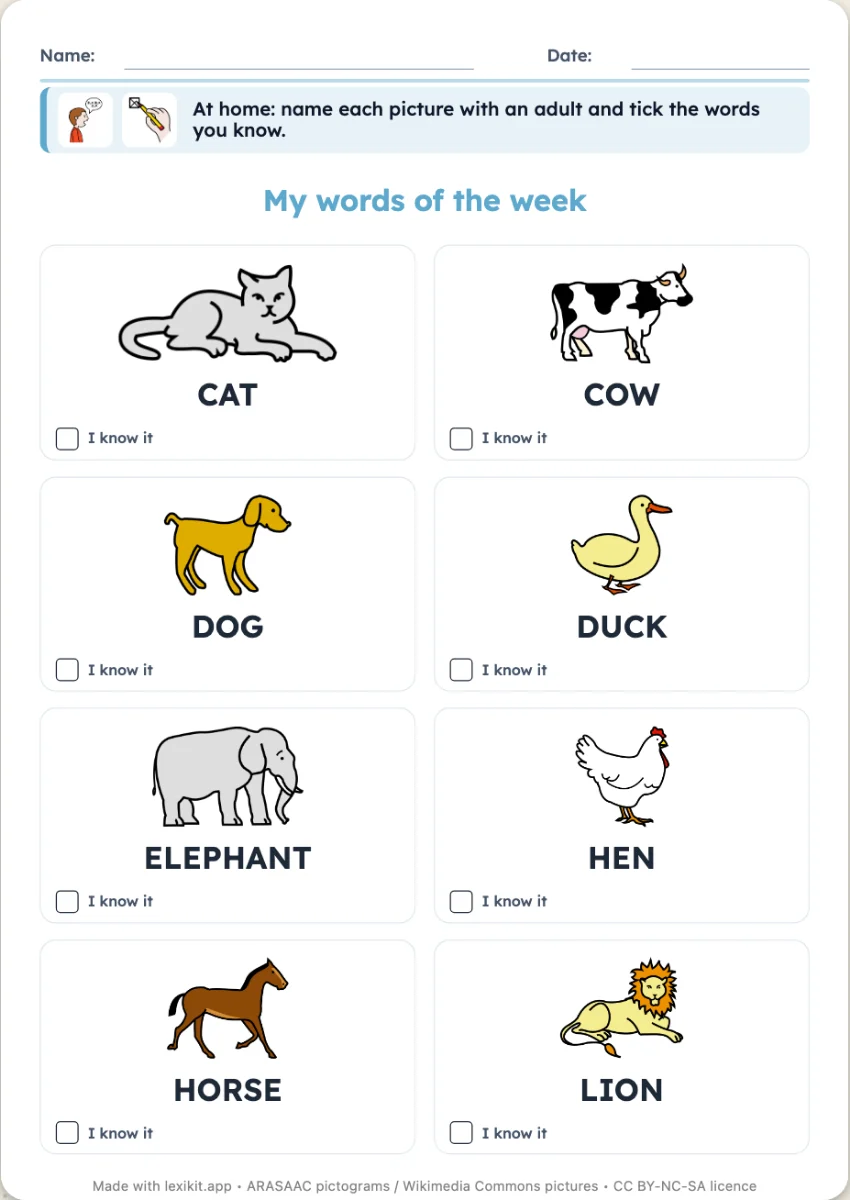 My words of the weekA page to take home: picture and word, with an “I know it” box to tick.
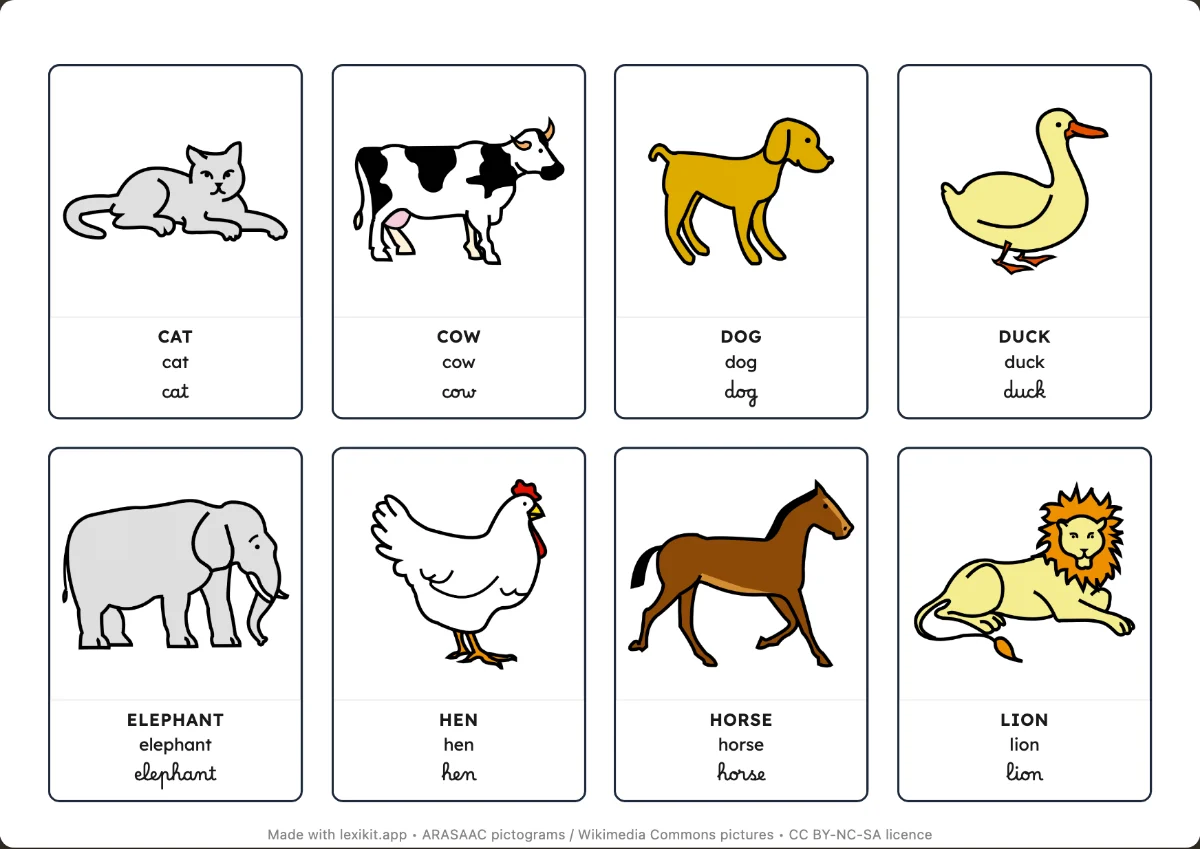 Picture cardsName, display or sort the words: picture dictionaries and word cards to cut out.
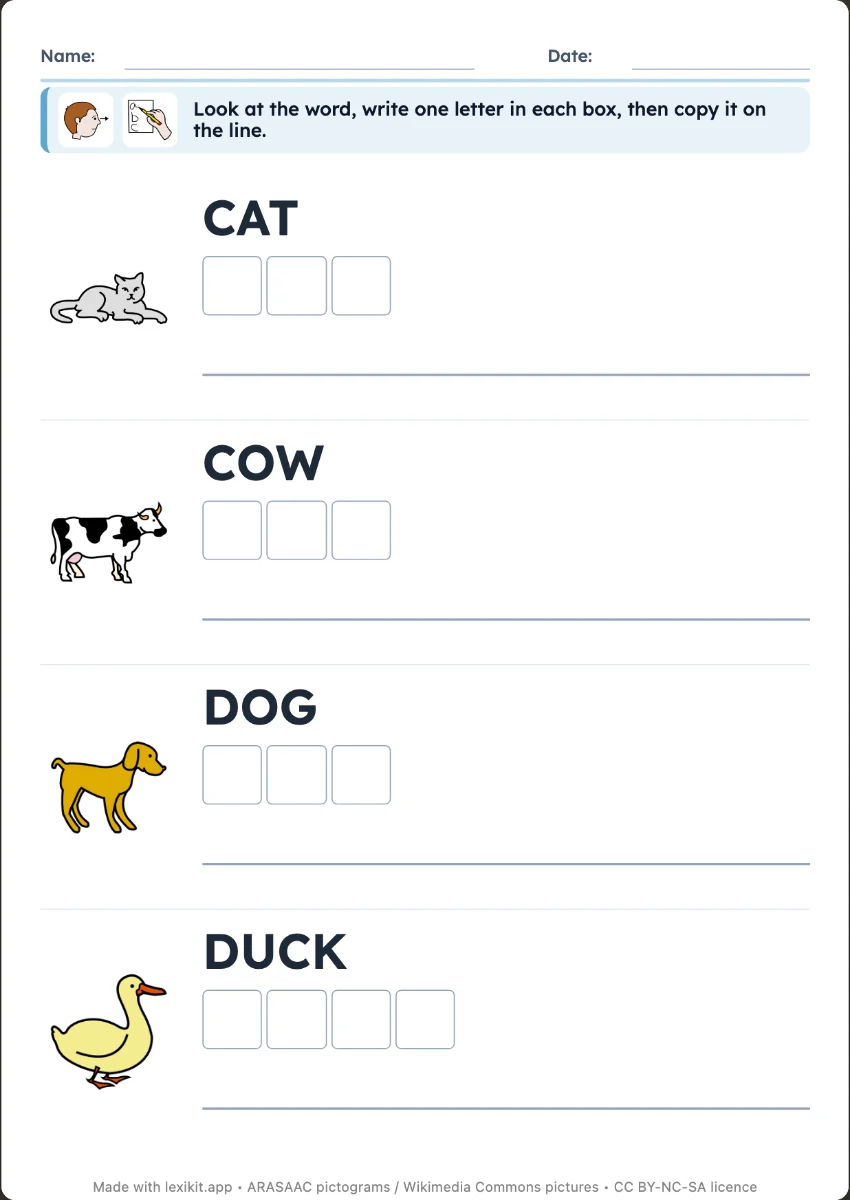 Write the wordCopy the word next to its picture, or write it from memory as a silent dictation: one box per letter, then the line.
Your turn
Open Lexikit, write your words, choose a resource: all that is left is to print. Free, no account, and your words stay on your device.
Create a mini book