
Mystery word: find the letters of the word
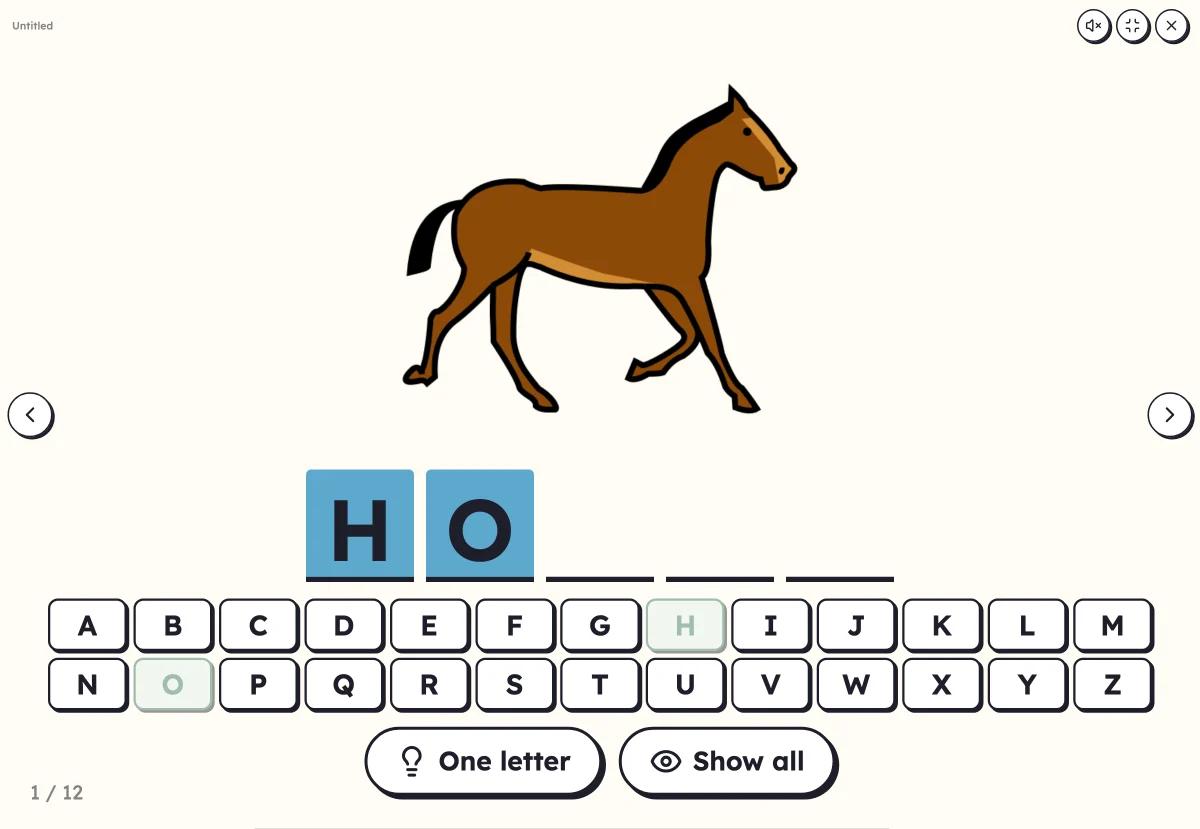
Empty boxes, an alphabet underneath. The children suggest a letter: if it is in the word, it takes its place. The picture helps with guessing, or stays hidden until the last letter. Hangman without the gallows.
Free, no account needed. Opens in your browser.
In 3 steps
- Add your words: with or without a picture, the first names of the class work too.
- Set up the game: the picture visible from the start, or only at the end, in order or at random.
- Launch full screen: the children touch the letters of the alphabet, the word fills in.
What you can set
- The picture visible, or revealed at the end
- List order or random
- Words in capitals, print or cursive
- “One letter” for a clue, “Show all” for the answer
- Voice: the word found is said aloud
Ways to use it
- In the last year of preschool, linking the letters and the word
- Finding a classmate's first name letter by letter
- In the first year of primary school or for language learners, going over the spelling of words
Frequently asked questions
Do you need to be able to read?
No: the child names letters they know, and sees straight away whether they are in the word. With the picture visible, they guess the word and look for its letters.
A wrong letter, what happens?
It is marked on the alphabet, nothing more. No hangman and no countdown: you carry on until the last letter.
With the same words
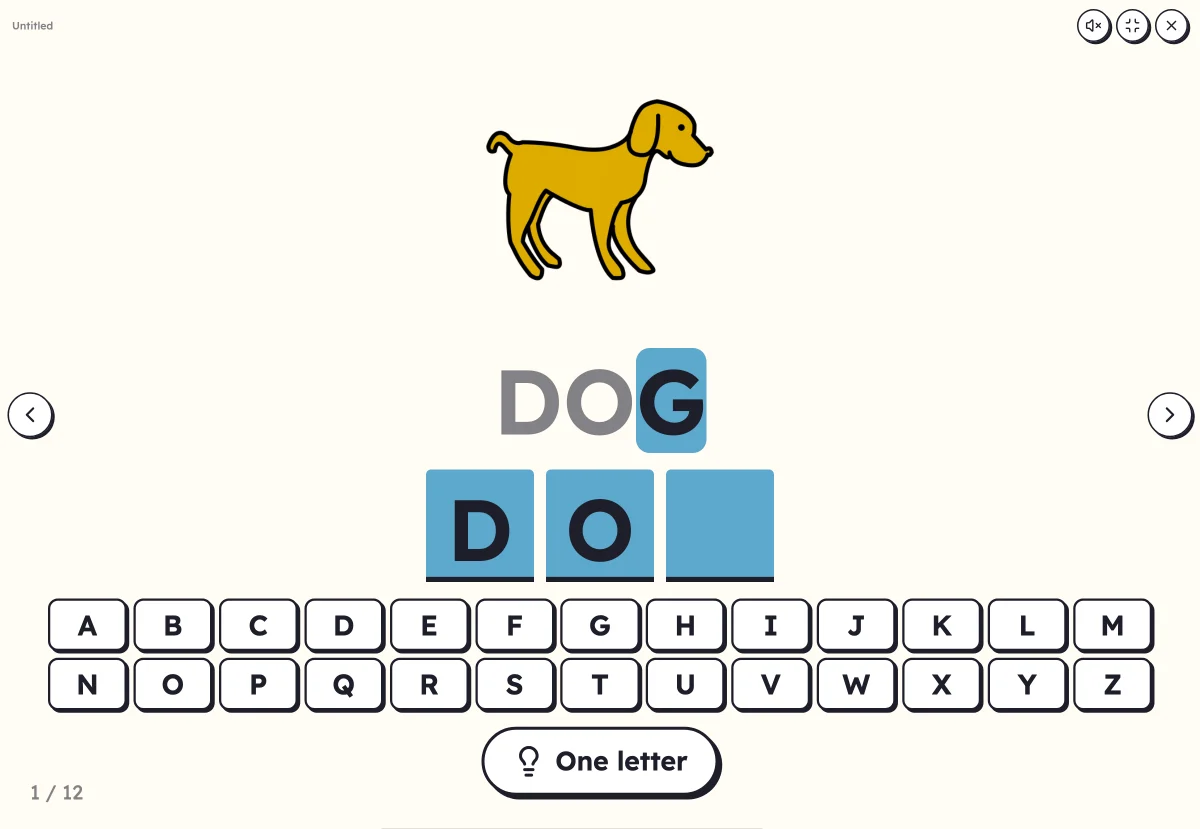 Letter keyboardWrite the word by touching its letters in order: copying the model, from memory or from dictation.
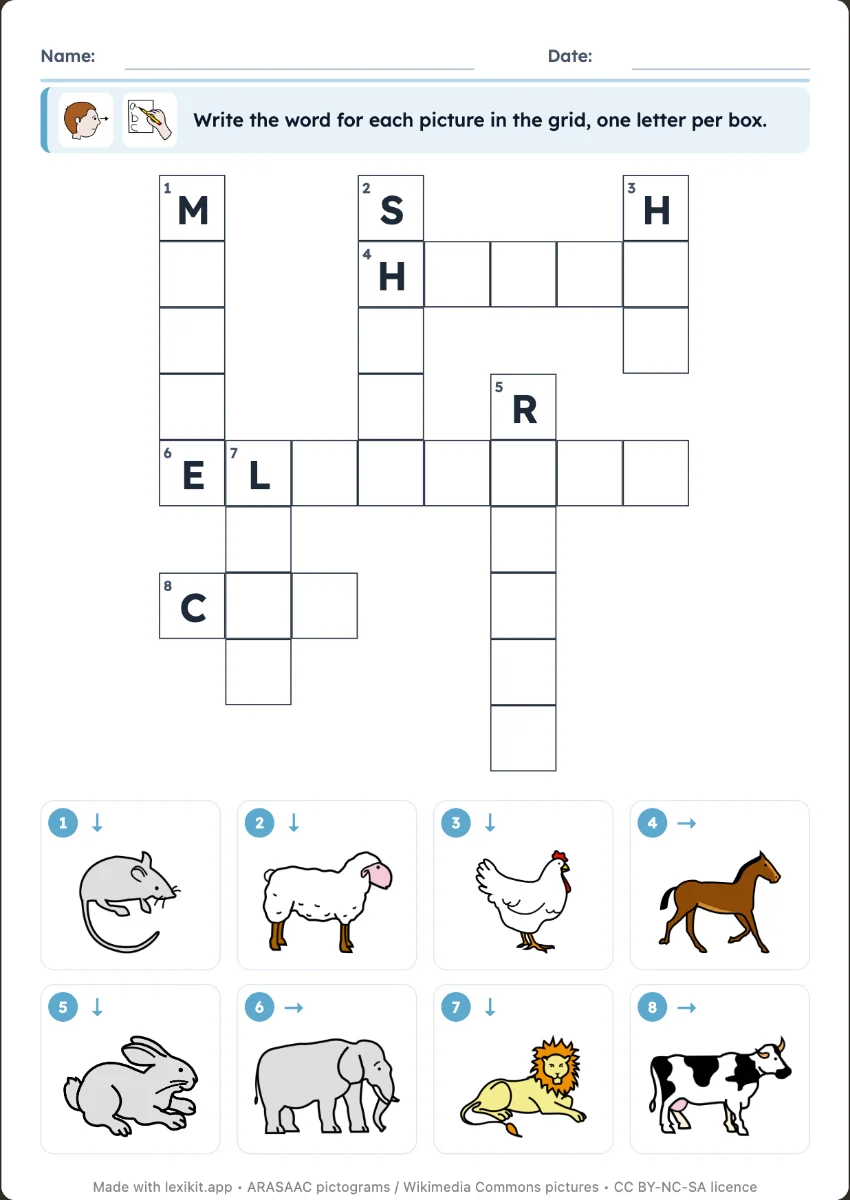 CrosswordWrite the word of each numbered picture.
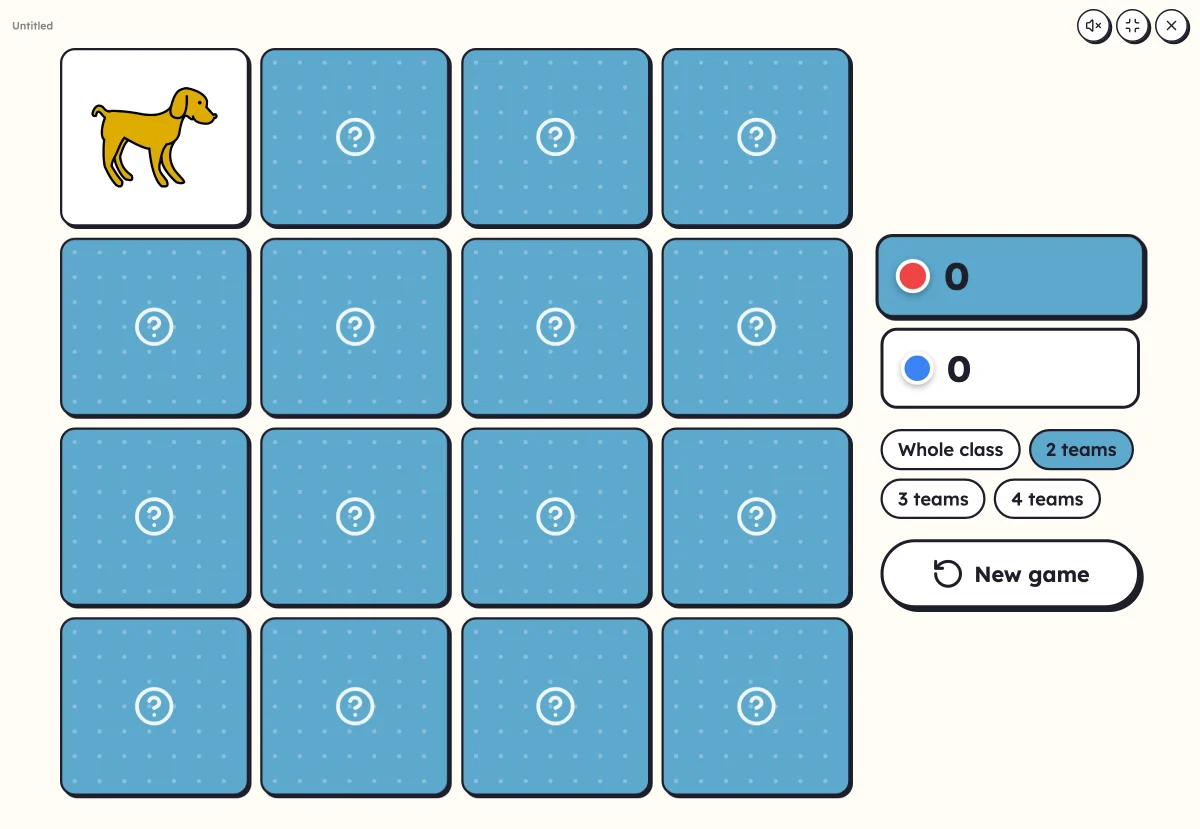 On-screen activitiesNine full-screen activities, plus bingo, the memory game, clip cards and the Goose game, which can also be played on the classroom board.
Your turn
Open Lexikit, write your words, choose a resource: all that is left is to print. Free, no account, and your words stay on your device.
Launch the mystery word