
Printable picture dictation
On each row, 3 to 5 pictures. You say a word, the child circles the matching picture. The answer key tells you what to dictate on each row. A listening comprehension check, with no reading or writing.
Free, no account needed. Opens in your browser.
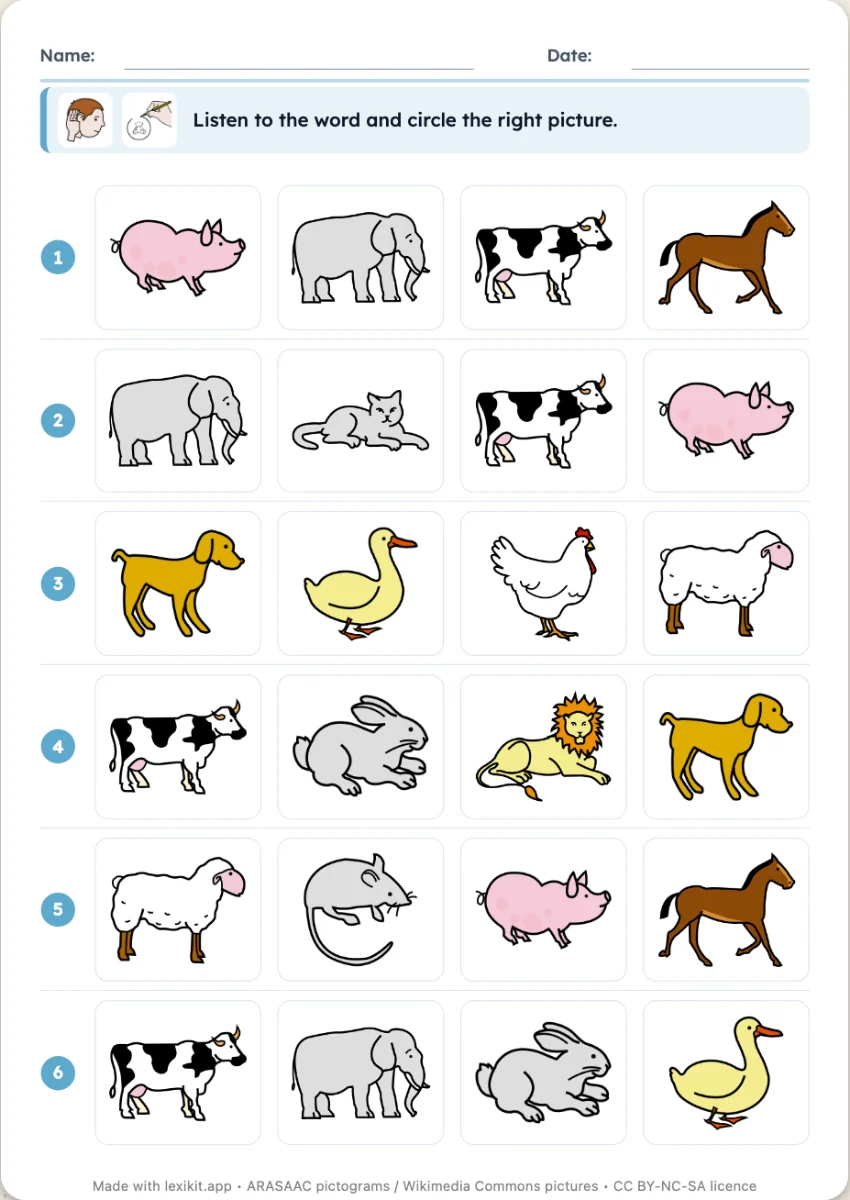
In 3 steps
- Add your words: at least three, the ones you want to check.
- Choose the number of pictures per row.
- Print the worksheet and keep the answer key to dictate from.
What you can set
- 3, 4 or 5 pictures per row
- Answer key page with the words to dictate, row by row
- Size of the worksheet
- Editable instruction, name and date
Ways to use it
- Checking understanding of a theme's words
- Children new to the language: the words orally first
- In foreign language lessons, listen and point
Frequently asked questions
How does the dictation work?
The answer key gives the word to say for each row. Say it, let the child circle, then move on to the next row.
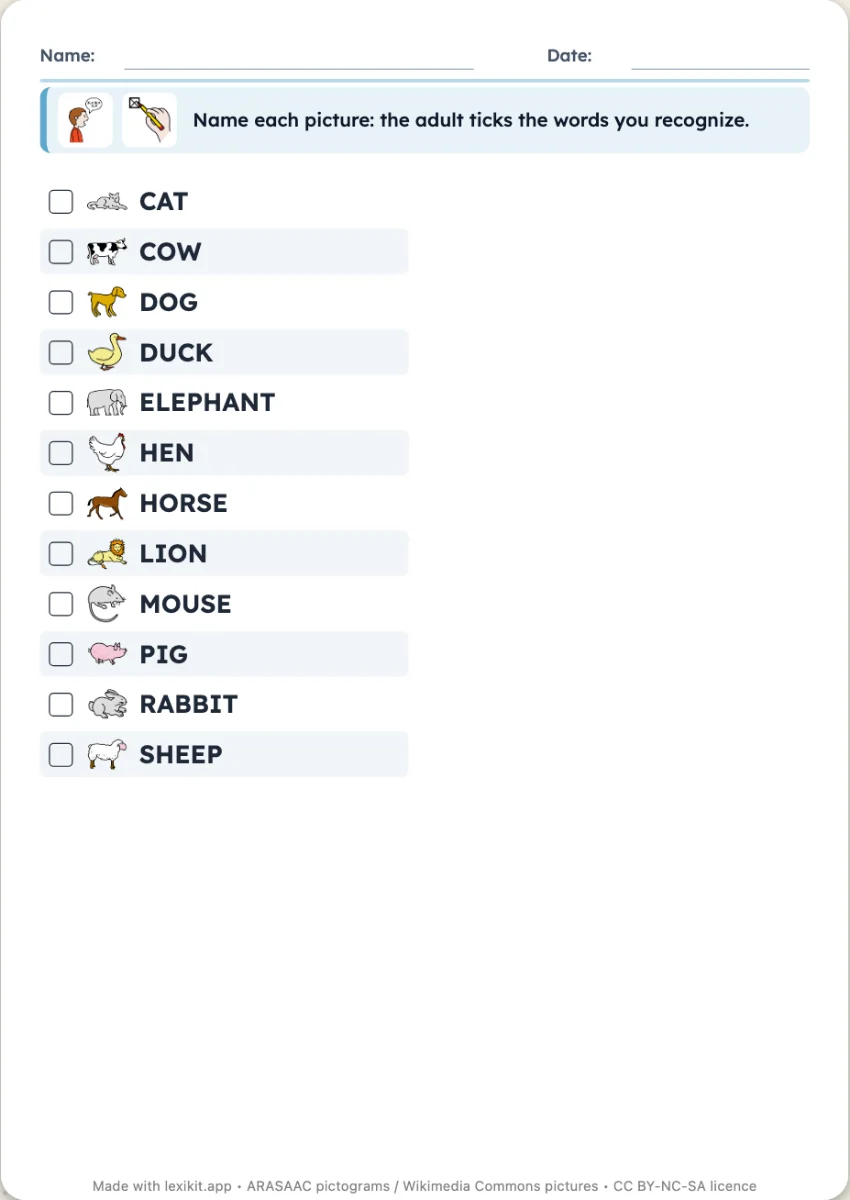
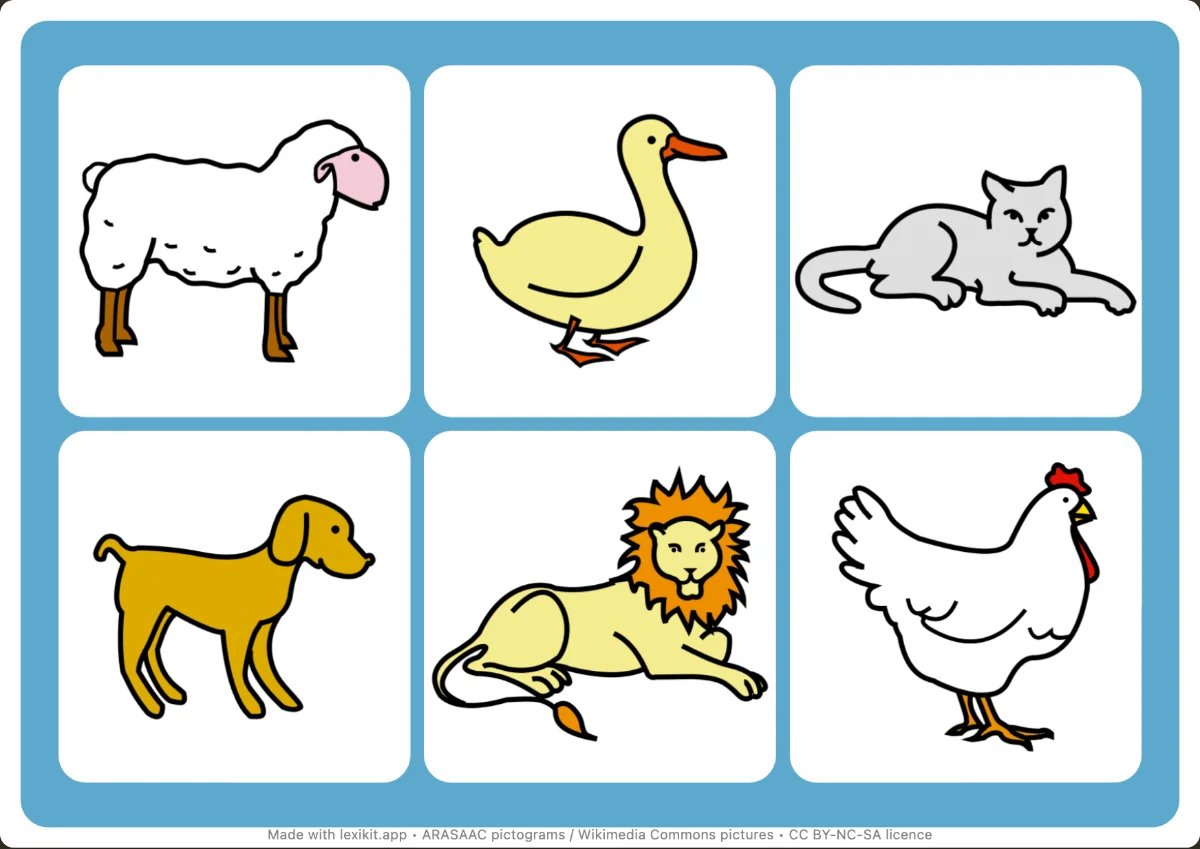
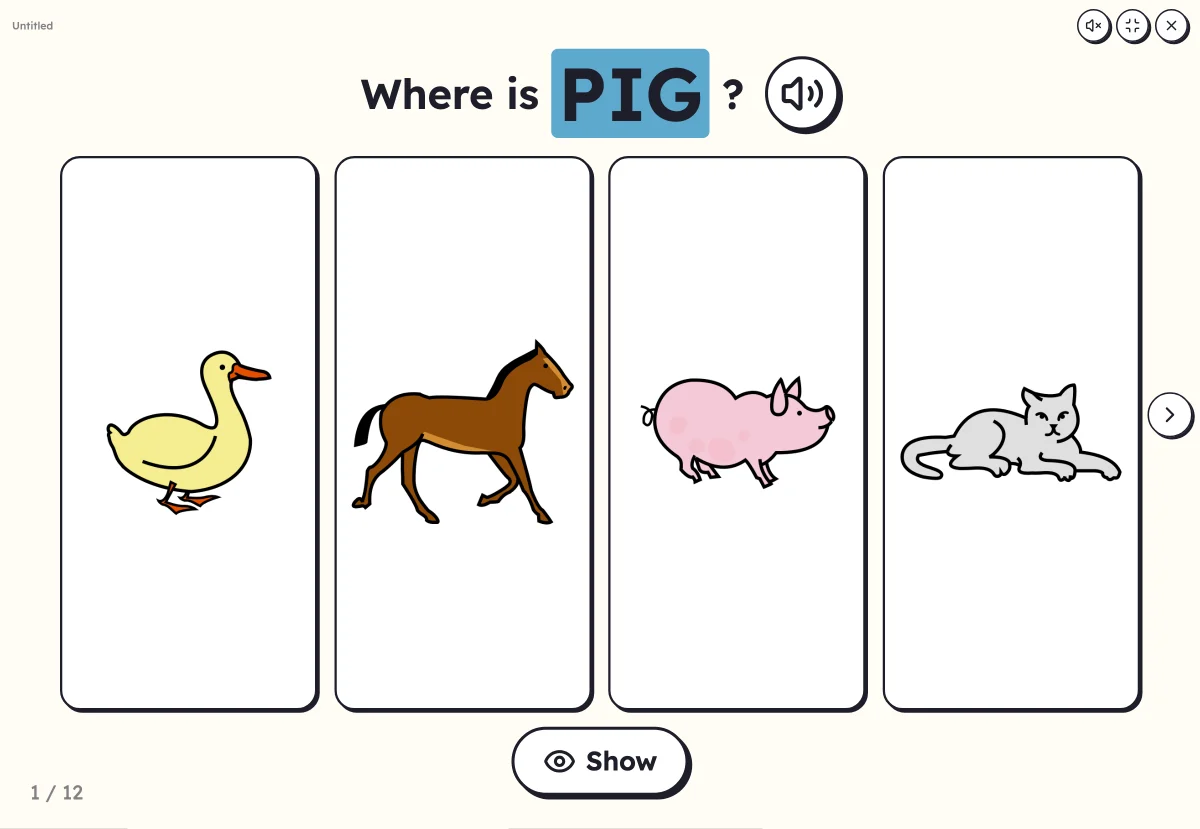
With the same words
Your turn
Open Lexikit, write your words, choose a resource: all that is left is to print. Free, no account, and your words stay on your device.
Create a picture dictation