
Vocabulary assessment grid, to print
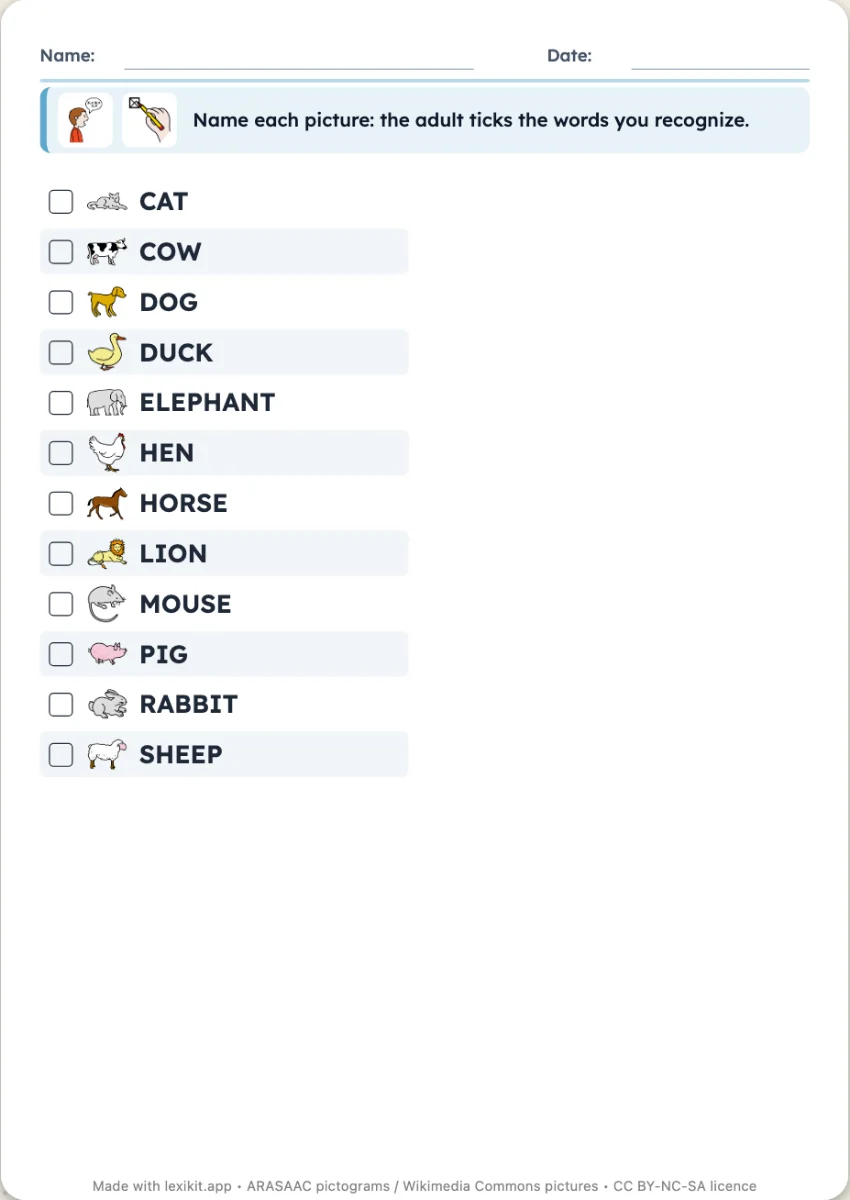
One table per child: the words of the list, their pictures, and one, two or three tick boxes per word. At each session, you tick the words recognised, named or read. Progress shows from one box to the next.
Free, no account needed. Opens in your browser.
In 3 steps
- Add the words to assess: those of the theme or of the term.
- Choose the number of boxes per word, with or without the pictures.
- Print one grid per child: the name goes at the top.
What you can set
- 1, 2 or 3 tick boxes per word
- Pictures shown or words only
- Words in alphabetical order or in the order of the selection
- Handwriting style, size of the worksheet, name and date
Ways to use it
- Tracking a theme's vocabulary over the term
- The assessment at the start and end of therapy, in speech therapy
- A record for the progress file or the meeting with parents
Frequently asked questions
One grid per child?
Yes, print as many as there are children: the name goes at the top. With two or three boxes per word, the same grid serves for several sessions.
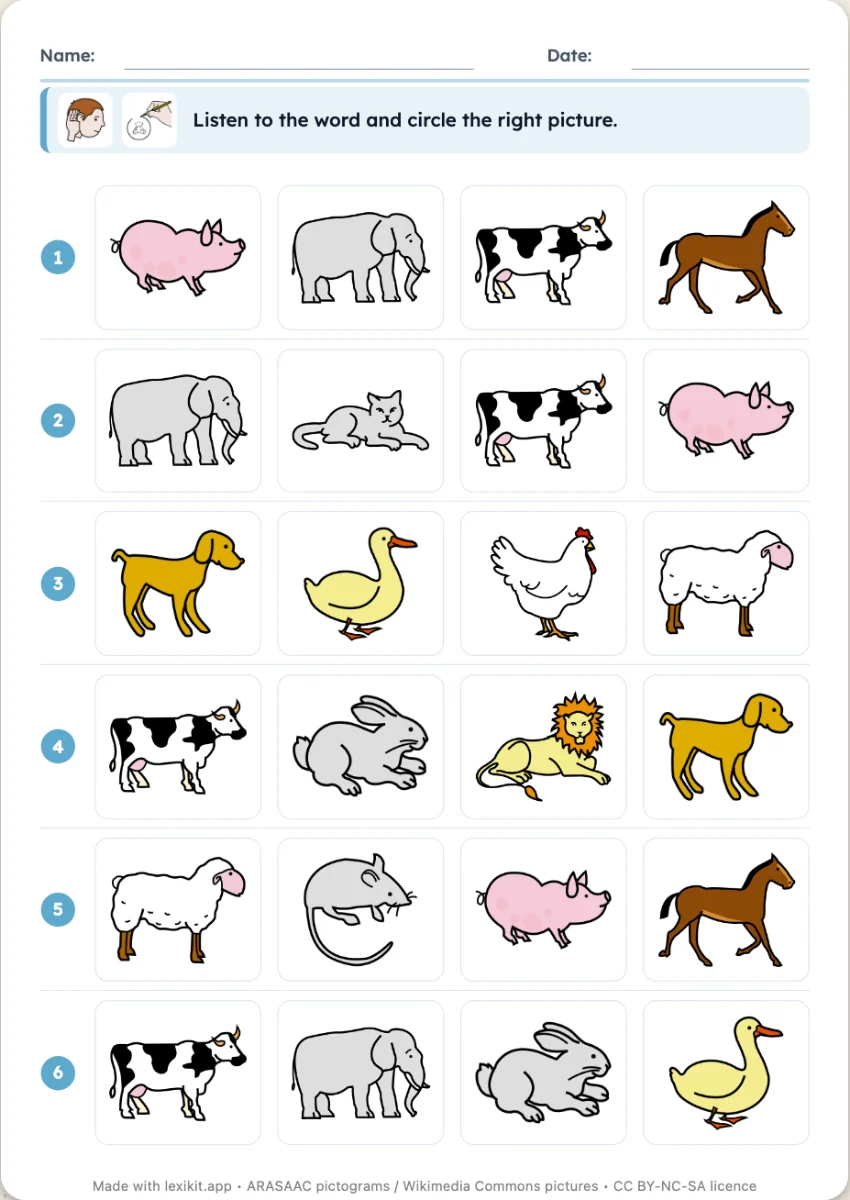
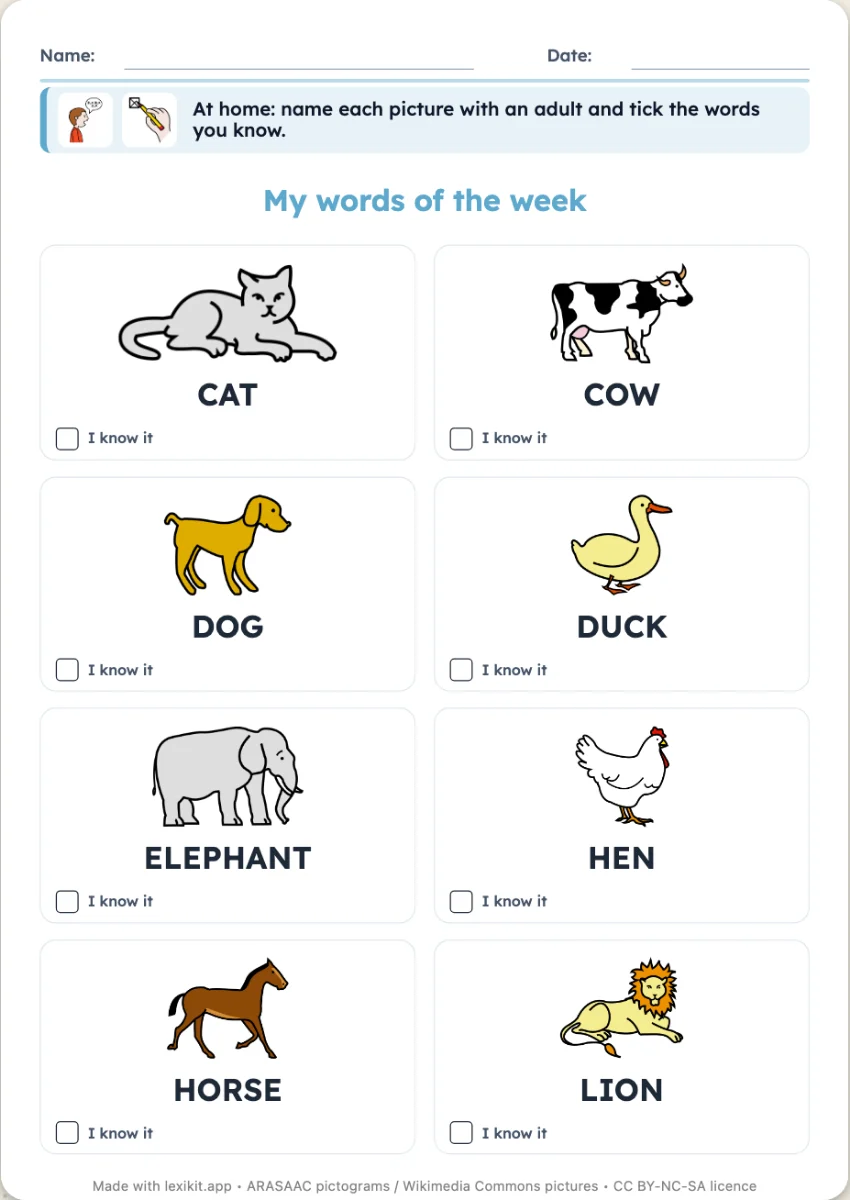
With the same words
Your turn
Open Lexikit, write your words, choose a resource: all that is left is to print. Free, no account, and your words stay on your device.
Create an assessment grid