
Ways to use it
- Naming the words of a theme, in a small group or at home
- A sound bingo: on screen, you hear the animal or the noise and look for the picture
- From the picture to the written word: boards with pictures and words, then words alone
Vocabulary out loudRemember the words
Lexikit makes the boards and the draw cards from your words. The child draws a card, names the picture and looks for it on their board. The bingo also plays on screen, with the voice.
Free, no account needed. Opens in your browser.
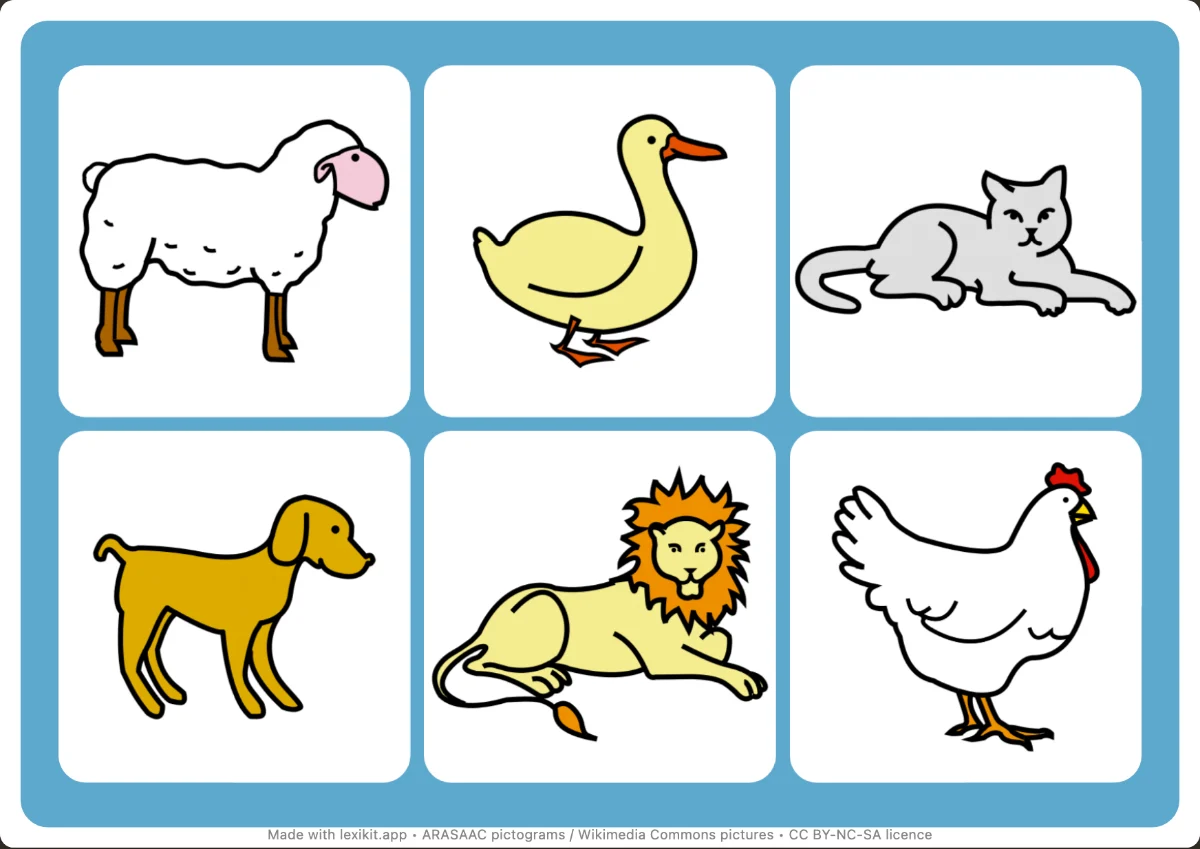
Up to 30, one per pupil of a whole class. You choose the number of boards, Lexikit shares the words out and says how many times each one appears, and how many squares stay empty when there are fewer words than squares. It also warns you when all the boards have the same words.
Record or import a sound for your words: the animal's call, the object's noise. On screen, choose the “Sound” draw: the picture stays hidden until someone has found it.
Yes: import your pictures or choose one from Wikimedia Commons, for any word. They stay on your device.
47 themes, from the school year to everyday life, each with its free PDF: download it as it is, or open it in Lexikit to put your own words in.
Lexikit’s resources follow the French nursery school curriculum and the Eduscol guides: words that are taught, organised, reviewed and used again.
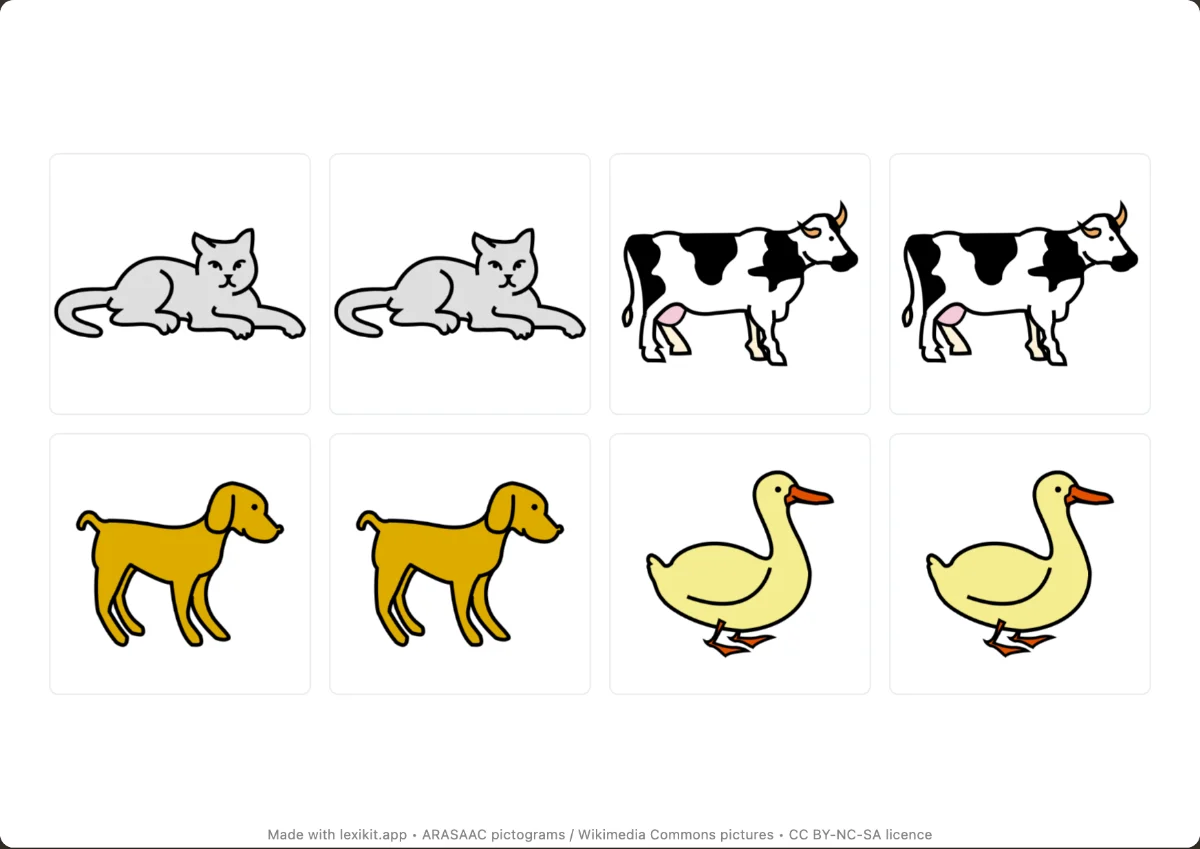 Memory gameTurn the cards over and find the pairs of pictures, or of words and pictures.
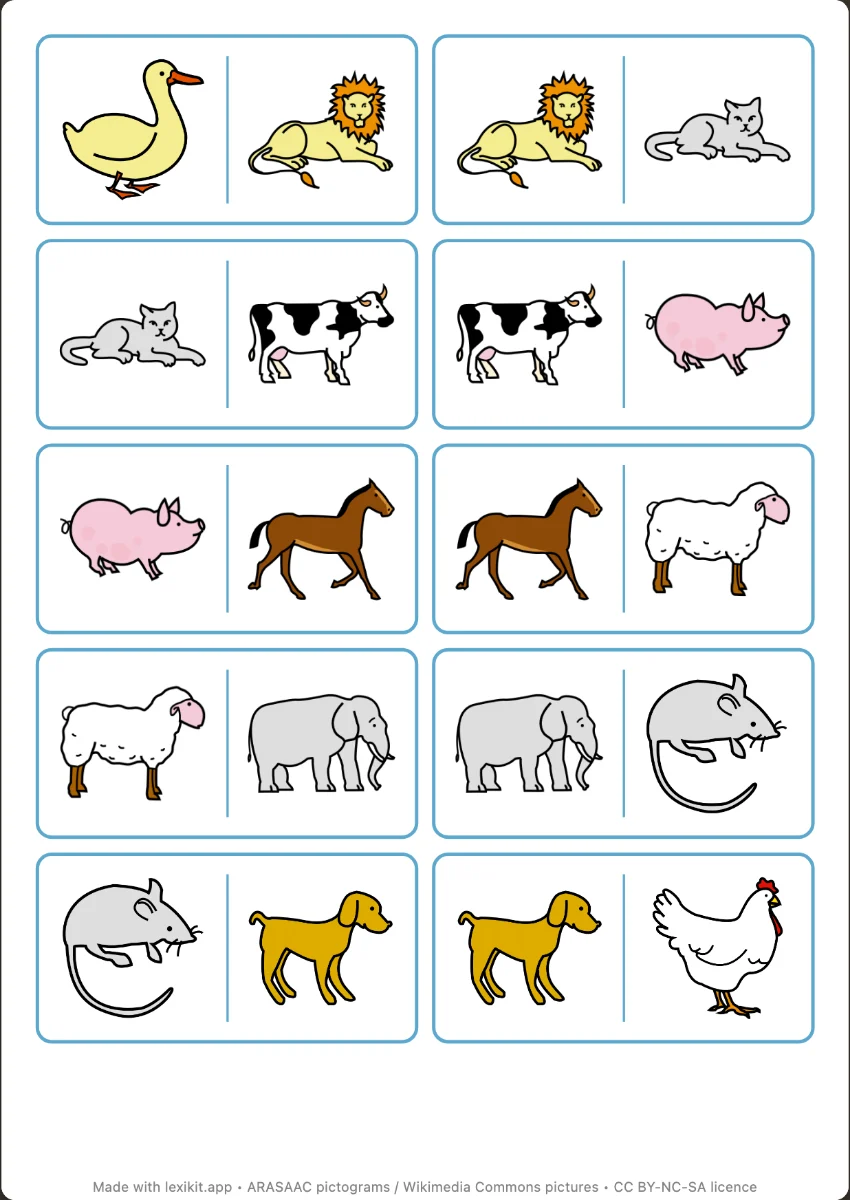 DominoesPlace the same picture side by side, the picture and its word, or the same word in two handwritings.
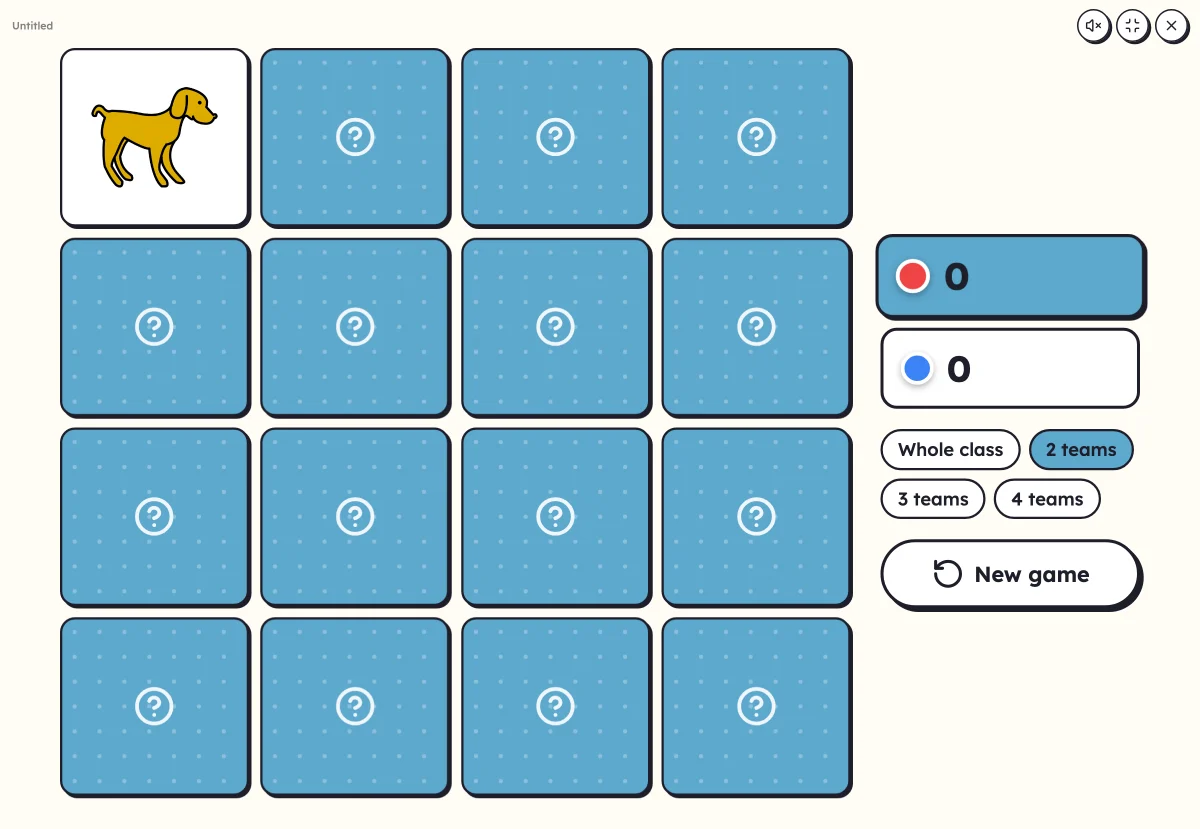 On-screen activitiesFive activities that only exist on screen. And every game, every worksheet also plays full screen with the class.
Open Lexikit, write your words, choose a resource. All that is left is to print or to play. Free, no account, and your words stay on your device.
Create a bingo game