
Interactive picture dictionary on screen
One large picture, which the class names. One click: the word appears, split into syllables, and the voice says it. Move from picture to picture with a finger, a mouse or a remote control.
Free, no account needed. Opens in your browser.
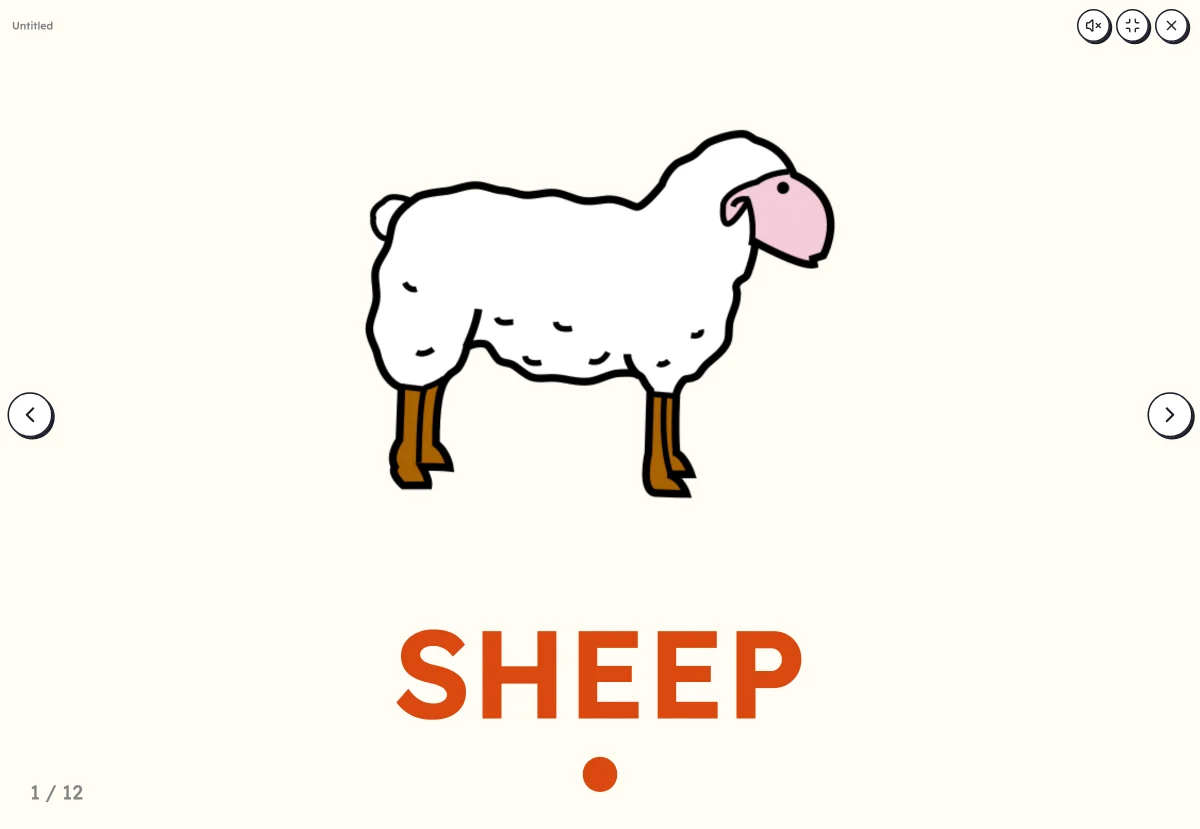
In 3 steps
- Add your words: type them, paste a list or start from a theme. The pictures come by themselves.
- Set up the picture dictionary: the word on click, always or never, with or without syllables, in order or at random.
- Launch full screen: a click or the space bar reveals the word, then moves on to the next picture.
What you can set
- The word: on click, always visible or never
- Coloured syllables, with or without the final silent e
- List order or random
- Capitals, print or cursive, and a second language under the word
- Voice: your recording, or the device's voice
Ways to use it
- Discovering the words of a new theme, all together
- A language routine: name, listen, clap the syllables
- In speech therapy or at home, going over the words of the week
Frequently asked questions
How many pictures are needed?
One is enough. With a long list, the picture dictionary is paged through picture by picture, in order or at random.
Can the word be hidden?
Yes: set “The word” to “Never” to show only the picture, or to “On click” to make it appear once the class has found it.
With the same words
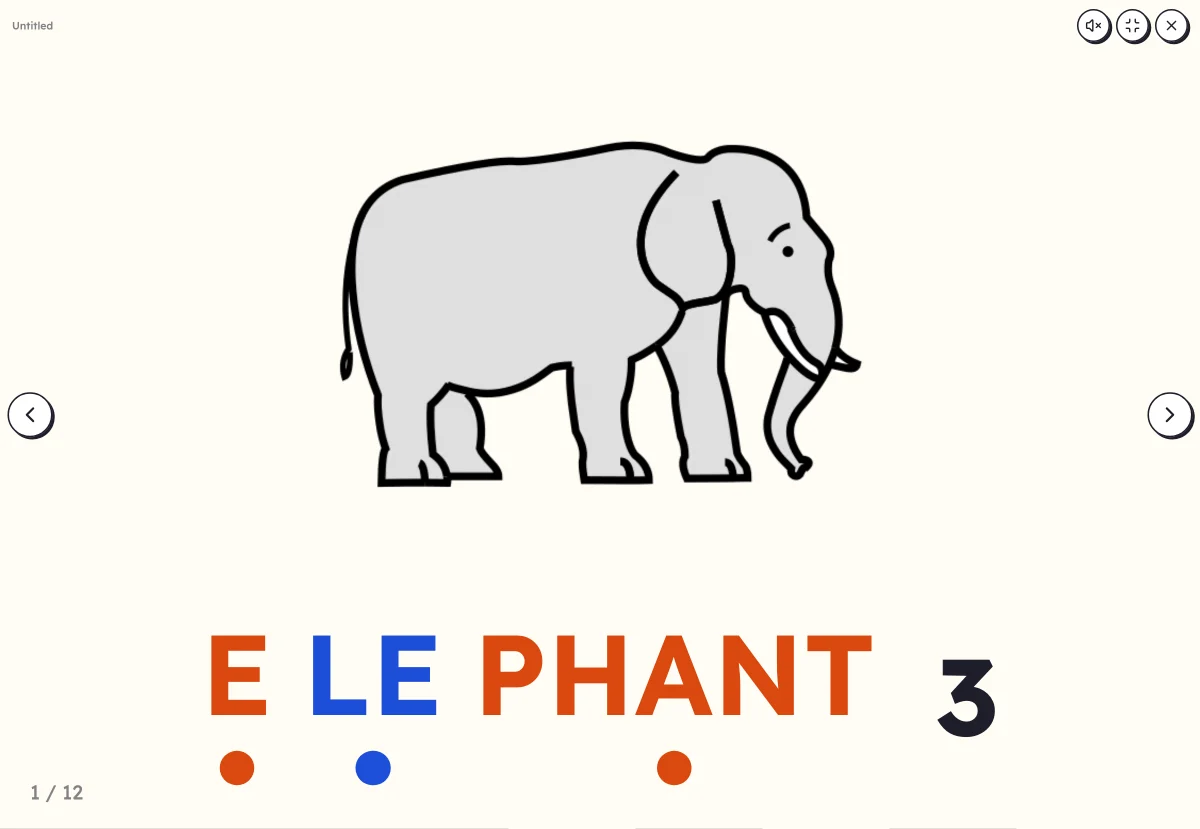 Clap the syllablesSay the word while clapping, count the syllables, then see the word split up.
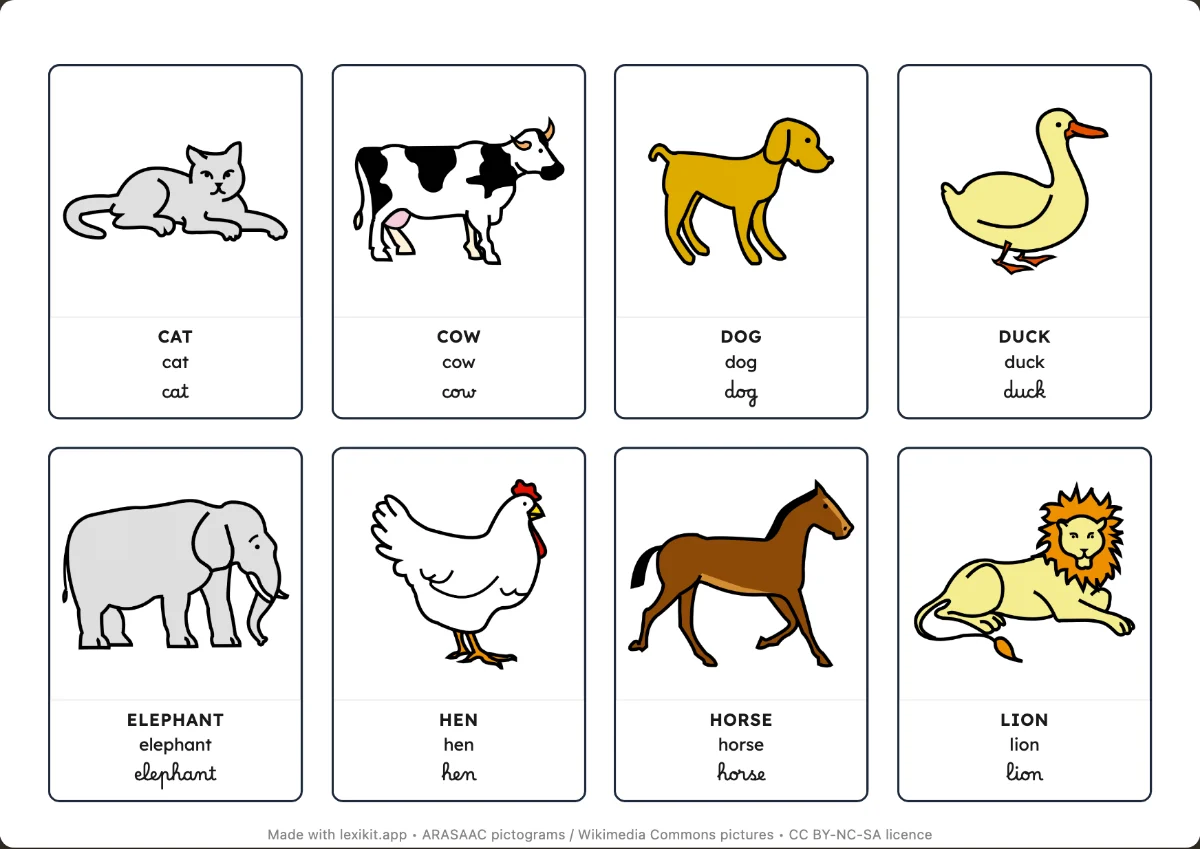 Picture cardsName, display or sort the words: picture dictionaries and word cards to cut out.
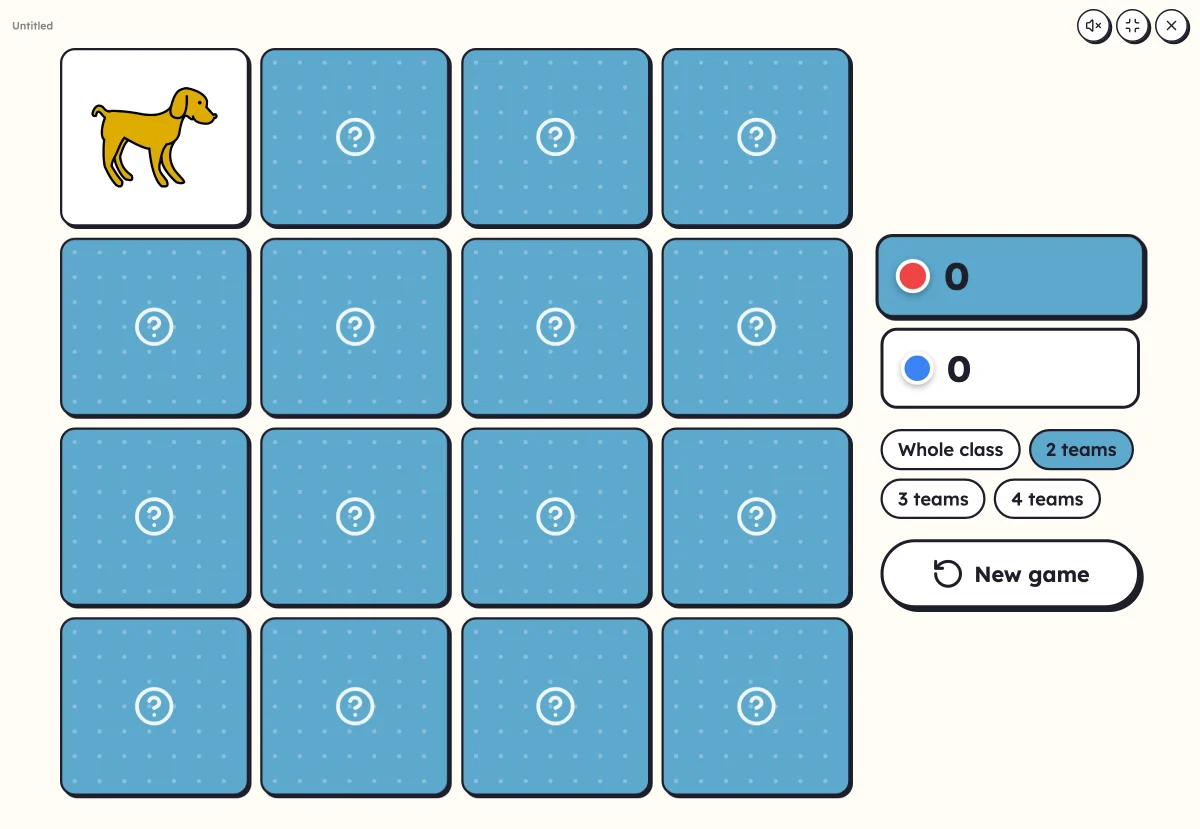 On-screen activitiesNine full-screen activities, plus bingo, the memory game, clip cards and the Goose game, which can also be played on the classroom board.
Your turn
Open Lexikit, write your words, choose a resource: all that is left is to print. Free, no account, and your words stay on your device.
Launch the picture dictionary