
Ways to use it
- The workbook of a term, or the week's work
- The folder of words to review at home
- Differentiated work, with other words for some pupils
The resources of a term or a week, gathered in one PDF. The cover shows the title, the first name and a contents page where the pupil ticks what is done. Each resource added is a copy, set up for this workbook only.
Free, no account needed. Opens in your browser.
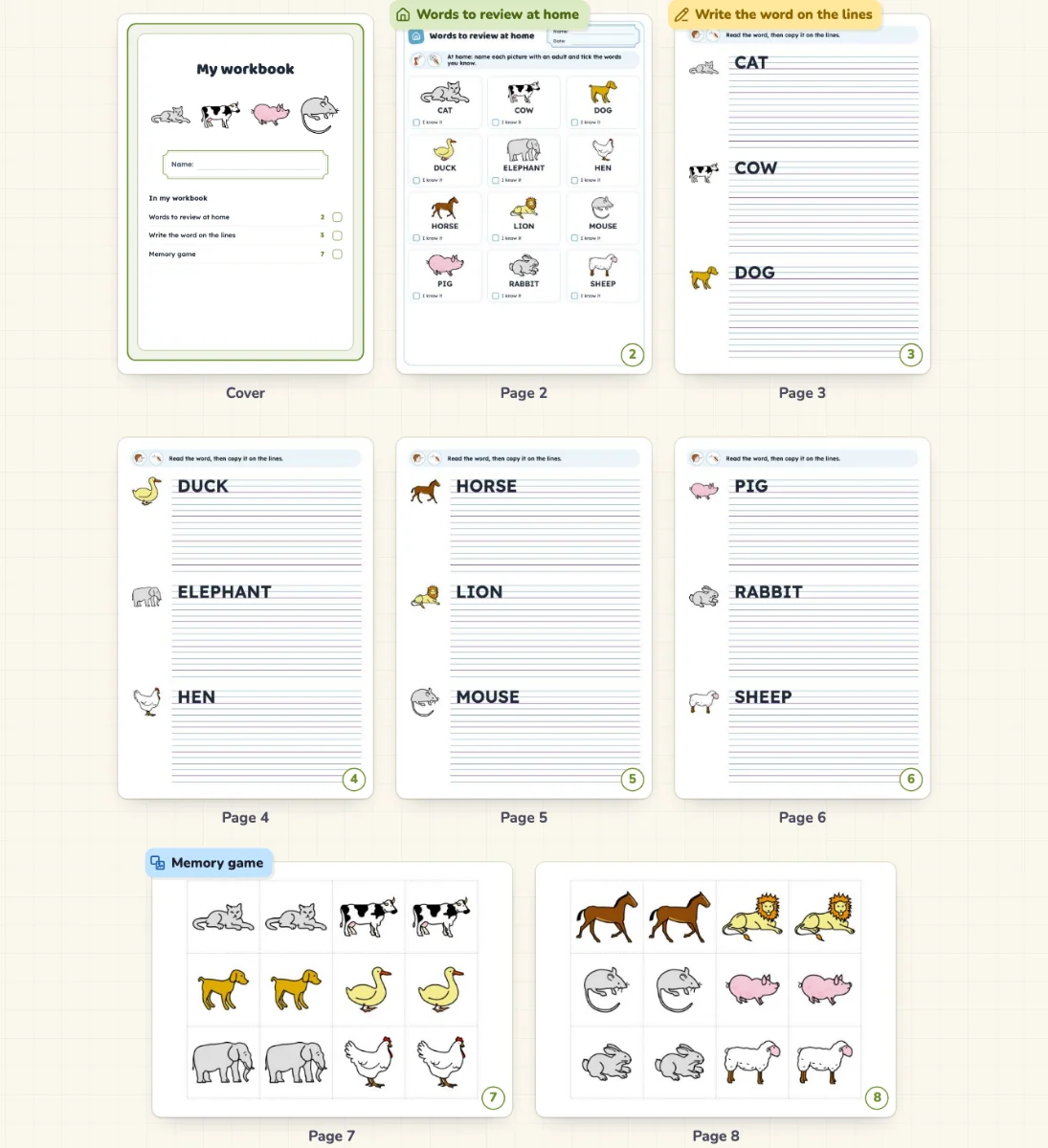
It does not change. The workbook keeps a copy of each resource. Changing the copy leaves the original as it is, and “Take the original again” copies the original if it has changed.
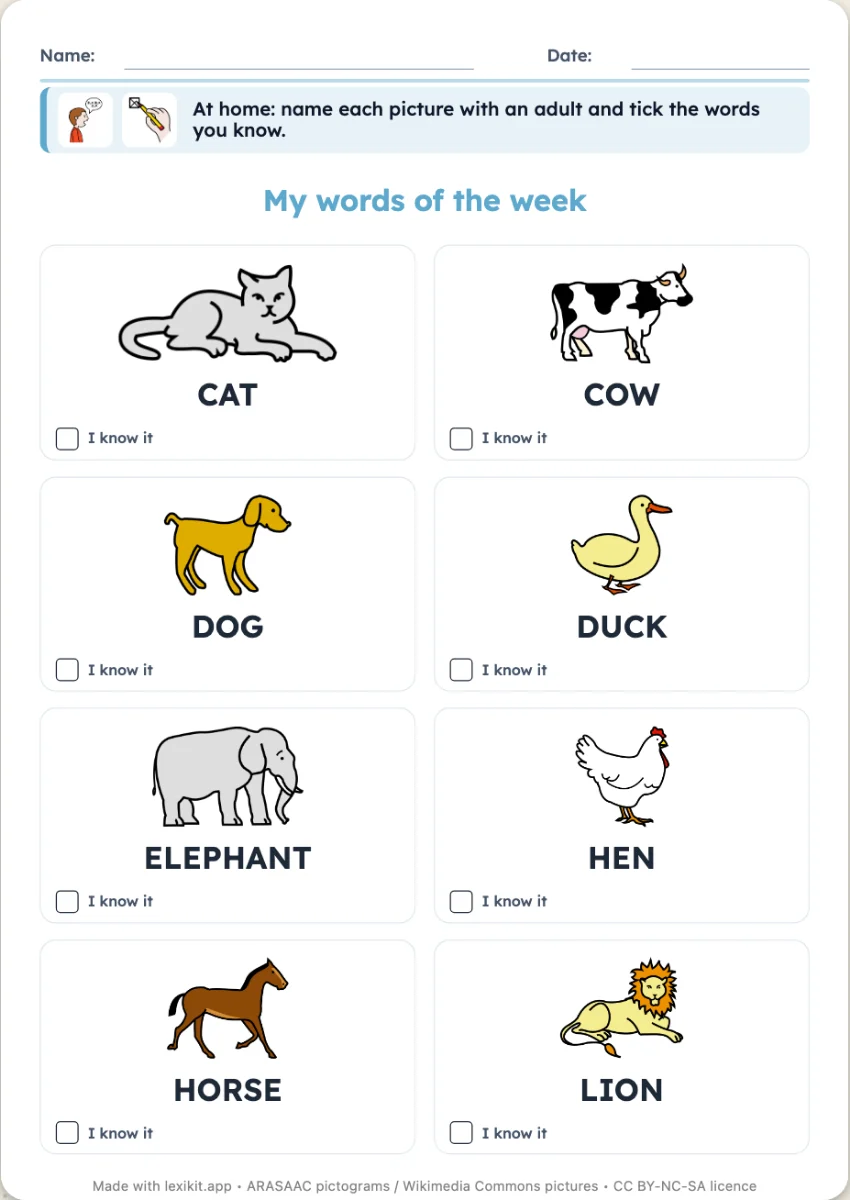 Words to review at homeA page to take home: picture and word, with an “I know it” box to tick.
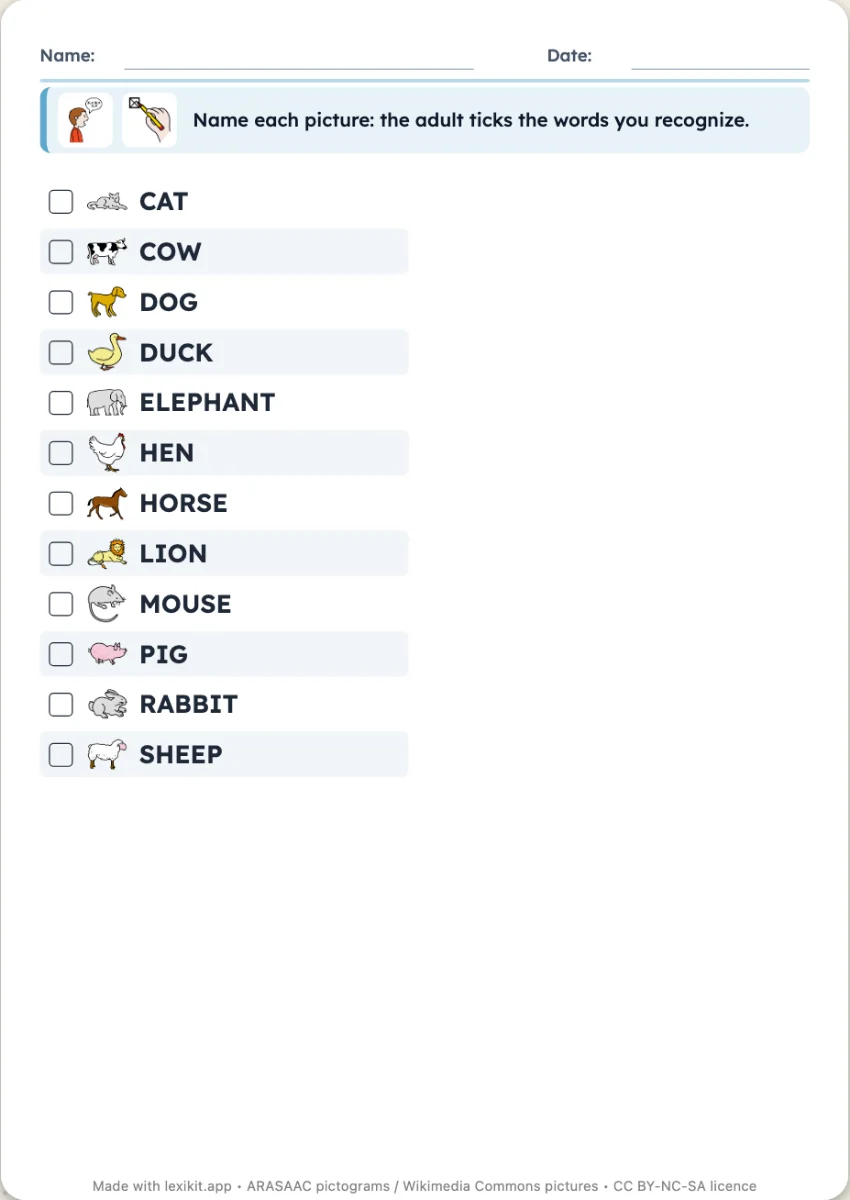 Assessment gridOne grid per child: each word pointed at, named, then said in a sentence, a date per column.
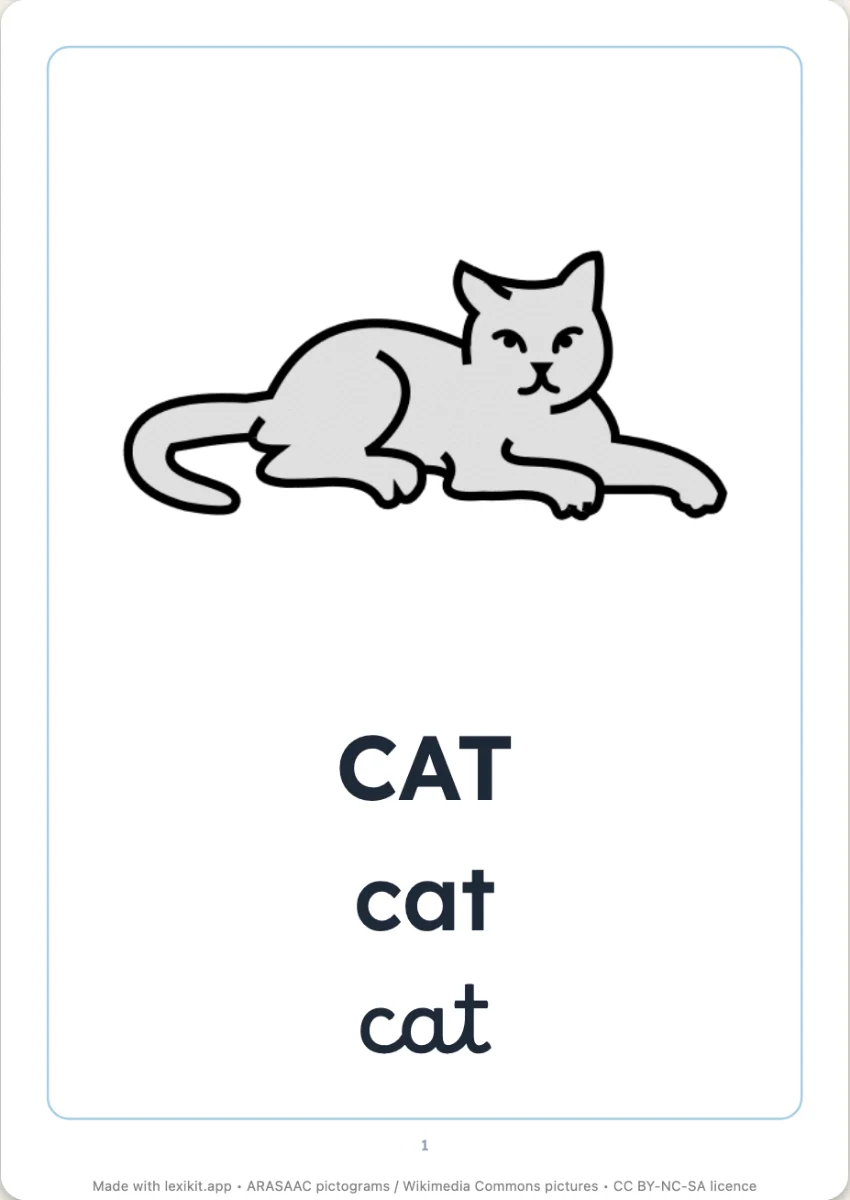 Picture dictionary to bindA real picture dictionary to bind: the cover, a chapter per category, six pictures and their words per page, in colour or to colour in.
Open Lexikit, write your words, choose a resource. All that is left is to print or to play. Free, no account, and your words stay on your device.
Create a pupil's workbook