
Put the words in order, a printable sentence worksheet
For each sentence, a row of boxes and, just below, its words mixed up on illustrated labels. The child cuts out the labels and glues them in order, with the model sentence above or hidden. The same sentences also make the word cards and the « Copy the sentence » worksheet. On screen, the child touches the words in order and the sentence builds up in large print.
Free, no account needed. Opens in your browser.
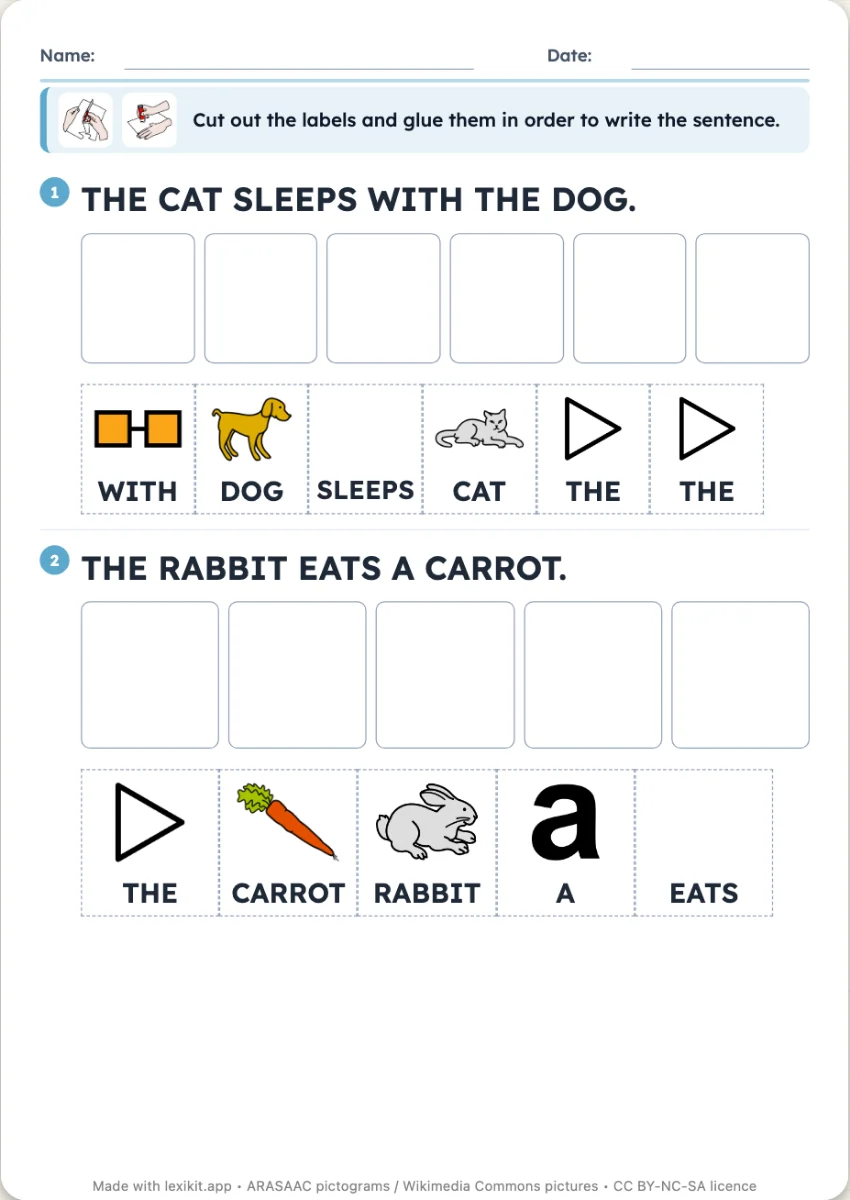
In 3 steps
- Write your sentences: those of the picture book, the class diary or the nursery rhyme.
- Set the worksheet: model sentence shown or hidden, pictures on the labels, writing.
- Print and cut out: each sentence has its labels just under its boxes, or play on screen.
What you can set
- Model sentence shown or hidden, with an answer key page when it is hidden
- A picture on the label of each word of the lexicon, or the words alone
- Capitals, print or cursive, the capital letter and the full stop kept on the model
- Two words linked on one label (« Red Riding Hood »)
- « Shuffle » draws another order of the labels
Ways to use it
- The meaning of a sentence: word order, capital letter, full stop
- The sentences of the picture book read in class, word by word
- In speech therapy, building a sentence with visual support
- On screen: the mixed-up words, touched in order, and the sentence building up for the whole class
Frequently asked questions
How many sentences fit on a page?
Two to four, depending on their length and the pictures. A long sentence goes on two rows of labels.
Can it be played without a touch screen?
Yes: the keys 1 to 8 choose a word, and the arrow key or a remote gives the next word.
With the same words
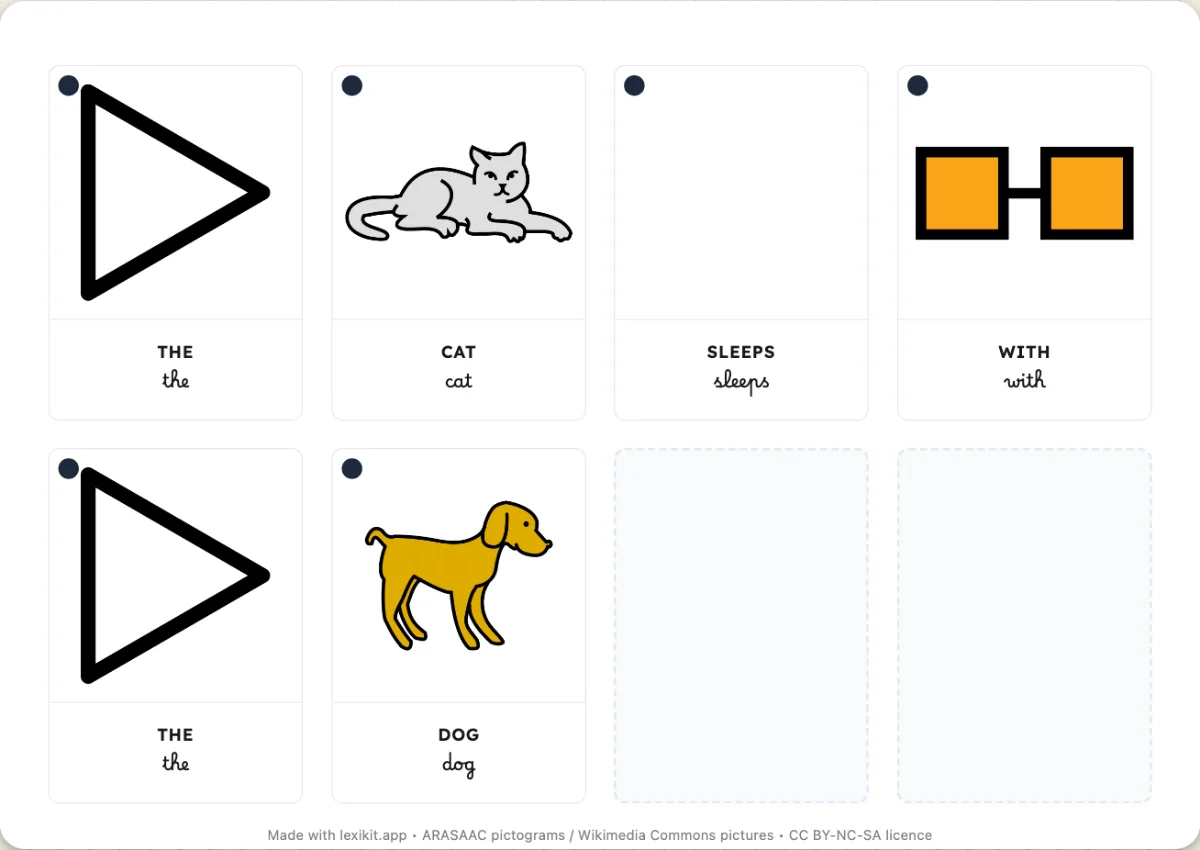 Word cards to cut outWord cards to cut out and put sentences back in order, with the picture of each word.
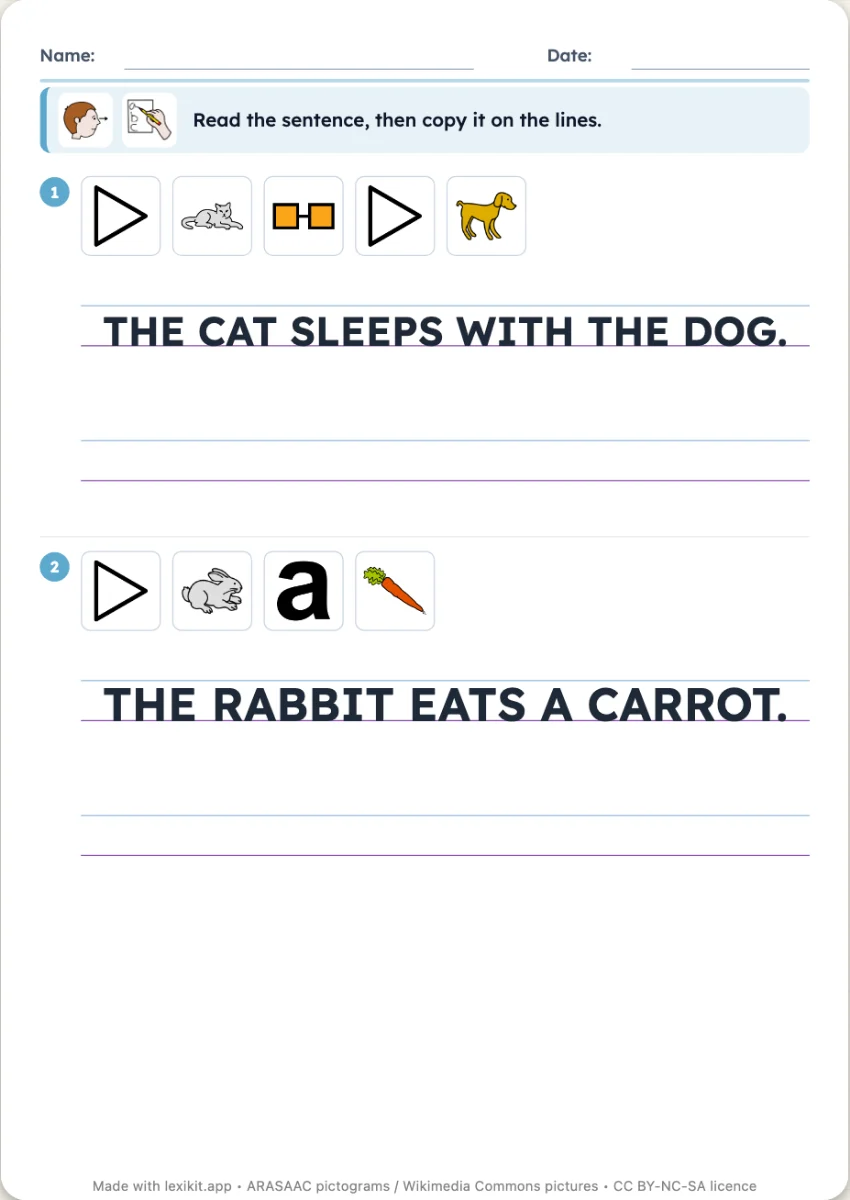 Copy the sentenceThe sentence written on real school ruling and the lines to copy it, the pictures of its words above.
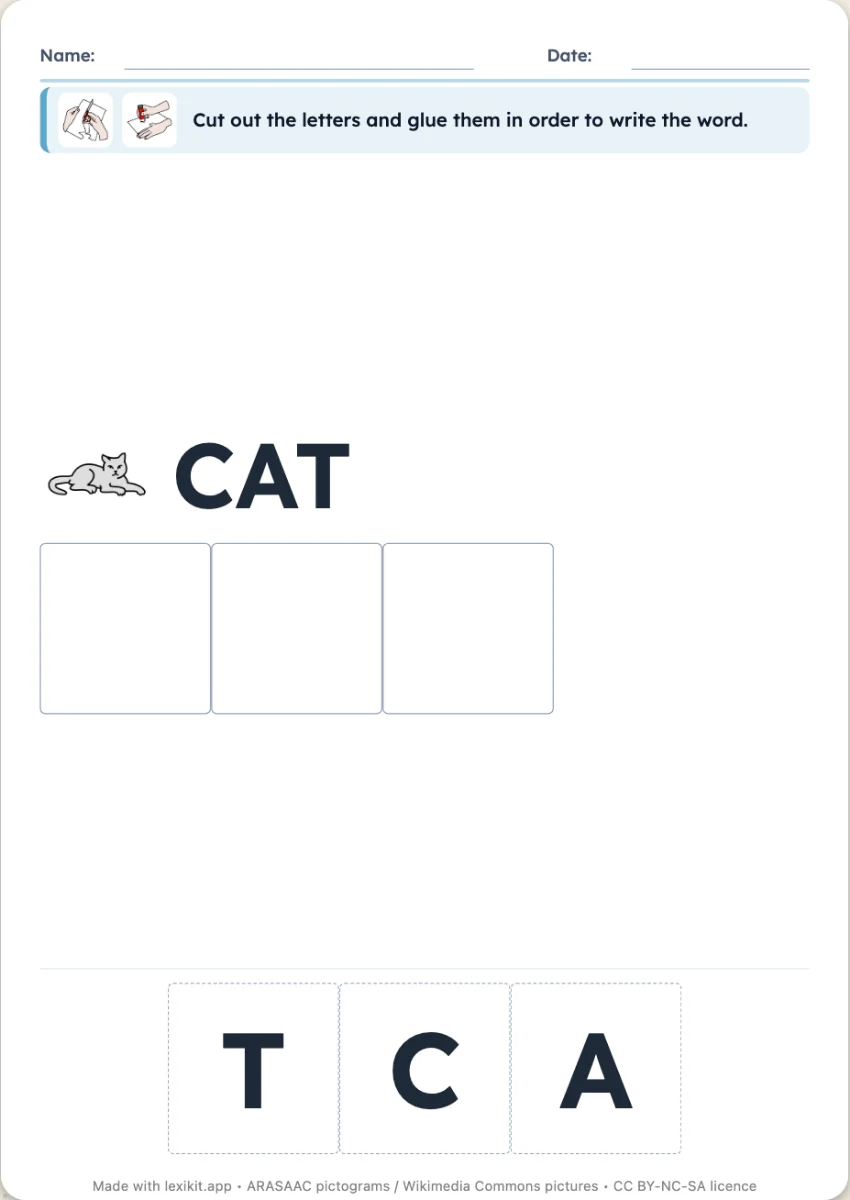 Rebuild the wordEmpty boxes to fill with cut-out letters, or jumbled letters to number.
Your turn
Open Lexikit, write your words, choose a resource: all that is left is to print. Free, no account, and your words stay on your device.
Make a sentence worksheet