
Rebuild the word from its letters, a printable worksheet
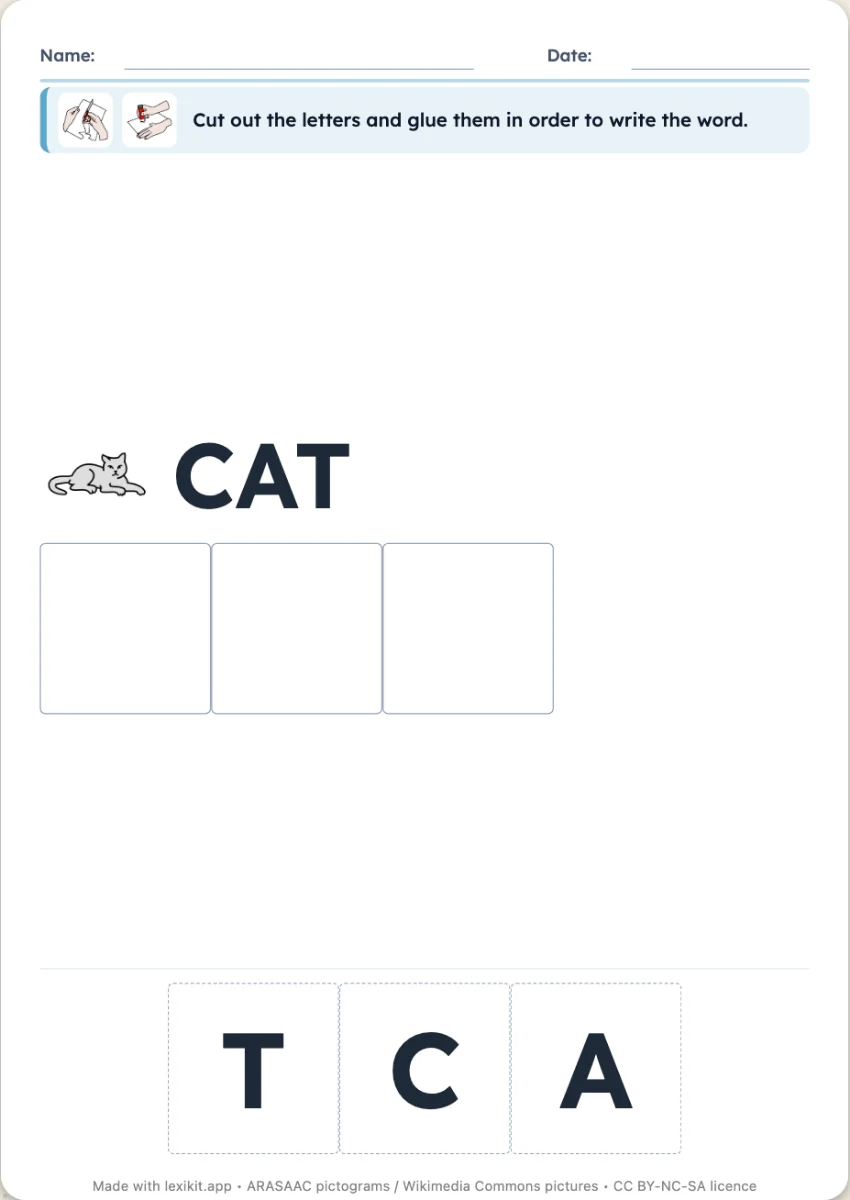
Under each picture, the word as a row of empty boxes. The child cuts out the letters printed at the bottom of the worksheet and sticks them in order, or numbers jumbled letters. The model word can stay visible or disappear.
Free, no account needed. Opens in your browser.
In 3 steps
- Add your words: type them, paste a list or start from a theme.
- Choose the mode: letters to stick or to number, with or without the model.
- Print: the letters to cut out are at the bottom of the worksheet.
What you can set
- Letters to stick or to number
- Model word shown or hidden
- Words sorted alphabetically or by number of letters
- Maximum word length, handwriting style and size of the worksheet
Ways to use it
- Handling letters before writing them
- Differentiating: the model for some, memory for others
- Short words first, long ones later
Frequently asked questions
Are scissors needed?
For the sticking version, yes: the letters are printed at the bottom of the worksheet, in the order of the words. The numbering version needs only a pencil.
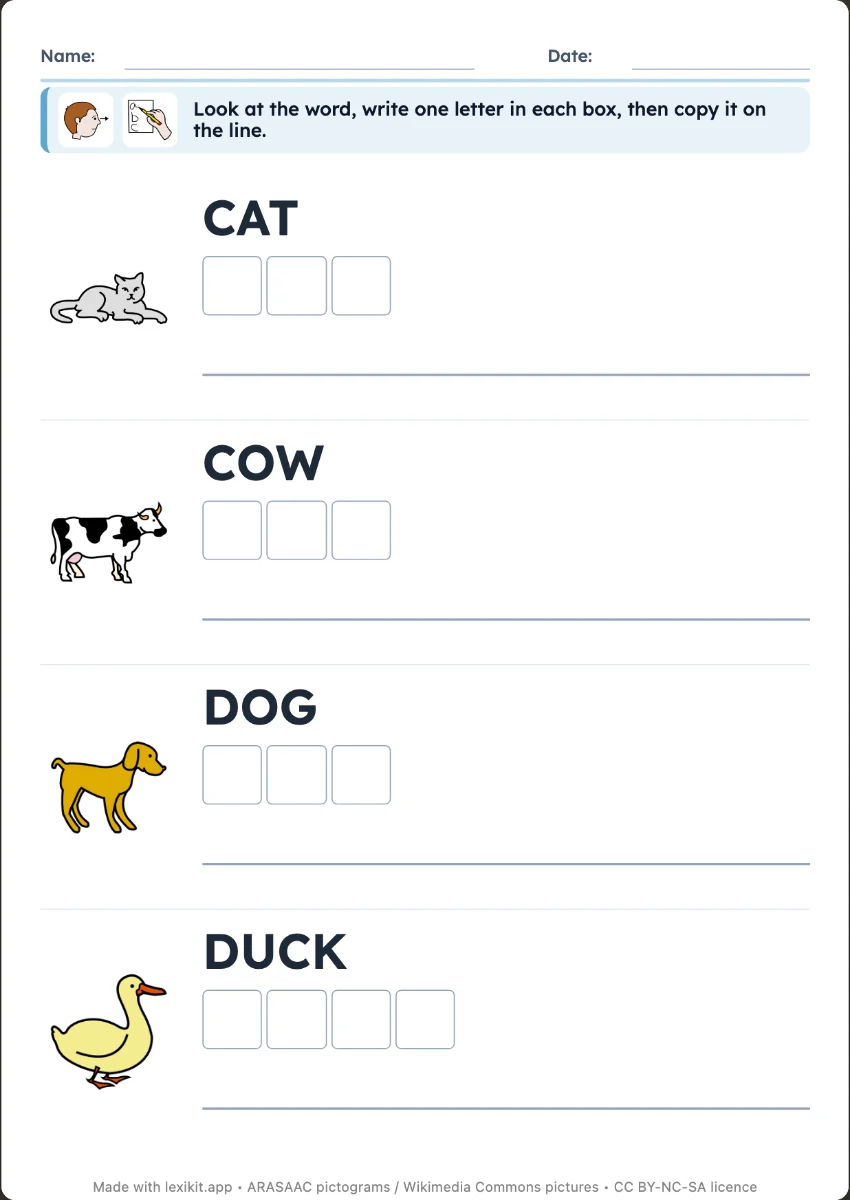
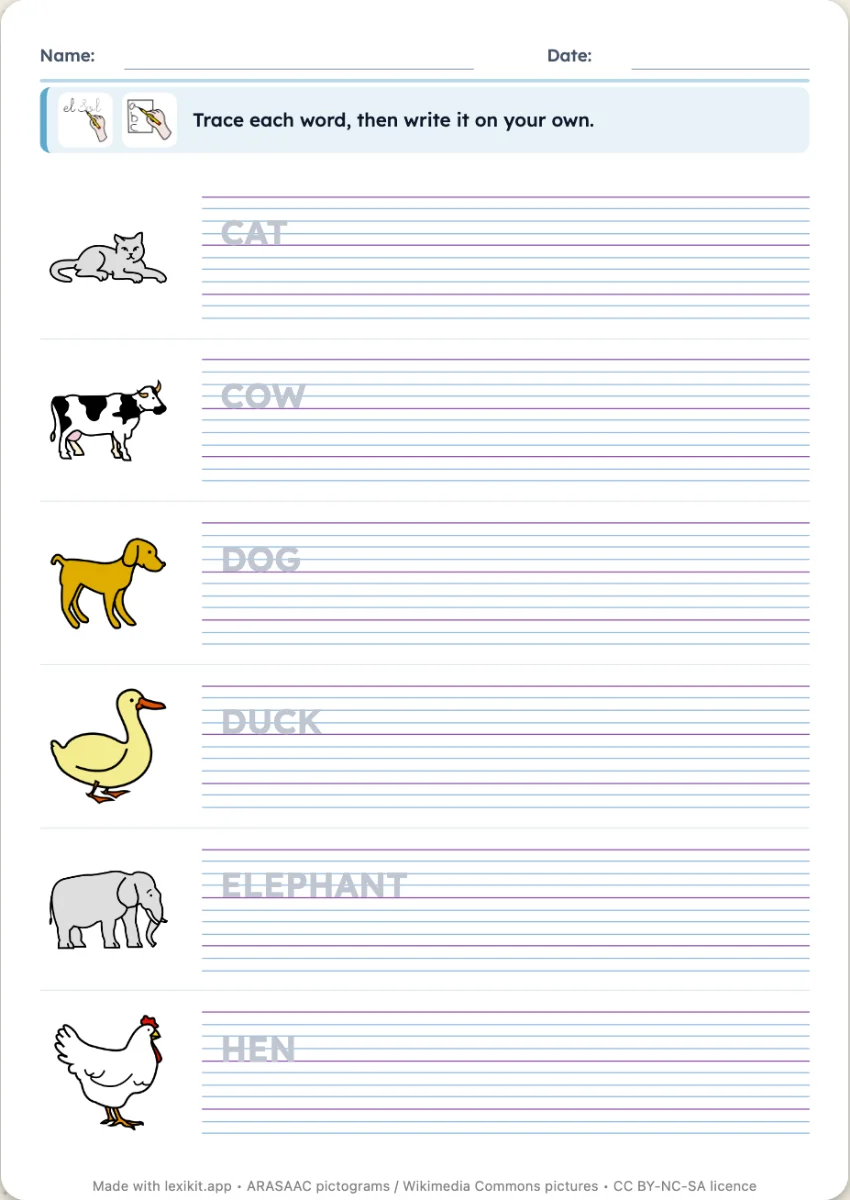
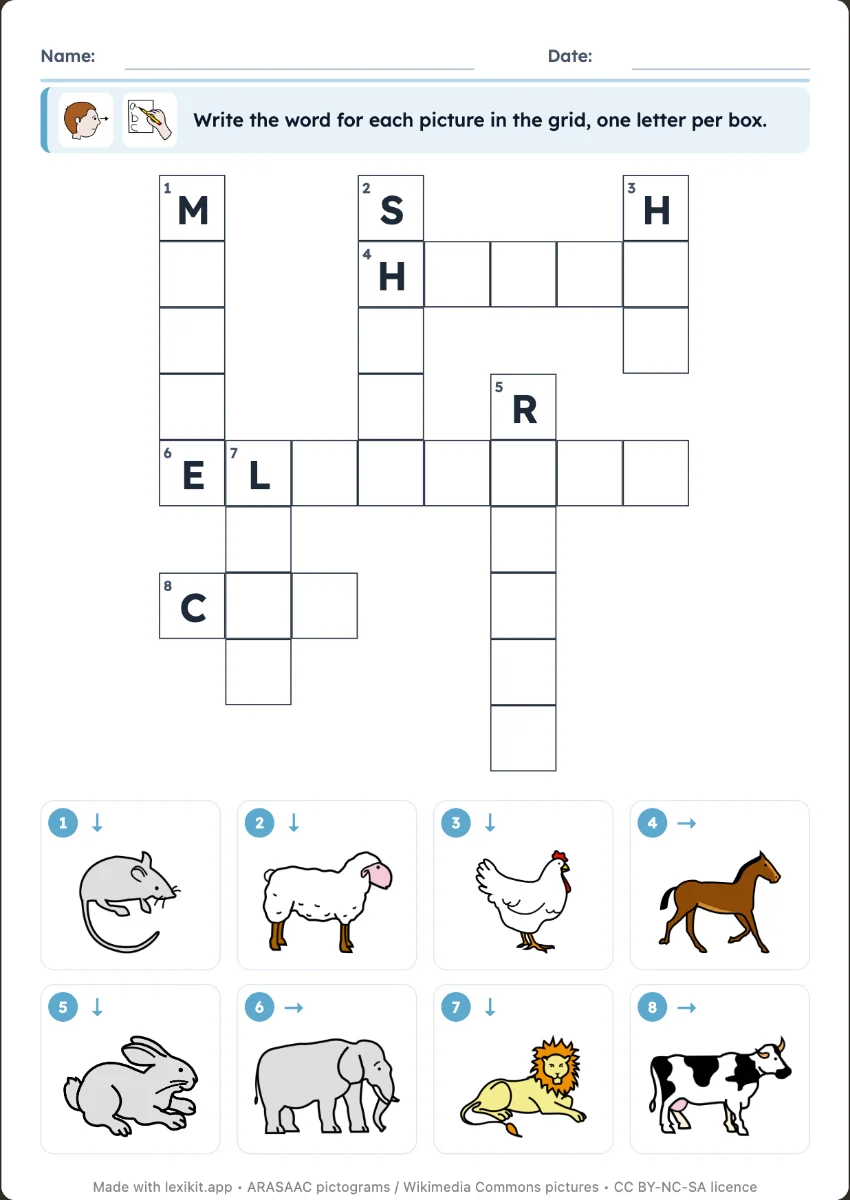
Your turn
Open Lexikit, write your words, choose a resource: all that is left is to print. Free, no account, and your words stay on your device.
Create a word-building worksheet