
Sentence handwriting models to glue in the exercise book
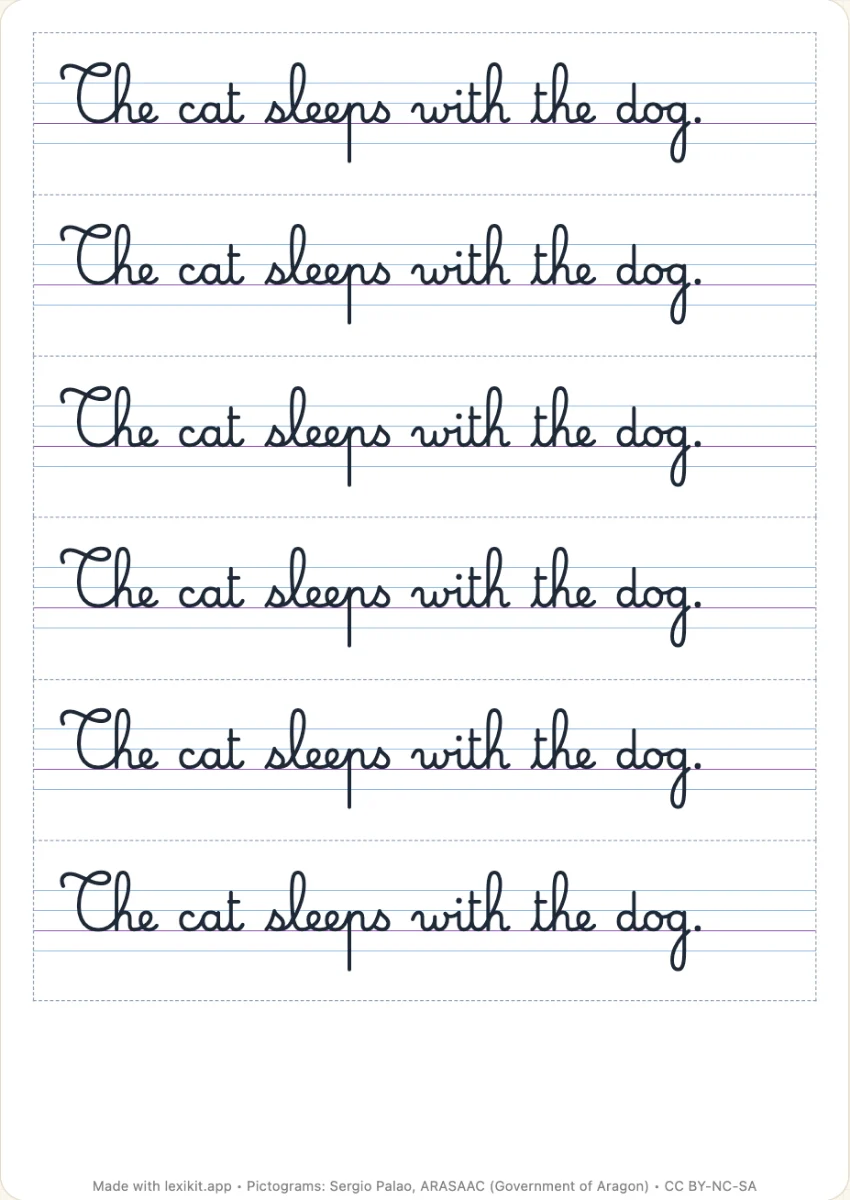
Each sentence becomes a strip, written on the ruling of your pupils' exercise books, at its true size. A long sentence goes on to the next line. A page gives one copy per child, to cut out and glue above the copy.
Free, no account needed. Opens in your browser.
In 3 steps
- Write your sentences in the sentence column. A theme, or the words of the file, give ready sentences.
- Choose the ruling of your exercise books and the script, cursive by default.
- Print at 100%, cut along the dotted lines and glue one strip in each book.
What you can set
- One copy of each sentence per child of the list in Settings › My groups, a page of each, or the number you choose
- Strips to cut out, or a page without cutting, its lines continuous, to glue whole or cut as you like
- Rulings at the real size of exercise books: the four handwriting lines of 7, 5, 4 or 3 mm, where capitals and tall letters reach twice the body, or a single line
- Coloured interlines if you wish
- One or two lines to write under the model, if you wish
- Capitals, print or cursive, with the fonts chosen in Settings › Fonts
Ways to use it
- Gluing the sentence of the day in the handwriting book
- A sentence from the class diary, to copy in cursive
- The same sentence in capitals for some, in cursive for others
Frequently asked questions
How is it different from Copy the sentence?
Copy the sentence is a worksheet: the model and the lines to copy it on the same sheet. The handwriting models are glued in the child's book, and the child writes under them, on their own lines.
With the same words
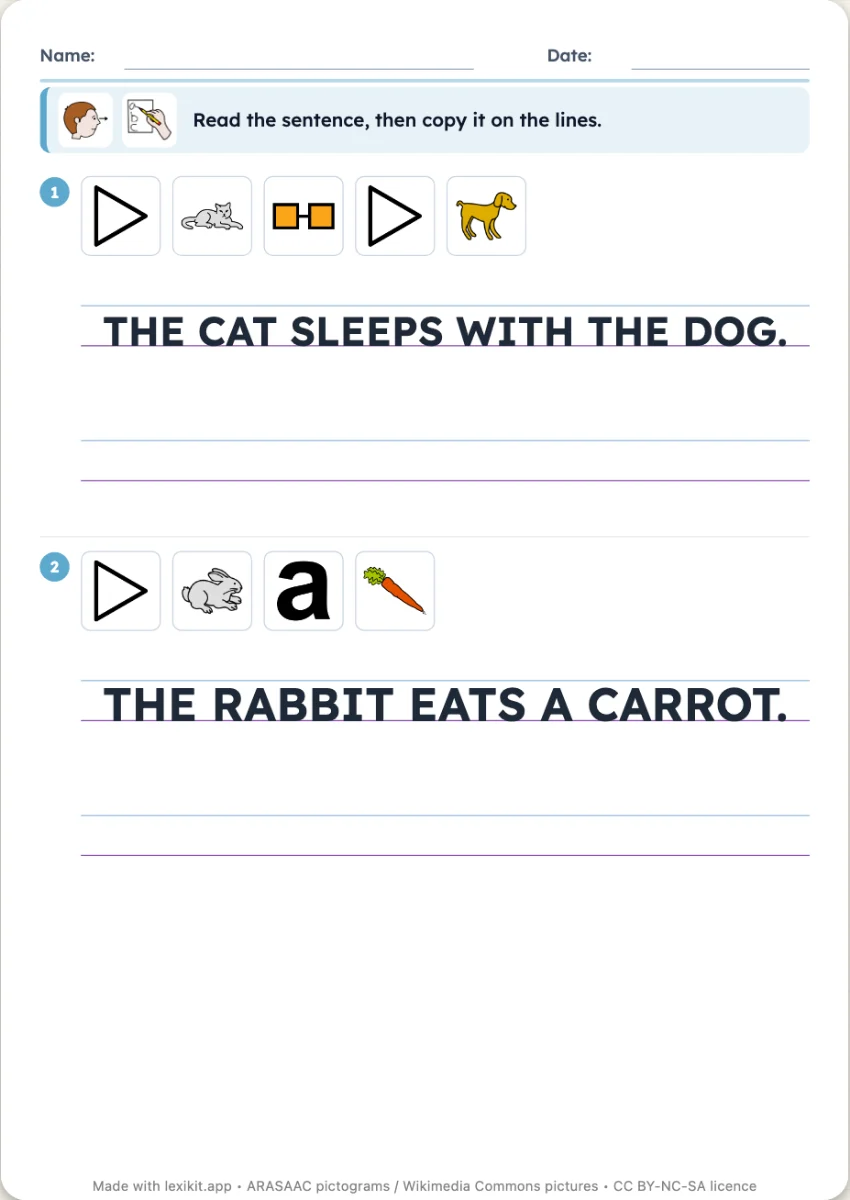 Copy the sentenceThe sentence written on real school ruling and the lines to copy it, the pictures of its words above.
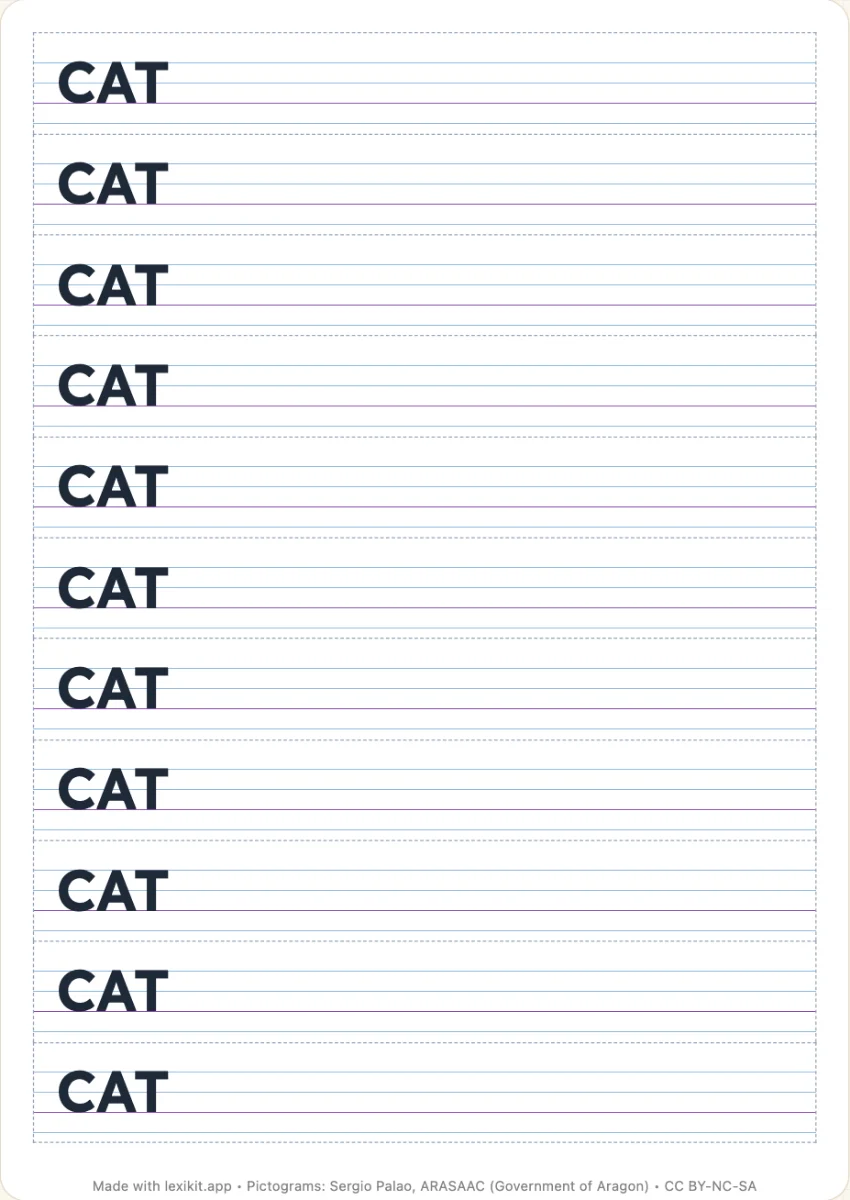 Word models to glueThe model of each word on the exercise book ruling, in strips to cut out and glue, one per child.
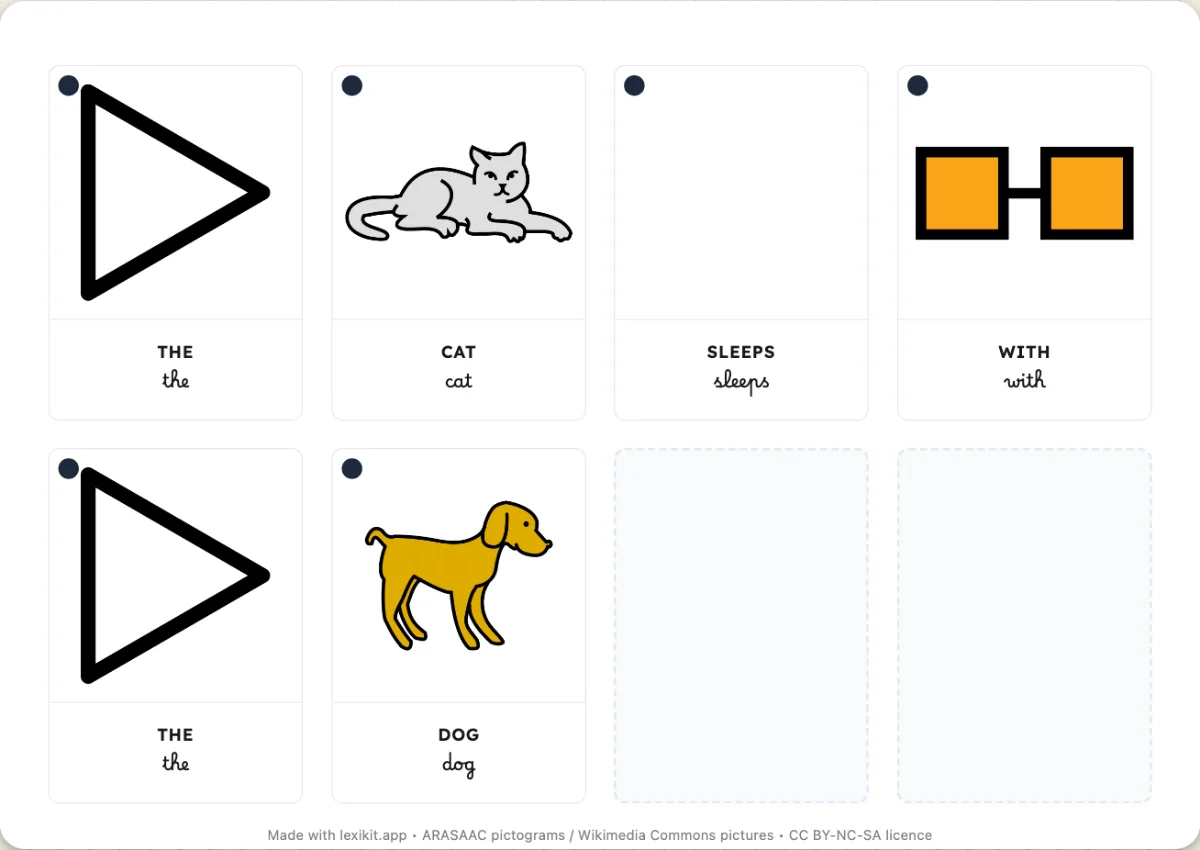 The sentence factoryThe words of the resource as sets of cards to cut out, with determiners and conjugated verbs, to build sentences.
Your turn
Open Lexikit, write your words, choose a resource. All that is left is to print or to play. Free, no account, and your words stay on your device.
Create sentence models