
Link each picture to its shadow, a printable worksheet
The colour pictures on one side, their black shadows on the other, mixed up. The child recognises the shape and draws a line. An observation activity with no reading at all.
Free, no account needed. Opens in your browser.
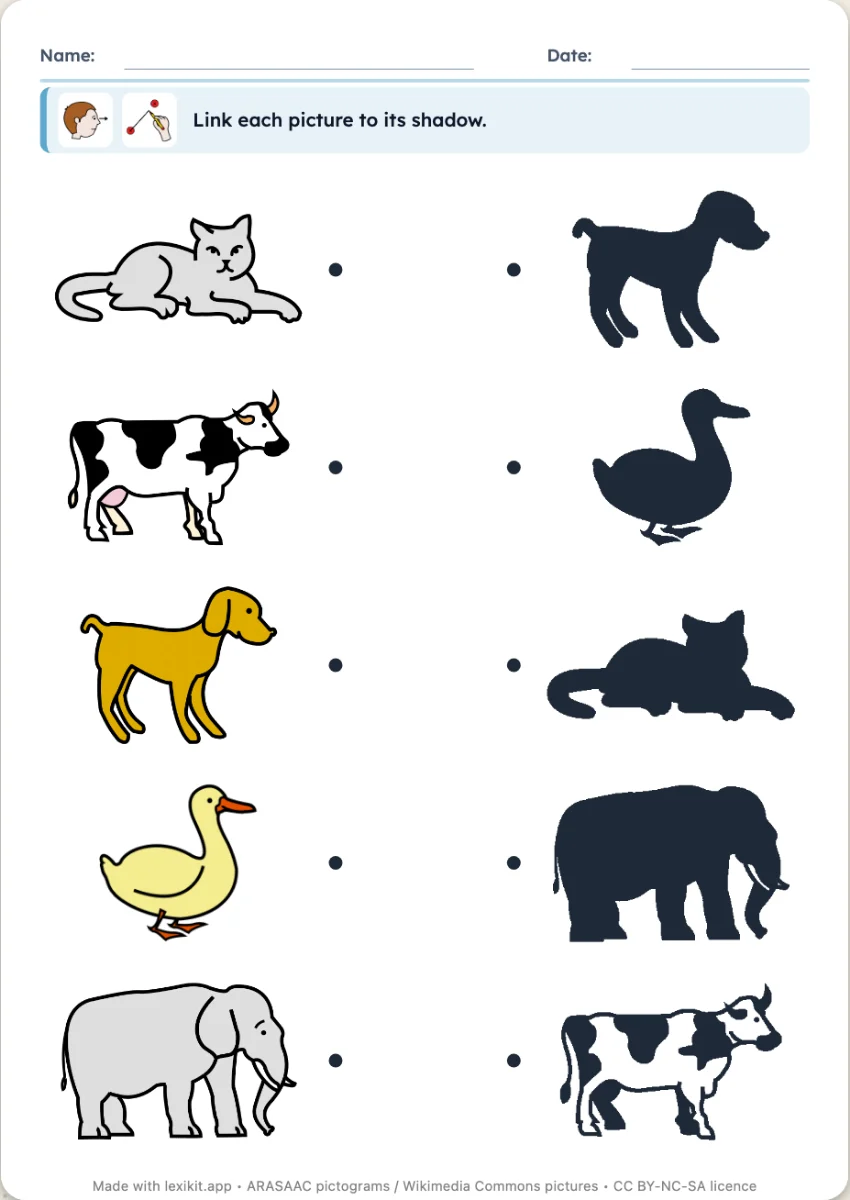
In 3 steps
- Add your words: type them, paste a list or start from a theme.
- Look at the shadows: Lexikit draws them from your pictures.
- Print: name, date and illustrated instruction are already at the top.
What you can set
- Silhouettes drawn from your pictures
- Size of the worksheet: large or normal
- Editable instruction, name and date
Ways to use it
- Observing the shape of an object, from age 3
- Naming each picture while linking it
- Very different pictures to start with, similar ones later
Frequently asked questions
Does every picture have a shadow?
Yes, Lexikit makes the silhouette of each picture. Pictograms and cut-out pictures give the sharpest shadows.
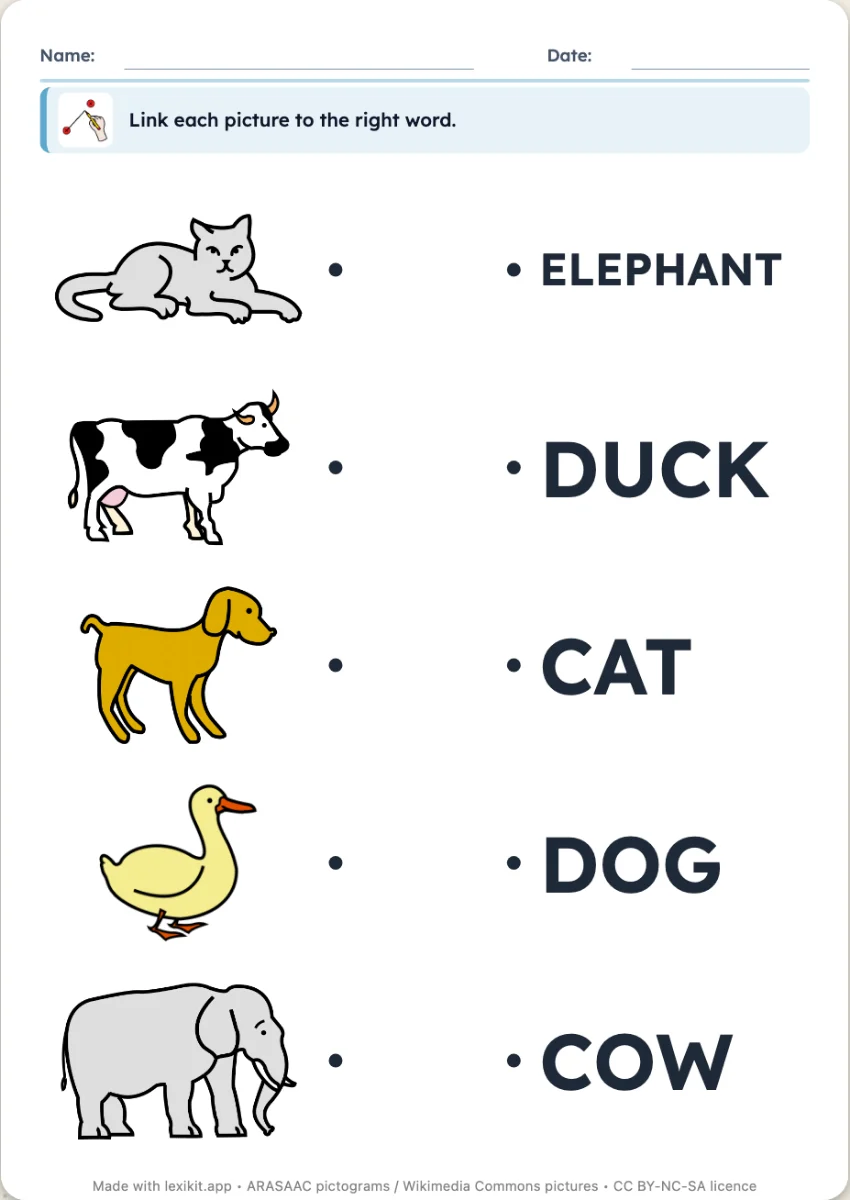
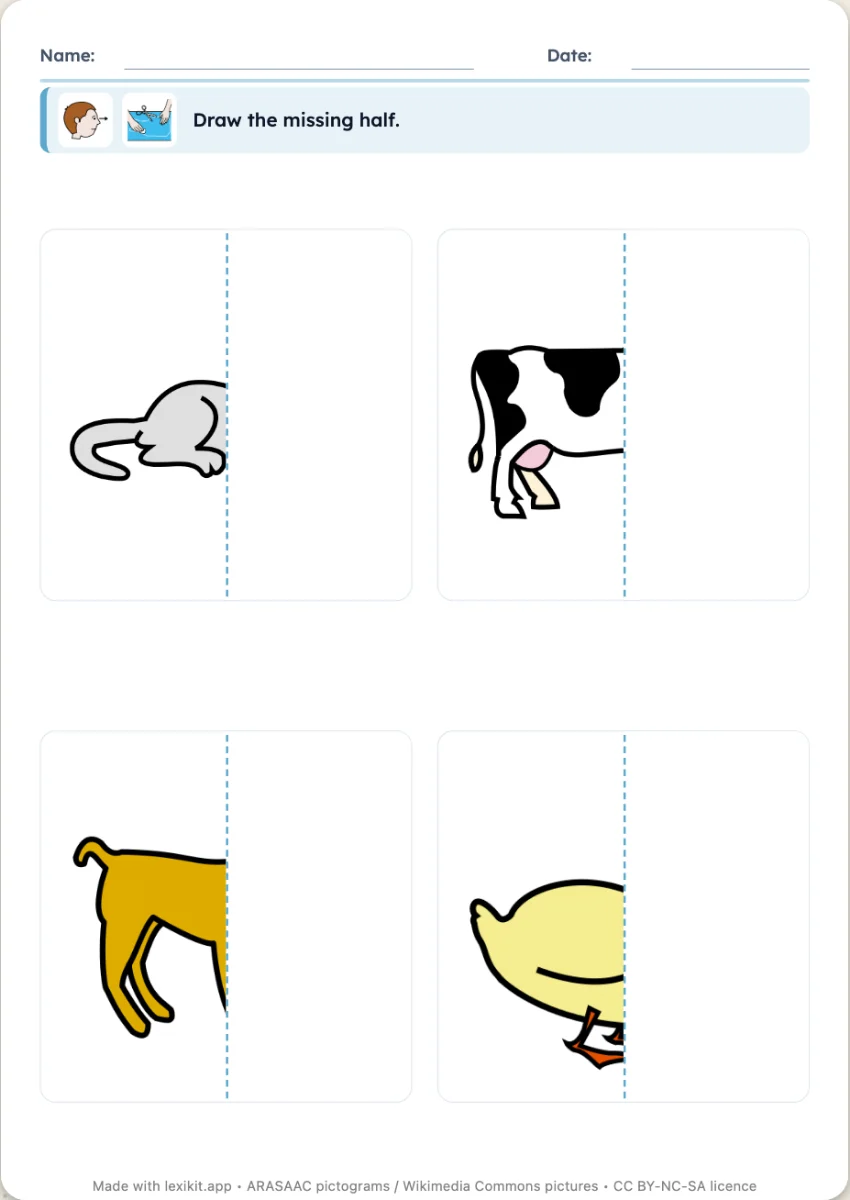
Your turn
Open Lexikit, write your words, choose a resource: all that is left is to print. Free, no account, and your words stay on your device.
Create a shadows worksheet