
Printable memory game with your words
Each word becomes a pair of cards. Finding the same picture, matching the picture to its written word, or the word to its translation: the memory game adapts to each learner's level.
Free, no account needed. Opens in your browser.
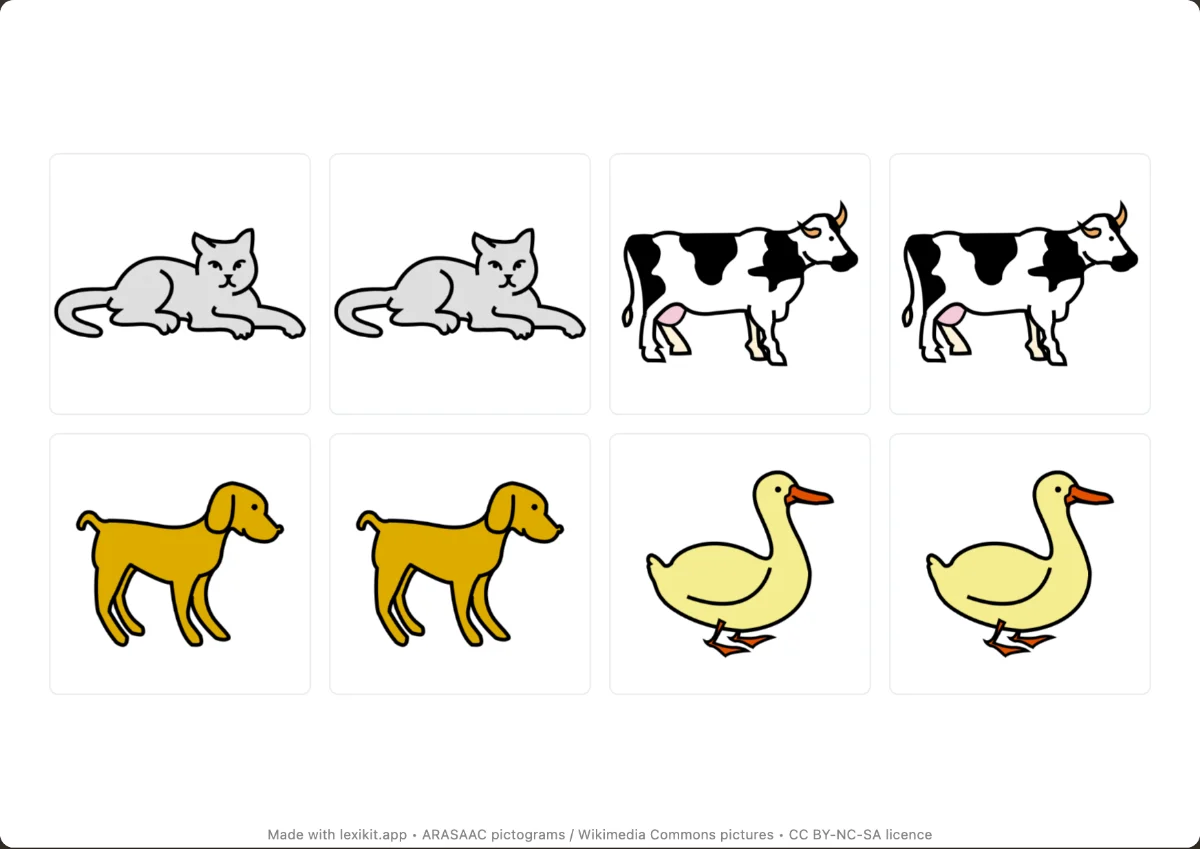
In 3 steps
- Add your words: type them, paste a list or start from a theme.
- Choose the pairs: two identical pictures, two words, a picture and its word, or a word and its translation.
- Print and cut out the cards, or play on screen.
What you can set
- 2 × 4 (4 pairs) or 3 × 4 (6 pairs) grid per page
- Picture and picture, word and word, picture and word, picture and translation, or word and translation pairs
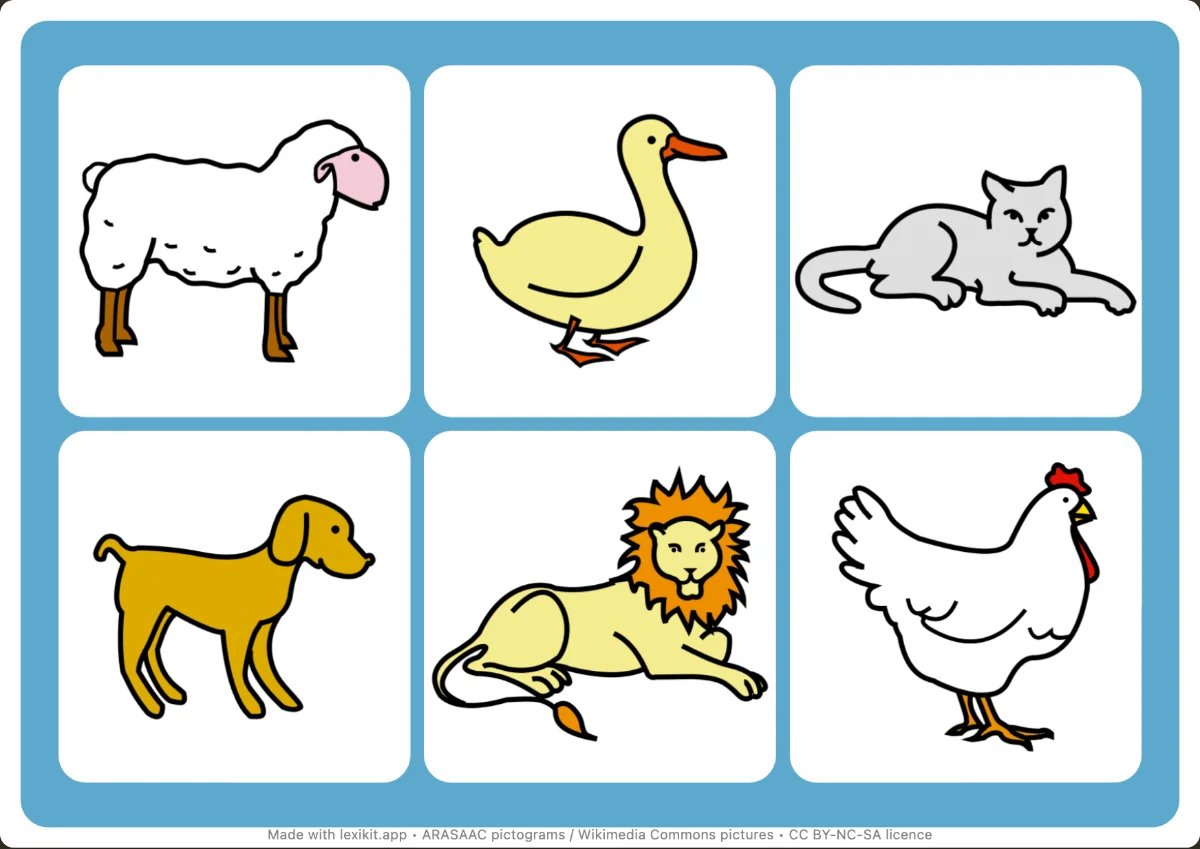
- Optional blank board to lay the cards on
- 5 fonts, outlines and colours
Ways to use it
- Memorising the vocabulary of a picture book or a theme
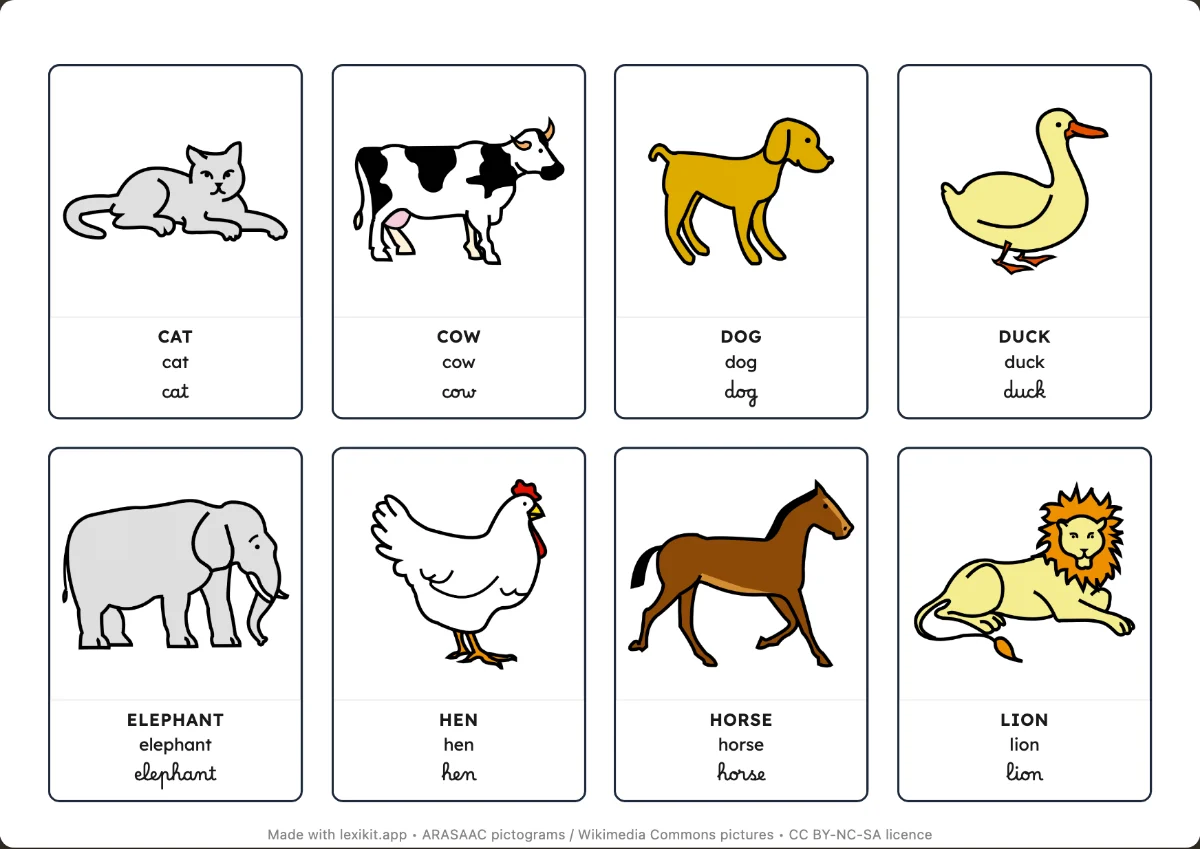
- Moving from picture to word with picture and word pairs
- On screen: a giant memory game, alone or in 2 to 4 teams with scores
Frequently asked questions
Can a picture be matched with a word?
Yes, with the “Picture ↔ word” display: each pair joins a picture card and a word card.
How many cards per page?
8 cards (4 pairs) or 12 cards (6 pairs) on a landscape A4 page. The number of pages follows the number of words.
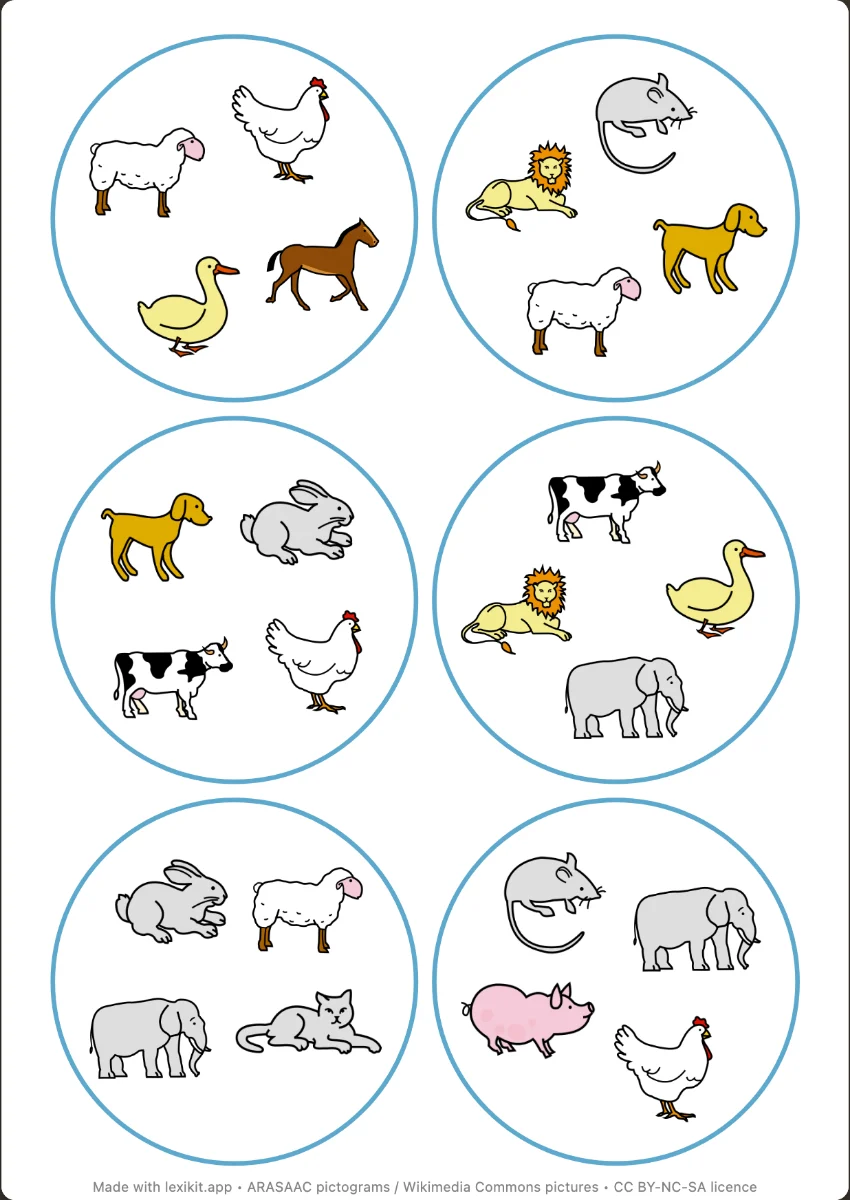
Your turn
Open Lexikit, write your words, choose a resource: all that is left is to print. Free, no account, and your words stay on your device.
Create a memory game