
Link each picture to its family, a printable worksheet
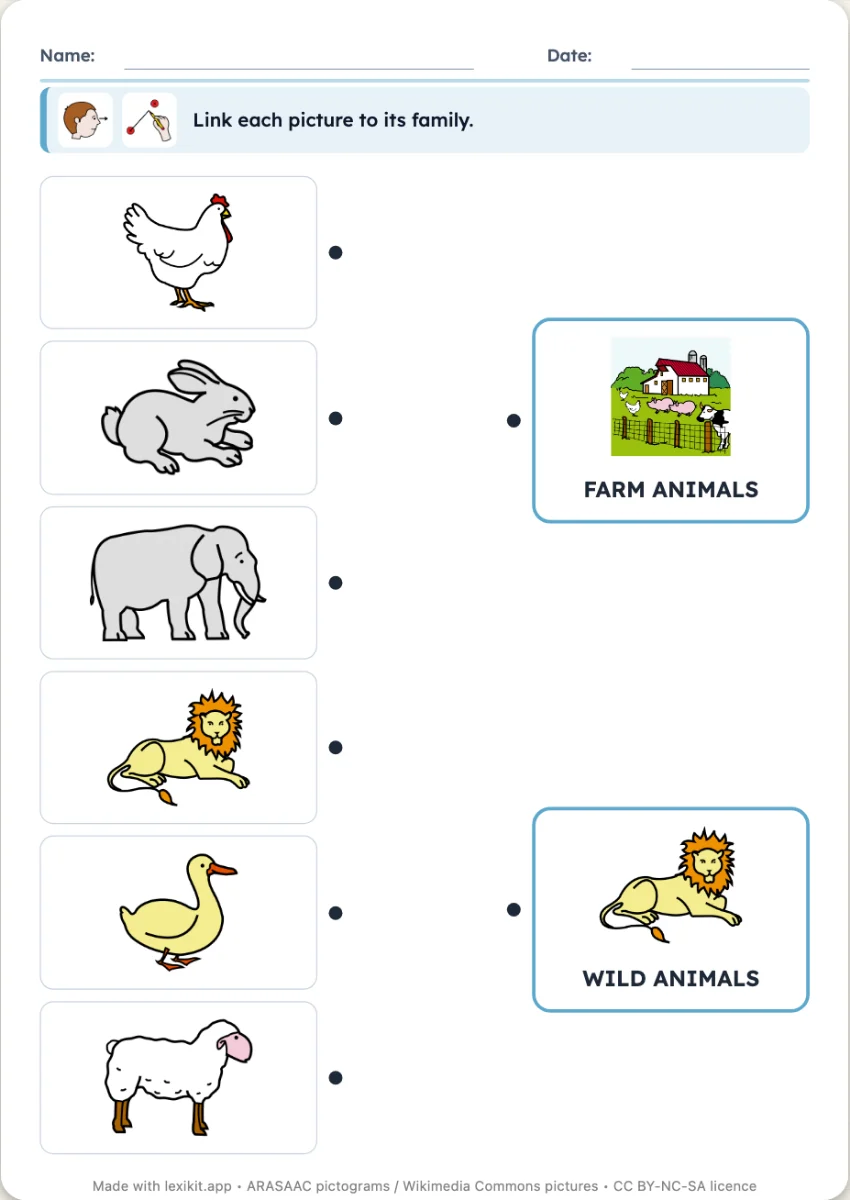
Pictures on one side, on the other two to four boxes, each with the picture and the name of a family. The child draws a line from each picture to its family: the cat to the animals, the apple to the fruit. If your list has only one family, Lexikit borrows the second from your other resources or from the lexicon.
Free, no account needed. Opens in your browser.
In 3 steps
- Add your words: animals and fruit, or a single family, Lexikit completes it.
- Choose the families: two, three or four boxes, automatic or chosen, with or without their names.
- Print: name, date and illustrated instruction are already at the top, the answer key at the end.
What you can set
- Two, three or four families on the right
- Family 1 and Family 2 chosen by you, or found by Lexikit
- Names of the families shown under their picture, or not
- Answer key page with each word and its family, size of the worksheet, name and date
Ways to use it
- Categorising the words of a theme: farm and savannah, fruit and vegetables
- Saying the family of each picture before drawing the line
- In speech therapy, organising vocabulary into categories
Frequently asked questions
How many pictures per page?
Six in the large size, eight in the normal size. With more words, Lexikit adds pages. Every page keeps the same boxes on the right.
With the same words
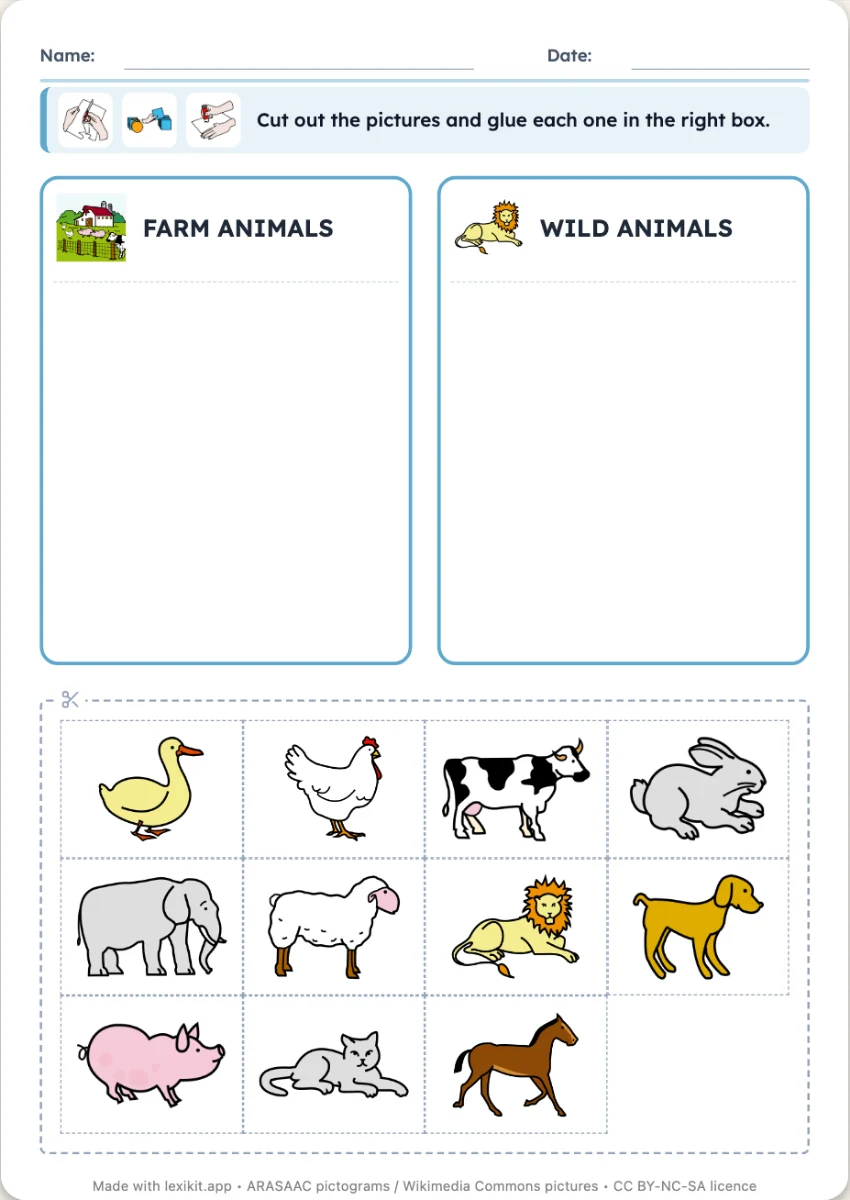 The boxesTwo to four boxes, one per family, and the pictures to cut out and stick in the right one. The boxes above the pictures, on their own sheet or one per sheet.
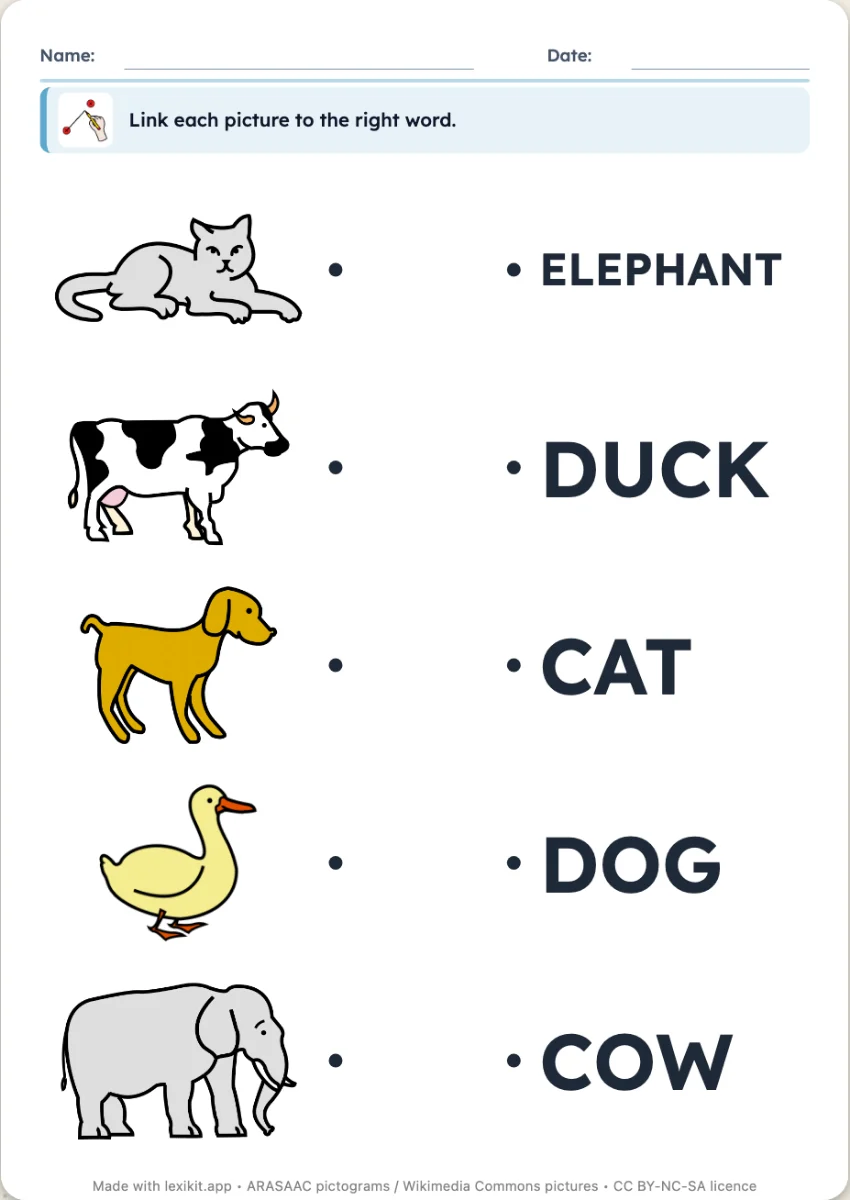 Link picture and wordLink each picture to its word, or to another picture of the same word, with no reading.
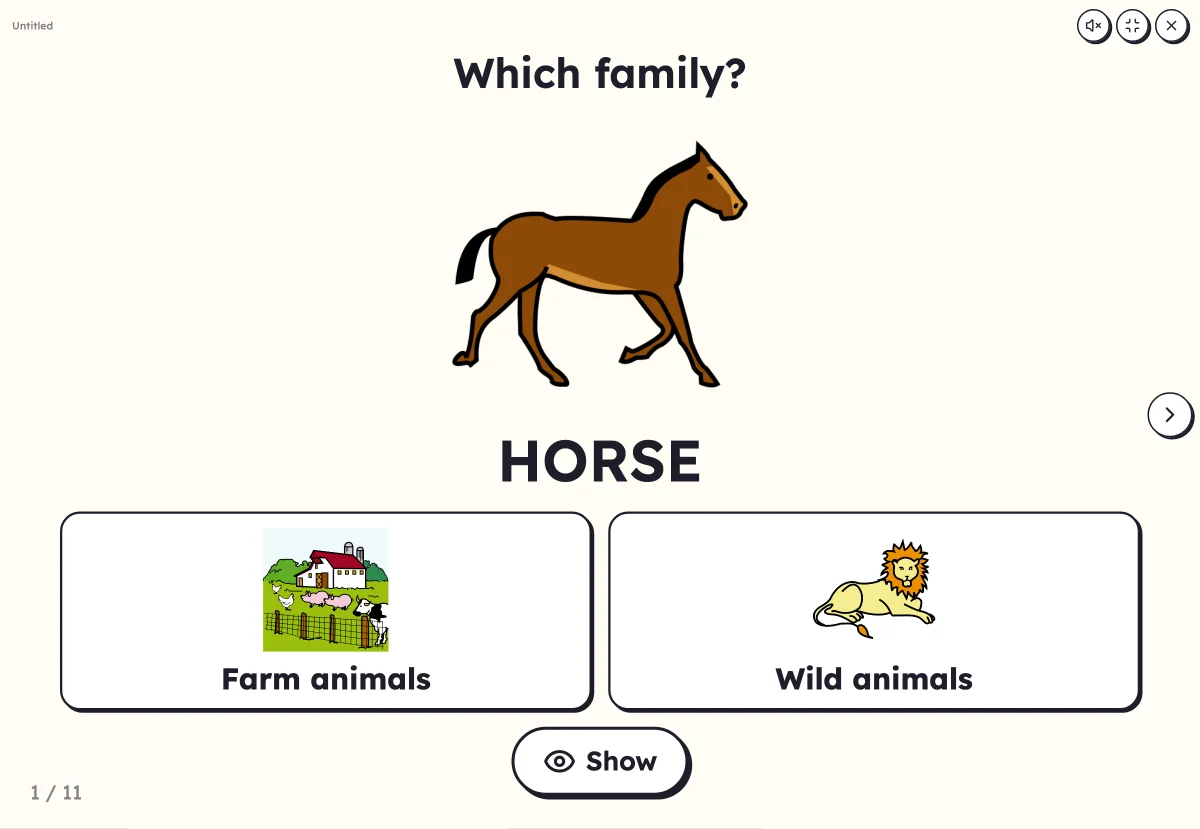 Which family?A big picture, two to four family boxes: touch the box of its family.
Your turn
Open Lexikit, write your words, choose a resource: all that is left is to print. Free, no account, and your words stay on your device.
Create a “Link to its family” worksheet