
Which family? Touch the box of each picture, on screen
A picture shown big, and below it the family boxes, each with its picture and its name: animals, fruit, clothes. The child touches the box the picture belongs to. A wrong touch, and the box shakes and says the name of its family. The right one lights up, the word is said, and confetti falls. Every picture comes up, one after the other.
Free, no account needed. Opens in your browser.
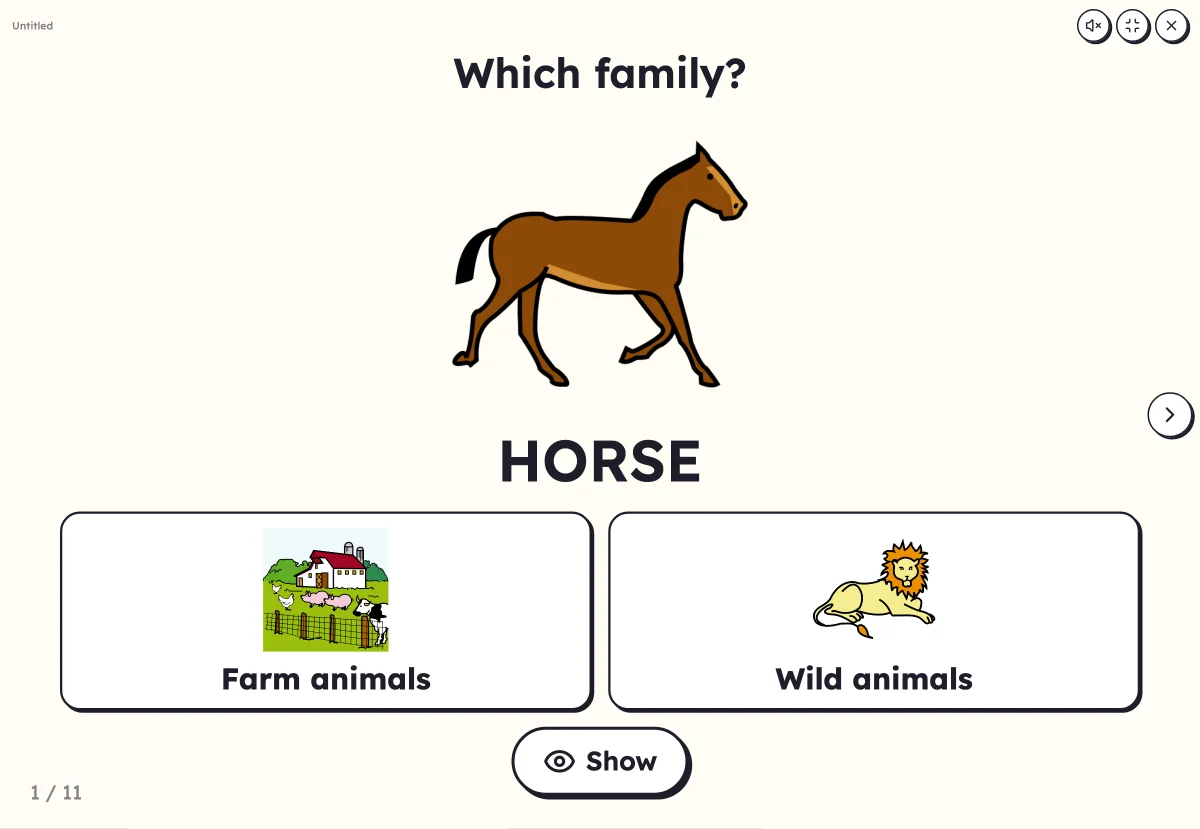
In 3 steps
- Add your words: at least four, with their pictures. One family is enough, Lexikit borrows the other.
- Set the game: two, three or four families, the word shown or hidden, the pictures in list order or at random.
- Launch full screen: the child touches the box, Lexikit checks and moves on to the next picture.
What you can set
- 2, 3 or 4 families under the picture
- The word shown under the picture, or hidden until the right answer
- Picture order: the list, or at random
- Voice: the word found and the family names are said, capitals, print or cursive
Ways to use it
- Sorting the words of two mixed themes: farm and savannah, fruit and vegetables
- A group routine where everyone takes a turn at the board
- In speech therapy, a categorising exercise with nothing to write
Frequently asked questions
What if my list has only one family?
Lexikit borrows the second from your other resources, then from the lexicon, and says so under the resource. In the “Families” section, you choose where it takes it, or file a word by hand.
With the same words
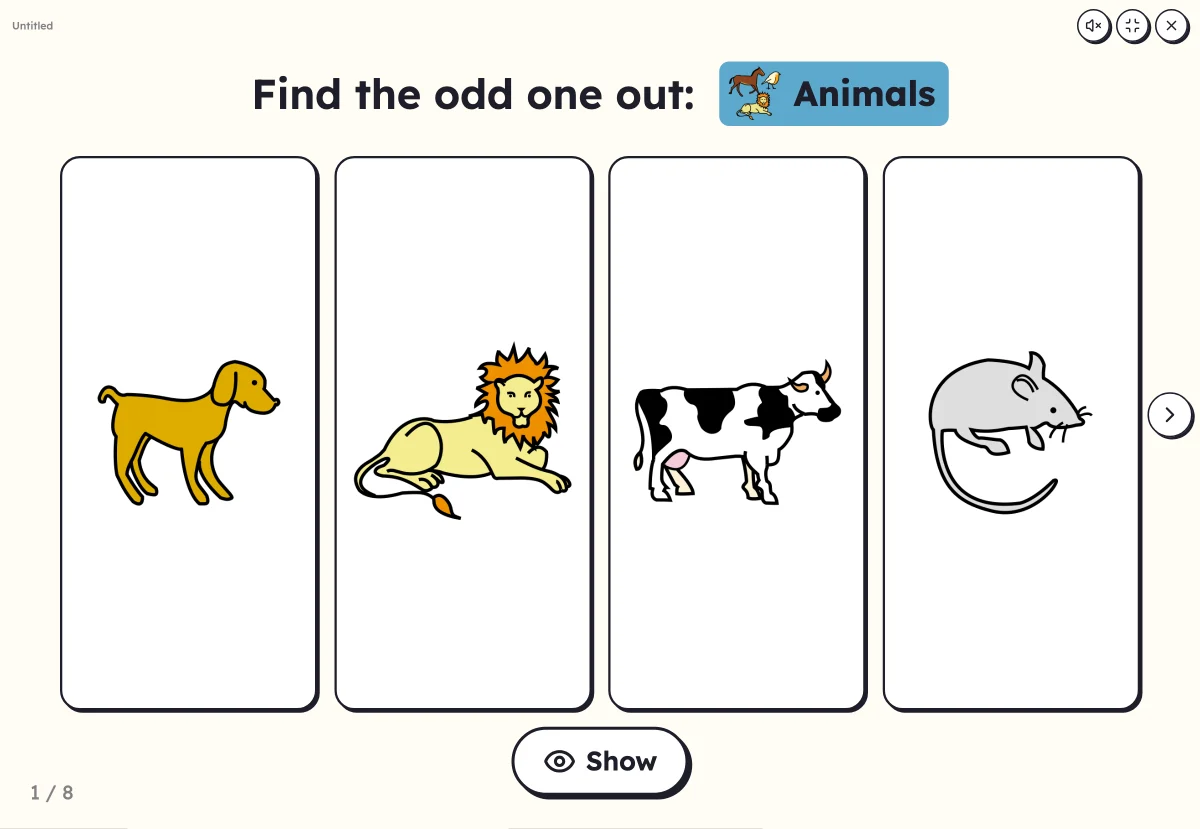
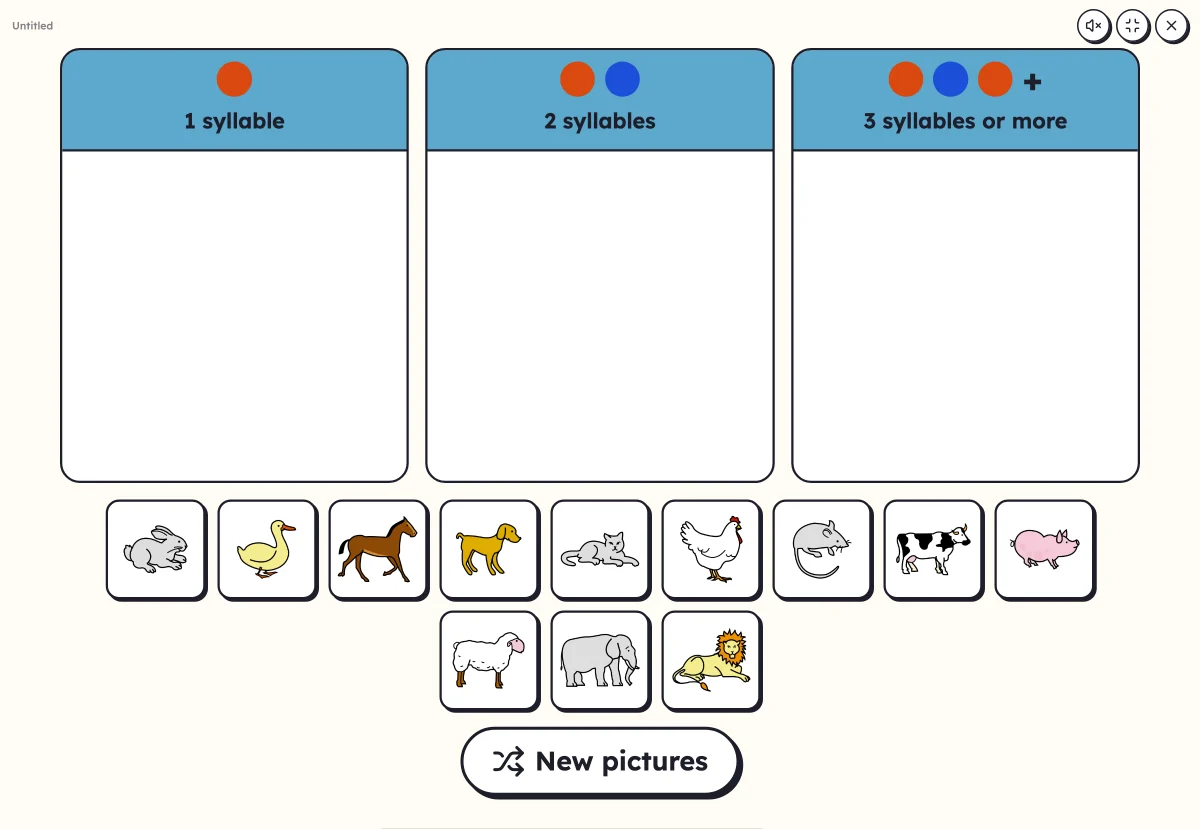
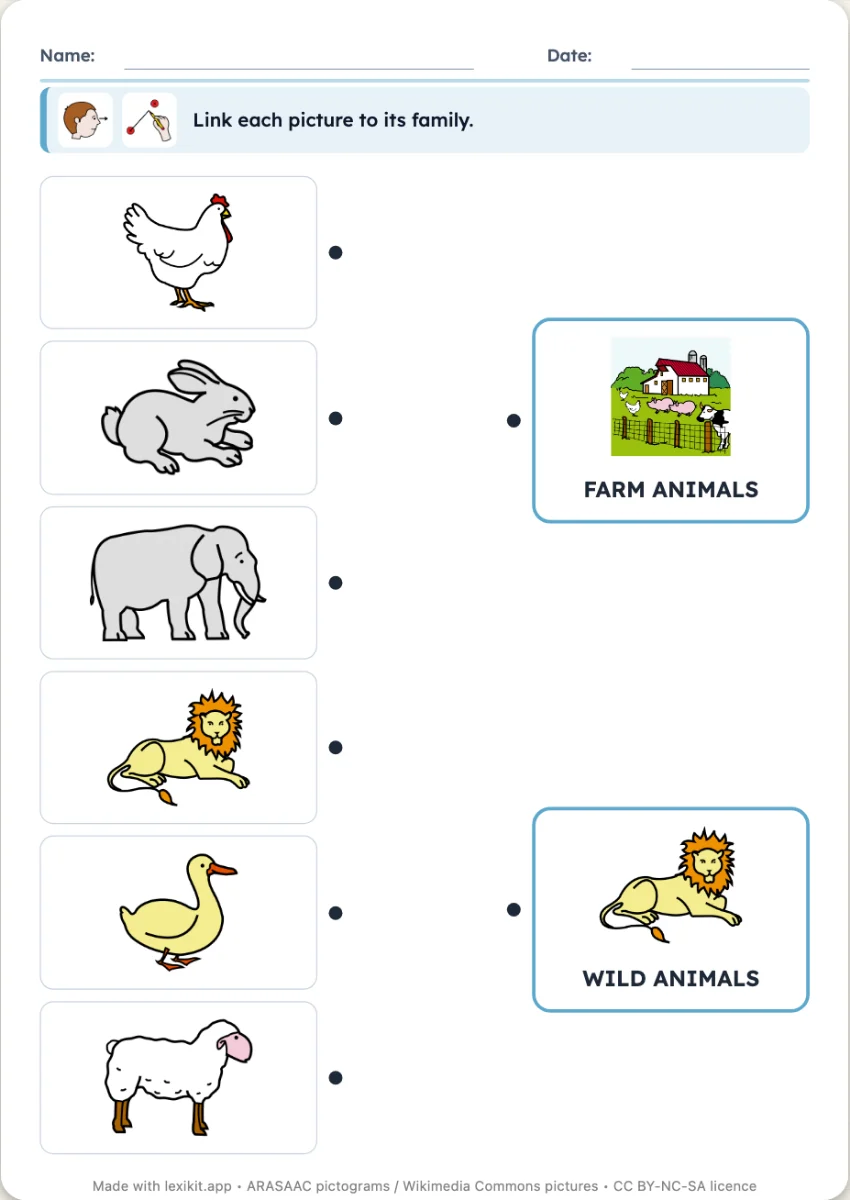
Your turn
Open Lexikit, write your words, choose a resource: all that is left is to print. Free, no account, and your words stay on your device.
Launch “Which family?”