
Sorting boxes: cut out the labels and place each one in its box
“Sort by” chooses what sets the words apart: the category (animals, fruit), the part of speech (nouns in blue, verbs in red, adjectives in green), the number of syllables or the first letter. First one large box per page, as many as your words make. Then the labels to cut out, the picture above the word. With no name or instruction, it is material to laminate: the child puts each label in its box, and starts again. Sorting words by class, from the first year of reading to the end of primary school.
Free, no account needed. Opens in your browser.
In 3 steps
- Add your words: animals and fruit, nouns and verbs. A single category is enough, Lexikit borrows the second one from your other resources or from the lexicon.
- Choose the sorting: by category, part of speech, syllables or first letter. Every box your words make goes on the sheet, even a box of one word. In the left column, the eye of a box takes it off or puts it back.
- Print: the 2D boxes to lay on the table, the labels to cut out, the 3D boxes to cut out and fold, or several at once.
What you can set
- Sort by: category, part of speech, number of syllables or first letter
- One box for each category, part of speech, number of syllables or letter, even of one word, taken off or put back with a click in the left column
- By category, the picture and the name of the category on its box, or the picture alone. By part of speech, the boxes in the colours of the Apprentilangue code, and the labels with their picture or the words alone, twenty-four per page
- By syllables, as many dots as syllables on each box, the last one for the longer words (“3 syllables or more”). By first letter, the letter in capitals, and in lowercase in the chosen handwriting
- Print, several at once: the 2D boxes, one per page, the labels, and the 3D boxes to fold, the size of the labels, with their back to read the name and the picture on the bottom of each box. Writing in capitals, print or cursive
- On screen: by category, “Which category?” with all the pictures in columns. By part of speech, syllables or first letter, the labels to drag into the columns
Ways to use it
- Categorising by cutting and sticking: the farm and the savannah, fruit and vegetables
- Build word lists by word class with beginning readers, then review the parts of speech in the upper grades
- Counting syllables or spotting the first letter hands-on, before the “How many syllables?” worksheet
- In speech therapy, handling the pictures before naming the category
Frequently asked questions
How many labels per sheet?
Twelve, in three columns of four, each with its picture and its word. Twenty-four when sorting by part of speech prints the words alone. Each box has its own page, the whole page. “Print” also gives the boxes only, or the labels only.
Doesn't the colour of the labels give the answer away?
No: only the boxes are in colour, the labels stay black.
Does sorting by syllables count the silent e?
No. Syllables are counted the way they are said: in French “table” counts as one, “to-mate” as two, even when you split the word as written in the word's window.
Where does the part of speech come from?
From the lexicon: each word has its part of speech, and you correct it in the word window, “The word” tab. A word that is none of noun, verb, adjective, determiner or pronoun stays out of the boxes.
With the same words
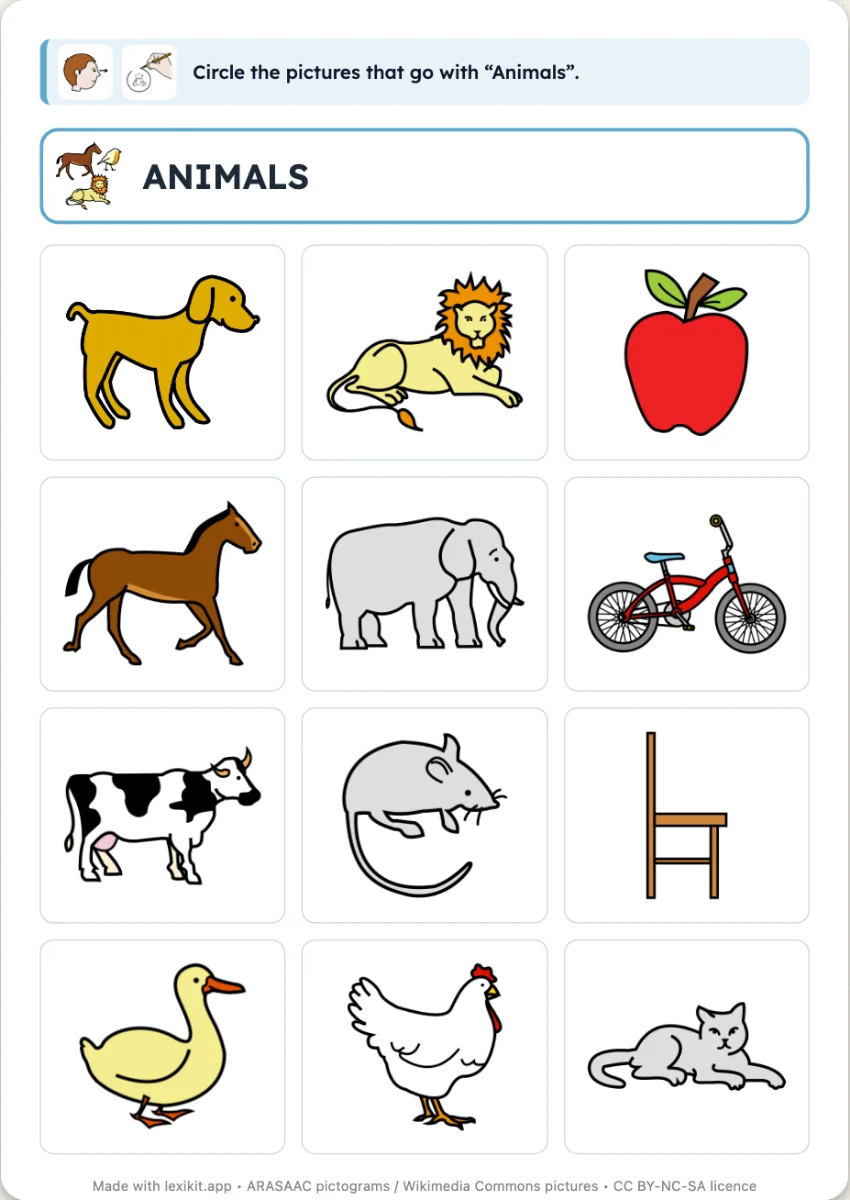 Find the odd one outA grid of pictures of one category and the odd ones out you add: the child circles the category or crosses out the odd ones out.
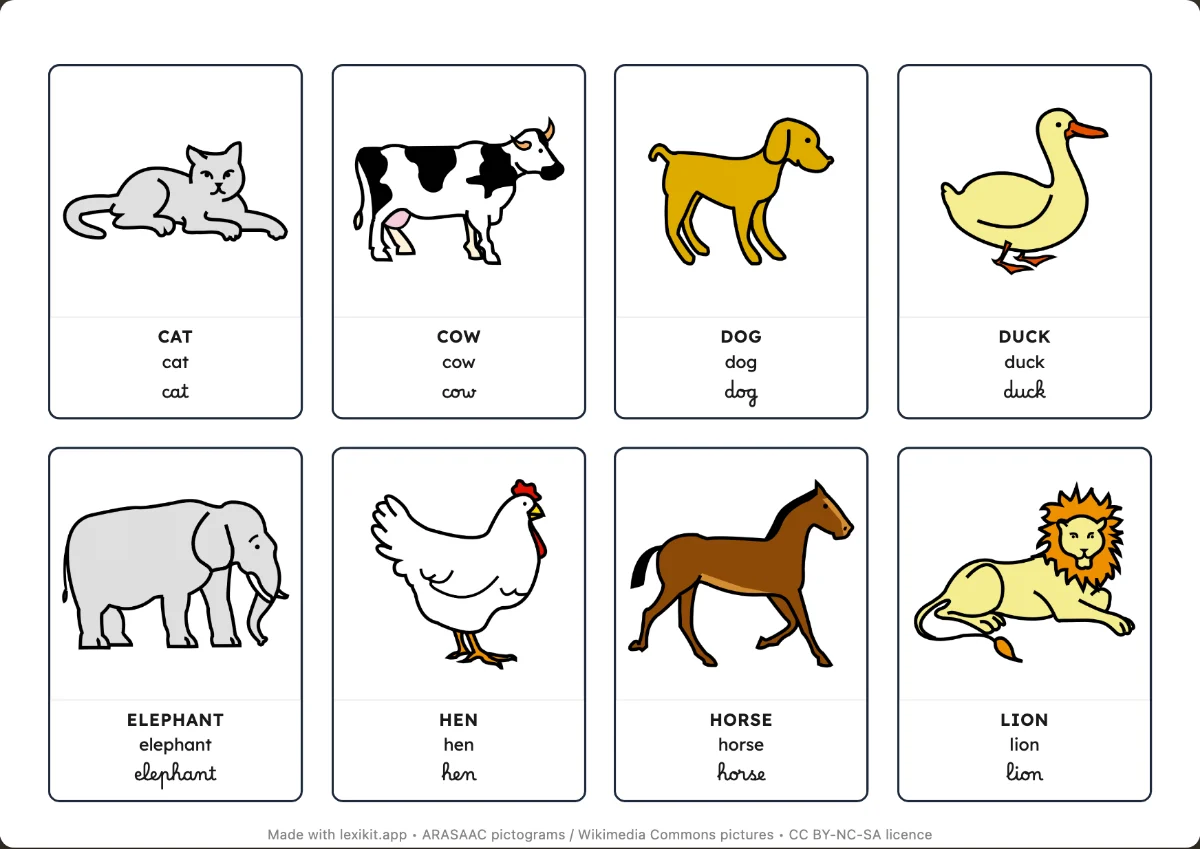 Picture cardsName, display or sort the words: picture cards and word cards to cut out.
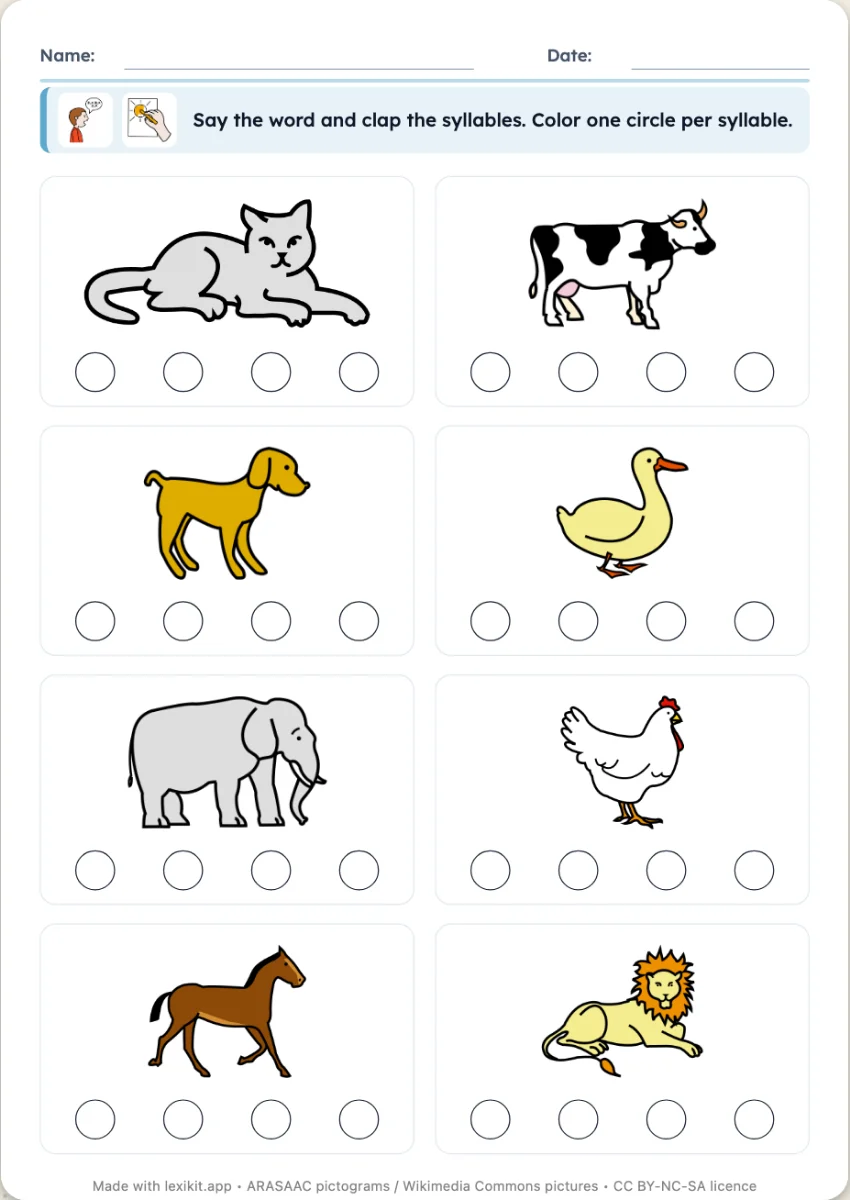 How many syllables?Clap the word and colour as many circles as syllables.
Your turn
Open Lexikit, write your words, choose a resource: all that is left is to print. Free, no account, and your words stay on your device.
Create “Sorting boxes”