
Ways to use it
- Several levels of worksheets on the same words
- Tracking the words recognised, child by child
- A page of words to review at home
With the same word list, 24 different worksheets: sort into categories, write, read, count syllables, observe, and track the words learnt. Each one has the name, date and an illustrated instruction, and the follow-up sheets have a style of their own.
Free, no account needed. Opens in your browser.
Yes, nearly all of them. Each worksheet can be followed by itself, answered in red ink: at the end of the PDF, for you, or on the back of each worksheet, for independent work printed double-sided. There is no answer key at first, so that a photocopied worksheet does not give the answers away. There is no answer key when the child copies a model, nor for the hands-on materials, the assessment grid, the picture dictionary to bind and “Words to review at home”. “Circle the word you hear” and the picture dictation have the page of the words to say at the end. The “Worksheet answer keys” setting, in Settings › Display, sets the starting choice of every worksheet.
Yes: the instruction text can be changed in the settings of each worksheet. Settings › Display chooses once for every worksheet whether the instruction is printed at the top, and whether the pupil's name and the date are added there. They are off to begin with.
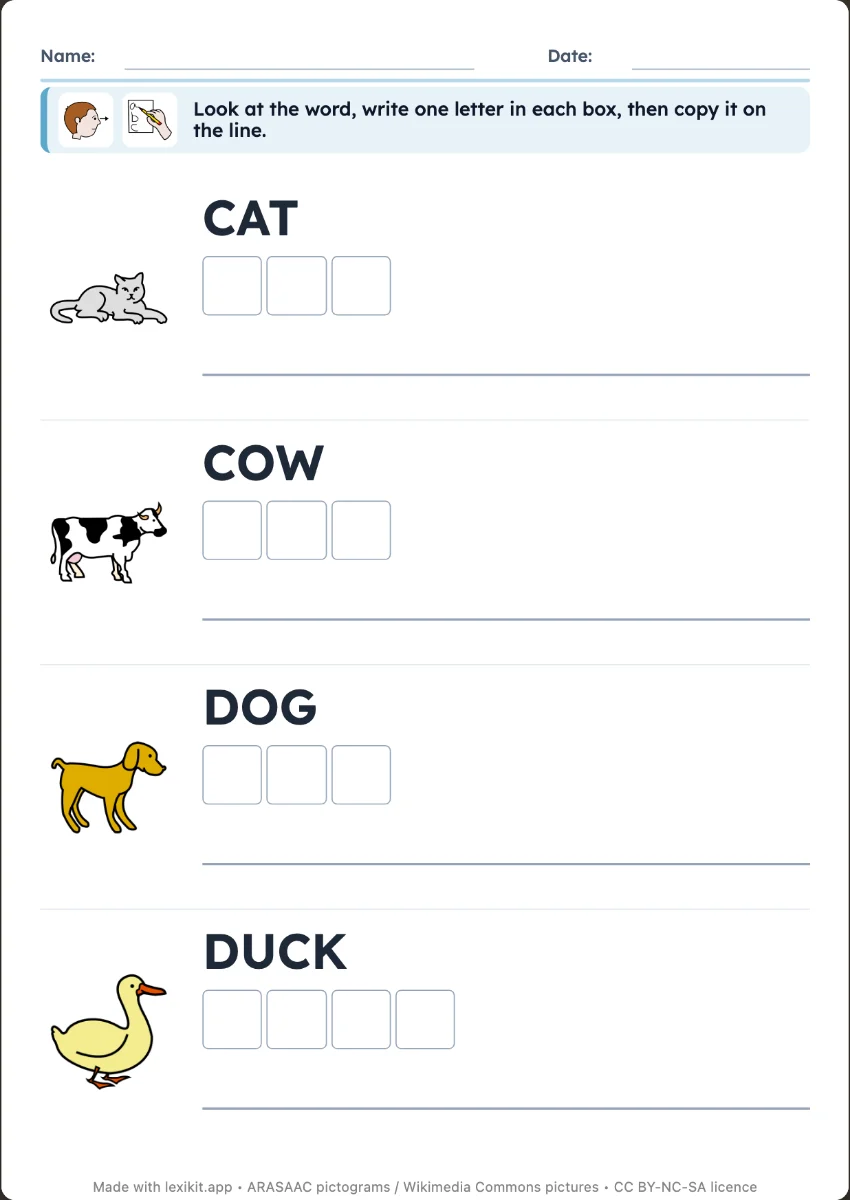 Write the word on the linesCopy the word next to its picture, or write it from memory as a silent dictation, on the lines of a real exercise book.
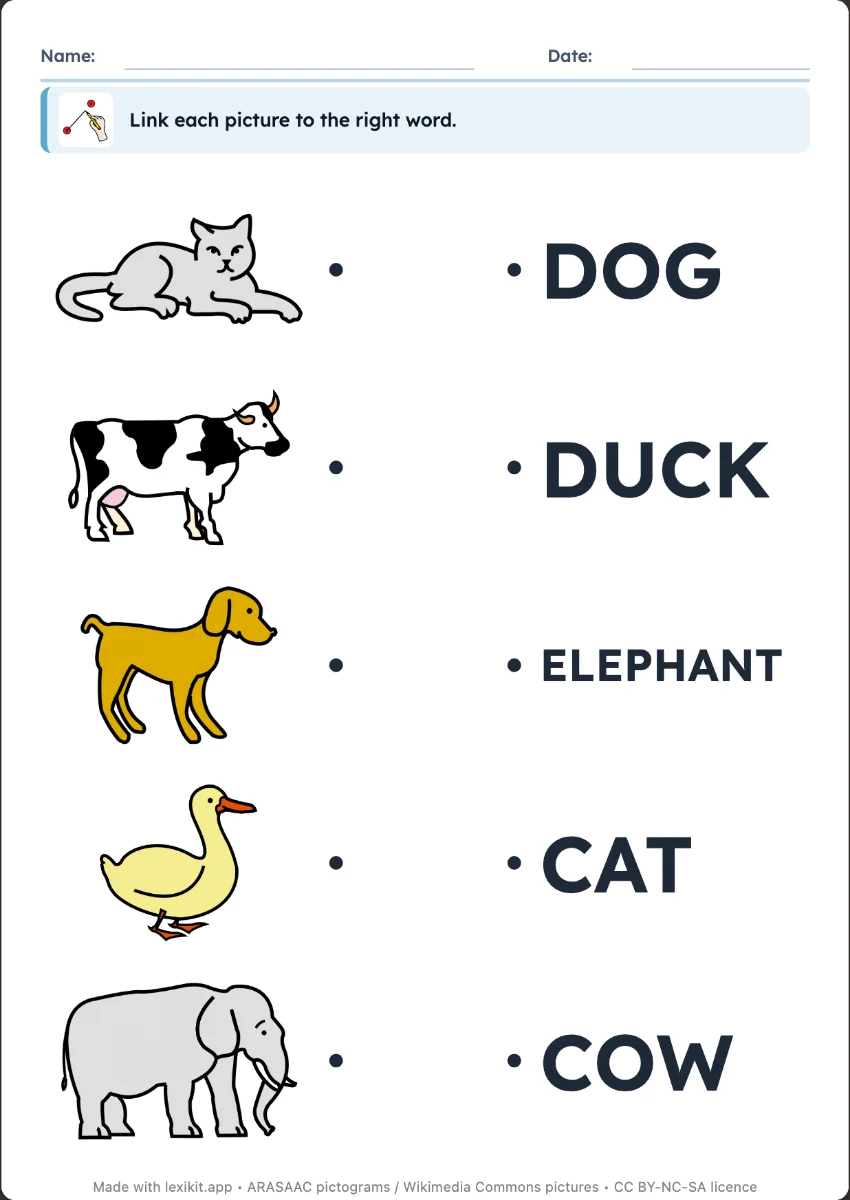
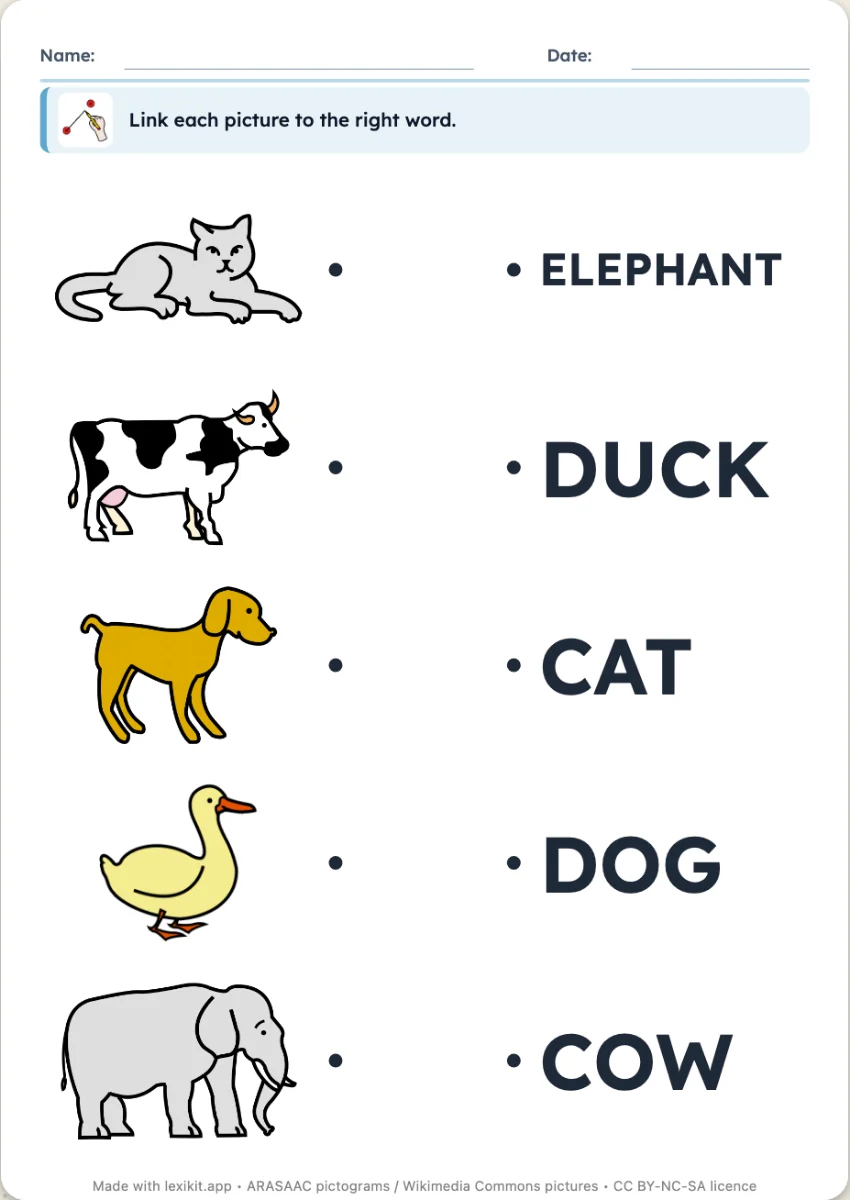 Link the picture to the wordLink each picture to its word, the words in a jumbled order.
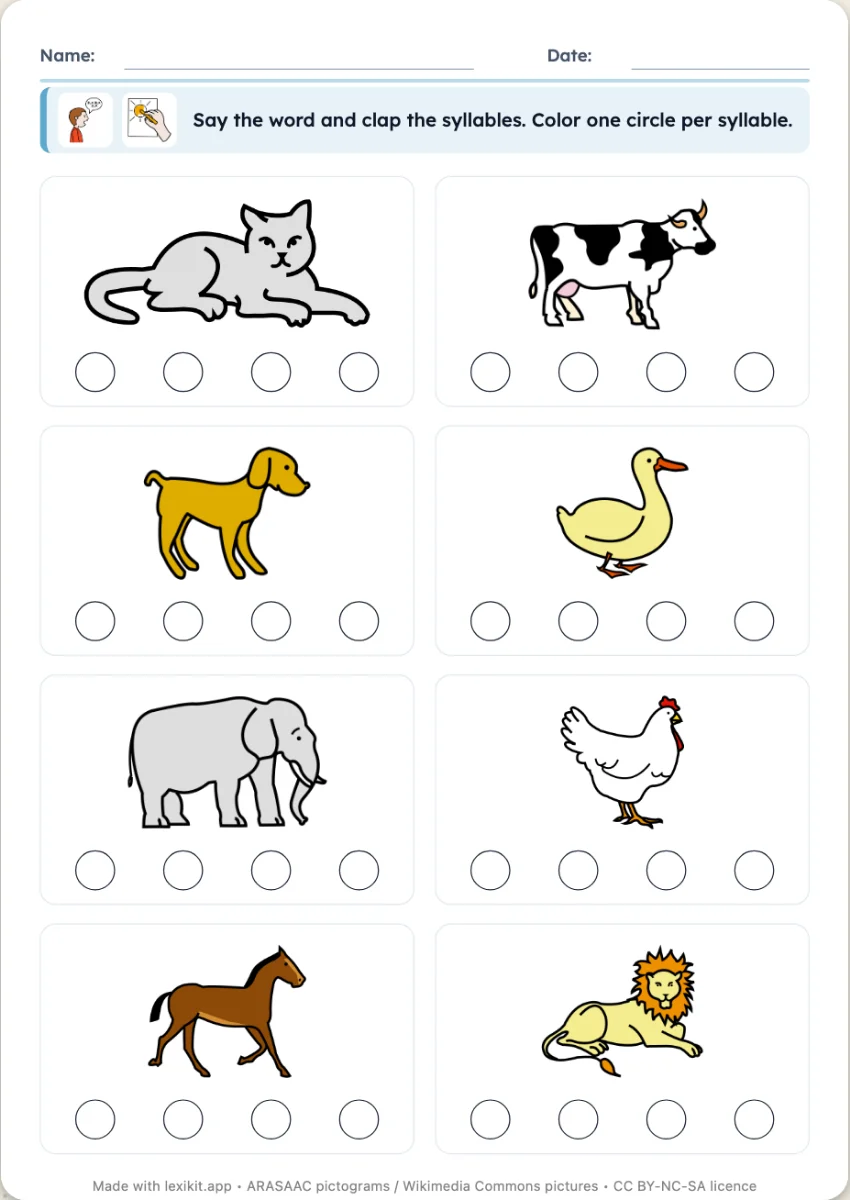 Count the syllablesClap the word and colour as many circles as syllables.
Open Lexikit, write your words, choose a resource. All that is left is to print or to play. Free, no account, and your words stay on your device.
Create a worksheet