
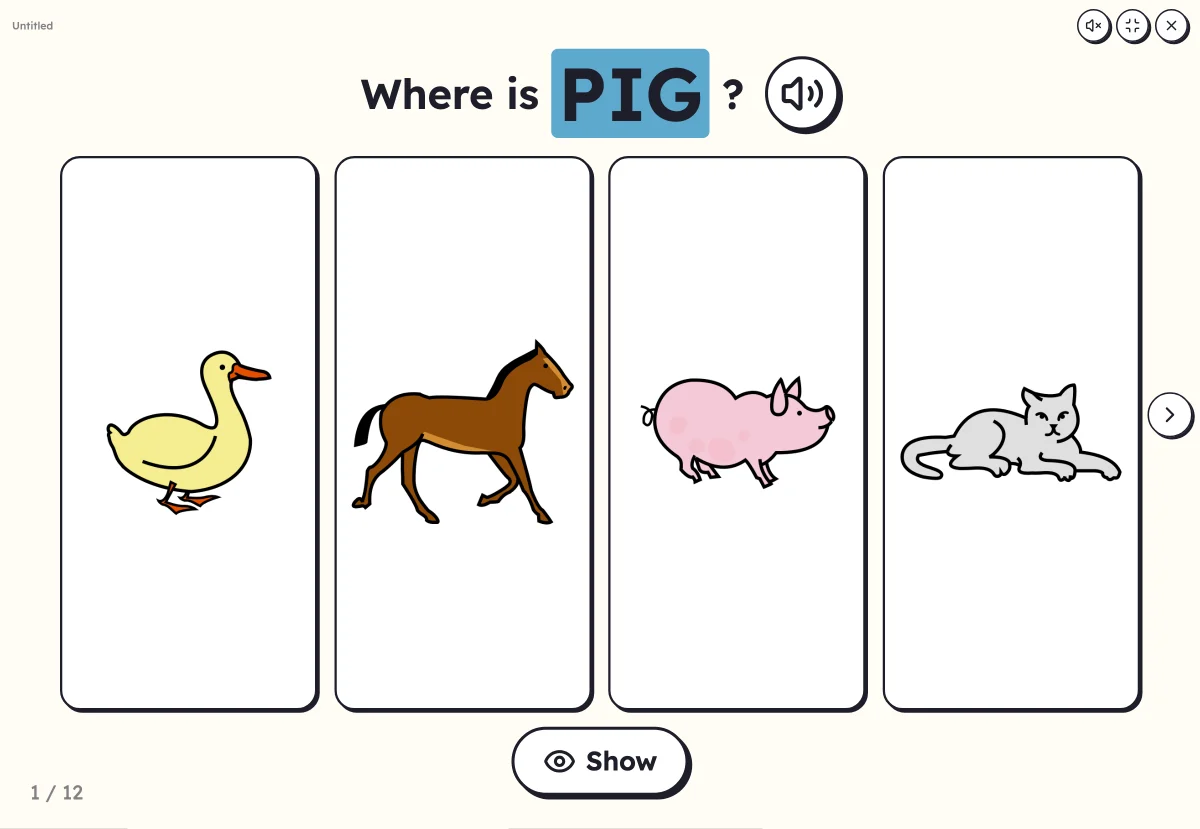
Where is…? Touch the picture of the word heard
Lexikit says a word, or you read it aloud. The child comes and touches the matching picture among those shown. A right answer, and on to the next word: understanding vocabulary, without writing anything.
Free, no account needed. Opens in your browser.
In 3 steps
- Add your words: at least two, with their pictures.
- Choose the number of pictures shown, from 3 to 8, and whether the word asked for is written or only spoken.
- Launch full screen: the child touches the picture, Lexikit checks it and moves on to the next word.
What you can set
- 3, 4, 6 or 8 pictures on screen
- The pictures stay in place, or change with every word
- The word asked for written, or only spoken aloud
- Capitals, print or cursive, and a second language under the word
- Voice: your recording, or the device's voice
Ways to use it
- Checking that the words are understood before having them said
- Pupils learning the language and the very young: pointing before speaking
- In speech therapy, a pointing exercise ready in a minute
Frequently asked questions
The child cannot read yet?
Set “The word asked for” to “Only spoken”: Lexikit says the word, and the child looks for the picture by ear.
And without a touch screen?
The child points to the picture on the board or names it, and an adult clicks with the mouse. With a projector, that is enough.
With the same words
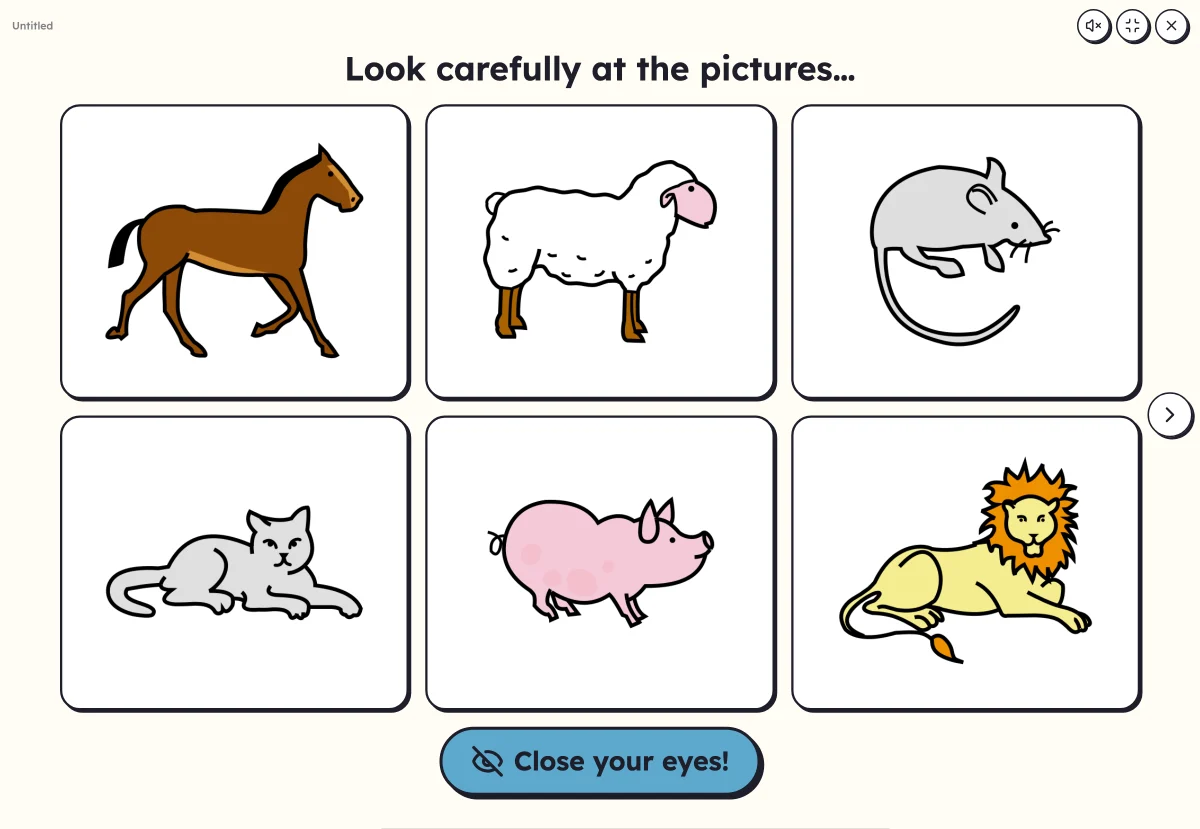 What's missing?Remember pictures. With eyes closed, one or two vanish: which ones?
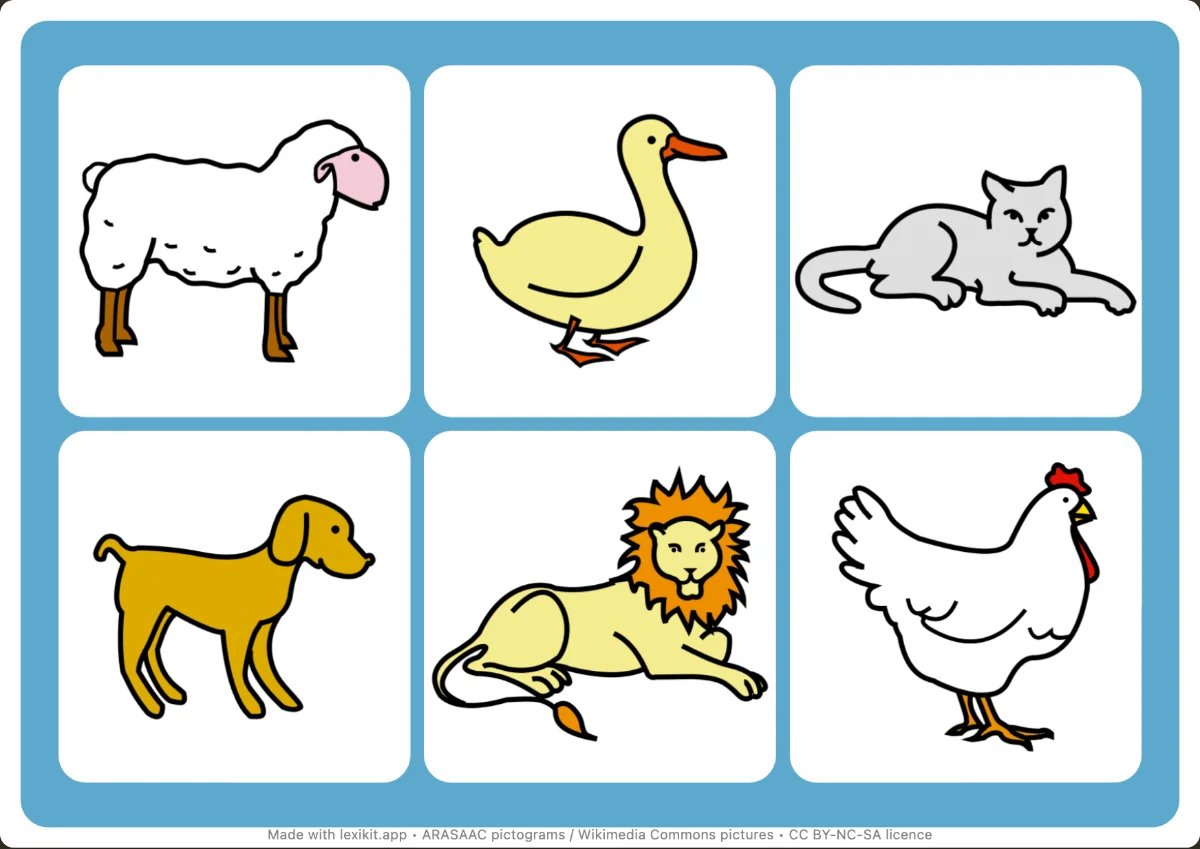 Picture bingoFind the drawn pictures on boards with 6 to 12 squares.
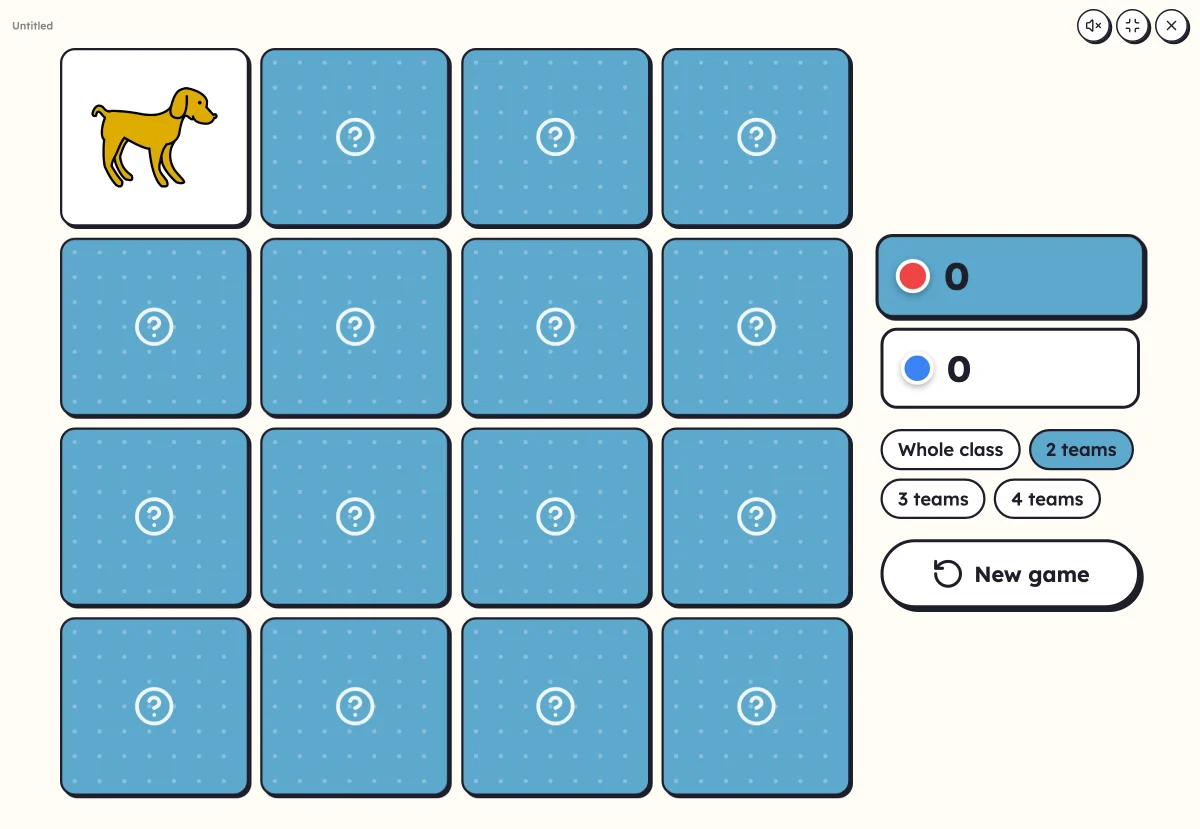 On-screen activitiesNine full-screen activities, plus bingo, the memory game, clip cards and the Goose game, which can also be played on the classroom board.
Your turn
Open Lexikit, write your words, choose a resource: all that is left is to print. Free, no account, and your words stay on your device.
Launch “Where is…?”