
Letter keyboard: write the word on screen
The picture, the model word, and a keyboard of letters. The child touches the letters in order: the word is written before their eyes. First by copying, then from memory, then from the voice's dictation.
Free, no account needed. Opens in your browser.
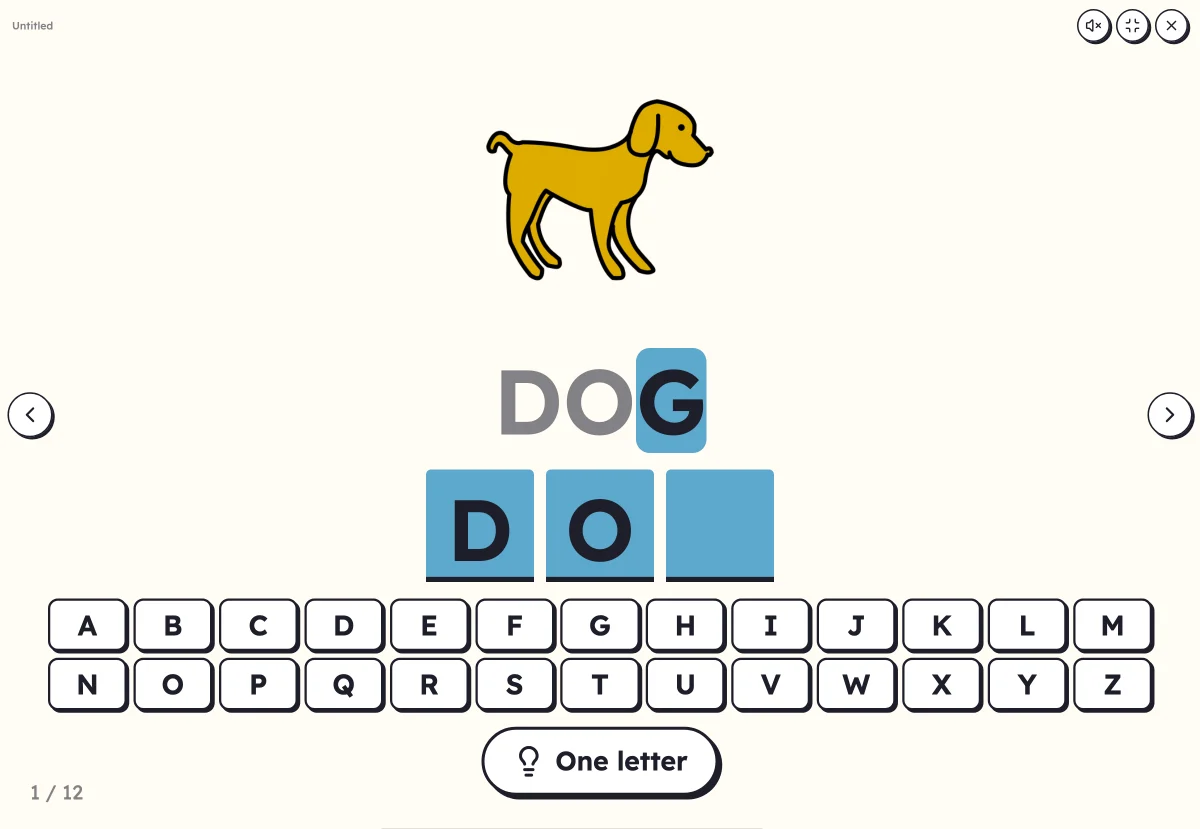
In 3 steps
- Add your words: with or without a picture, first names too.
- Choose the model: to copy, seen then hidden, or dictated. And the keyboard: the alphabet, the letters of the word, or with extra letters.
- Launch full screen: the child touches the letters, Lexikit checks letter by letter or at the end.
What you can set
- Model to copy, seen then hidden, or dictation
- Keyboard: the whole alphabet, only the letters of the word, or with extra letters
- Checking letter by letter, or at the end
- Words in capitals, print or cursive
- Voice: your recording, or the device's voice, for the dictation
Ways to use it
- In preschool, writing their first name or a word from the picture dictionary with movable letters
- Moving from copying to writing from memory, without a pencil
- A word dictation on the board or a tablet, working independently
Frequently asked questions
Does a computer keyboard work?
Yes: letters typed on the keyboard count like the keys on screen. Handy with a projector and no touch screen.
What does “With extra letters” do?
The keyboard shows the letters of the word, shuffled, plus a few extra letters: the child has to recognise the ones in the word.
With the same words
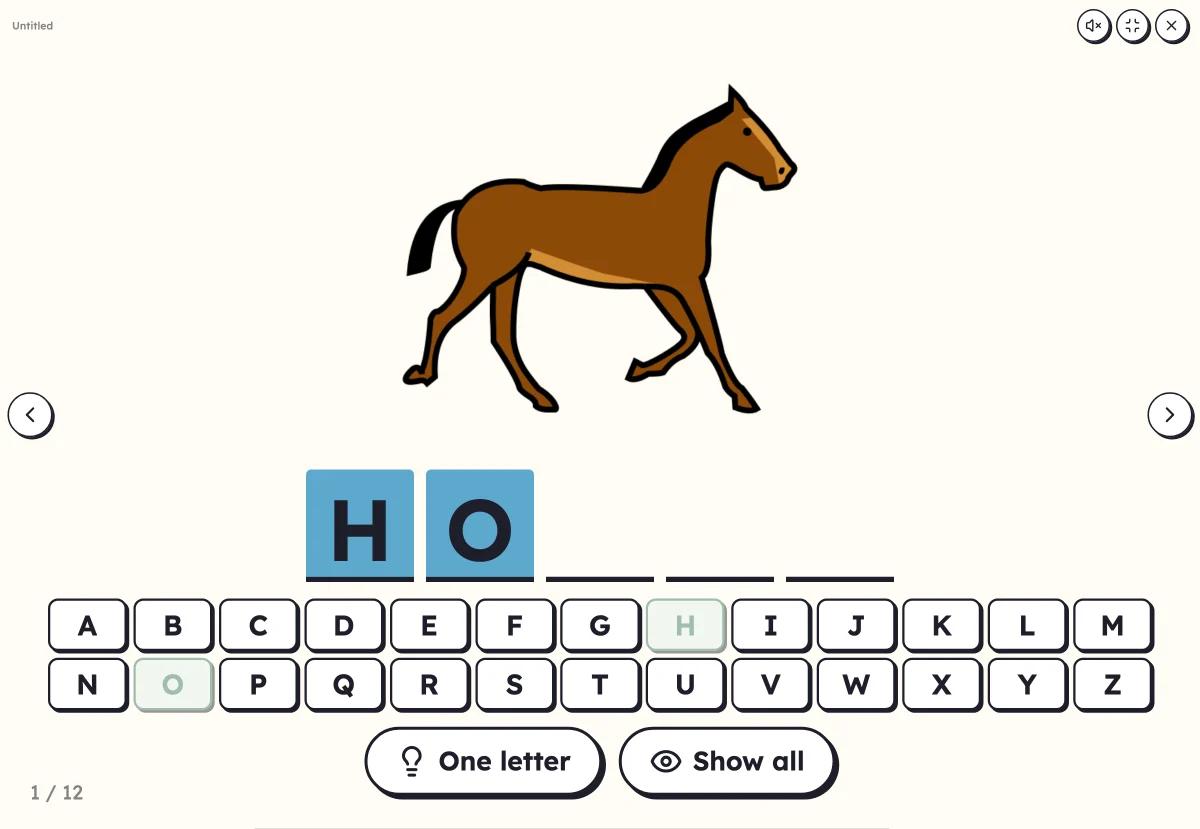 Mystery wordFind the word's letters on the alphabet. The picture helps, or appears at the end.
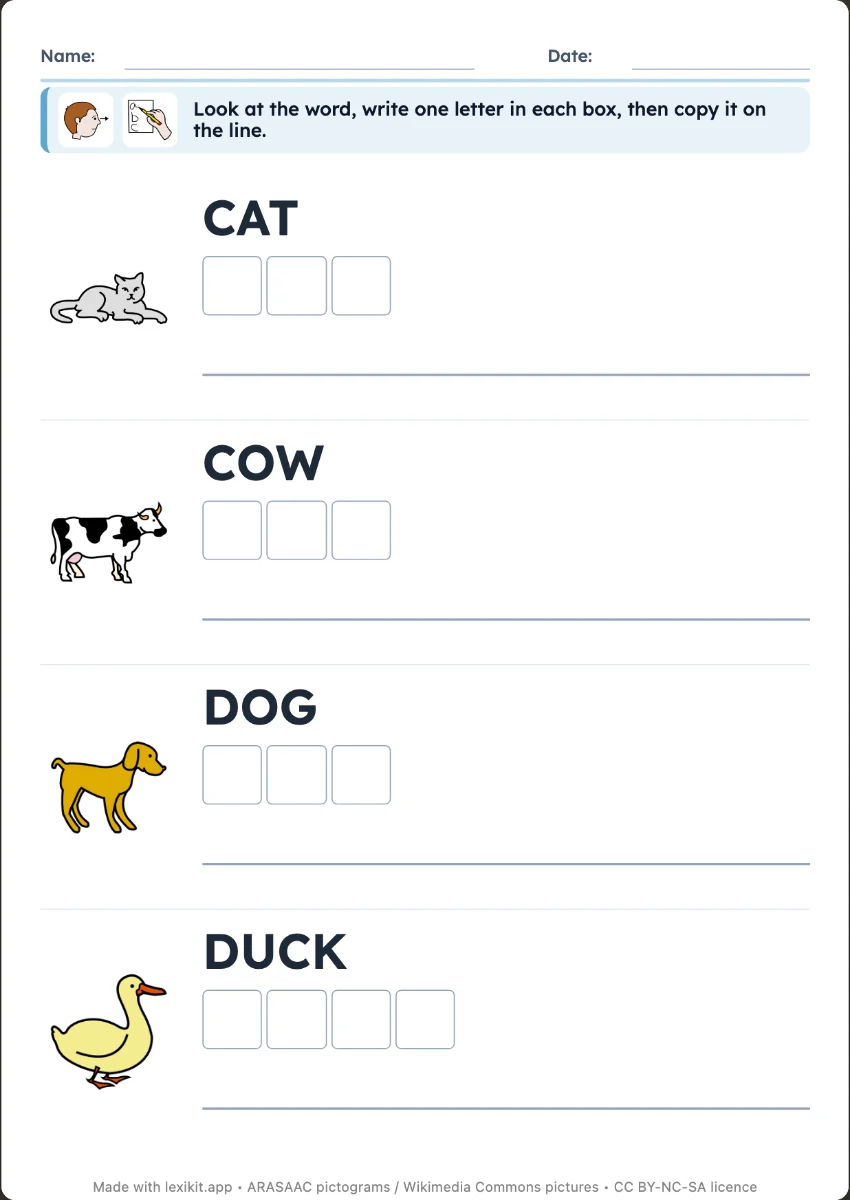 Write the wordCopy the word next to its picture, or write it from memory as a silent dictation: one box per letter, then the line.
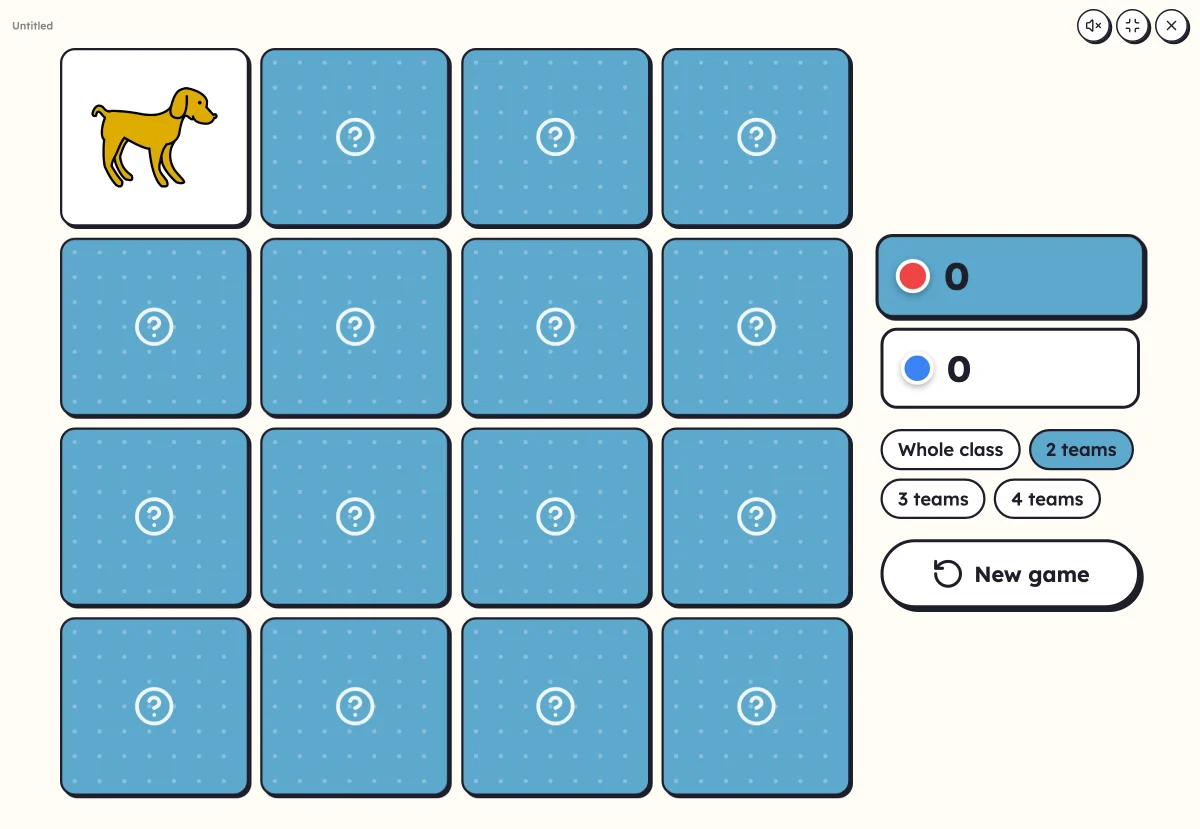 On-screen activitiesNine full-screen activities, plus bingo, the memory game, clip cards and the Goose game, which can also be played on the classroom board.
Your turn
Open Lexikit, write your words, choose a resource: all that is left is to print. Free, no account, and your words stay on your device.
Launch the keyboard