
Ways to use it
- Back-to-school labels: coat pegs, trays, exercise books
- Large name labels stuck on the tables
- Word labels for displays or storage boxes
Vocabulary in writingRead the word
All your back-to-school labels in one go: small, medium, large or custom, at the right size and in the scripts you choose.
Free, no account needed. Opens in your browser.
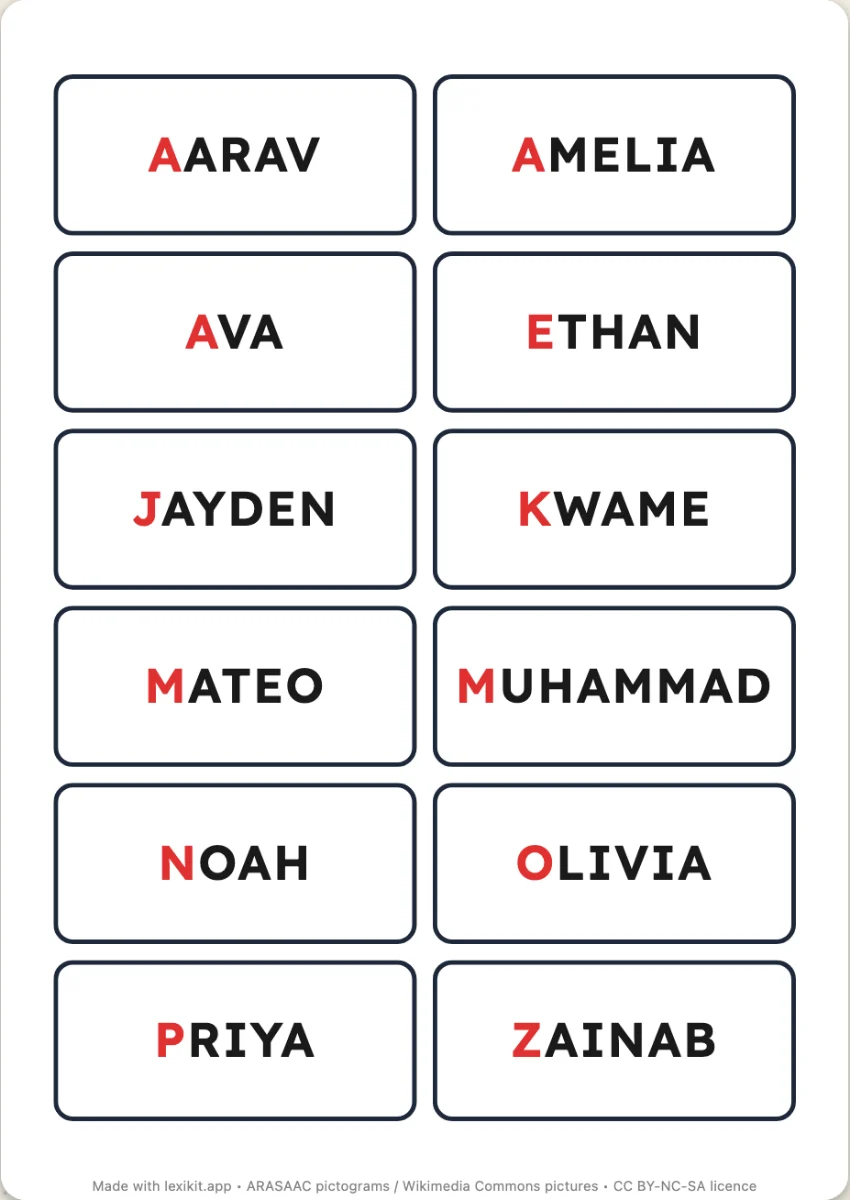
Yes: for “Marie-Lou”, each initial can be coloured.
Yes, they are actual size: print the PDF at 100%, without fitting it to the page.
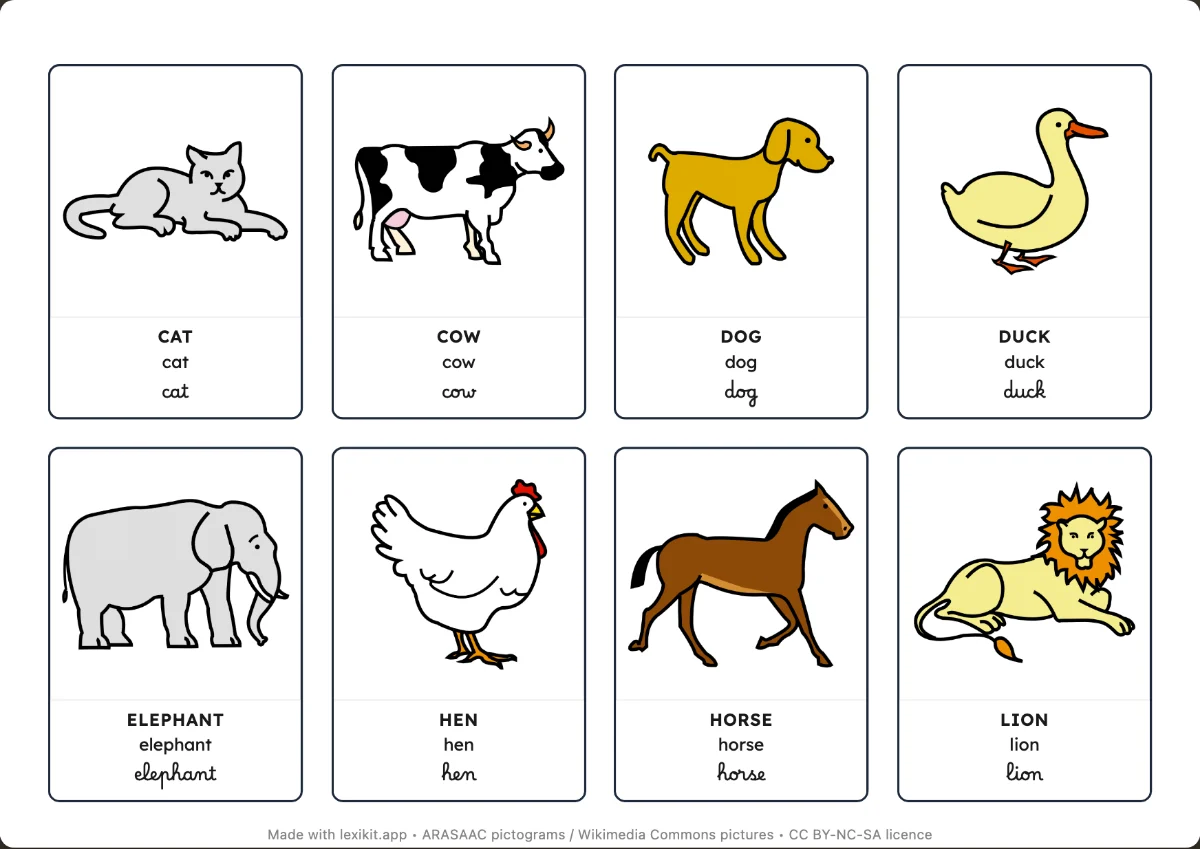 Picture cardsName, display or sort the words: picture cards and word cards to cut out.
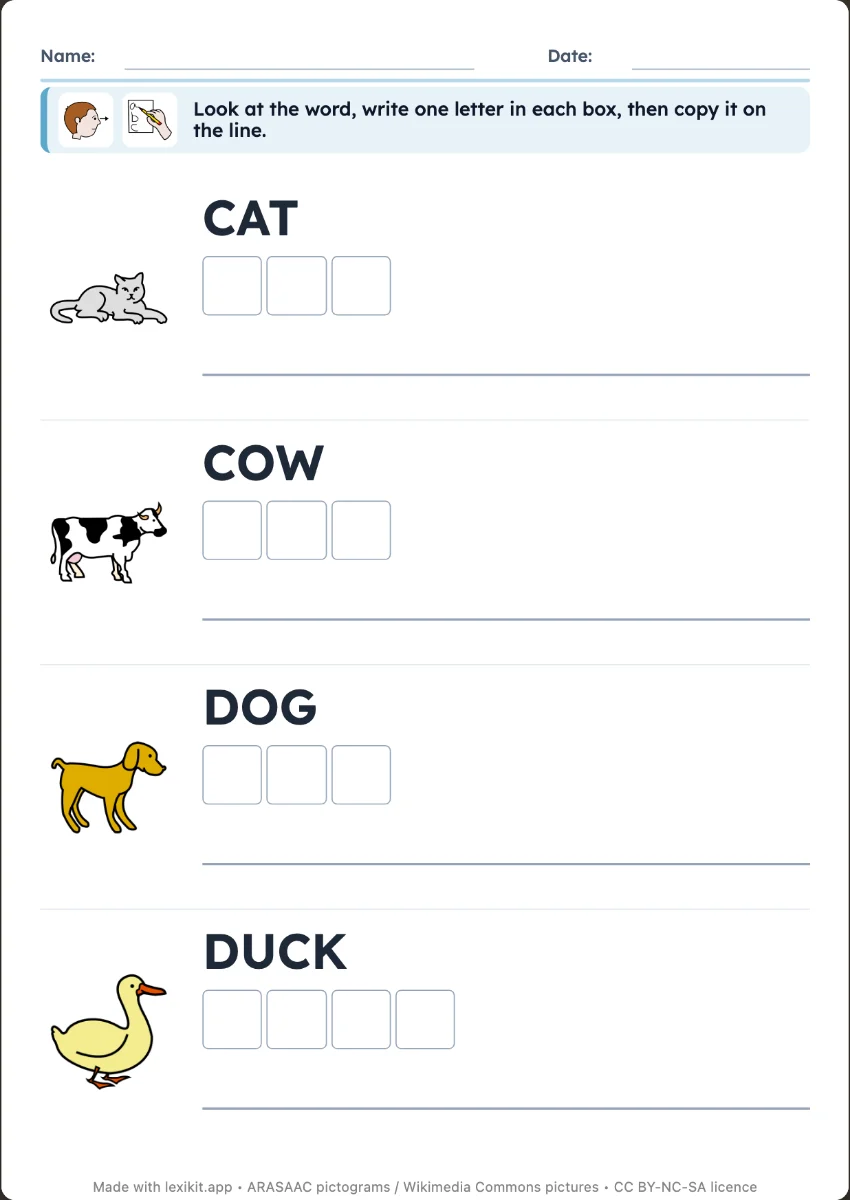 Write the word on the linesCopy the word next to its picture, or write it from memory as a silent dictation, on the lines of a real exercise book.
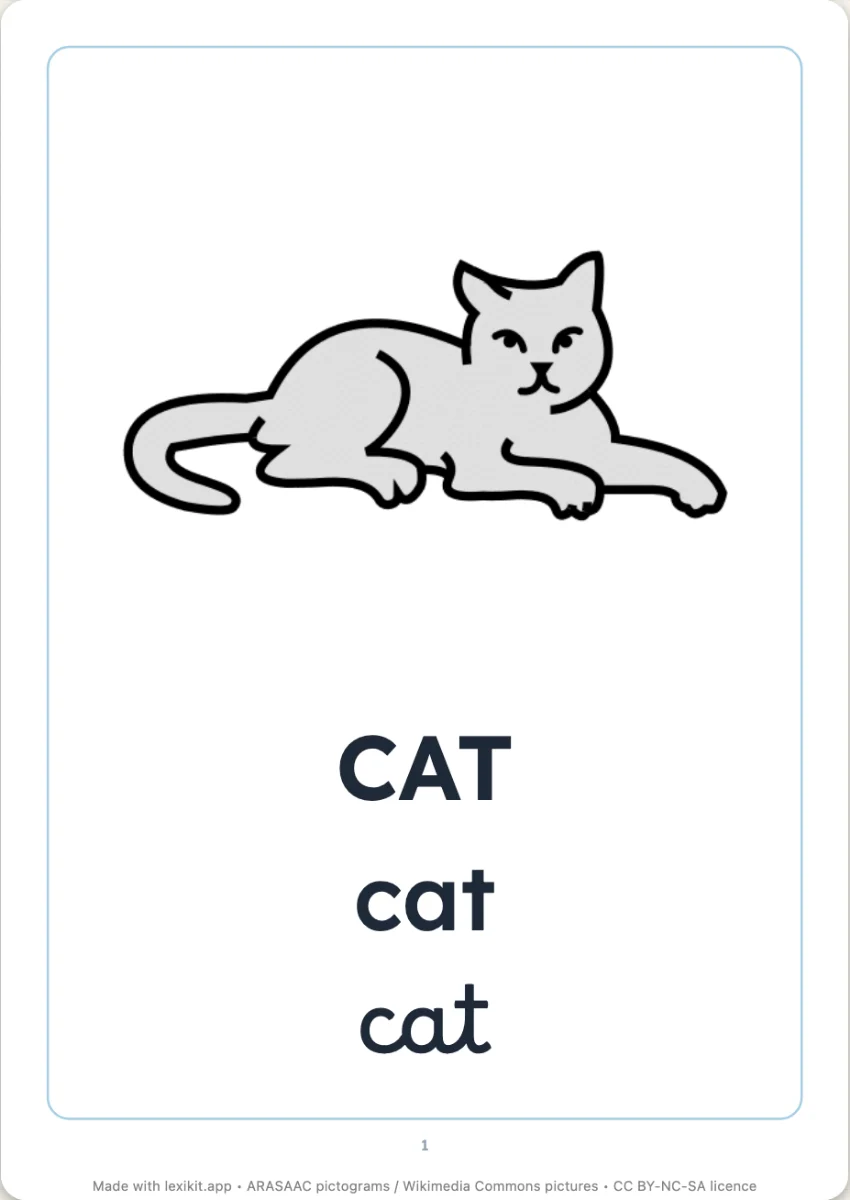 Picture dictionary to bindA real picture dictionary to bind: the cover, a chapter per category, six pictures and their words per page, in colour or to colour in.
Open Lexikit, write your words, choose a resource. All that is left is to print or to play. Free, no account, and your words stay on your device.
Create labels