
Printable Montessori three-part cards
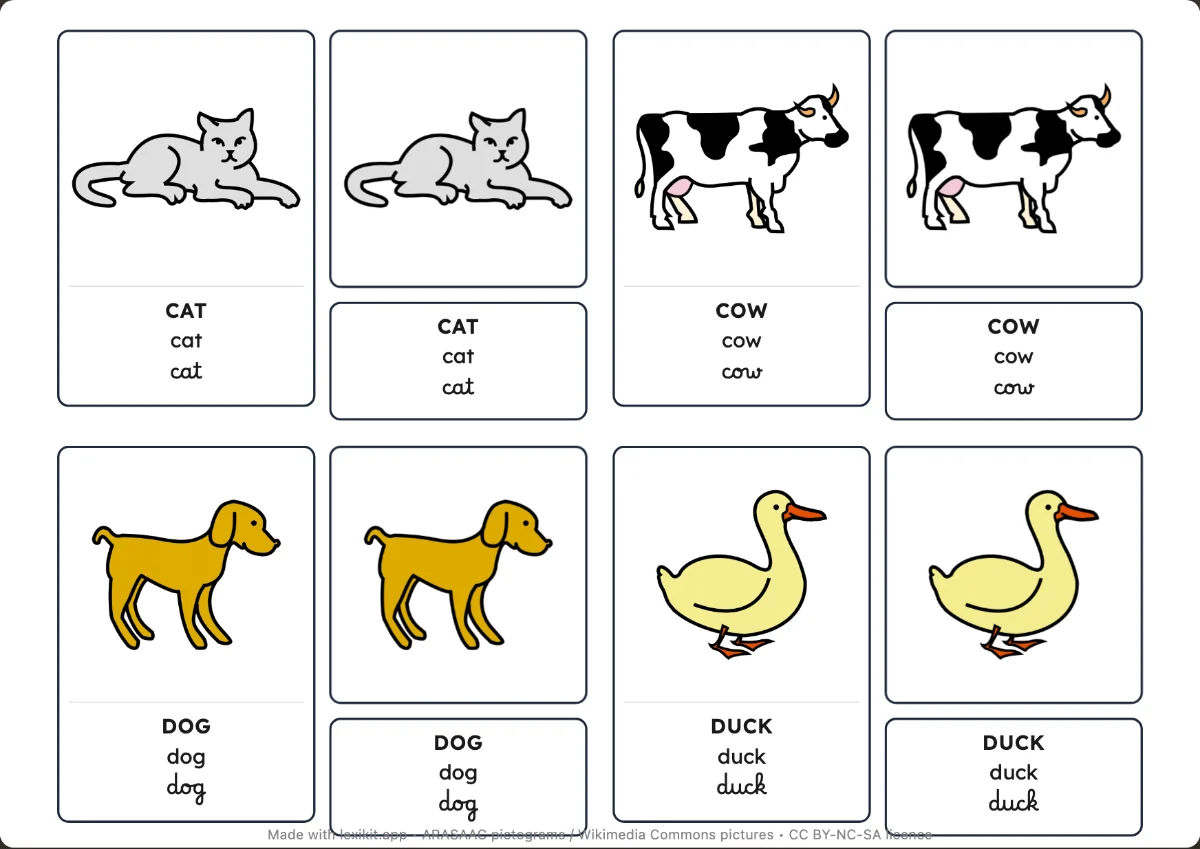
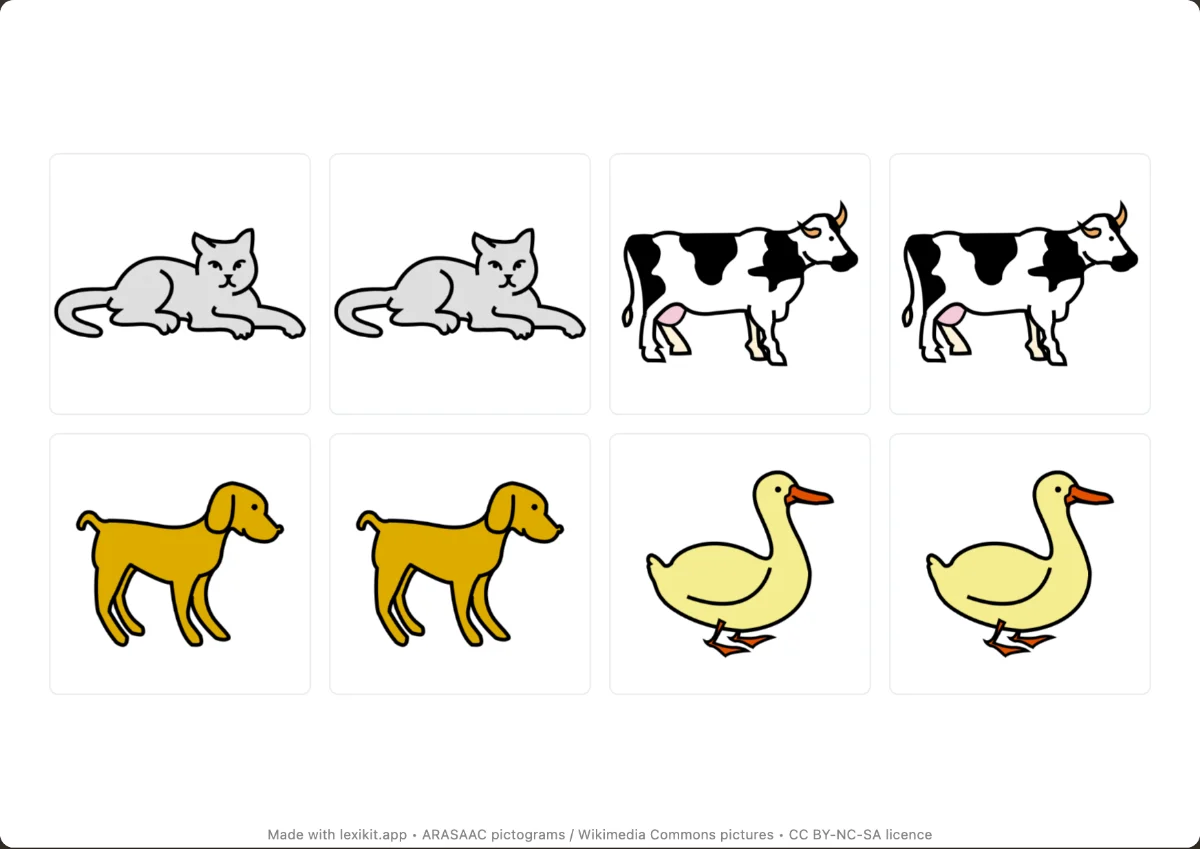
For each word, the three cards of the Montessori method: the control card (the picture and the word), the picture alone and the label. The child matches them, then checks alone.
Free, no account needed. Opens in your browser.
In 3 steps
- Add your words: one set per theme, for example fruit or farm animals.
- Choose the Nomenclature model in Cards, then the size and the script.
- Print and cut out the three parts of each word.
What you can set
- Three pieces per word: the control card, the picture alone and the label, all the same size
- 1 to 15 words per page, depending on size
- Lowercase by default, capitals or cursive
- Coloured outline or dot to identify a set
Ways to use it
- A nomenclature tray for each theme
- Matching the picture and the label, then checking with the control card
- Work to do alone, in class or at home
Frequently asked questions
What is a nomenclature card?
A Montessori tool in three parts: the picture with its name, the picture alone and the name alone. The child places the label under the right picture, then compares with the control card.
Your turn
Open Lexikit, write your words, choose a resource: all that is left is to print. Free, no account, and your words stay on your device.
Create nomenclature cards