
A Dobble-style game with your words
Any two cards always have exactly one symbol in common: the first to name it wins. Lexikit works out the full set from your word list.
Free, no account needed. Opens in your browser.
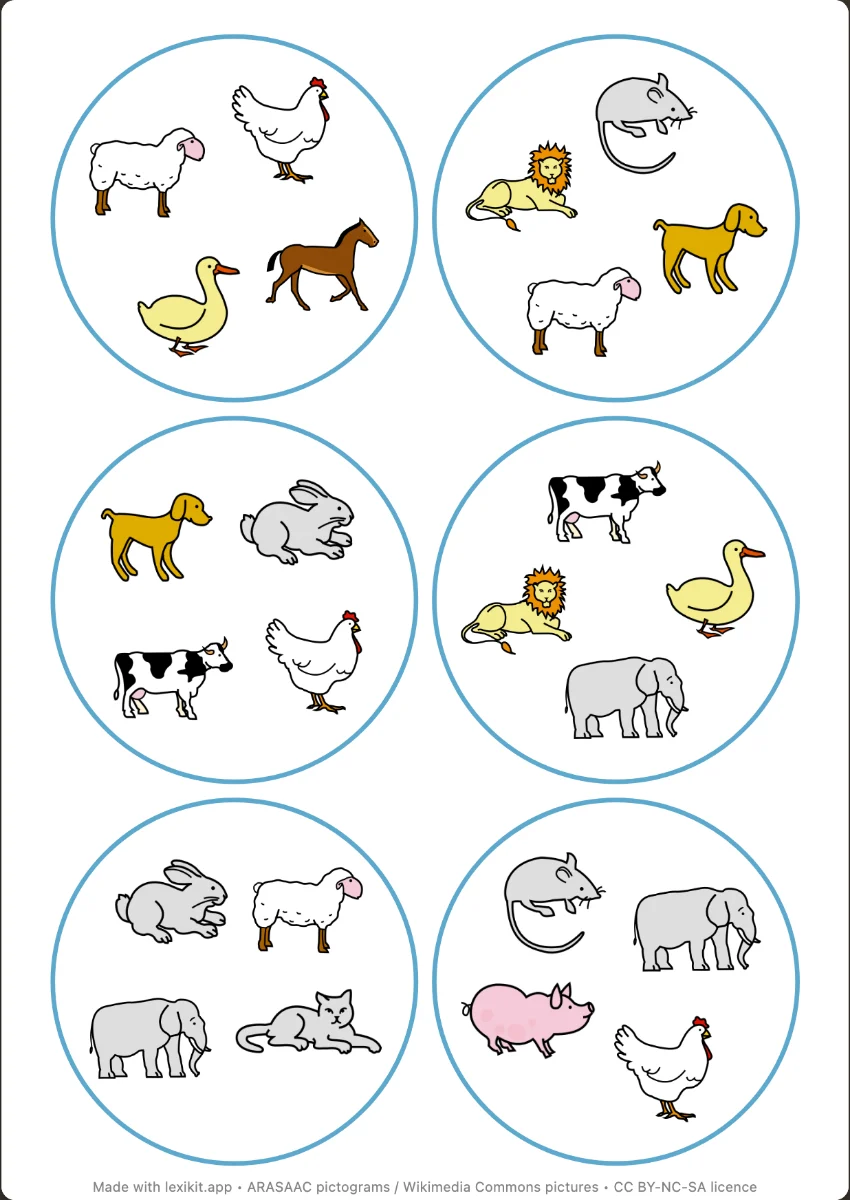
In 3 steps
- Add your words: 7 words are enough for a first set of 7 cards.
- Choose the set: 3, 4, 6 or 8 symbols per card, as pictures, words or both.
- Print and cut out the round cards, 6 or 12 per page.
What you can set
- 3, 4, 6 or 8 symbols per card: a set of 7, 13, 31 or 57 cards
- Pictures, words or both. Words in capitals, print or cursive, even mixed
- Pictures of equal or varied size, rotation
- Large cards (about 9 cm) or standard (about 6 cm)
Ways to use it
- Naming the words of a theme quickly
- Reading the same word in different scripts
- A game with no reading for the youngest, with pictures only
Frequently asked questions
How many words do I need?
As many as there are cards: 7 words for 3 symbols per card, 13 for 4, 31 for 6 and 57 for 8. If some are missing, Lexikit tells you how many to add.
Is this the Dobble game?
No. Dobble and Spot It! are registered trademarks, and Lexikit is not affiliated with them. Lexikit makes a game on the same principle, with your words.
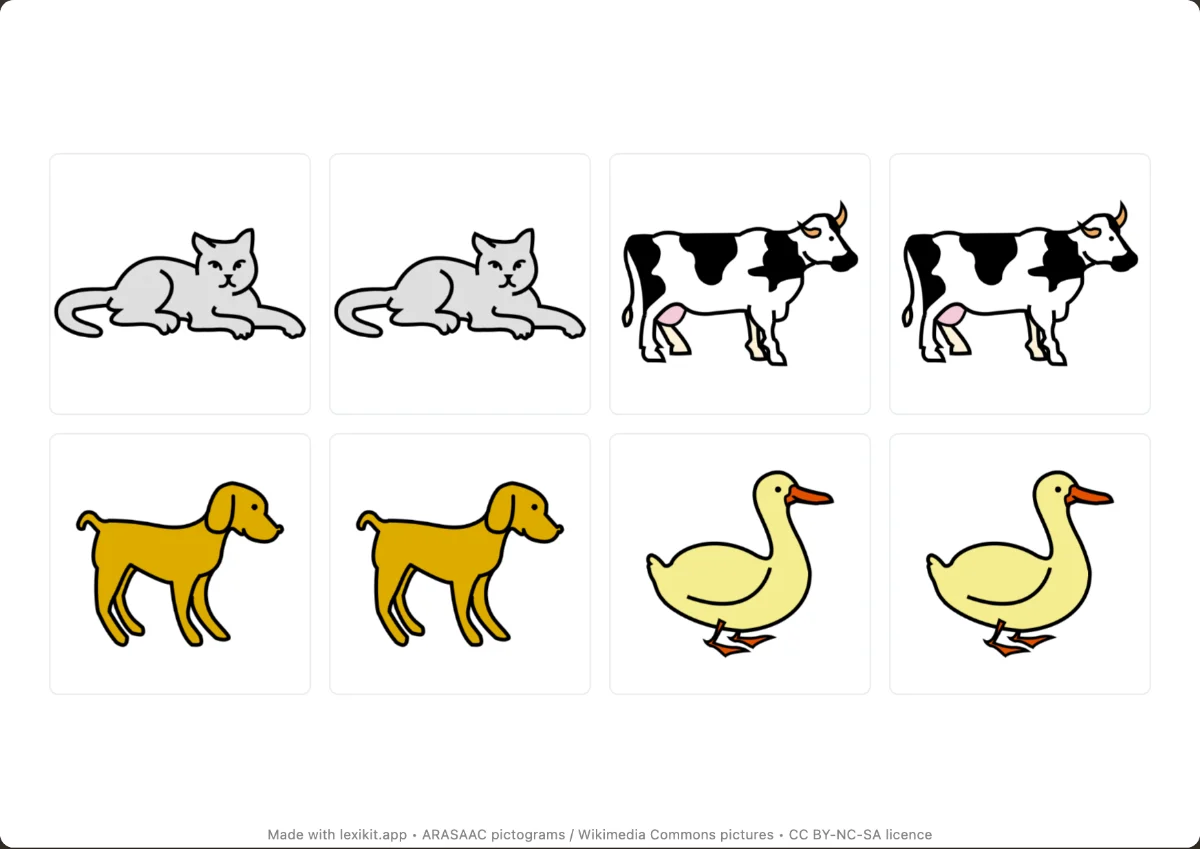
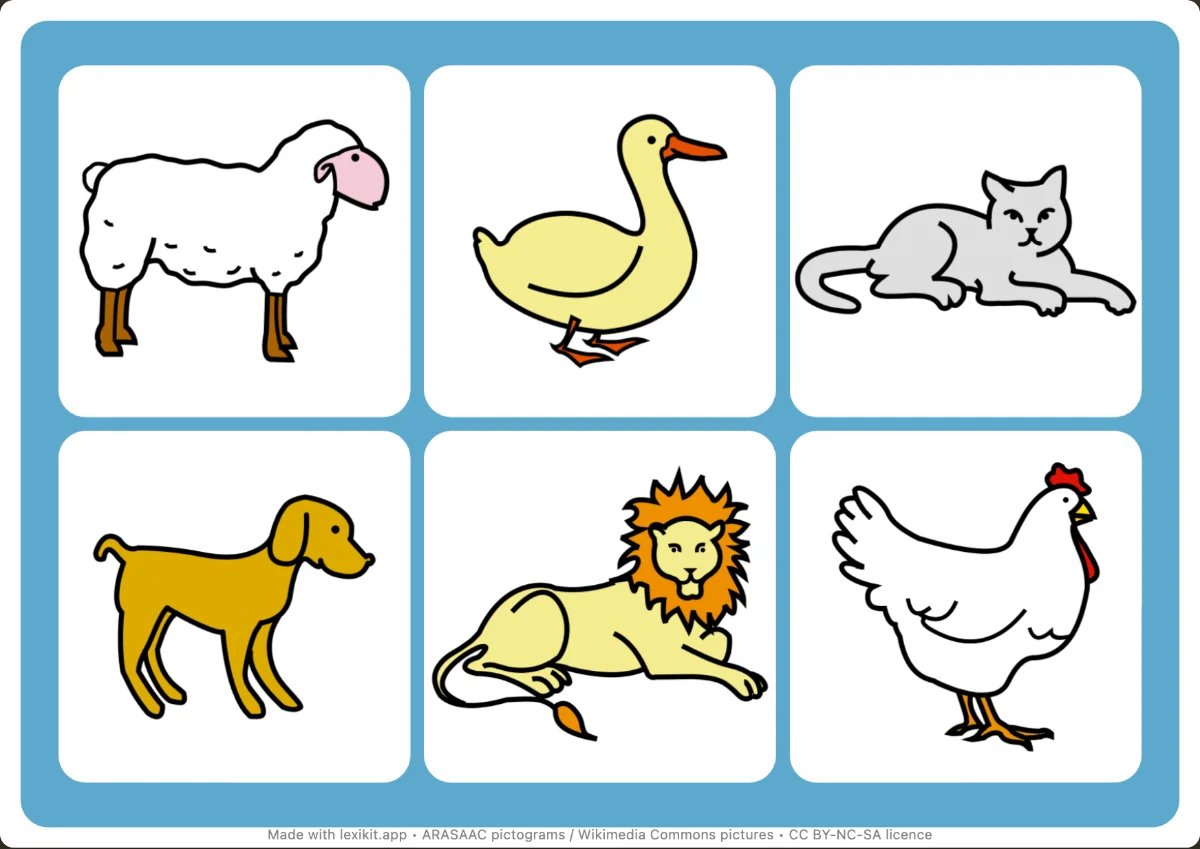
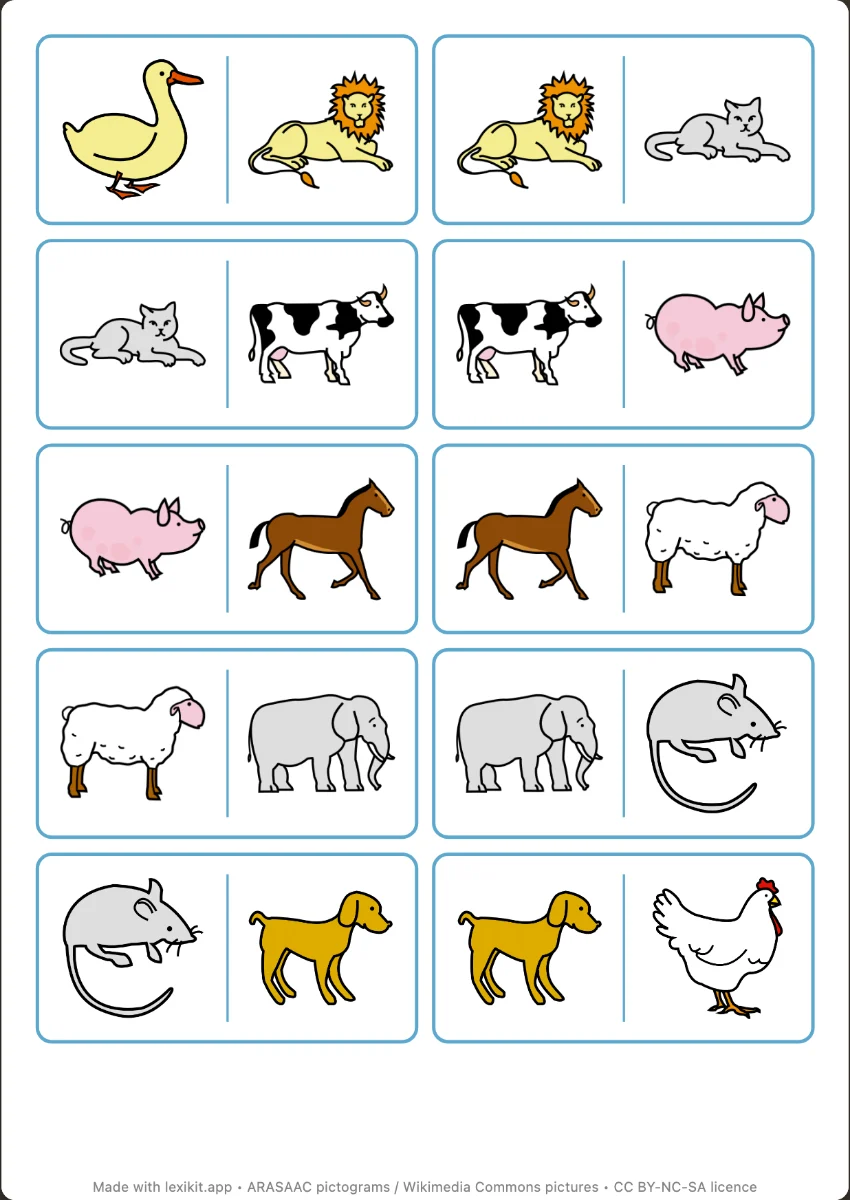
Your turn
Open Lexikit, write your words, choose a resource: all that is left is to print. Free, no account, and your words stay on your device.
Create a Dobble-style game