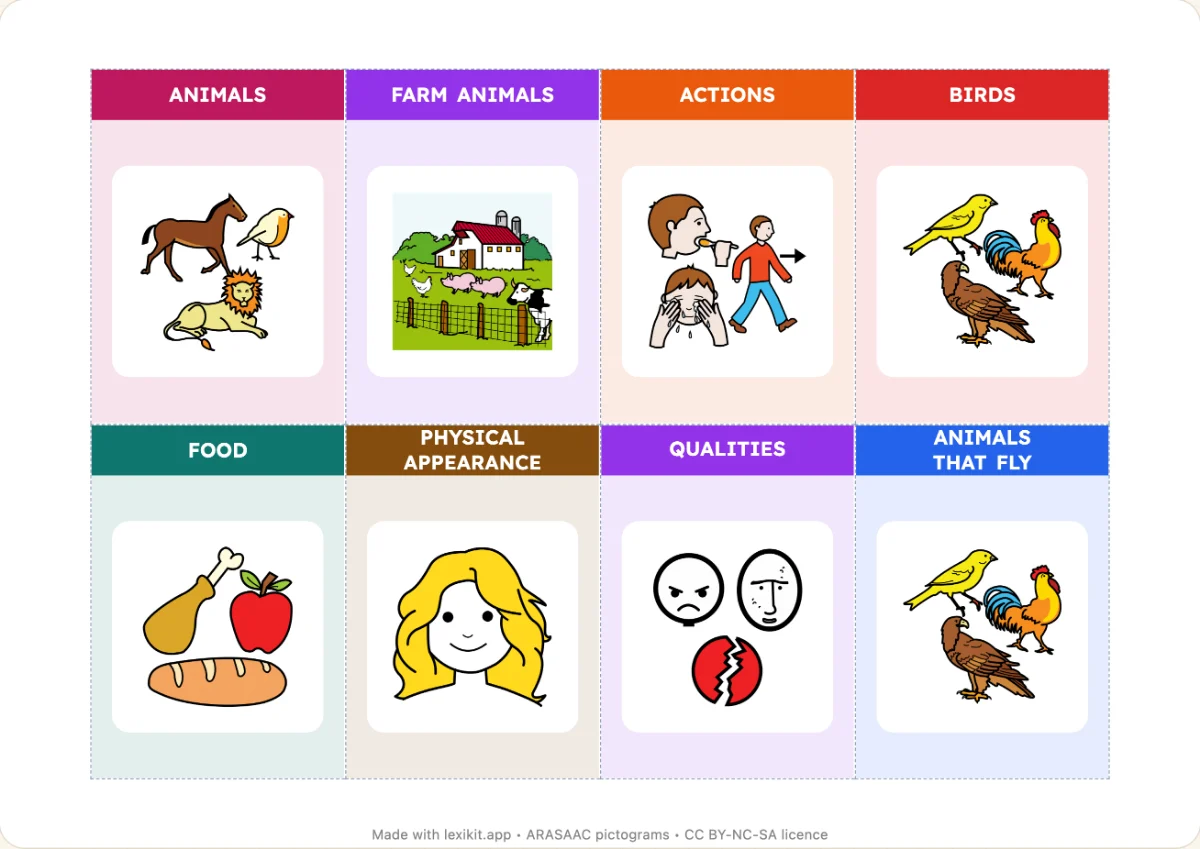
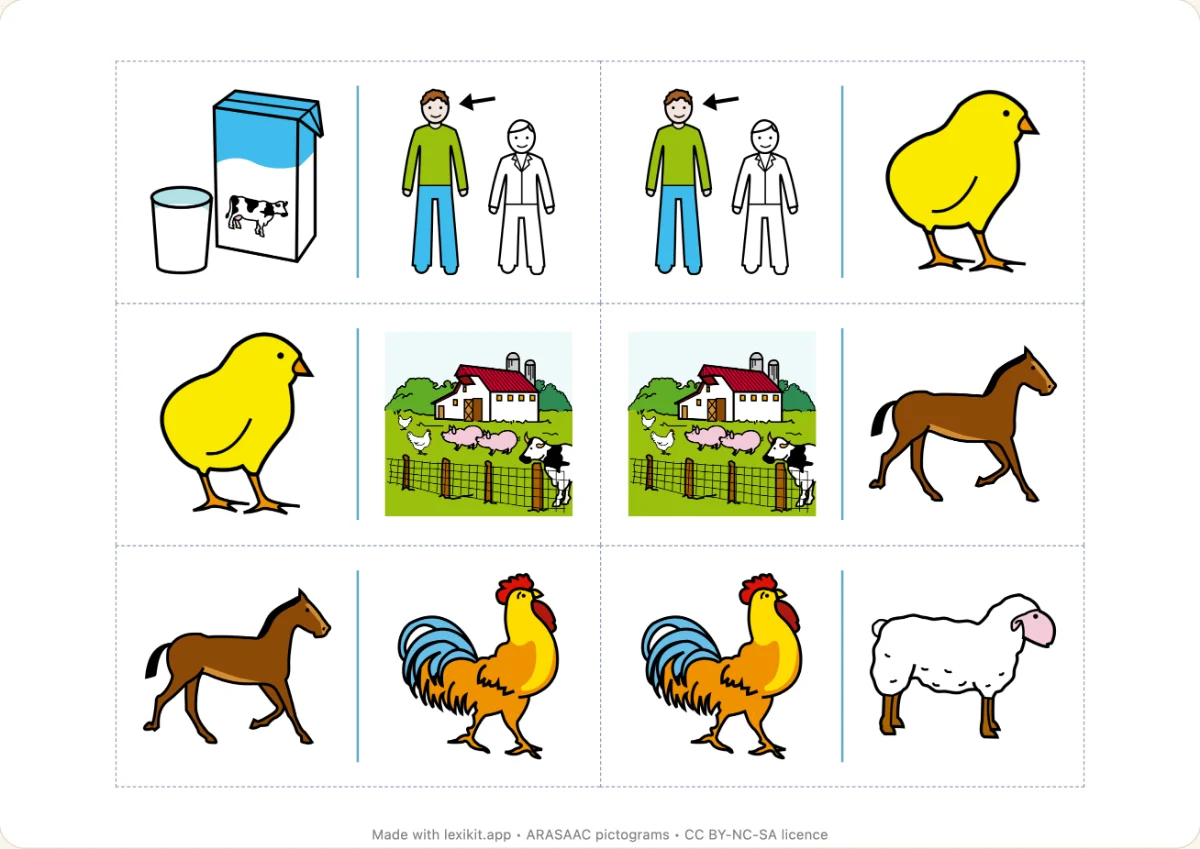
Choosing the categories in the column
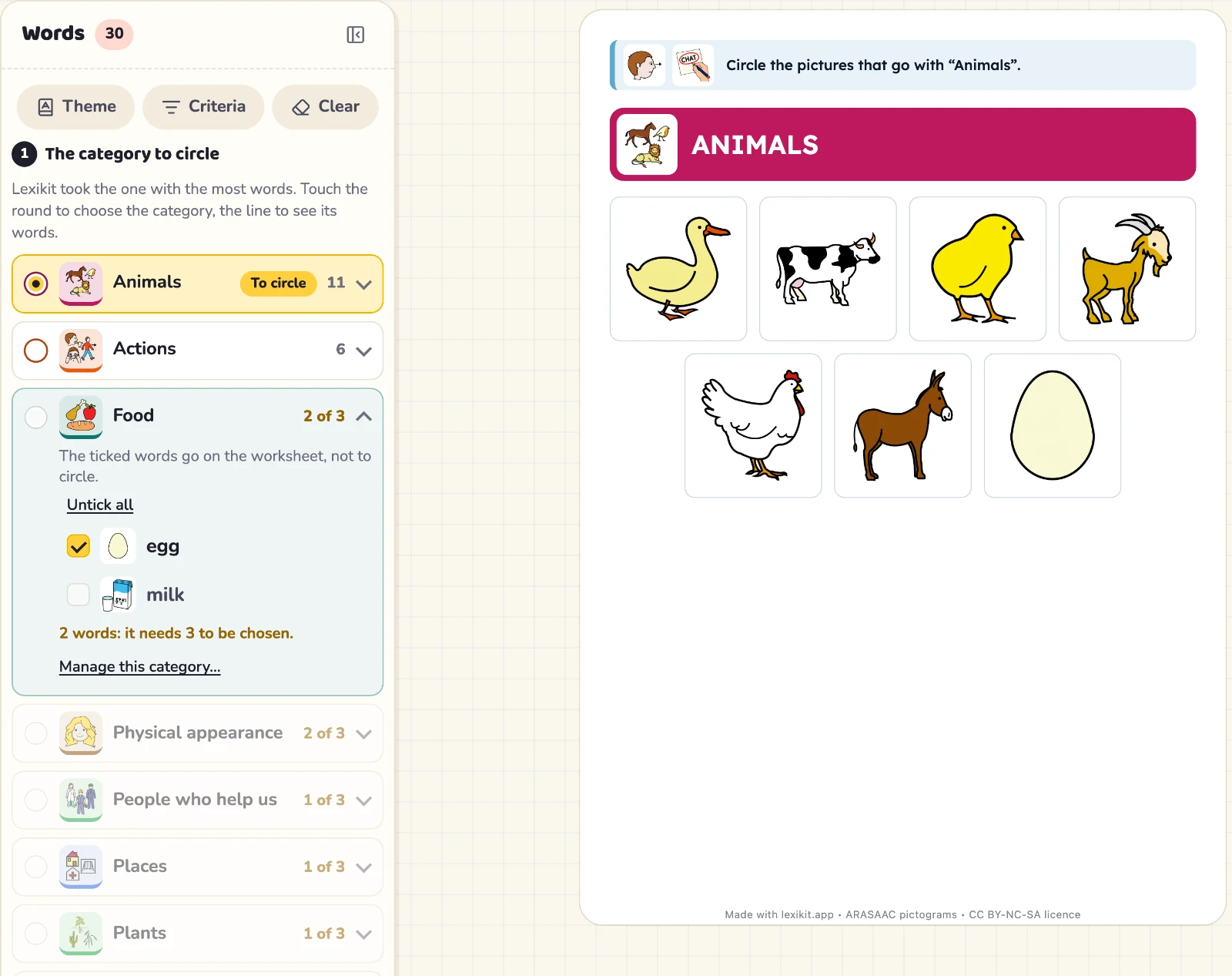
In the left column, the categories of a resource are lines that unfold on their words, with a mark to choose them.
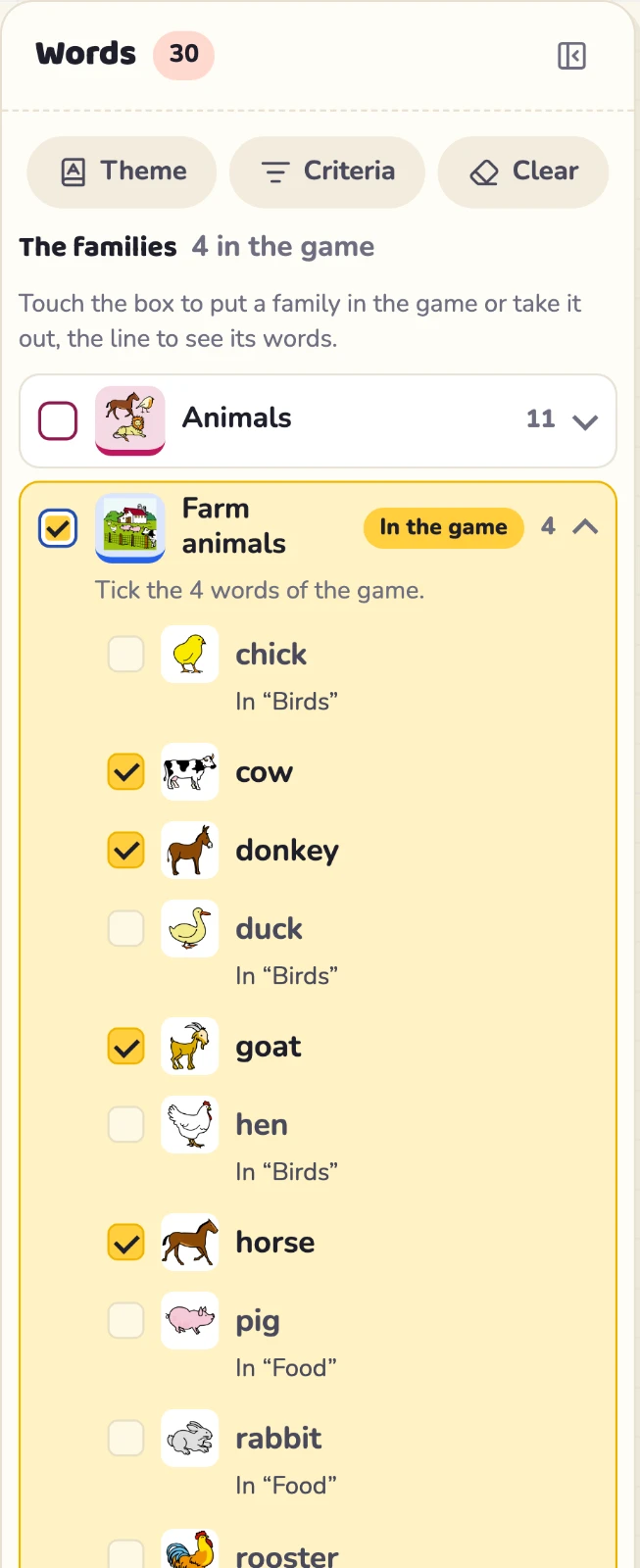
The categories of a resource are now lines in the left column. A click on a line unfolds it on its words, each with a box. A ticked word goes on the resource.
The mark at the start of the line chooses the category. A round chooses only one, like the category of a worksheet. A box takes several, like the families of a game. The lines stay in their place, so the list reads at a glance.
A category short of words looks paler and cannot be chosen yet. To give it more words, open Manage categories….
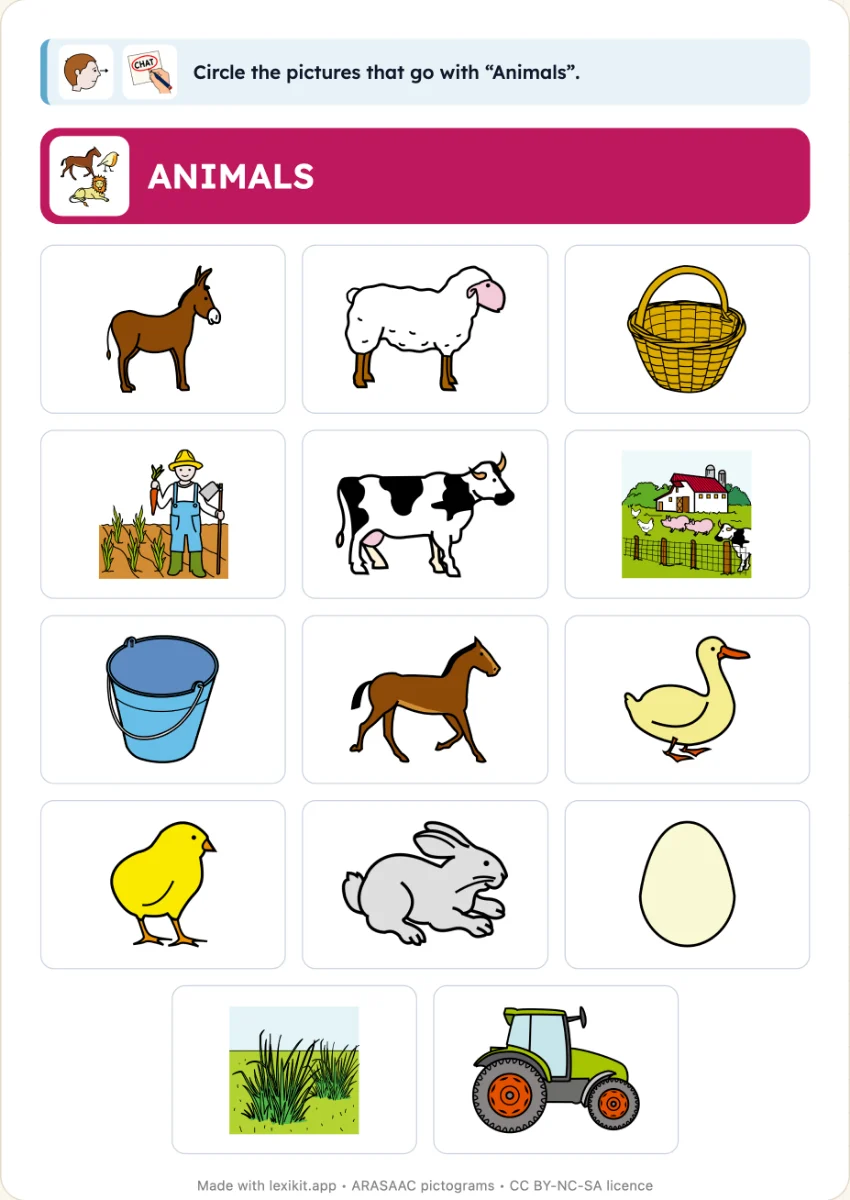
In Circle the category, the other categories of the list give the pictures not to circle. An unfolded line shows its words to tick, and Tick all takes them together.
Under the search, A random picture and From a category… add pictures in one click, taken from the list then from the lexicon.