
Circle the category, printable sorting worksheet
A grid of mixed pictures and an instruction: “Circle the pictures that go with “Animals””. For each picture, the child decides whether it belongs to the category. You choose the category among those of your words, then the number of pictures to circle. You tick the pictures not to circle from the other categories of your list, in turn, never from the lexicon. You then tick or untick the pictures one by one. At the top, the category is shown on a band of its colour, with its picture and its name.
Free, no account needed. Opens in your browser.
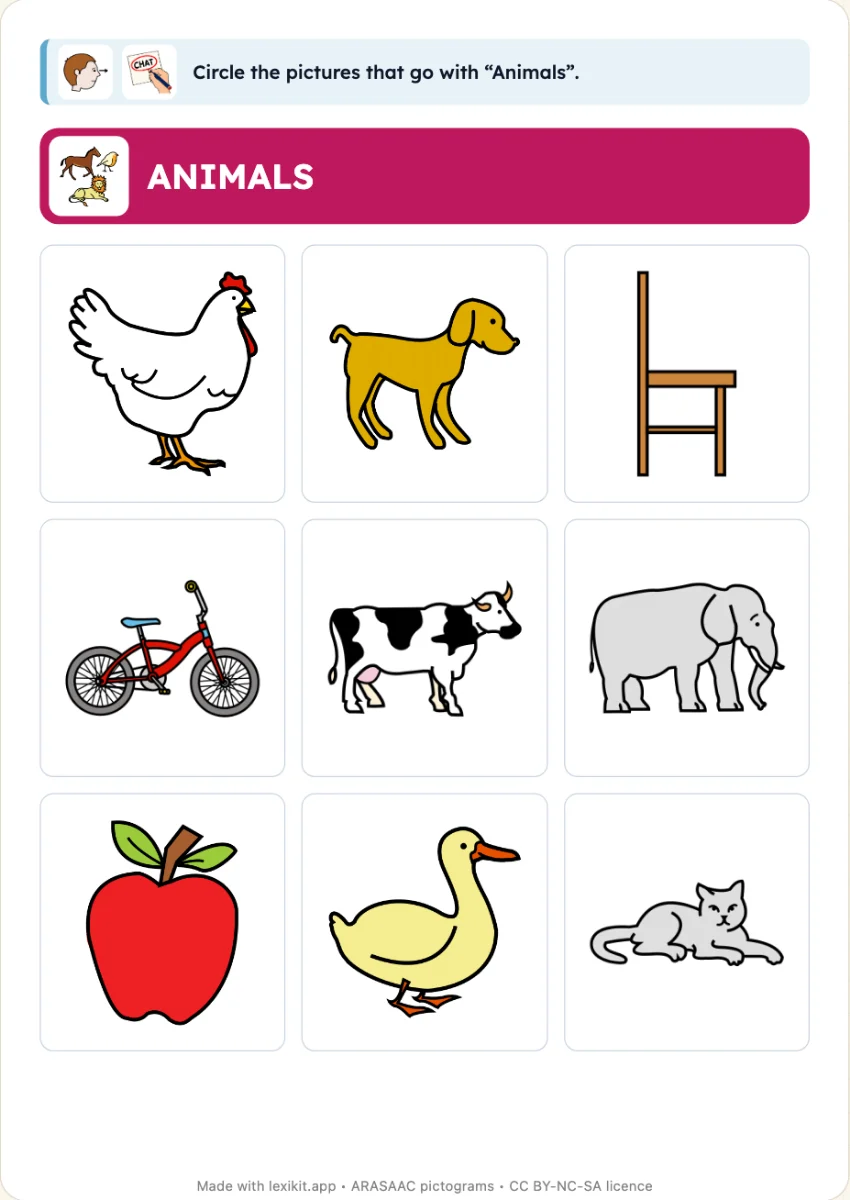
In 3 steps
- Add your words: farm animals and a few fruits, for example.
- Choose the pictures: in Format, To circle. In the left column, tick the pictures not to circle, or search for one in the lexicon.
- Print: the illustrated instruction is at the top, the answer key at the end or on the back if you want it.
What you can set
- Category to circle: chosen on its card, among those of your words
- To circle: 4, 6, 8, 10 or 12 pictures of the category
- Choice of pictures: the first ones of the category, or at random
- Pictures not to circle: ticked among the words of the other categories of your list, or searched for in the lexicon
- The category shown at the top of the worksheet on a band of its colour, its picture and its name
- Answer key at the end or on the back, illustrated instruction
- On screen: the grid full screen, the child touches every picture of the category
Ways to use it
- A first sorting at age 3, with nothing to cut or stick
- Saying for each picture whether it belongs to the category, and why, out loud
- In speech therapy, working on one category at a time
Frequently asked questions
How do I mix two categories?
Add words of another category to your list, a few fruits among the animals. Tick them in the left column, one by one or all together. A word out of your list is searched for in “Add a picture…”.
And to cross out the odd one out?
That is another worksheet, “Cross out the odd one out”: a grid of pictures of one category, except one, which the child crosses out.
Further reading
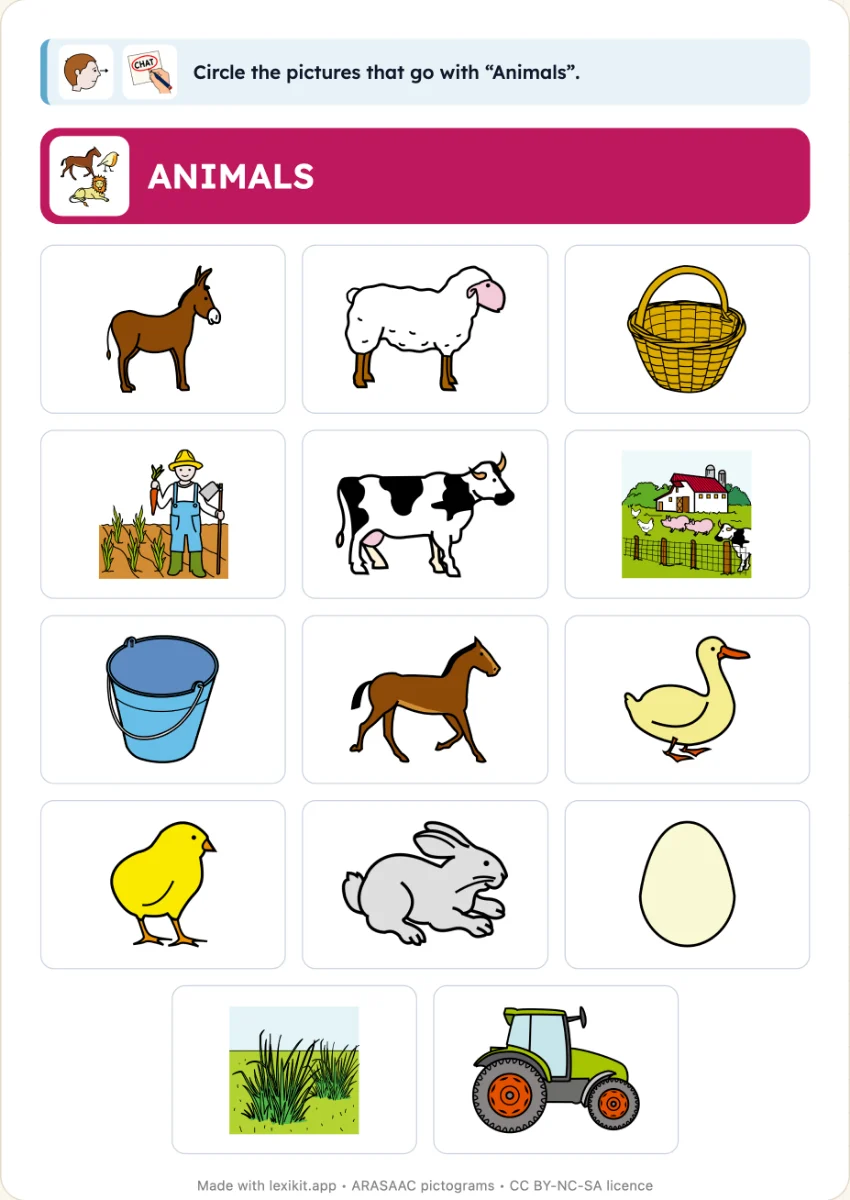
Choosing the categories in the column
In the left column, the categories of a resource are lines that unfold on their words, with a mark to choose them.
Words sorted into categories
The words of the lexicon know their categories, such as animals or fruit, for sorting and finding the odd one out.
Categorising to remember better
Sorting words by category makes them easier for the pupil to understand and remember, as the French preschool curriculum asks.
With the same words
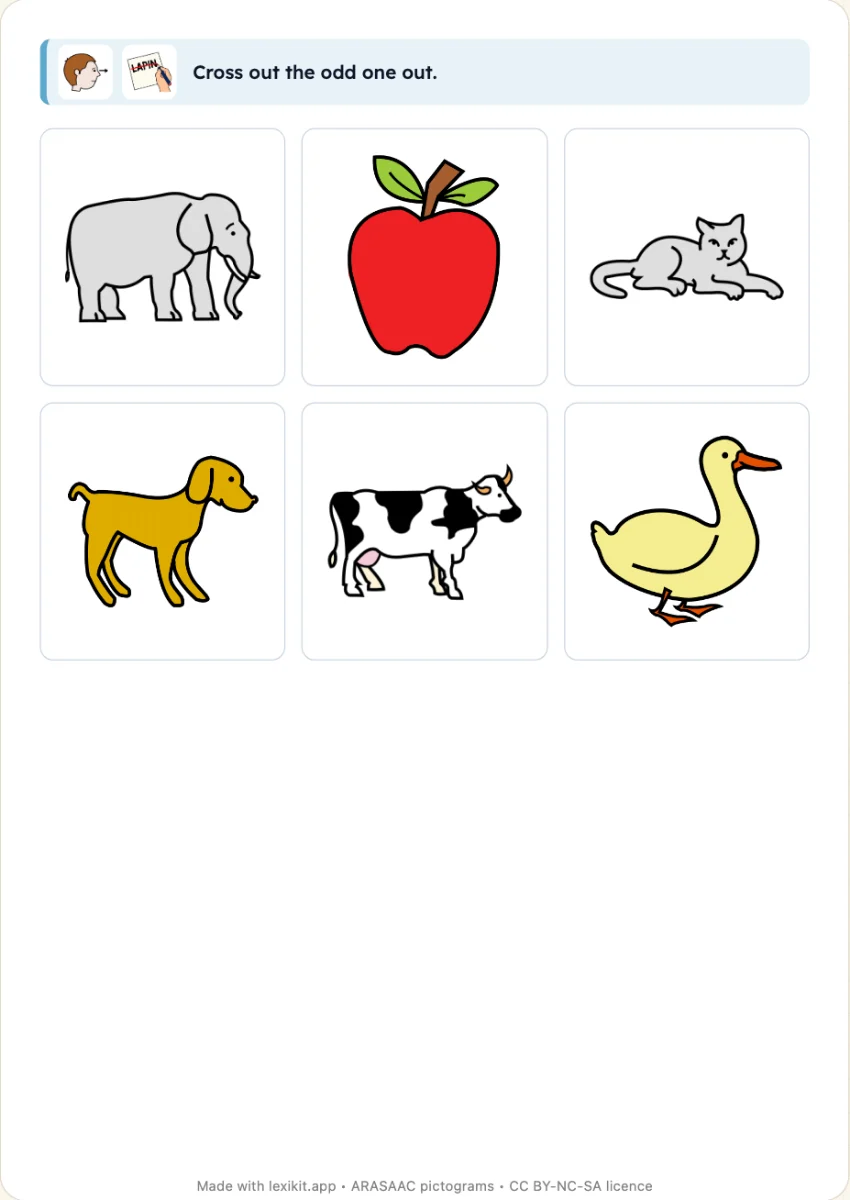 Cross out the odd one outA grid of pictures of a category and an odd one out: the child crosses it out and says why.
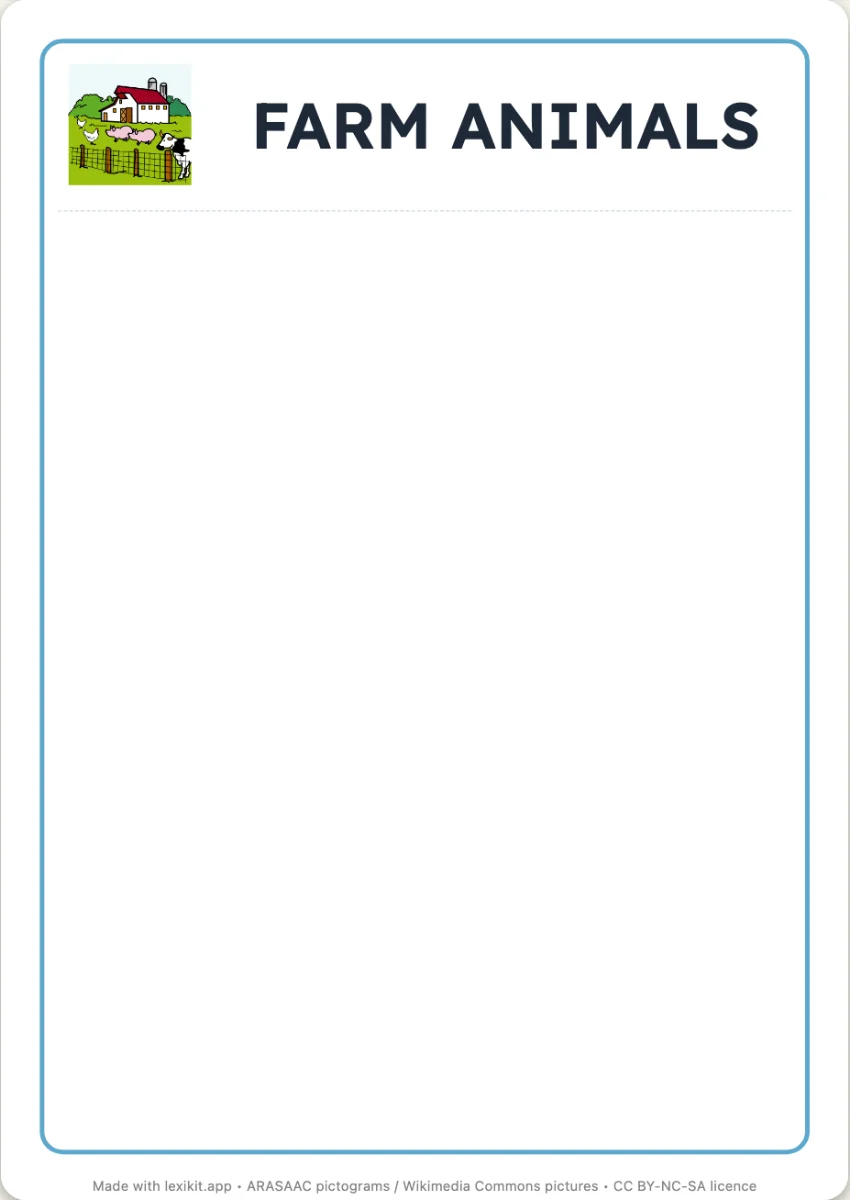 Sorting cardsCards to cut out and sort into columns, the picture above the word, each one under the card of its category.
 Picture dictionary to bindA real picture dictionary to bind: the cover, a chapter per category, six pictures and their words per page, in colour or to colour in.
Your turn
Open Lexikit, write your words, choose a resource. All that is left is to print or to play. Free, no account, and your words stay on your device.
Create a “Circle the category” worksheet