Your school's font
Settings › Fonts accepts a font you already have. It becomes the cursive or print handwriting of your resources.
Settings › Fonts now accepts a font you already have, in .ttf, .otf, .woff or .woff2. It can replace the cursive or the print handwriting of all your resources.
The same handwriting everywhere
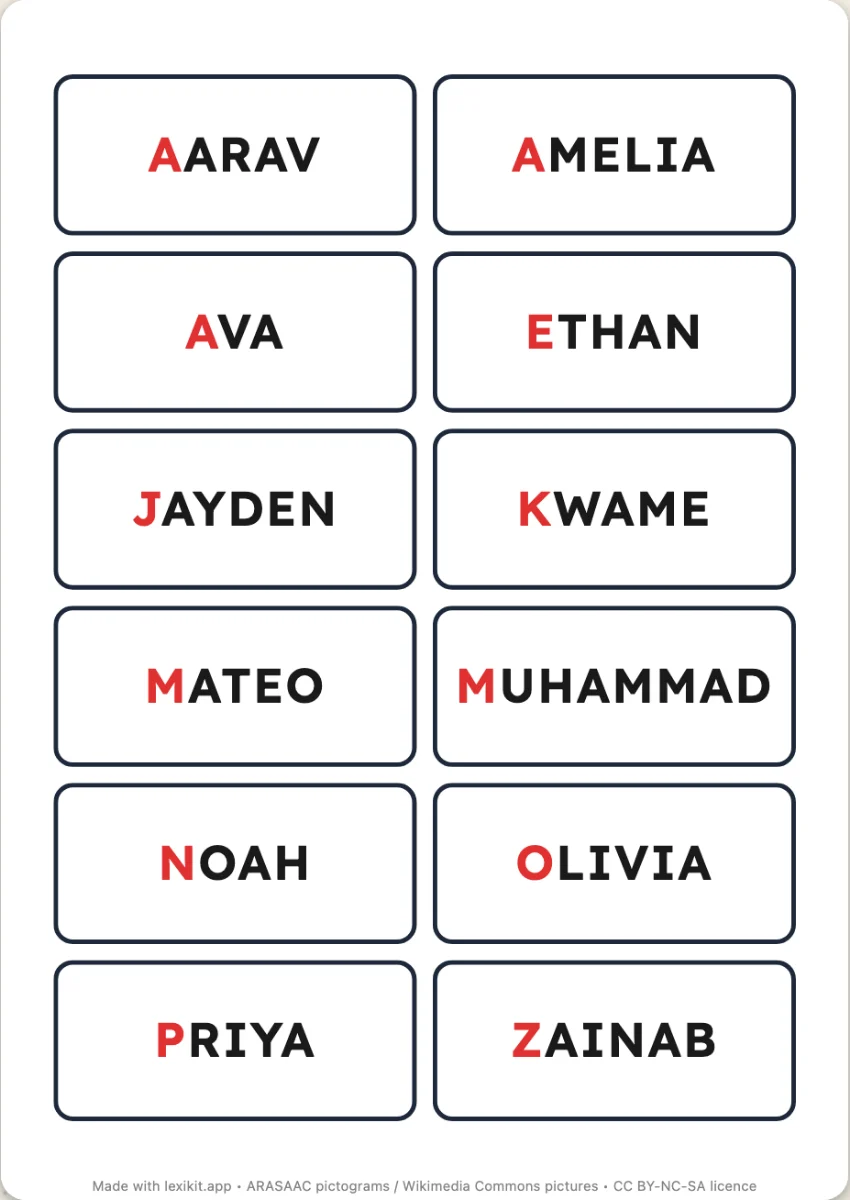
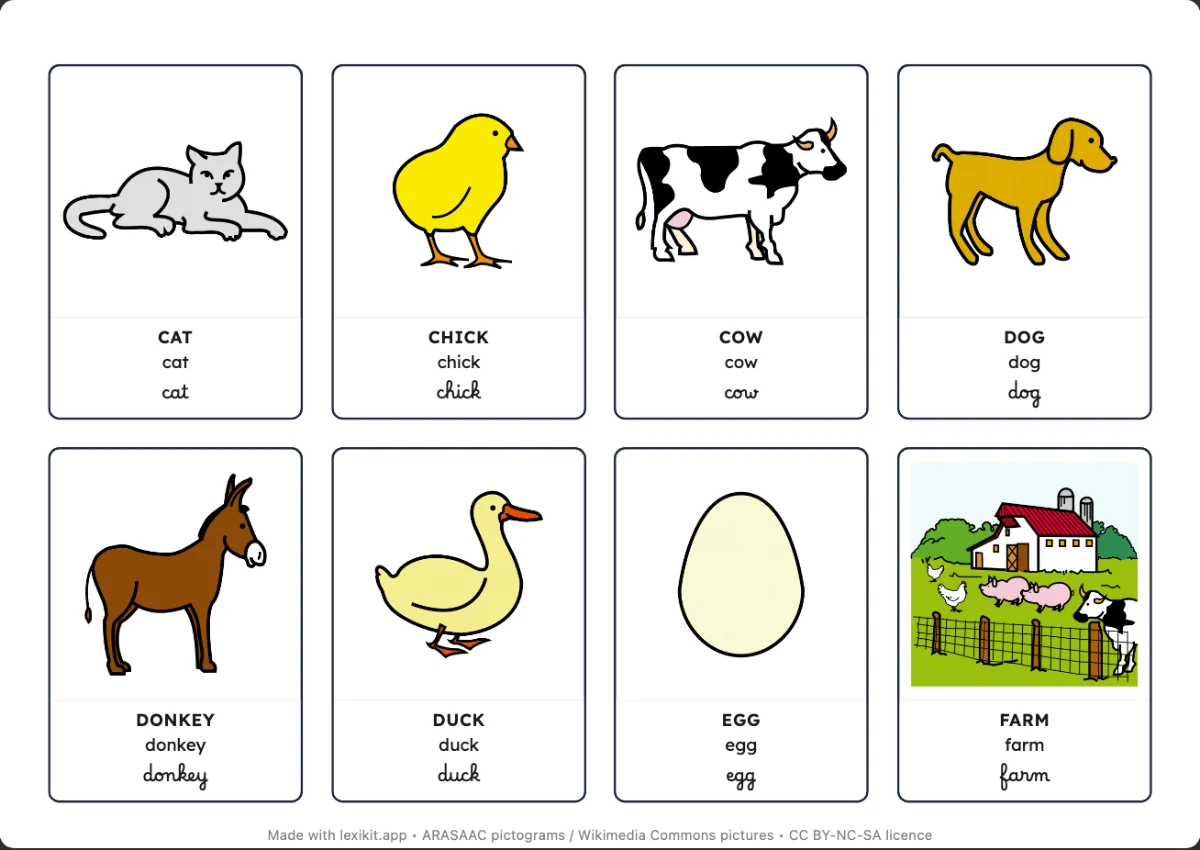
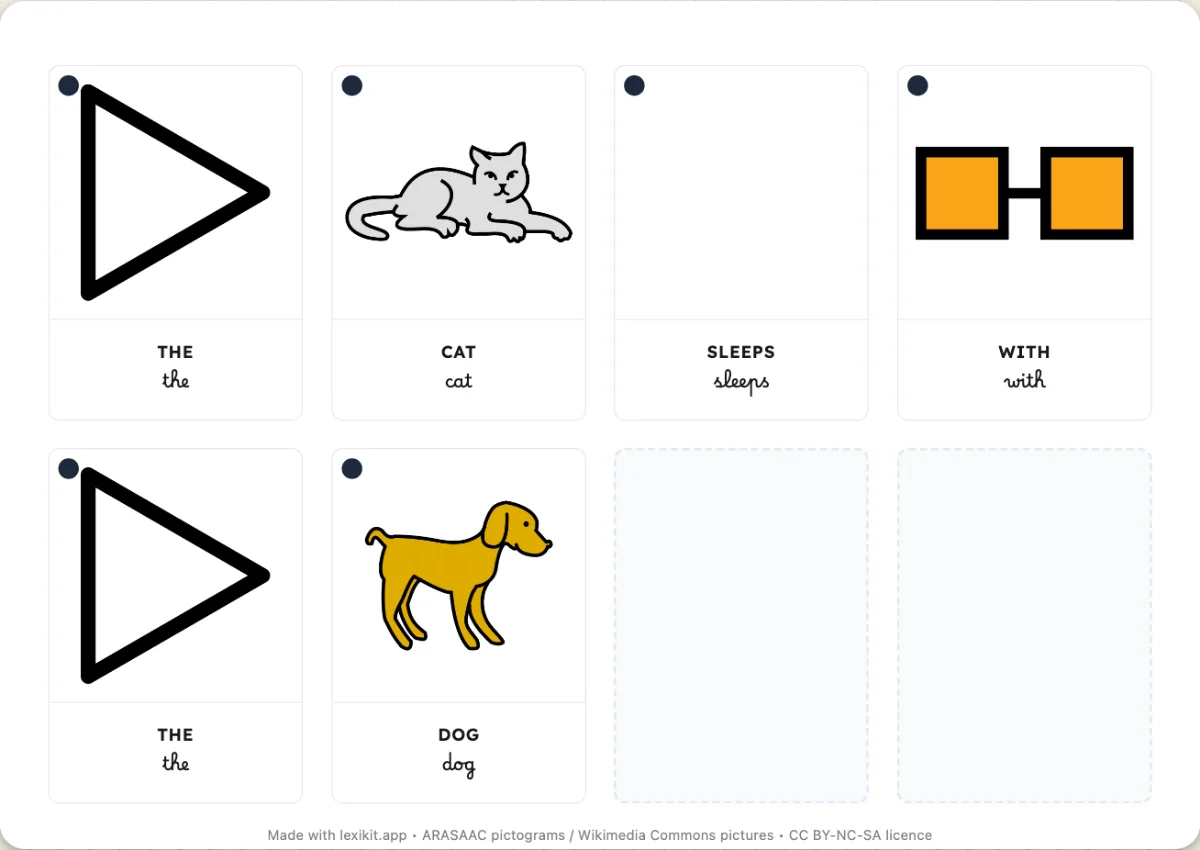
For a child learning to read, an “a” that changes shape from one sheet to the next is one more difficulty. With the school's font, the worksheets show the same handwriting as the board and the exercise books.
It stays on your device
The imported font stays on your device and is sent nowhere. This also matters for licensed fonts bought for personal use.