
Ways to use it
- Discover the words of a theme by listening to them
- An independent workshop: the pupil listens, repeats and records
- Hear and repeat words with pupils who are learning the language
Vocabulary out loudDiscover the words
A grid of pictures on the screen, with eight columns and six rows like a talking board. The teacher records their voice on each picture, without a device. The pupil touches a picture and hears the word, then the microphone opens: they say it again and compare their voice with the model. For a class with a talking board, the grid prints at the size of its boxes.
Free, no account needed. Opens in your browser.
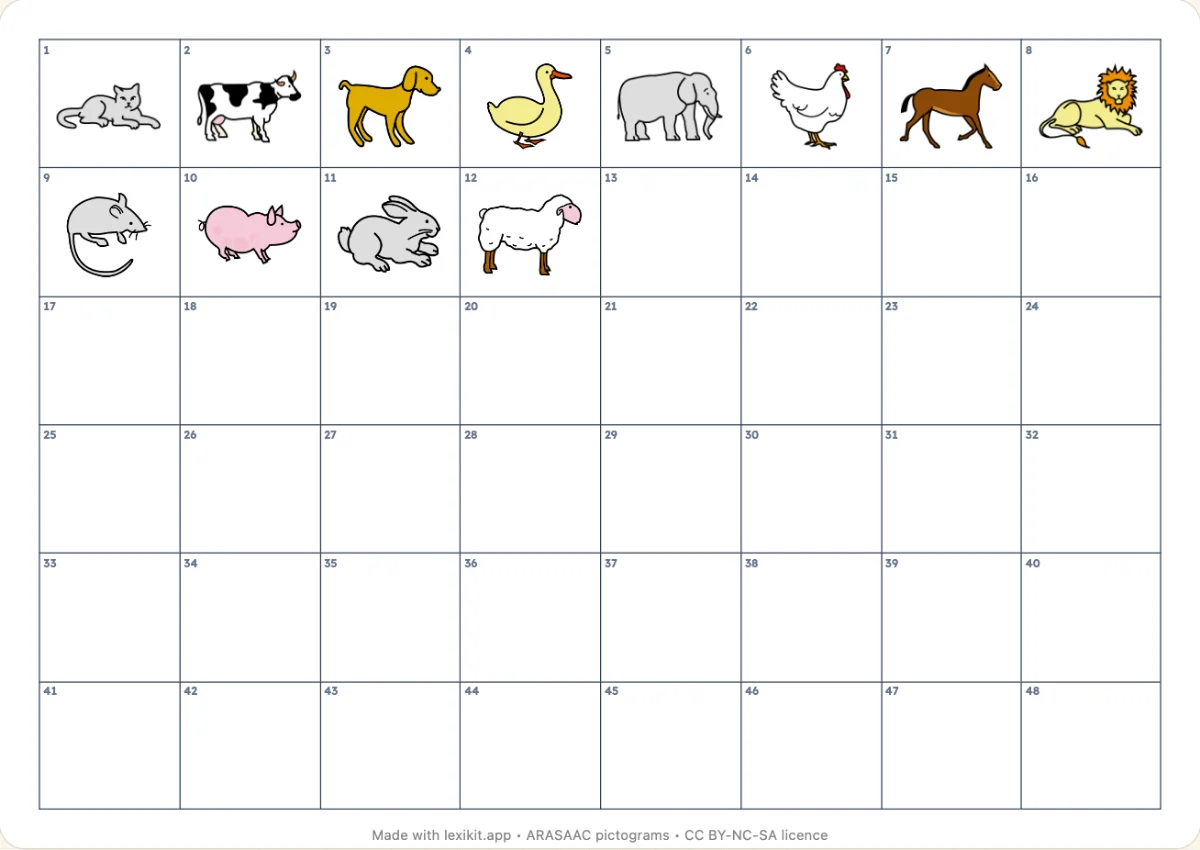
With “Grid: Talking board”, the boxes are 28.25 mm wide and 30 mm high, as on blank talking board grids. Print at 100%, without “Fit to page”. Try one sheet on your board before printing the whole series, as models may vary.
No. The grid plays on the screen, on an interactive whiteboard or a tablet, with your voice recorded picture by picture. “Grid: Talking board” also prints it at the size of the device's boxes.
No. The pupil's voice is only for comparing in the moment, then the next take replaces it and the end of the activity erases it. Nothing stays on the device and nothing leaves in an export.
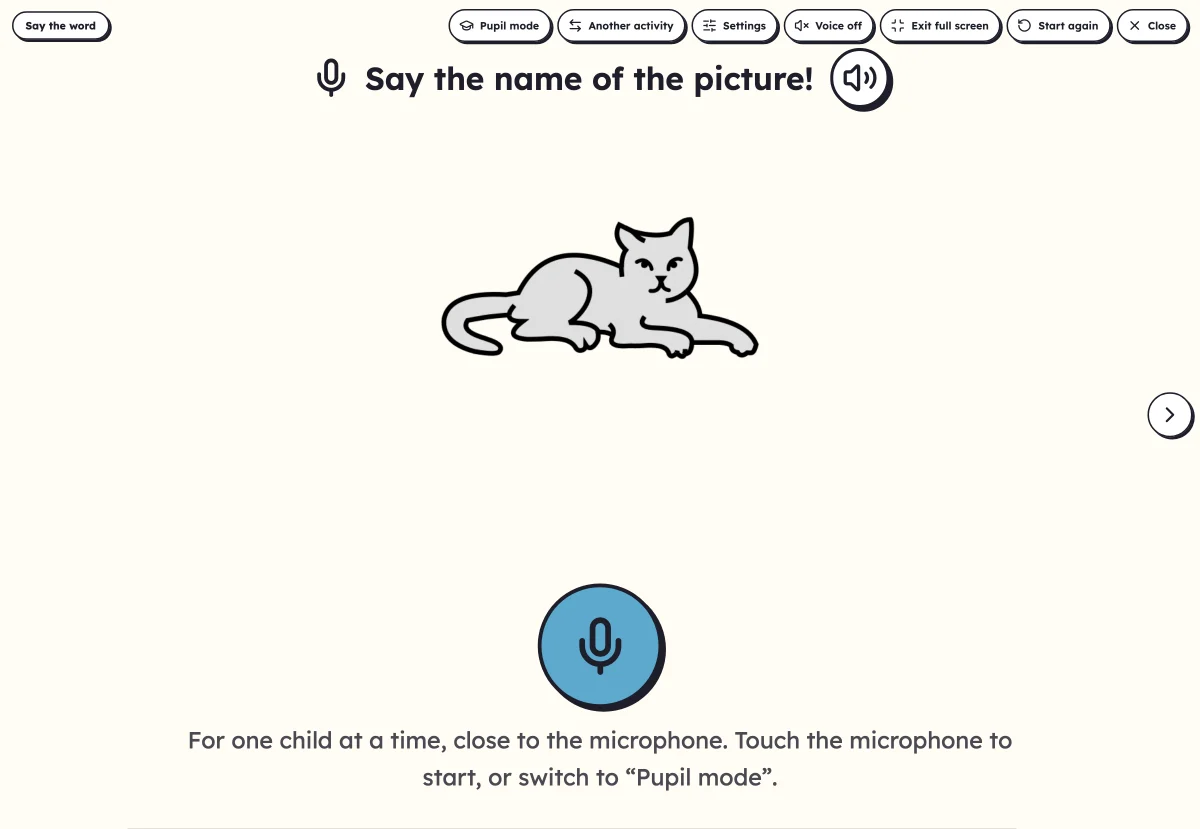 Say the wordA child says the name of the picture into the microphone, the device listens and answers. On the board with the class, or alone. Nothing is sent: the listening happens on the device.
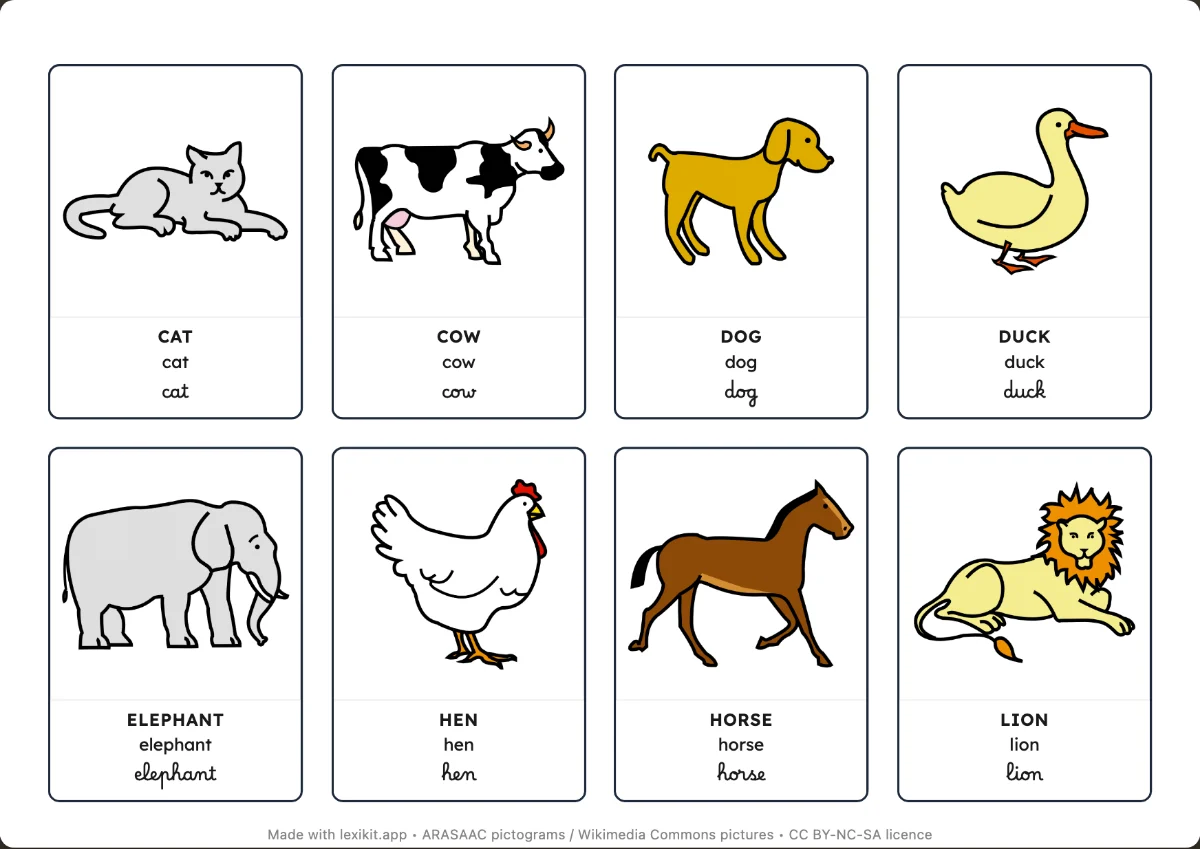 Picture cardsName, display or sort the words: picture cards and word cards to cut out.
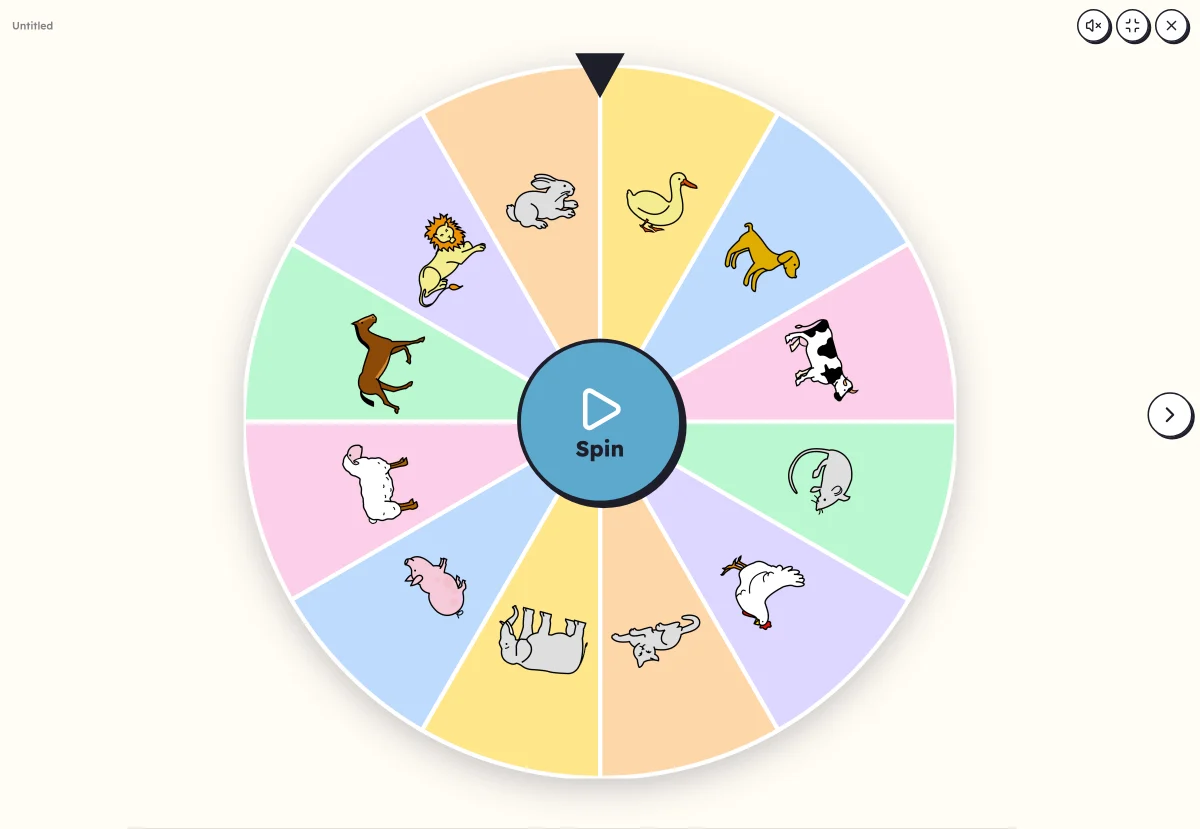 Picture wheelA wheel of pictures to spin: it picks the word to say, clap or write.
Open Lexikit, write your words, choose a resource. All that is left is to print or to play. Free, no account, and your words stay on your device.
Create a “Sound grid”