An answer key for every worksheet
Every worksheet can have its answer key: the same sheet filled in red ink, at the end of the PDF or on the back.
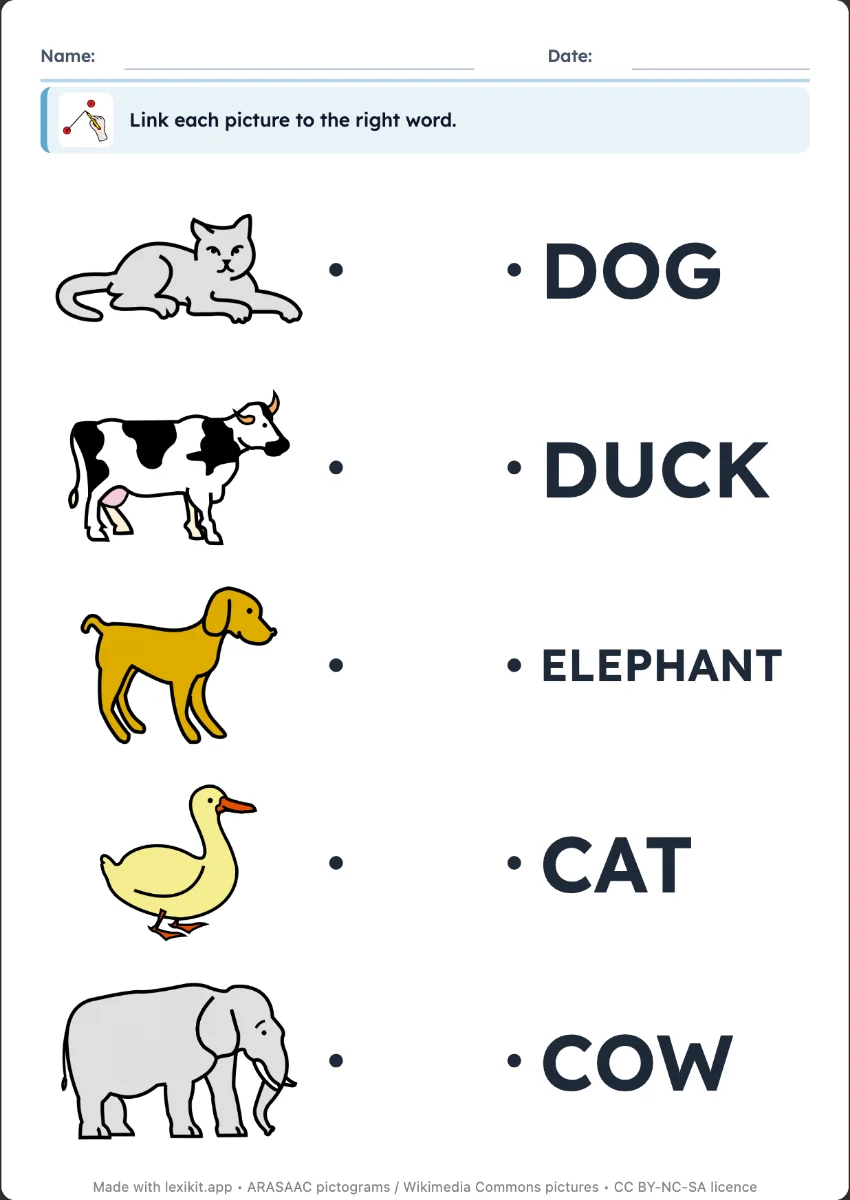
Every worksheet now has its answer key. It is the same worksheet, with the right answers in red ink: pictures circled, words written on the lines, odd ones out crossed out, lines drawn.
Three choices
The “Answer key” setting has three choices. “No” is the default, for photocopied worksheets, because a class worksheet does not carry its answers on the back. “At the end” adds the answer keys at the end of the PDF, for the adult who marks. “On the back” prints the answer key behind each worksheet.
Checking your own work
The back is for worksheets done independently. The child does the sheet, turns it over and compares. The child reads their answer again, compares it with the right one and sees their mistake.
The starting choice for all your worksheets is set in Settings › Display. Hands-on materials, the picture dictionary and the assessment grid have no answer key, since there is nothing to correct.