Nine activities on screen
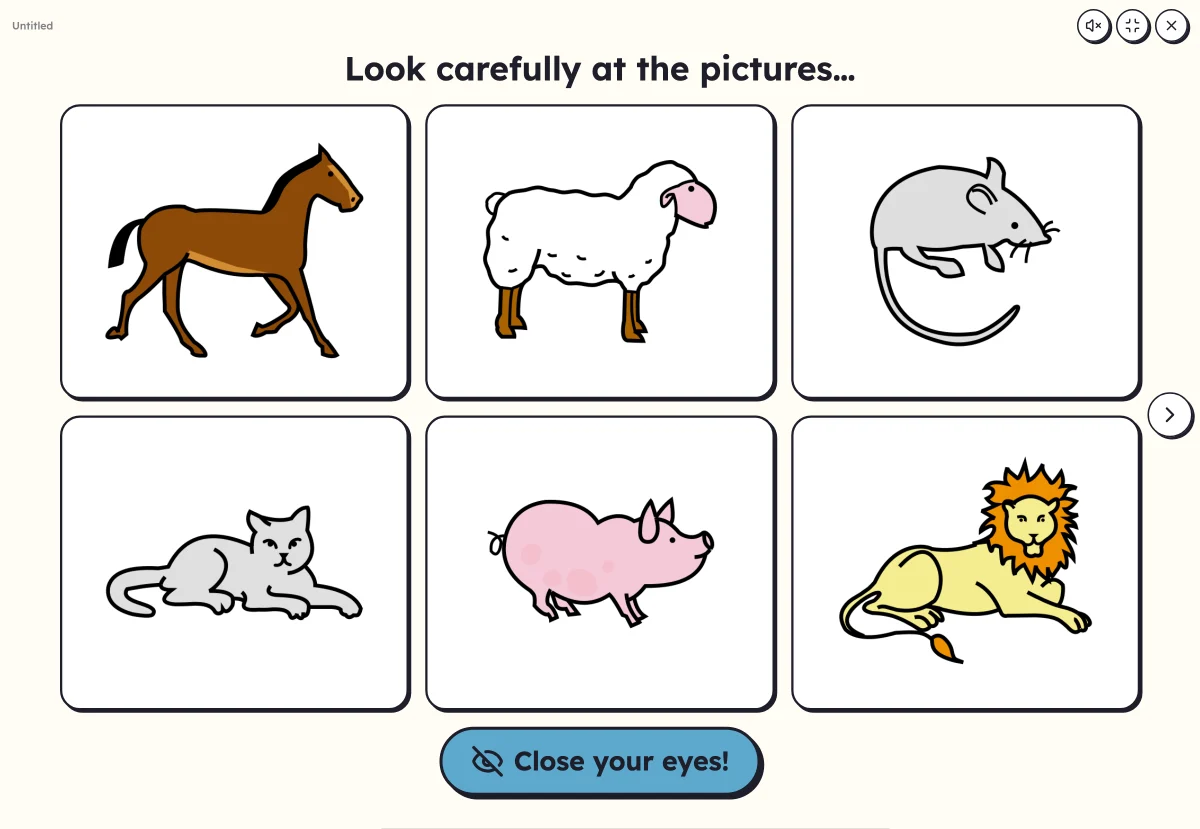
Nine activities can be played together on the classroom screen, including “Where is…?”, “What's missing?”, “Hidden picture” and “Sort into columns”.
Lexikit now has its first on-screen activities, to play together: “Where is…?”, “What's missing?”, “Hidden picture”, “Sort into columns”, “Clap the syllables”, “Picture wheel”, “Mystery word”, “Letter keyboard” and the picture dictionary.
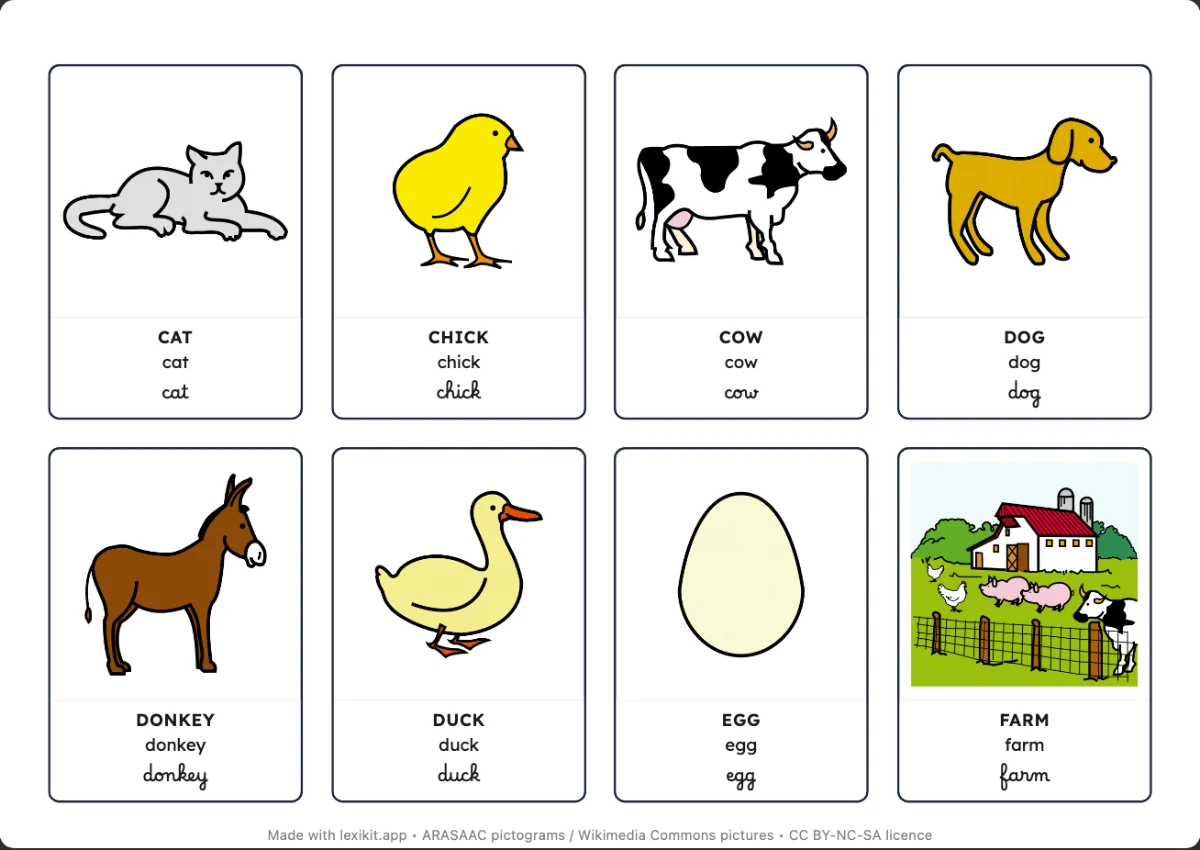
The resource's words, with nothing to redo
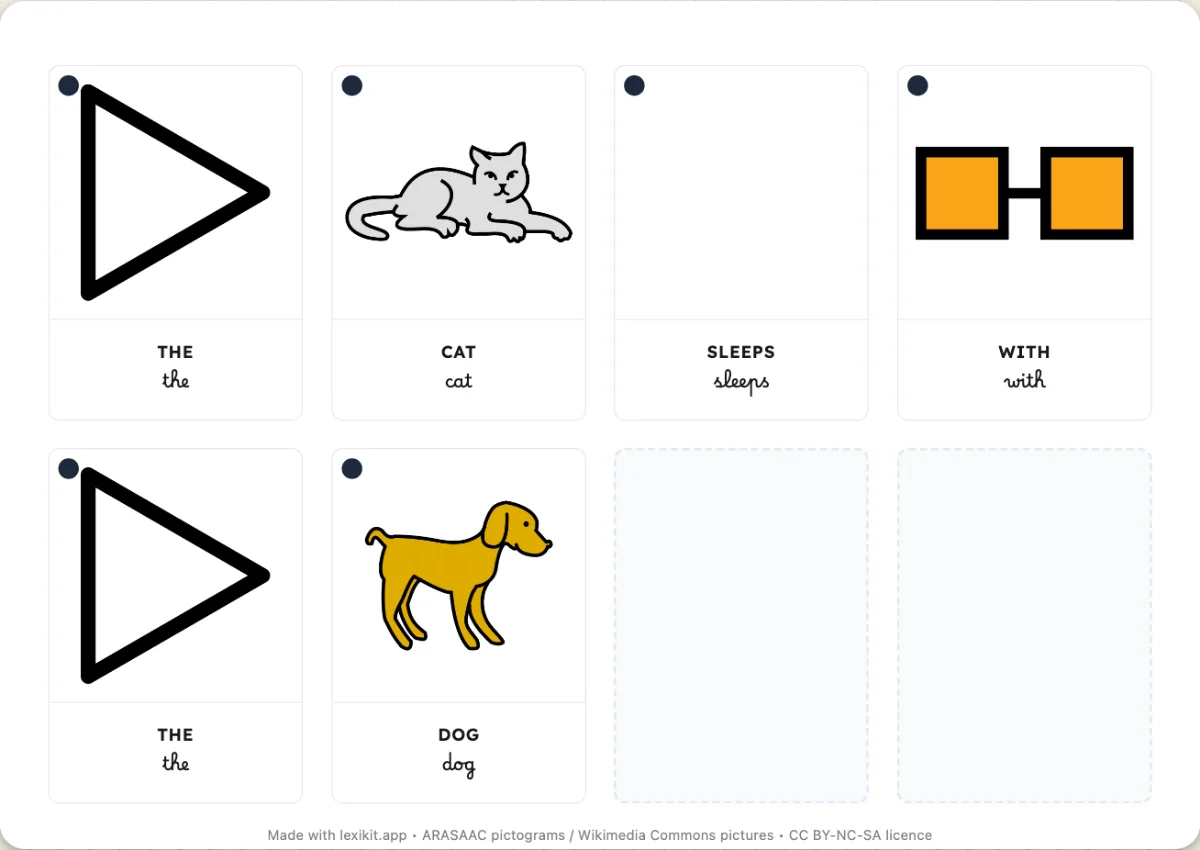
The activities open in full screen with the words of the open resource, on an interactive whiteboard, a computer or a tablet. Bingo, the memory game, clothespin cards and the goose game also play on screen.
From the easiest to the hardest
These activities do not all ask for the same effort. Pointing to the picture that is named, in “Where is…?”, means understanding the word. Saying which picture has gone means remembering it. Finding a word from a few letters means having it in memory. Moving from one to the next over the week, the child goes from understanding the word to using it.
A voice, and Lexikit offline
Lexikit also reads the words aloud, with a French voice of the device, and you can record your own, word by word. It installs as an app and opens offline, for classrooms where the network is unreliable.